Part 14 Performance Optimization and High-Volume Printing |
51. Importance of Performance in Barcode Printing |
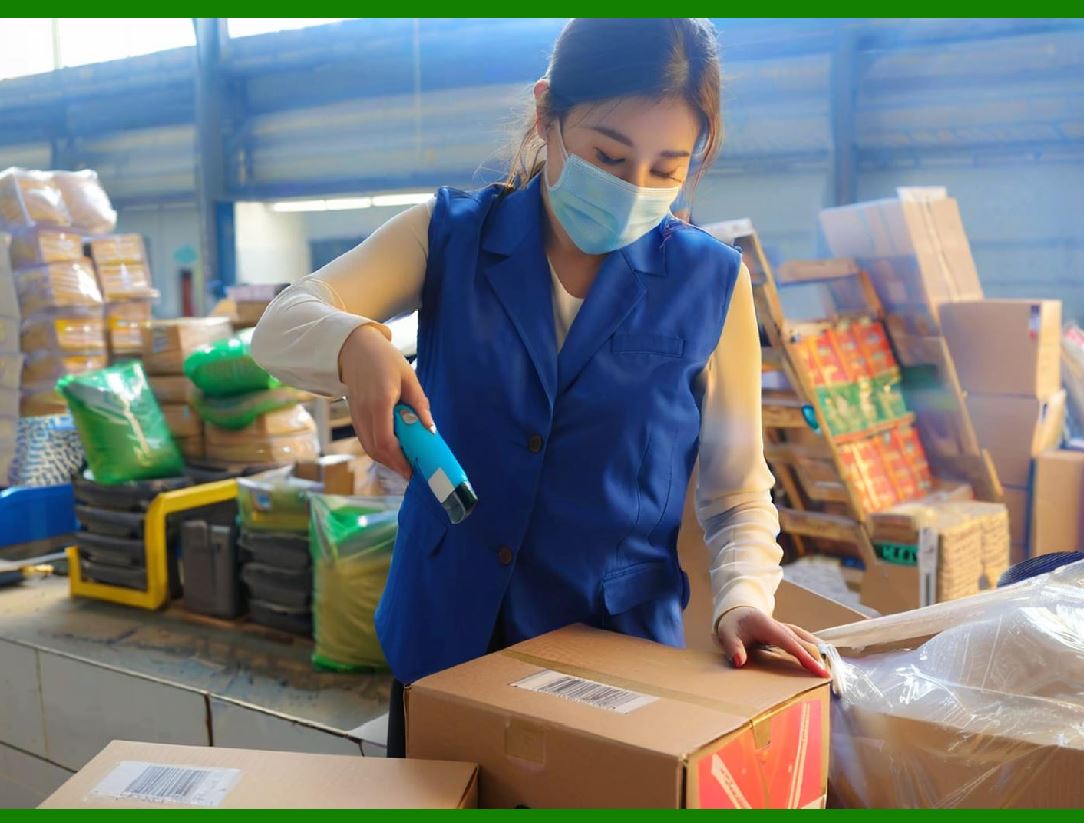
51.1. In enterprise environments, printing is often a bottleneck in operational workflows. Whether it is generating thousands of shipping labels, inventory tags, or compliance documents, high-performance printing is crucial to maintaining efficiency. |
51.2. Bytescout Print SDK is designed with performance in mind, ensuring that barcode generation and printing can scale to high-volume demands without compromising accuracy or readability. |
51.3. Performance considerations encompass several areas: rendering speed, memory efficiency, printer communication latency, and job queuing. The SDK provides tools and configuration options to optimize each of these factors. |
51.4. High-performance printing is essential for industries such as logistics, manufacturing, healthcare, and retail, where delays in barcode printing can impact downstream processes such as shipping, scanning, and inventory tracking. |
|
52. Optimized Rendering Pipeline |
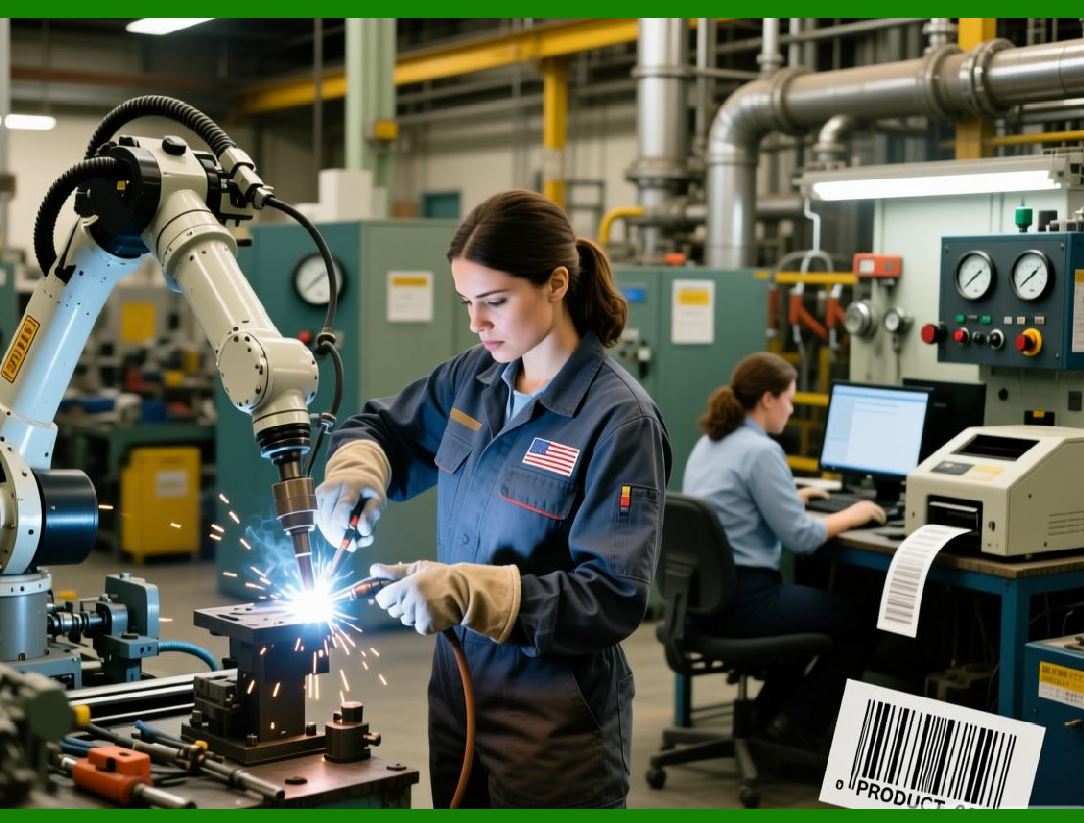
52.1. The SDK employs an optimized rendering pipeline that minimizes the computational overhead for barcode generation. |
52.2. Vector-based rendering is used whenever possible, which allows the same barcode definition to be scaled without recomputation or rasterization for each print resolution. |
52.3. When raster output is required, the SDK generates high-precision bitmaps efficiently, using algorithms optimized for speed and minimal memory consumption. |
52.4. Pre-rendering frequently used barcodes or templates in memory reduces rendering time for repetitive jobs. This approach is particularly useful for batch printing where many identical labels or forms are required. |
52.5. By separating rendering from printing, the SDK allows applications to pipeline multiple tasks simultaneously, further improving throughput. |
|
53. Multi-Threaded Printing Support |
53.1. High-volume applications often need to print multiple documents simultaneously. Bytescout Print SDK supports multi-threaded printing, allowing concurrent generation and submission of print jobs. |
53.2. Developers can implement parallel workflows where one thread prepares barcode images while another submits completed jobs to the printer. |
53.3. Thread safety is maintained within the SDK, ensuring that concurrent access to barcode templates, fonts, and printer objects does not cause errors or corruption. |
53.4. Multi-threaded printing enables better utilization of system resources, especially on multi-core servers or workstations handling large label volumes. |
53.5. Proper synchronization and job management ensure that barcodes are printed in the correct order when necessary, while still taking advantage of parallel processing for speed. |

|
54. Batch Printing and Queue Management |
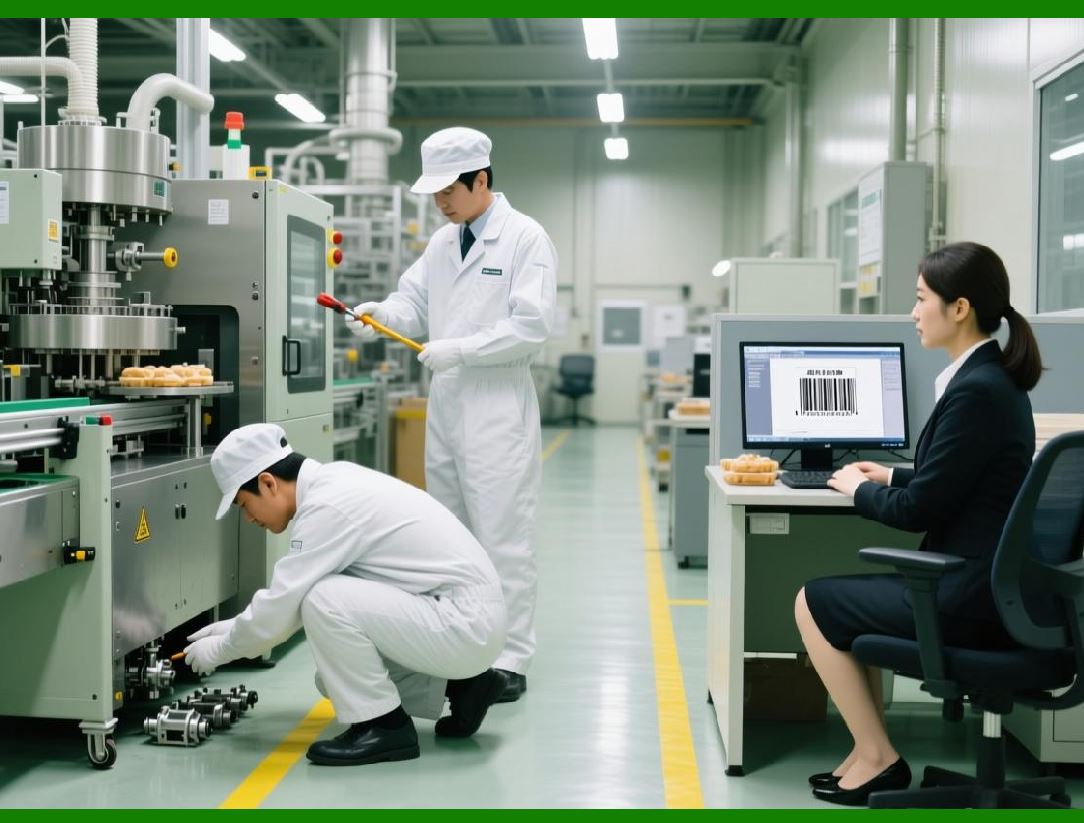
54.1. Batch printing is a core requirement in warehouse, manufacturing, and logistics environments, where hundreds or thousands of barcodes may need to be generated per shift. |
54.2. The SDK supports both single-job batch printing and multiple-job queuing, allowing large datasets to be processed efficiently. |
54.3. Jobs can be divided into smaller batches to manage printer memory, reduce spooler load, and avoid errors during long runs. |
54.4. The SDK provides programmatic control over job order, retries, and error handling. If a specific label fails due to invalid data, the system can log the issue and continue processing remaining items. |
54.5. Batch processing capabilities are essential for uninterrupted operations in high-volume facilities, such as distribution centers or pharmaceutical production lines. |
|
55. Memory Management and Resource Optimization |
55.1. High-volume printing can stress system resources, particularly when generating complex barcodes or printing multi-element documents. |
55.2. Bytescout Print SDK is optimized to use memory efficiently, releasing temporary buffers and cached resources once jobs are completed. |
55.3. Developers can control caching behavior, preloading templates and static elements to reduce repeated computation, while dynamically generating data-specific barcodes for each record. |
55.4. Efficient memory handling ensures that printing systems remain stable during prolonged high-volume operations. |
55.5. This is particularly important for server-side deployments where multiple users or processes may be generating barcode print jobs simultaneously. |

|
56. Printer Throughput and Device Utilization |
56.1. Even with optimized rendering, physical printer capabilities can become a bottleneck. The SDK helps maximize printer throughput by minimizing data transmission overhead. |
56.2. Features include: |
* Direct printer streaming to reduce spooling delays |
* Batch submission to avoid printer idle time |
* Adaptive resolution scaling to match printer DPI |
56.3. By aligning job submission with the printer speed and buffer capacity, the SDK reduces wait times and maintains high production efficiency. |
56.4. For roll-fed label printers, feed management ensures continuous printing without jams or misaligned labels. |
56.5. These optimizations make it possible to fully utilize the hardware capabilities of both label and document printers. |
|
57. Dynamic Job Prioritization |
57.1. In environments with multiple simultaneous print requests, the SDK allows applications to implement job prioritization. |
57.2. Urgent shipments or compliance-critical documents can be printed immediately, while lower-priority jobs are queued. |
57.3. Priority logic can be based on factors such as order type, customer, product category, or regulatory requirements. |
57.4. Dynamic prioritization ensures that critical operations are not delayed due to routine printing tasks. |
57.5. This approach enhances operational efficiency in large-scale printing deployments. |
|
58. Performance Monitoring and Diagnostics |
58.1. Monitoring print job performance is essential for maintaining operational efficiency and troubleshooting issues. |
58.2. Bytescout Print SDK provides hooks for capturing performance metrics, including rendering time, memory usage, printer response, and job completion status. |
58.3. Developers can implement dashboards or logging systems to track throughput, identify bottlenecks, and optimize job scheduling. |
58.4. Diagnostic features also help detect misprints or failed jobs, allowing proactive intervention before significant disruptions occur. |
58.5. Continuous performance monitoring ensures that high-volume printing operations remain reliable and scalable over time. |
|
59. Scalability for Enterprise Environments |
59.1. Combining optimized rendering, multi-threaded printing, batch processing, and resource management, Bytescout Print SDK is capable of scaling to enterprise-level requirements. |
59.2. The SDK has been successfully deployed in environments handling thousands of labels per day, across multiple printers, workstations, and geographic locations. |
59.3. Its architecture supports both horizontal scaling (adding more printers or servers) and vertical scaling (leveraging multi-core systems for faster job processing). |
59.4. This scalability makes it suitable for global enterprises, distribution centers, large manufacturing plants, and multi-site warehouses. |
59.5. Organizations can rely on the SDK to meet growing operational demands without compromising barcode quality, reliability, or compliance. |
|
60. Summary of Part 14 |
60.1. Part 14 focused on performance optimization and high-volume printing scenarios. |
60.2. Key takeaways: |
* Optimized rendering pipelines for speed and memory efficiency |
* Multi-threaded support for concurrent job processing |
* Batch printing and queue management for large datasets |
* Printer throughput maximization and dynamic prioritization |
* Monitoring, diagnostics, and scalability for enterprise deployments |
60.3. With these capabilities, Bytescout Print SDK supports high-performance barcode printing even in the most demanding operational environments. |
60.4. The next part (Part 15) will explore advanced customization, template-driven printing, and graphical layout integration, highlighting how barcodes can coexist with complex document elements. |
 cs@easiersoft.com