CodeSoft SDK by TEKLYNX Comprehensive Technical Description |
Part 5 of 19 |
*(Printing Architecture, Printer Management, and Device Abstraction)* |
61. Printing as a Core Enterprise Function |
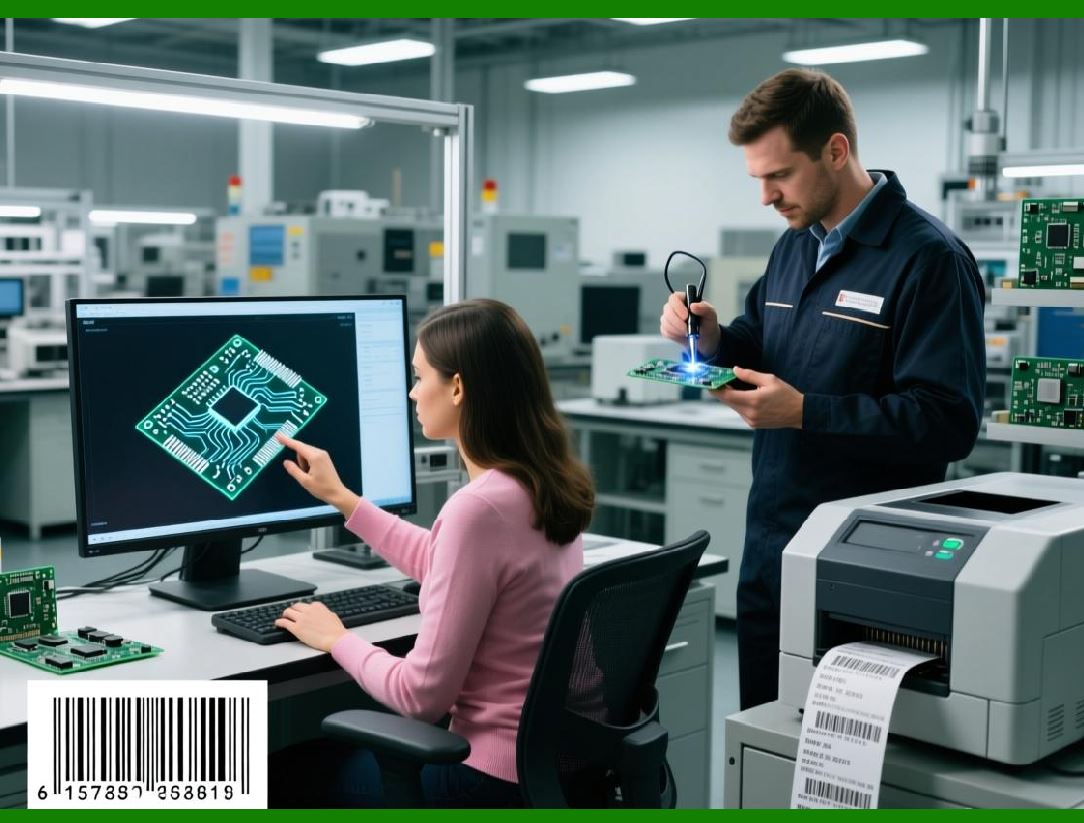
61.1 In industrial labeling environments, printing is not a peripheral output task but a core operational function. |
61.2 A printing failure can halt production lines, delay shipments, or cause compliance violations. |
61.3 CodeSoft SDK is therefore designed with a printing architecture that emphasizes reliability, predictability, and control. |
61.4 The SDK abstracts printer complexity while still allowing fine-grained management where required. |
61.5 This balance is critical for scalable enterprise deployments. |
|
62. Printer Abstraction in CodeSoft Architecture |
62.1 CodeSoft treats printers as abstracted output devices rather than hard-coded endpoints. |
62.2 Label templates define logical printing requirements, not physical device dependencies. |
62.3 Through the SDK, applications select printers dynamically at runtime. |
62.4 This abstraction allows labels to be printed on different devices without template modification. |
62.5 Printer abstraction is essential for multi-site and multi-device environments. |
63. Support for Diverse Printer Technologies |
63.1 Enterprise labeling environments use a wide variety of printer technologies. |
63.2 CodeSoft supports thermal transfer, direct thermal, laser, inkjet, and specialized industrial printers. |
63.3 The SDK does not require applications to understand printer-specific command languages. |
63.4 CodeSoft translates label designs into optimized device-specific output. |
63.5 This reduces development complexity and minimizes printer configuration errors. |

|
64. Native Printer Driver Utilization |
64.1 CodeSoft relies on native printer drivers provided by printer manufacturers. |
64.2 This approach ensures compatibility with a wide range of devices. |
64.3 SDK-driven printing leverages the operating system printing subsystem. |
64.4 Driver-based integration simplifies maintenance and upgrades. |
64.5 It also aligns with standard enterprise IT practices. |
65. Printer Selection at Runtime |
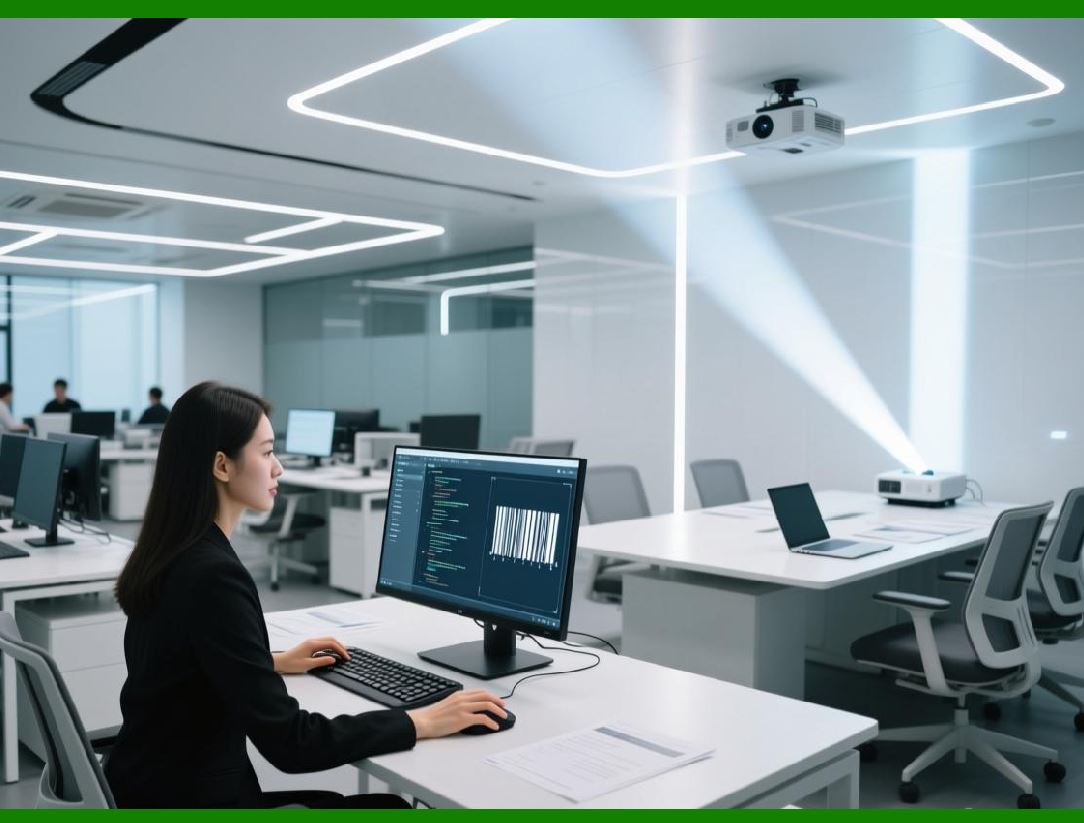
65.1 Runtime printer selection is a common requirement in automated systems. |
65.2 CodeSoft SDK allows applications to specify printers programmatically. |
65.3 Printer selection can be based on location, product type, or workflow context. |
65.4 This enables dynamic routing of print jobs. |
65.5 Runtime flexibility improves operational efficiency. |
|
66. Default and Override Printer Logic |
66.1 Label templates may define default printers. |
66.2 SDK integrations can override these defaults when necessary. |
66.3 This allows centralized template control while supporting local variations. |
66.4 Override logic is often driven by application context. |
66.5 This layered approach balances governance and flexibility. |
67. Print Job Configuration and Parameters |
67.1 Print jobs involve more than simply sending data to a printer. |
67.2 CodeSoft SDK allows control over print quantities, copies, and sequencing. |
67.3 Job parameters can be set programmatically at runtime. |
67.4 This supports batch printing and multi-label outputs. |
67.5 Fine-grained control is essential for production accuracy. |

|
68. Batch Printing and Throughput Optimization |
68.1 High-volume environments require efficient batch printing. |
68.2 CodeSoft supports batch job execution through SDK automation. |
68.3 Multiple labels can be printed in a single session. |
68.4 Batch processing reduces overhead and improves throughput. |
68.5 Performance optimization is critical for large-scale operations. |
69. Print Queue Management |
69.1 Print jobs are managed through operating system print queues. |
69.2 CodeSoft SDK integrates with these queues transparently. |
69.3 Applications can monitor job status indirectly through SDK feedback. |
69.4 Queue-based processing supports asynchronous execution. |
69.5 This decouples application logic from physical printing delays. |

|
70. Synchronous vs Asynchronous Printing Models |
70.1 SDK integrations may choose synchronous or asynchronous printing. |
70.2 Synchronous printing waits for job completion before proceeding. |
70.3 Asynchronous printing submits jobs and continues processing. |
70.4 The choice depends on workflow requirements. |
70.5 CodeSoft supports both models. |
71. Error Detection and Print Failure Handling |
71.1 Printing errors can arise from hardware, drivers, or connectivity issues. |
71.2 CodeSoft SDK provides mechanisms to detect print failures. |
71.3 Errors can be logged and reported to invoking applications. |
71.4 Applications can implement retries or fallback strategies. |
71.5 Proactive error handling reduces downtime. |

|
72. Printer Availability and Status Awareness |
72.1 In distributed environments, printer availability may change. |
72.2 SDK-driven systems can verify printer existence before printing. |
72.3 This avoids job submission to unavailable devices. |
72.4 Status awareness improves system robustness. |
72.5 It also enhances operator confidence. |
73. Media Handling and Label Stock Considerations |
73.1 Label printers use specific media types and sizes. |
73.2 CodeSoft templates are designed with media assumptions. |
73.3 SDK integrations rely on correct media configuration. |
73.4 Mismatched media can cause misprints or waste. |
73.5 Proper configuration is essential for accuracy. |

|
74. Resolution and Print Quality Control |
74.1 Different printers support different resolutions. |
74.2 CodeSoft adjusts output based on printer capabilities. |
74.3 SDK-driven printing ensures consistent quality. |
74.4 Resolution control is important for barcode readability. |
74.5 Print quality directly affects downstream scanning. |
75. Multi-Printer and Load-Balancing Scenarios |
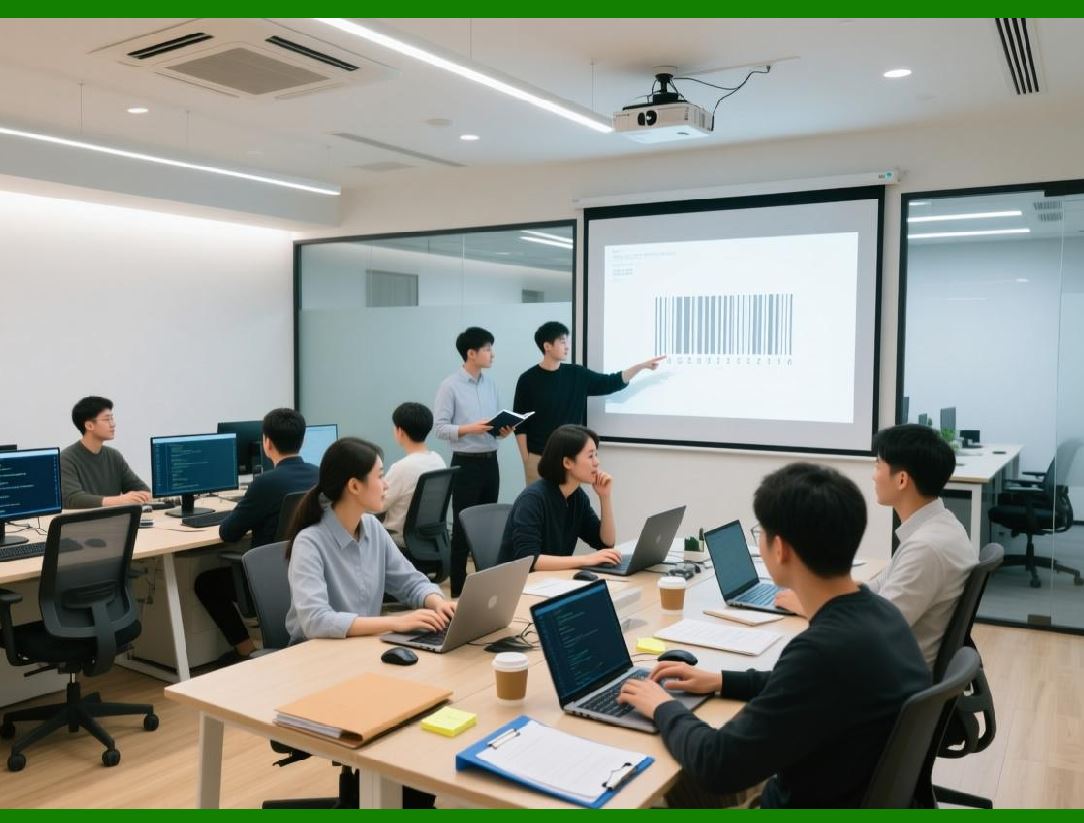
75.1 Some environments deploy multiple printers for redundancy. |
75.2 SDK integrations can distribute jobs across devices. |
75.3 Load balancing reduces bottlenecks. |
75.4 Redundancy improves fault tolerance. |
75.5 These strategies support high availability. |
|
76. Print Job Logging and Accountability |
76.1 Enterprise systems often require records of print activity. |
76.2 SDK integrations can log print events and parameters. |
76.3 Logs support audits and troubleshooting. |
76.4 Accountability is important in regulated environments. |
76.5 Logging also supports performance analysis. |
77. Remote and Network Printing Considerations |
77.1 Many printers are network-attached devices. |
77.2 CodeSoft SDK supports network printing through standard drivers. |
77.3 Network latency and reliability must be considered. |
77.4 Proper configuration minimizes disruptions. |
77.5 Network printing enables centralized control. |
|
78. Printer Security and Access Control |
78.1 Unauthorized printing can create operational and compliance risks. |
78.2 SDK integrations rely on operating system security controls. |
78.3 Access to printers can be restricted by role. |
78.4 Security policies should align with labeling workflows. |
78.5 Printer security is part of overall system governance. |
79. Device Independence and Future-Proofing |
79.1 Printer models and vendors change over time. |
79.2 CodeSoft device abstraction minimizes dependency on specific hardware. |
79.3 SDK integrations remain stable despite device changes. |
79.4 This future-proofs enterprise labeling systems. |
79.5 Hardware independence reduces long-term costs. |

|
80. Summary of Part 5 |
80.1 This part focused on printing architecture and printer management within CodeSoft SDK integrations. |
80.2 We examined device abstraction, runtime printer selection, batch processing, error handling, and performance considerations. |
80.3 Reliable printing is foundational to automated labeling success. |
80.4 In the next part, we will explore automation workflows, event-driven printing, and process orchestration. |
 cs@easiersoft.com