LabelJoy Barcode Component |
Part 5 of 19 |
Automation, Scripting, and Programmatic Control |
37. Importance of Automation in Labeling Systems |
37.1 From Manual Operations to Automated Pipelines |
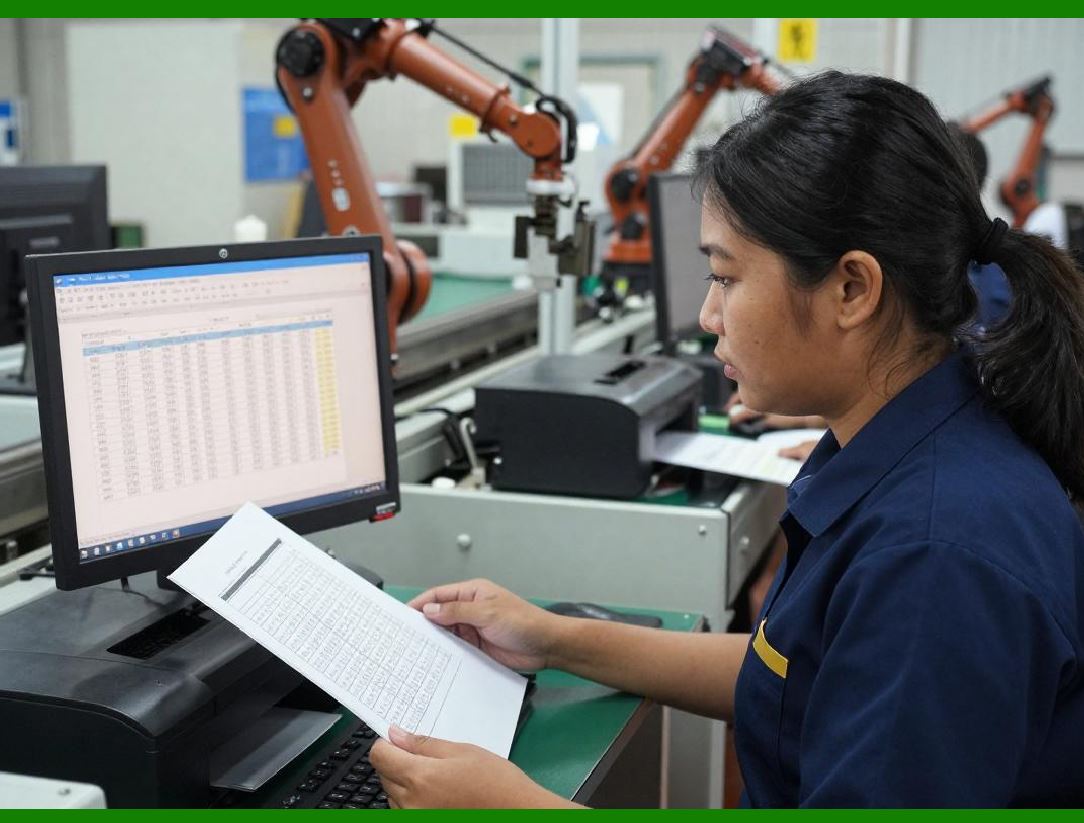
In small-scale environments, labels are often created and printed manually. However, as operations scale, manual labeling quickly becomes inefficient, error-prone, and costly. LabelJoy addresses this transition by supporting automation at multiple levels, allowing organizations to move gradually from interactive usage to fully automated labeling pipelines. |
Automation enables: |
1. Faster label generation |
2. Reduced human error |
3. Consistent output |
4. Integration with upstream systems |
LabelJoy automation capabilities are not limited to a single interface but span command-line execution, scripting, and application-level integration. |
|
37.2 Automation as a Core Design Principle |
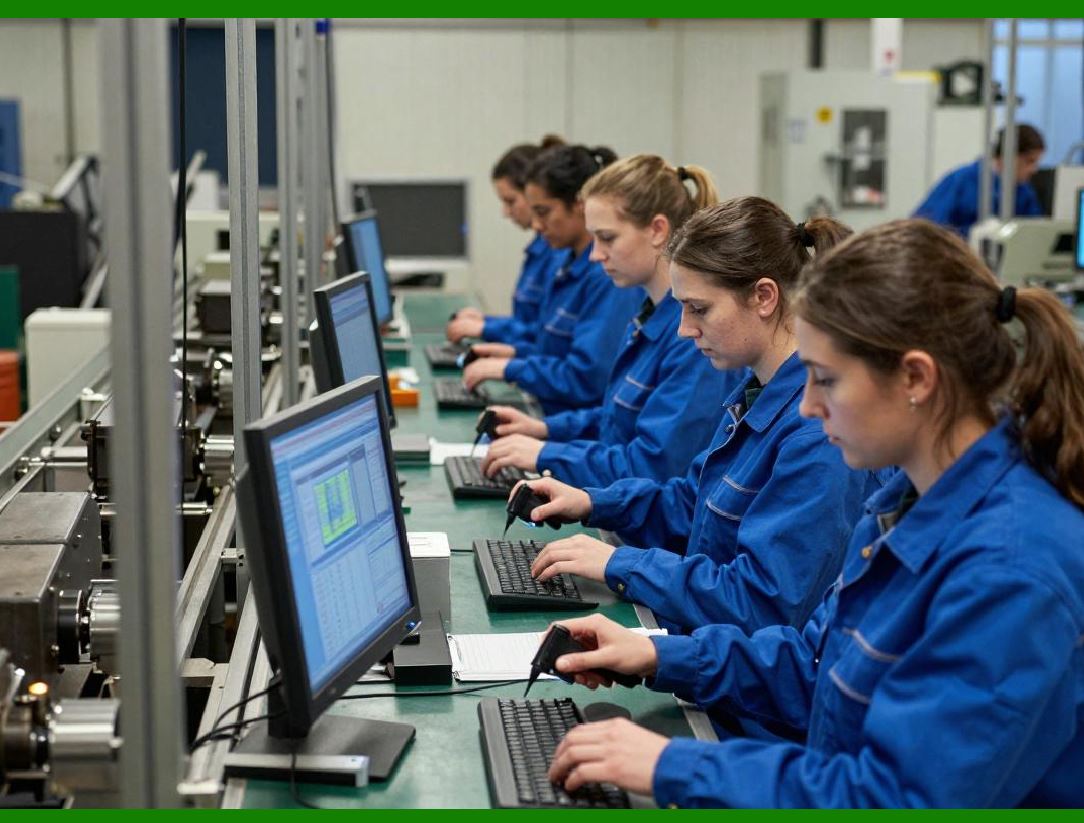
Unlike tools that treat automation as an optional add-on, LabelJoy embeds automation support directly into its architecture. The same label templates used in the graphical interface are reused in automated workflows, ensuring: |
1. Visual and automated outputs remain identical |
2. No duplication of logic |
3. Easier maintenance over time |
This design significantly lowers the barrier to automation adoption. |
|
38. Command-Line Execution Model |
38.1 Purpose of Command-Line Operation |
The command-line interface enables LabelJoy to operate without user interaction. This mode is particularly useful for: |
1. Batch processing |
2. Scheduled jobs |
3. Server-side operations |
4. Integration with scripts and schedulers |
Command-line execution transforms LabelJoy from a desktop application into a background processing tool. |

|
38.2 Structure of Command-Line Invocation |
In command-line mode, LabelJoy can be invoked with parameters specifying: |
1. Label template file |
2. Data source |
3. Output destination |
4. Printer selection |
5. Print quantity |
These parameters allow full control over the label generation process without requiring the graphical interface. |

|
38.3 Headless Operation |
When running from the command line, LabelJoy operates in a headless mode, meaning: |
1. No user interface is displayed |
2. Execution is fully automated |
3. Output is deterministic |
This makes it suitable for deployment in environments where user interaction is not possible or desirable. |

|
39. Batch Printing and Scheduled Jobs |
39.1 Batch-Oriented Automation |
Batch printing is a common requirement in logistics, manufacturing, and retail. LabelJoy automation model supports batch processing by: |
1. Iterating over large datasets |
2. Applying consistent templates |
3. Managing printer queues |
Batch jobs can be triggered manually or automatically. |
39.2 Scheduling with External Tools |
LabelJoy does not impose its own scheduling system. Instead, it integrates with existing scheduling mechanisms such as: |
1. Operating system schedulers |
2. Enterprise job schedulers |
3. Custom scripts |
This approach allows organizations to reuse existing infrastructure. |
39.3 Error Handling in Automated Runs |
In unattended execution, error handling becomes critical. LabelJoy provides mechanisms to: |
1. Return status codes |
2. Log execution details |
3. Detect data or printer errors |
These mechanisms enable external systems to monitor and react to failures. |
|
40. COM Automation Interface |
40.1 Rationale for COM-Based Automation |
To support deeper integration with Windows applications, LabelJoy exposes a COM automation interface. This allows external programs to control LabelJoy programmatically at runtime. |
COM automation is particularly well-suited to Windows-centric environments and supports integration with many development languages. |
40.2 Programmatic Control Capabilities |
Through COM automation, external applications can: |
1. Load label templates |
2. Set or modify data fields |
3. Control barcode parameters |
4. Trigger printing or export operations |
This level of control allows LabelJoy to function as an embedded barcode engine. |
40.3 Object Model Exposure |
The automation interface exposes a logical object model corresponding to internal LabelJoy components, including: |
1. Label templates |
2. Layout objects |
3. Data fields |
4. Print settings |
This model allows developers to manipulate label content dynamically without modifying the original template files. |

|
41. Integration with Custom Business Applications |
41.1 Embedding LabelJoy in Enterprise Workflows |
Many organizations integrate LabelJoy into custom-built business software such as: |
1. Order management systems |
2. Inventory control applications |
3. Production tracking systems |
In these scenarios, LabelJoy acts as a specialized subsystem responsible for label generation and printing. |
41.2 Data Flow in Integrated Systems |
In integrated workflows, data typically flows as follows: |
1. Business application generates or retrieves data |
2. Data is passed to LabelJoy via automation |
3. LabelJoy renders and prints labels |
4. Status is returned to the calling application |
This structured data flow ensures traceability and reliability. |
41.3 Runtime Customization |
Automation allows labels to be customized at runtime without redesigning templates. Examples include: |
1. Changing barcode values |
2. Switching printers |
3. Adjusting print quantities |
This flexibility is essential for dynamic production environments. |

|
42. Script-Based Automation Scenarios |
42.1 Use of Scripting Languages |
LabelJoy can be controlled from scripts written in languages that support COM automation or command-line execution. This makes it accessible to a wide range of technical skill levels. |
Scripts are commonly used for: |
1. Data preprocessing |
2. Conditional printing logic |
3. Integration with external systems |
42.2 Conditional Logic and Decision Making |
Scripts can introduce conditional logic into labeling workflows, such as: |
1. Selecting different label templates based on data |
2. Routing jobs to different printers |
3. Handling exceptions automatically |
This allows labeling processes to adapt to real-time conditions. |
42.3 Automation Without Recompilation |
Script-based automation allows changes to be made without recompiling applications. This reduces deployment complexity and speeds up iteration. |

|
43. Export and Non-Print Automation Outputs |
43.1 Label Output Beyond Printing |
Automation does not always end with printing. LabelJoy supports automated export of labels to various formats, enabling: |
1. Digital archiving |
2. Email distribution |
3. Integration with document systems |
Export functionality can be triggered programmatically. |
43.2 Use in Document Generation Workflows |
Exported labels can be embedded into larger documents such as: |
1. Invoices |
2. Packing lists |
3. Compliance reports |
This expands LabelJoy role beyond physical labeling. |
43.3 Consistency Between Printed and Exported Output |
By using the same rendering engine for both printing and export, LabelJoy ensures consistency across all output formats. |

|
44. Security and Access Control in Automation |
44.1 Controlling Automated Access |
In automated environments, it is important to control who or what can trigger label generation. LabelJoy relies on operating system-level security mechanisms to manage access. |
44.2 Data Protection Considerations |
Automated labeling systems often handle sensitive data. LabelJoy automation model allows organizations to: |
1. Isolate labeling systems |
2. Restrict data access |
3. Audit execution logs |
These practices help protect sensitive information. |
44.3 Reliability in Unattended Operation |
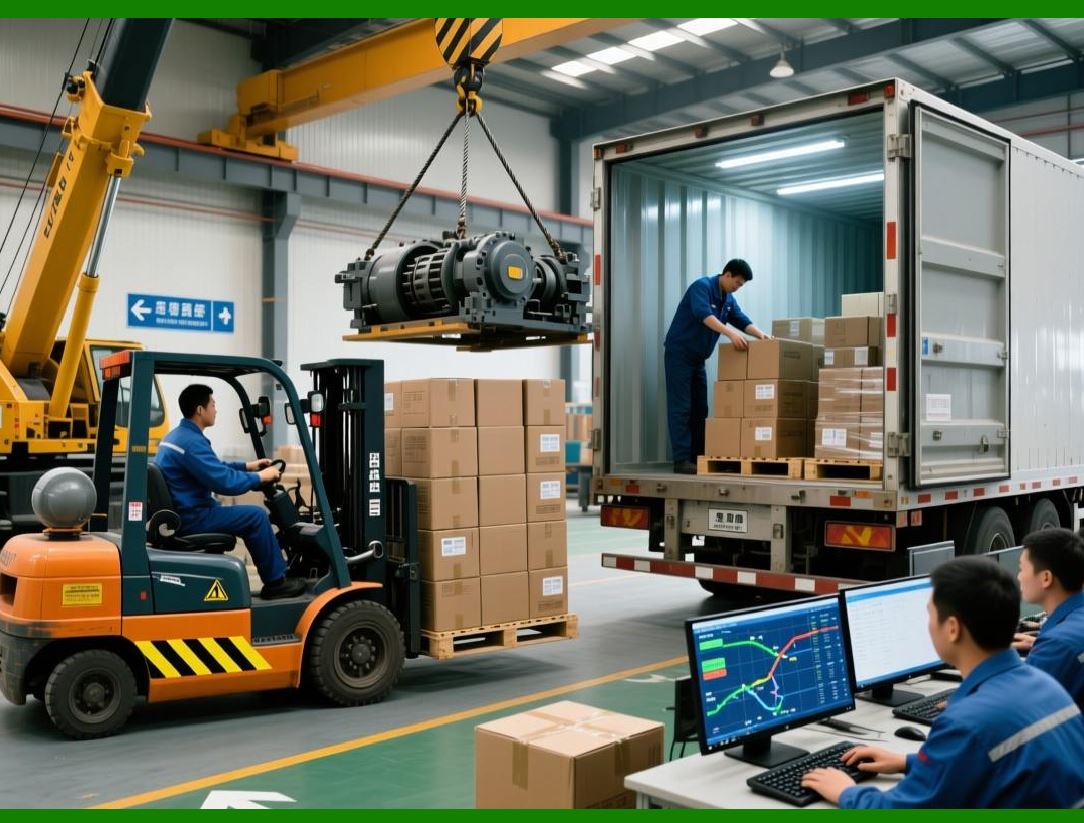
Reliability is a core requirement for automation. LabelJoy is designed to run unattended for extended periods, handling repetitive tasks predictably. |
|
45. Performance Considerations in Automated Use |
45.1 Resource Utilization |
Automated label generation must be efficient. LabelJoy engine is optimized to: |
1. Minimize memory usage |
2. Process data streams incrementally |
3. Avoid unnecessary UI overhead |
This makes it suitable for high-volume operations. |
45.2 Scalability Limits |
While LabelJoy is well-suited for SMEs and departmental use, its automation capabilities can scale significantly when deployed on appropriately provisioned systems. |
45.3 Monitoring and Diagnostics |
Automation-friendly logging and status reporting make it easier to monitor system health and diagnose issues in production environments. |

|
46. Summary of Part 5 |
46.1 Main Topics Covered |
In this part, we discussed: |
1. Automation as a core capability |
2. Command-line execution |
3. Batch and scheduled processing |
4. COM automation |
5. Integration with business applications |
6. Script-driven workflows |
7. Performance and reliability considerations |
These features allow LabelJoy to function not just as a design tool, but as a fully automatable barcode component. |

|
46.2 Next Part Preview |
Part 6 will focus on printing architecture, printer integration, and output control, including: |
1. Printer driver interaction |
2. Thermal versus laser printing |
3. Print calibration |
4. Output consistency |
 cs@easiersoft.com