Loftware Label SDK Comprehensive Technical Analysis (Part 10) |
*(User Interface Design, User Experience, Workflow Systems, Dashboards, and Human Factors)* |
107. Introduction to UI/UX in Enterprise Labeling Systems |
107.1 Importance of User Experience in Labeling Platforms |
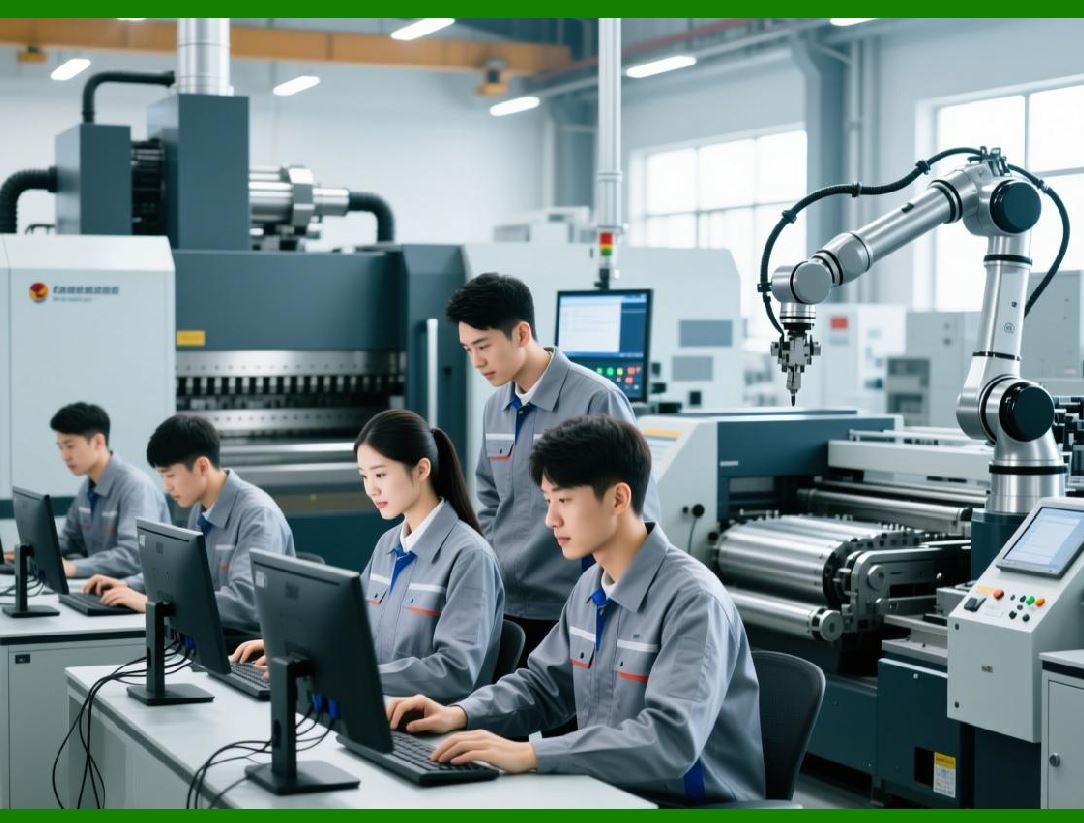
In complex enterprise environments, usability is a critical factor that directly impacts productivity, error rates, and operational efficiency. Systems like Loftware Label SDK must provide intuitive, responsive, and role-specific user interfaces. |
A well-designed UI/UX ensures: |
1. Reduced training time |
2. Lower risk of human error |
3. Faster label design and deployment |
4. Improved workflow efficiency |
|
107.2 Types of Users in Labeling Systems |
Different users interact with the system in different ways: |
1. Label Designers |
Create and maintain label templates |
2. System Administrators |
Configure systems and manage users |
3. Operators |
Execute print jobs and monitor workflows |
4. Compliance Officers |
Review and approve label designs |

|
108. Label Design Interface |
108.1 Visual Design Environment |
The label design interface typically provides: |
1. Drag-and-drop functionality |
2. WYSIWYG (What You See Is What You Get) editing |
3. Real-time preview |
108.2 Object Manipulation Tools |
Users can: |
1. Add text, barcodes, and images |
2. Resize and reposition elements |
3. Align objects using guides |
108.3 Property Panels |
Each object includes configurable properties: |
1. Font and style |
2. Data binding |
3. Visibility conditions |
108.4 Template Reusability |
Design interfaces support: |
1. Template libraries |
2. Reusable components |
3. Version management |

|
109. Workflow Interfaces |
109.1 Workflow Design Tools |
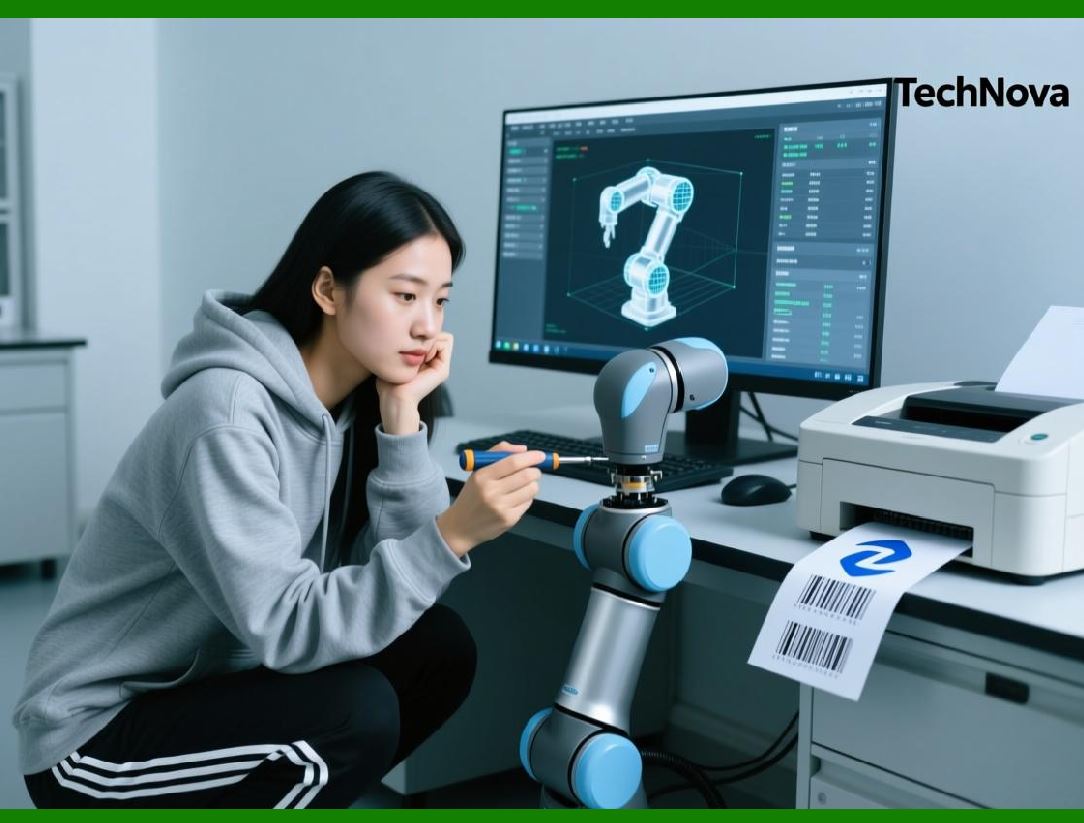
Workflow interfaces allow users to: |
1. Define processes |
2. Configure triggers |
3. Set conditions |
109.2 Approval Workflows |
Approval systems include: |
1. Multi-step approvals |
2. Role-based authorization |
3. Audit tracking |
109.3 Task Management |
Users can: |
1. Assign tasks |
2. Track progress |
3. Receive notifications |
|
110. Operator Interfaces |
110.1 Print Job Interfaces |
Operators interact with: |
1. Print job queues |
2. Job status indicators |
3. Error messages |
110.2 Simplified UI for Operators |
Operator interfaces are designed to be: |
1. Minimalistic |
2. Task-focused |
3. Easy to navigate |
110.3 Real-Time Feedback |
Provides: |
1. Job completion status |
2. Printer availability |
3. Error alerts |

|
111. Administrative Interfaces |
111.1 System Configuration Panels |
Administrators manage: |
1. Printers |
2. Users |
3. Permissions |
111.2 Security Management |
Includes: |
1. Role assignment |
2. Access control |
3. Authentication settings |
111.3 System Monitoring Tools |
Provides: |
1. Performance metrics |
2. System health indicators |
3. Log access |

|
112. Dashboard Systems |
112.1 Role of Dashboards |
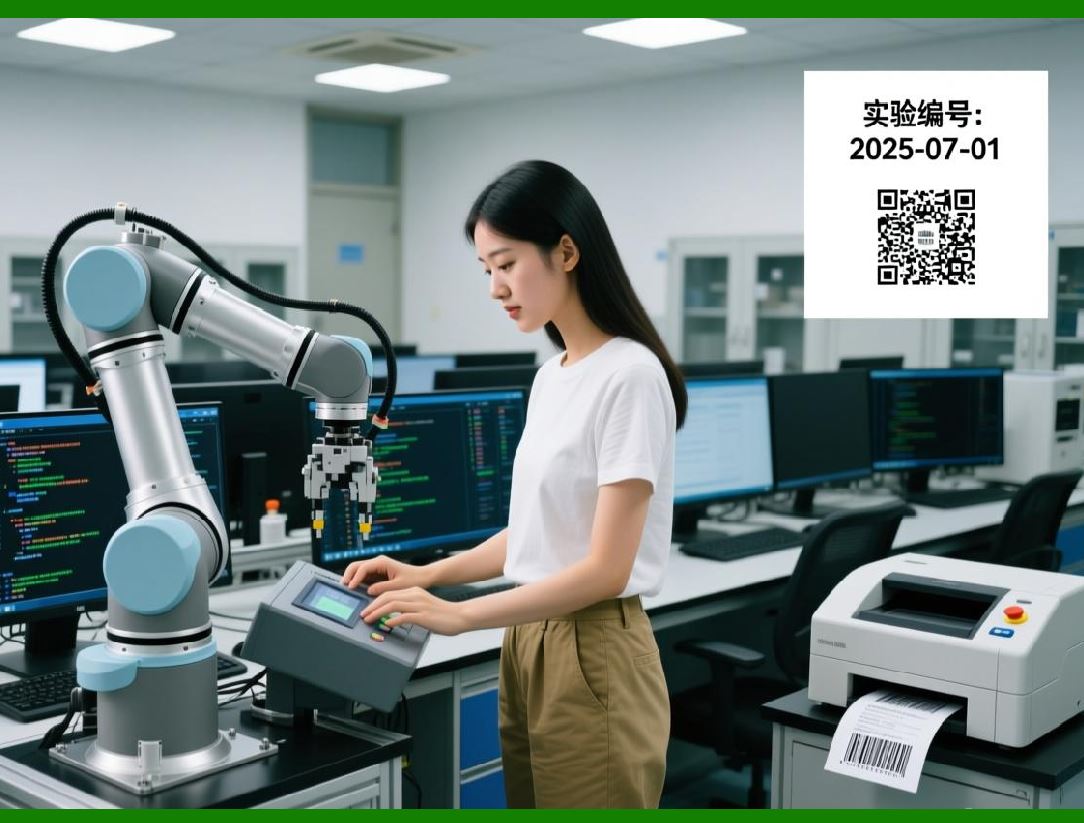
Dashboards provide: |
1. Real-time insights |
2. Operational visibility |
3. Decision support |
112.2 Types of Dashboards |
1. Operational dashboards |
2. Performance dashboards |
3. Compliance dashboards |
112.3 Visualization Techniques |
Include: |
1. Charts and graphs |
2. Status indicators |
3. Alerts and notifications |
|
113. User Experience Design Principles |
113.1 Usability Principles |
Key principles include: |
1. Simplicity |
2. Consistency |
3. Feedback |
4. Accessibility |
113.2 Human-Centered Design |
Focuses on: |
1. User needs |
2. Task efficiency |
3. Error prevention |
113.3 Accessibility Considerations |
Includes: |
1. Keyboard navigation |
2. Screen reader support |
3. Color contrast |

|
114. Error Prevention and Handling |
114.1 Common User Errors |
1. Incorrect data entry |
2. Template misuse |
3. Printer selection errors |
114.2 Preventive Measures |
1. Input validation |
2. Guided workflows |
3. Default settings |
114.3 Error Feedback Mechanisms |
Provide: |
1. Clear error messages |
2. Suggested solutions |
3. Recovery options |

|
115. Customization and Personalization |
115.1 Custom UI Configurations |
Users can customize: |
1. Layouts |
2. Themes |
3. Interface elements |
115.2 Role-Based Interfaces |
Interfaces adapt based on: |
1. User roles |
2. Permissions |
3. Responsibilities |
115.3 Localization |
Supports: |
1. Multiple languages |
2. Regional formats |
3. Cultural adaptations |
|
116. Mobile and Remote Interfaces |
116.1 Mobile Accessibility |
Mobile interfaces enable: |
1. Remote monitoring |
2. Print job management |
3. Alerts and notifications |
116.2 Responsive Design |
Ensures: |
1. Compatibility across devices |
2. Consistent user experience |
116.3 Remote Management |
Allows: |
1. System configuration |
2. Troubleshooting |
3. Monitoring |

|
117. Training and User Adoption |
117.1 Training Programs |
Include: |
1. Documentation |
2. Tutorials |
3. Hands-on training |
117.2 User Onboarding |
Processes include: |
1. Guided setup |
2. Interactive walkthroughs |
3. Help systems |
117.3 Adoption Strategies |
Encourage: |
1. User engagement |
2. Feedback collection |
3. Continuous improvement |

|
118. Human Factors in Labeling Systems |
118.1 Cognitive Load Management |
Reducing complexity helps: |
1. Improve efficiency |
2. Reduce errors |
118.2 Ergonomics |
Includes: |
1. Interface layout design |
2. Workflow optimization |
118.3 Error Reduction Strategies |
1. Automation |
2. Validation |
3. Simplification |

|
119. Future Trends in UI/UX |
119.1 AI-Driven Interfaces |
Future systems may include: |
1. Intelligent suggestions |
2. Automated design optimization |
119.2 Voice and Natural Interfaces |
Potential features: |
1. Voice commands |
2. Conversational interfaces |
119.3 Augmented Reality (AR) |
Applications include: |
1. Visualizing labels on products |
2. Training simulations |

|
120. Summary of Part 10 |
In this part, we explored: |
1. UI/UX fundamentals in enterprise labeling |
2. Label design interfaces and tools |
3. Workflow and operator interfaces |
4. Administrative and dashboard systems |
5. User experience principles and accessibility |
6. Error prevention and handling |
7. Customization and mobile interfaces |
8. Training and human factors |
9. Future UI/UX trends |

|
Next: Part 11 Preview |
In Part 11, we will explore: |
1. Advanced automation and workflow engines |
2. Business process integration |
3. Event-driven automation |
4. AI and intelligent labeling systems |
5. Robotic process automation (RPA) integration |
 cs@easiersoft.com