Loftware Label SDK Comprehensive Technical Analysis (Part 11) |
*(Advanced Automation, Workflow Engines, Event-Driven Systems, AI Integration, and RPA)* |
121. Introduction to Automation in Enterprise Labeling |
121.1 Evolution from Manual to Automated Labeling |
Enterprise labeling has evolved significantly: |
1. Manual Labeling |
Human-driven, error-prone, and inefficient |
2. Semi-Automated Systems |
Partial integration with enterprise data |
3. Fully Automated Systems |
End-to-end automation with minimal human intervention |
Modern platforms like Loftware Label SDK represent the third stage, enabling highly automated, intelligent labeling workflows. |
|
121.2 Importance of Automation |
Automation delivers: |
1. Increased efficiency |
2. Reduced human error |
3. Faster processing times |
4. Improved compliance |
|
122. Workflow Engine Architecture |
122.1 Definition of Workflow Engines |
A workflow engine is responsible for: |
1. Defining processes |
2. Executing tasks |
3. Managing dependencies |
122.2 Components of a Workflow Engine |
1. Process Definitions |
Define workflows and logic |
2. Execution Engine |
Runs workflow tasks |
3. State Management |
Tracks workflow progress |
4. Event Handlers |
Respond to triggers |
122.3 Workflow Modeling |
Workflows can be modeled using: |
1. Sequential processes |
2. Parallel processes |
3. Conditional branching |
|
123. Business Process Integration |
123.1 Integration with Enterprise Processes |
Labeling workflows integrate with: |
1. Order processing |
2. Manufacturing execution |
3. Shipping and logistics |
123.2 End-to-End Process Automation |
Example process: |
1. Order is created in ERP |
2. Workflow triggers label generation |
3. Label is printed automatically |
4. Status is updated in the system |
123.3 Cross-System Coordination |
Ensures: |
1. Data consistency |
2. Process synchronization |
3. Error handling across systems |
|
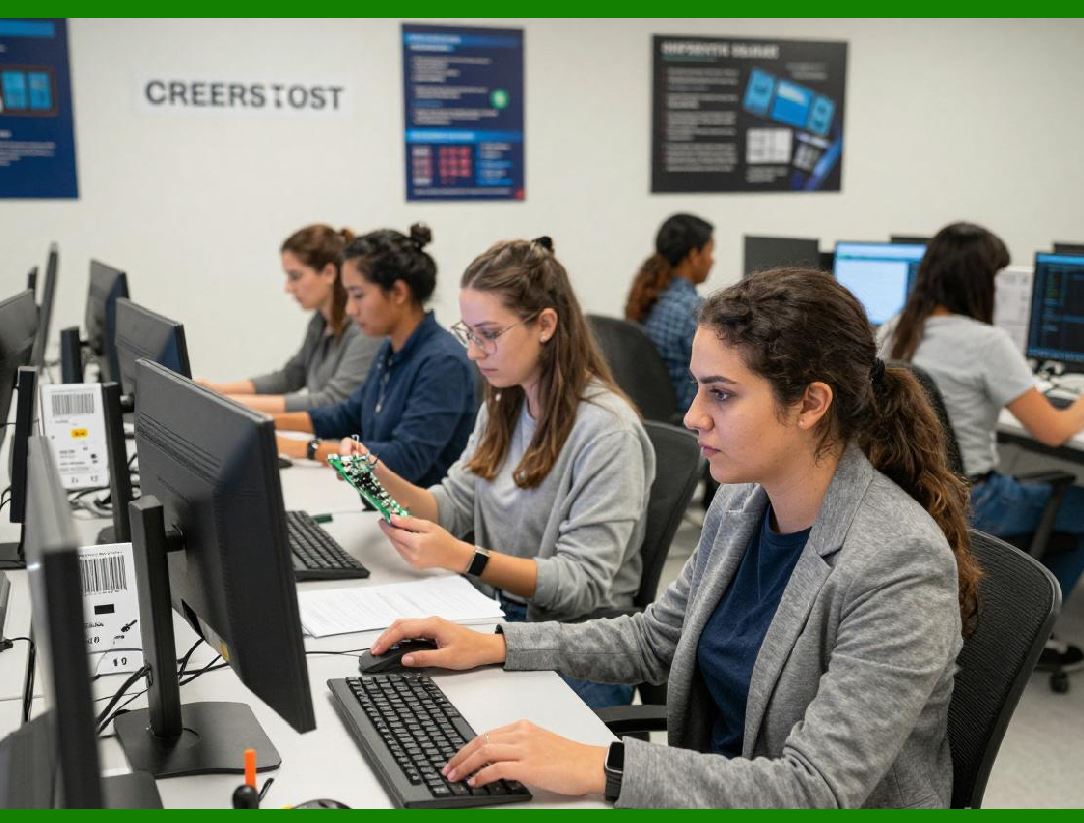
124. Event-Driven Automation |
124.1 Event-Driven Architecture Overview |
In event-driven systems, actions are triggered by events such as: |
1. Data changes |
2. System notifications |
3. External triggers |
124.2 Types of Events |
1. System events |
2. User actions |
3. External API triggers |
124.3 Event Processing Pipeline |
1. Event detection |
2. Event validation |
3. Workflow execution |
4. Output generation |
124.4 Benefits of Event-Driven Systems |
1. Real-time responsiveness |
2. Scalability |
3. Decoupled architecture |
|
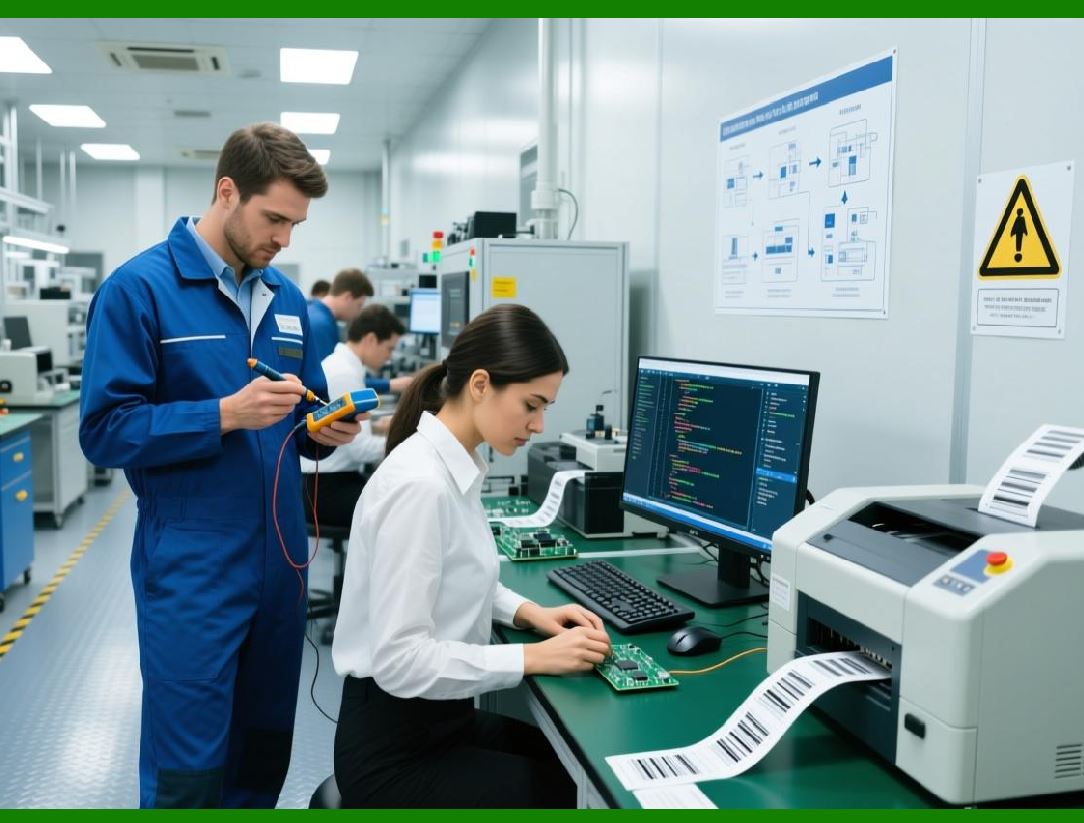
125. Rule Engines and Decision Logic |
125.1 Role of Rule Engines |
Rule engines automate decision-making by: |
1. Evaluating conditions |
2. Applying business rules |
3. Triggering actions |
125.2 Types of Rules |
1. Validation rules |
2. Transformation rules |
3. Compliance rules |
125.3 Rule Management |
Includes: |
1. Rule definition |
2. Rule testing |
3. Rule deployment |
|
126. Intelligent Labeling Systems |
126.1 Introduction to Intelligent Labeling |
Intelligent labeling systems use advanced logic and AI to: |
1. Optimize label design |
2. Automate decision-making |
3. Improve efficiency |
126.2 AI Applications in Labeling |
AI can be used for: |
1. Data prediction |
2. Error detection |
3. Design optimization |
126.3 Machine Learning Models |
Models can analyze: |
1. Historical data |
2. Print patterns |
3. Error trends |

|
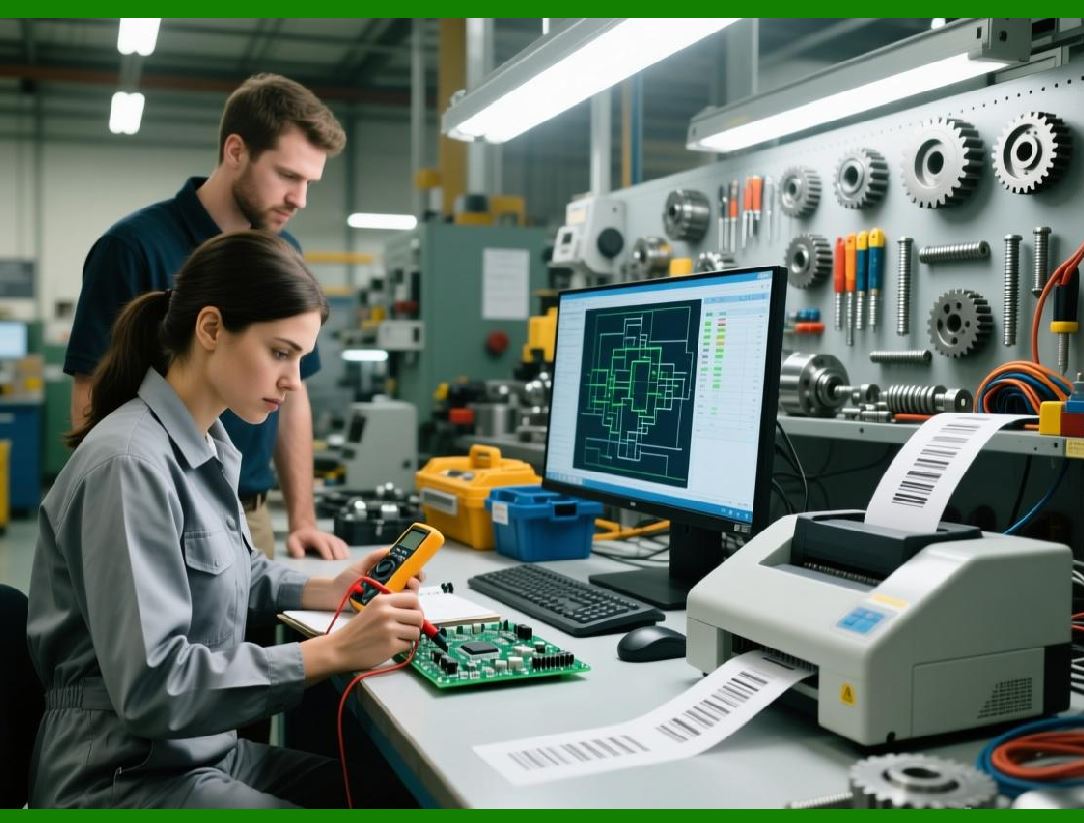
127. Robotic Process Automation (RPA) |
127.1 Overview of RPA |
RPA uses software robots to automate repetitive tasks. |
127.2 RPA in Labeling Systems |
Applications include: |
1. Data entry automation |
2. Workflow execution |
3. System integration |
127.3 Benefits of RPA |
1. Reduced manual effort |
2. Increased accuracy |
3. Faster processing |
|
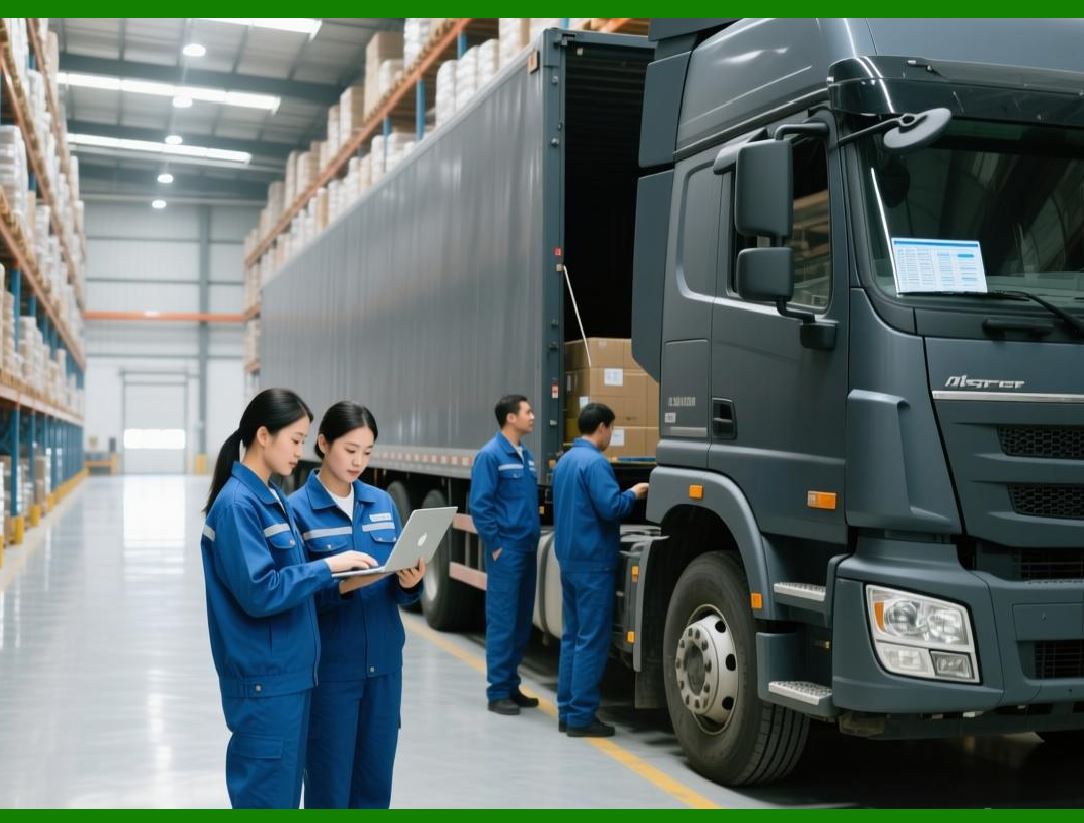
128. Automation in Manufacturing Environments |
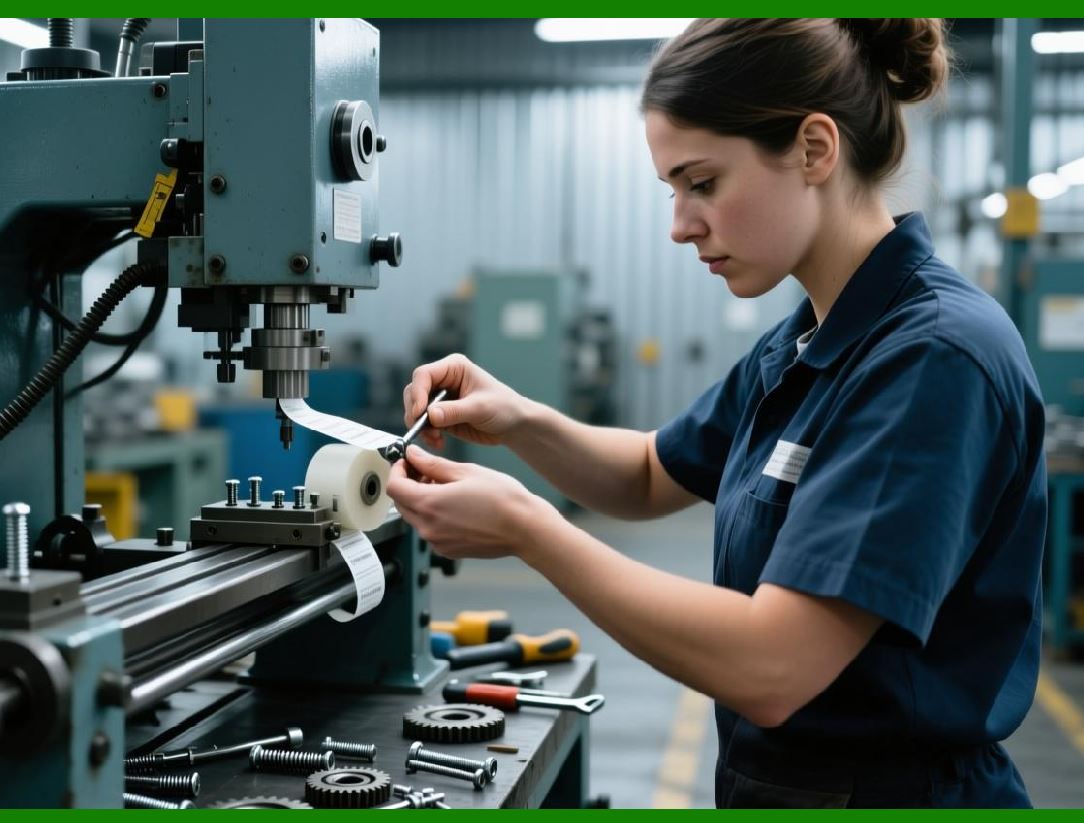
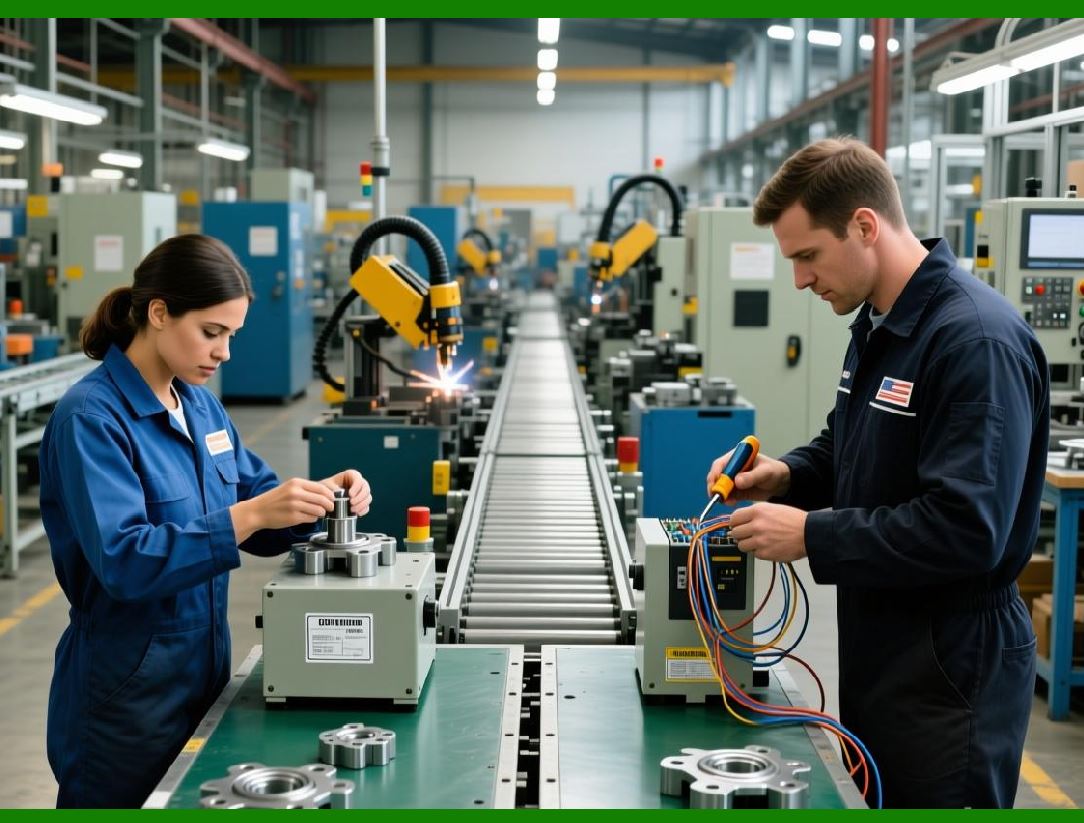
128.1 Production Line Automation |
In manufacturing: |
1. Sensors detect product movement |
2. Systems trigger label printing |
3. Labels are applied automatically |
128.2 Integration with Industrial Systems |
Includes: |
1. PLCs (Programmable Logic Controllers) |
2. SCADA systems |
3. IoT devices |
128.3 Real-Time Constraints |
Systems must ensure: |
1. Low latency |
2. High reliability |
3. Continuous operation |
|
129. Automation in Logistics and Warehousing |
129.1 Warehouse Automation |
Includes: |
1. Automated picking systems |
2. Conveyor-based labeling |
3. Sorting systems |
129.2 Shipping Automation |
Processes include: |
1. Label generation for shipments |
2. Carrier integration |
3. Tracking updates |
129.3 Cross-Docking Operations |
Automation supports: |
1. Rapid sorting |
2. Immediate labeling |
3. Efficient throughput |
|
130. Exception Handling in Automated Systems |
130.1 Types of Exceptions |
1. Data errors |
2. System failures |
3. Hardware issues |
130.2 Exception Handling Strategies |
1. Retry mechanisms |
2. Fallback processes |
3. Alerts and notifications |
130.3 Human Intervention |
In some cases: |
1. Manual review is required |
2. Overrides are allowed |
3. Escalation procedures are triggered |
|
131. Monitoring and Optimization of Workflows |
131.1 Workflow Monitoring |
Includes: |
1. Process tracking |
2. Performance metrics |
3. Error detection |
131.2 Optimization Techniques |
1. Bottleneck analysis |
2. Process redesign |
3. Automation enhancements |
131.3 Continuous Improvement |
Systems evolve through: |
1. Feedback loops |
2. Data analysis |
3. Iterative improvements |

|
132. Scalability of Automation Systems |
132.1 Scaling Workflows |
Includes: |
1. Distributed processing |
2. Parallel execution |
3. Load balancing |
132.2 Handling High Event Volumes |
Techniques include: |
1. Event queues |
2. Stream processing |
3. Backpressure management |
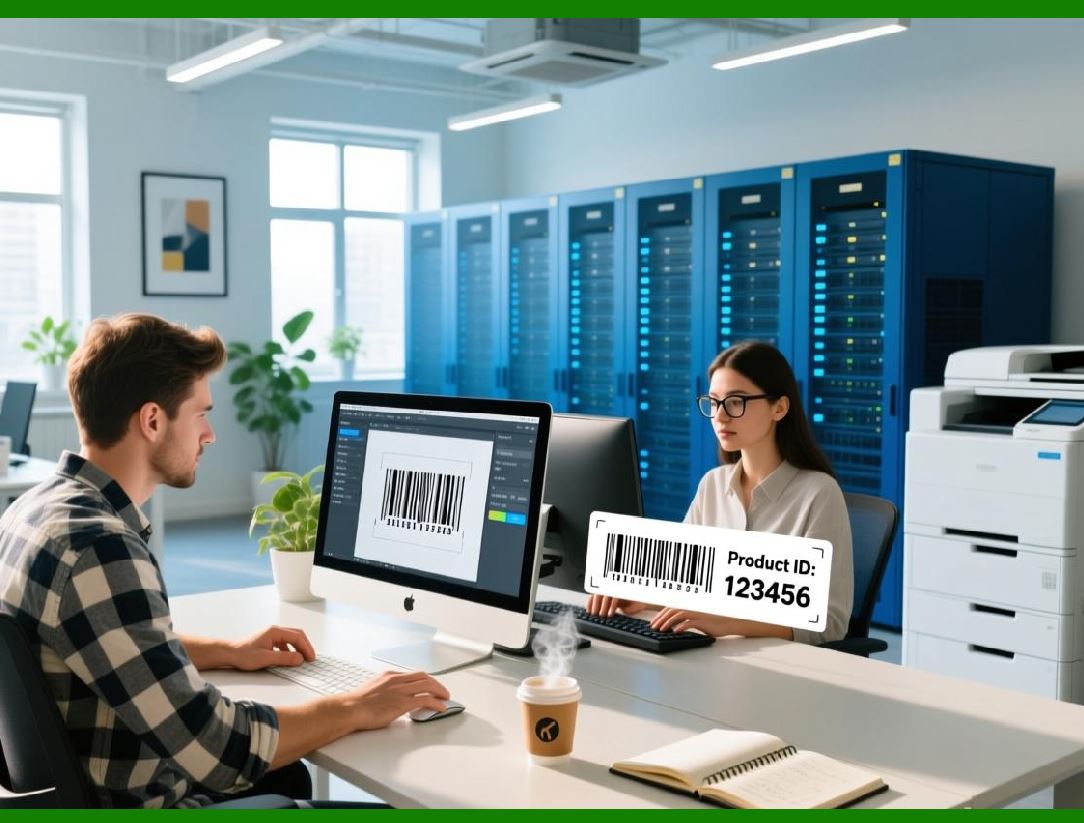
132.3 Cloud-Based Automation |
Cloud systems enable: |
1. Elastic scaling |
2. Global access |
3. High availability |
|
133. Security in Automated Workflows |
133.1 Automation Risks |
1. Unauthorized actions |
2. Data exposure |
3. Workflow manipulation |
133.2 Security Controls |
1. Authentication |
2. Authorization |
3. Audit logging |
133.3 Secure Automation Design |
Includes: |
1. Least privilege access |
2. Secure APIs |
3. Monitoring |

|
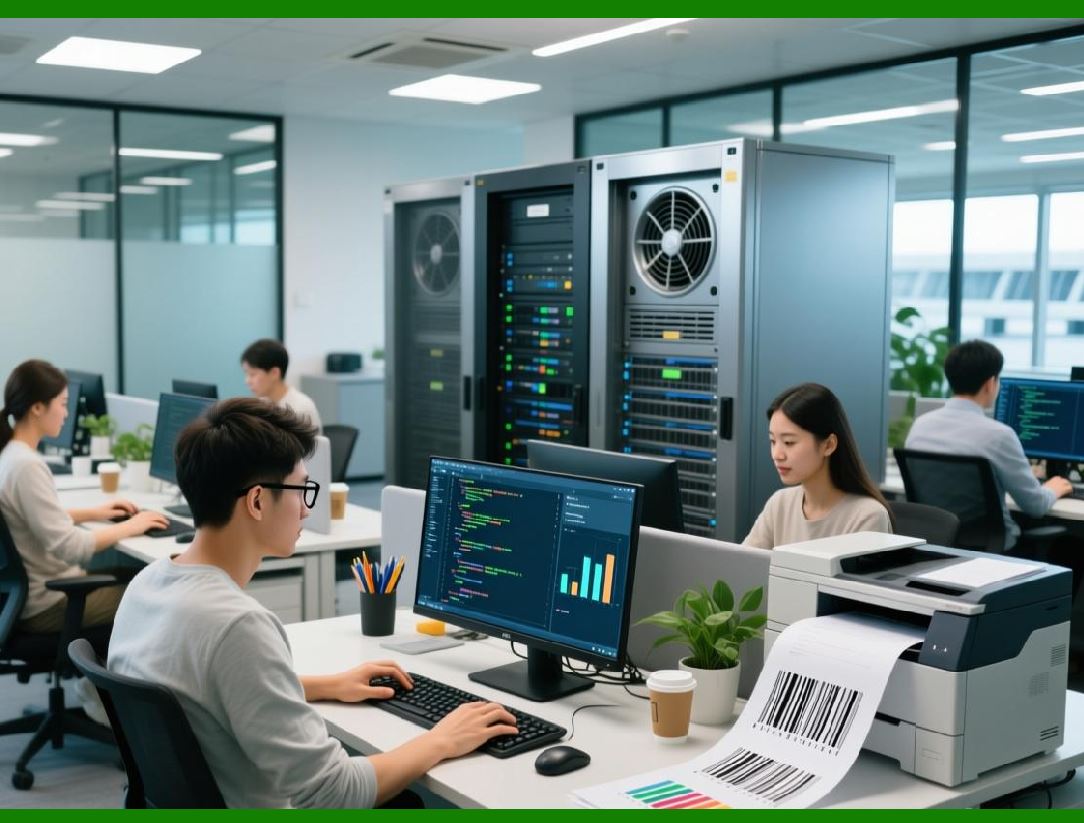
134. Future Trends in Automation |
134.1 Hyperautomation |
Combines: |
1. AI |
2. RPA |
3. Workflow engines |
134.2 Autonomous Systems |
Future systems may: |
1. Self-optimize |
2. Self-heal |
3. Operate with minimal human input |
134.3 Integration with Emerging Technologies |
Includes: |
1. Blockchain for traceability |
2. Digital twins |
3. Smart manufacturing |
|
135. Summary of Part 11 |
In this part, we explored: |
1. Automation fundamentals in labeling |
2. Workflow engine architecture |
3. Business process integration |
4. Event-driven automation |
5. Rule engines and decision logic |
6. AI and intelligent labeling systems |
7. RPA integration |
8. Automation in manufacturing and logistics |
9. Exception handling and monitoring |
10. Scalability and future trends |

|
Next: Part 12 Preview |
In Part 12, we will explore: |
1. Deployment strategies in extreme depth |
2. On-premise vs cloud vs hybrid deployments |
3. Containerization (Docker, Kubernetes concepts) |
4. DevOps and CI/CD pipelines |
5. Version management and release strategies |
 cs@easiersoft.com