Part 17 Integration with Enterprise Systems, Database Connectivity, and Automated Production Environments |
17.1 Overview of Enterprise Integration |
For large-scale operations, barcode generation is rarely an isolated task. Neodynamic Barcode Professional & Printing SDK is designed to integrate seamlessly with enterprise systems, supporting automated workflows, dynamic data sources, and production-scale label printing. This allows organizations to embed barcode generation directly into ERP, WMS, MES, and CRM systems, ensuring that product tracking, inventory control, and compliance labeling are fully synchronized with operational data. |

|
17.2 Database Connectivity |
Barcode Professional provides robust mechanisms for database-driven barcode generation: |
1. Supported databases SQL Server, MySQL, Oracle, PostgreSQL, and other ADO.NET-compliant systems |
2. Dynamic query execution Developers can retrieve product codes, serial numbers, batch numbers, expiration dates, and other variables directly from databases |
3. Binding data to templates Database fields can populate template placeholders dynamically for both linear and 2D barcodes |
4. Batch generation Multiple rows of database records can produce hundreds or thousands of labels in a single operation |
This tight database integration is essential for just-in-time labeling, real-time shipping, and inventory management. |

|
17.3 ERP and WMS System Integration |
Enterprise Resource Planning (ERP) and Warehouse Management Systems (WMS) often require automated barcode workflows. The SDK supports: |
1. ERP triggers Barcode generation initiated by sales orders, manufacturing batches, or purchase orders |
2. WMS integration Real-time label printing for pick-and-pack operations, pallet labeling, and shipping |
3. API integration Barcode generation endpoints can be exposed as RESTful services, enabling ERP or WMS systems to request labels on demand |
4. Error handling Validation ensures that only accurate and compliant barcodes are generated, reducing downstream errors |
By integrating directly with ERP and WMS systems, organizations achieve full traceability from production to distribution. |

|
17.4 MES (Manufacturing Execution System) Integration |
Manufacturing environments often require on-the-fly barcode printing: |
1. Work-in-progress (WIP) labeling Barcodes can track individual products or components throughout assembly |
2. Serial number management Unique identifiers are automatically generated and encoded in barcodes |
3. Real-time printing Workstations or automated labeling machines print barcodes as items move along production lines |
4. Data feedback Scanned barcodes update MES systems, providing immediate visibility into production progress and inventory |
This integration ensures accurate product tracking and supports lean manufacturing principles. |

|
17.5 Automated Production Environment Support |
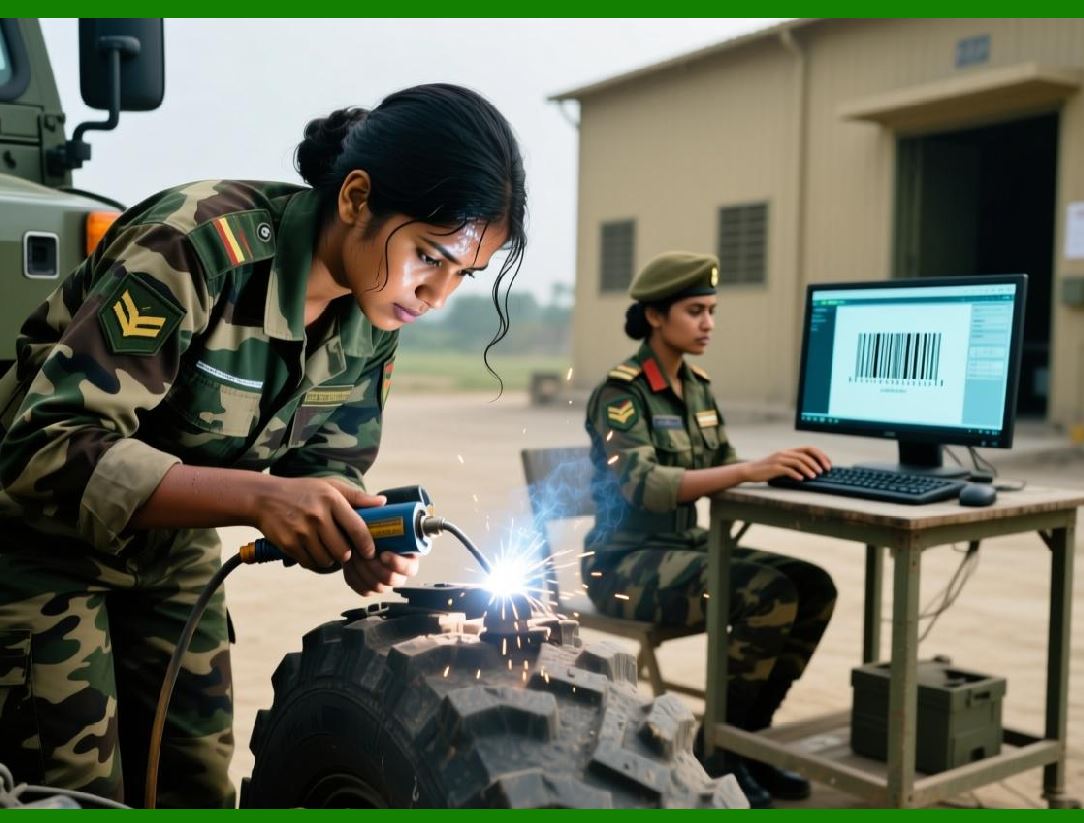
For high-volume printing and labeling: |
1. Batch printing from CSV or Excel Barcode Professional can read external files and produce thousands of labels efficiently |
2. Print job queuing Jobs can be queued and processed automatically, either on local servers or remote printing devices |
3. Sequential numbering and variable data Automatically incrementing codes for serialized products, tickets, or batches |
4. Template-driven automation Predefined templates streamline consistent label production across shifts or sites |
This functionality is critical in logistics, food and beverage, pharmaceuticals, and manufacturing operations where efficiency and accuracy are vital. |
|
17.6 Web API and Service-Oriented Integration |
Barcode Professional supports service-oriented architecture (SOA): |
1. RESTful Web API endpoints Applications can request barcode generation via HTTP calls |
2. Byte stream output Generated barcodes can be returned in formats like PNG, JPEG, SVG, EMF, or PDF |
3. Cross-platform consumption Web, mobile, and desktop clients can utilize a centralized barcode generation service |
4. Authentication and security API endpoints can enforce secure access for enterprise environments |
Service-based integration enables centralized barcode management and reduces redundancy across distributed systems. |

|
17.7 Integration with Reporting and Printing Systems |
Enterprise systems often require print-ready labels embedded in reports: |
1. Integration with reporting tools Compatible with Crystal Reports, SQL Server Reporting Services (SSRS), Telerik Reporting, and other frameworks |
2. Dynamic placement in documents Barcodes can appear alongside textual or graphical report elements |
3. High-resolution export Supports PDF, EMF, and SVG for printing or archival |
4. Automated report generation Scheduled generation of shipping labels, compliance documents, or product catalogs |
This ensures seamless operational reporting with embedded scannable barcodes. |

|
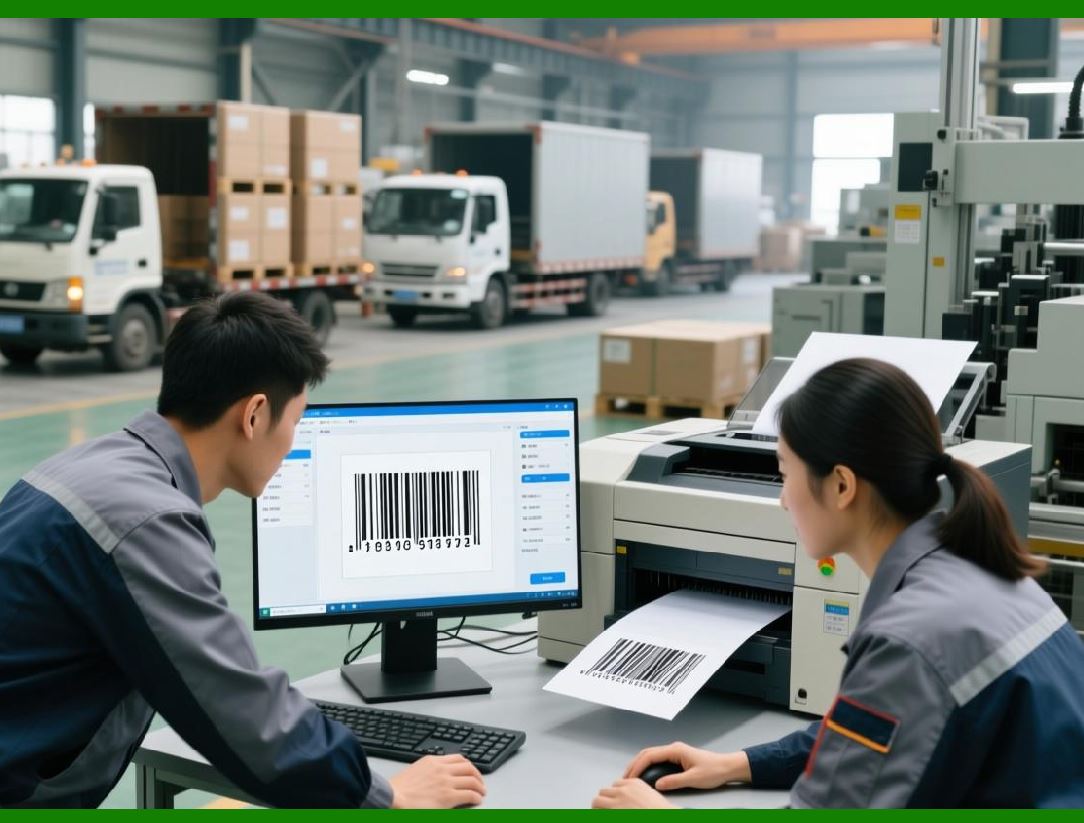
17.8 Distributed Printing and Multi-Site Deployment |
Large organizations may require barcode printing at multiple locations or remote sites: |
1. Centralized template management Templates are maintained on a central server and distributed to remote sites |
2. Remote printer access WebClientPrint or similar mechanisms allow centralized jobs to print on local devices |
3. Synchronization of serial numbers and sequences Ensures unique identifiers across all sites |
4. Audit and logging Tracks printing activity for compliance and traceability |
This approach supports global supply chains and distributed manufacturing environments. |
|
17.9 Security and Compliance Considerations |
Integration with enterprise systems requires robust security measures: |
1. User authentication Only authorized operators can generate or print barcodes |
2. Role-based access control Limits access to templates, printing capabilities, and batch generation functions |
3. Encrypted communication Data transmitted between servers, APIs, and clients is encrypted |
4. Audit trails All generation and printing actions are logged for regulatory compliance |
These features make the SDK suitable for regulated industries including pharmaceuticals, healthcare, and finance. |

|
17.10 Scalability and High-Volume Performance |
The SDK is optimized for high-throughput environments: |
1. Multi-threaded barcode generation Supports parallel processing of multiple labels |
2. Load balancing Distributed across servers in enterprise environments |
3. Memory management Efficient handling of large datasets to avoid system crashes |
4. Queue monitoring Ensures consistent throughput and minimal job loss |
This scalability ensures that enterprises can meet the demands of large-scale production and logistics operations without performance degradation. |

|
17.11 Summary of Part 17 |
Key highlights: |
1. Database-driven barcode generation allows dynamic content population |
2. ERP, WMS, and MES integration ensures end-to-end traceability and workflow automation |
3. Batch and sequential printing supports high-volume operations |
4. Web API and service-oriented architecture enables centralized barcode management |
5. Reporting and print system integration embeds barcodes into operational documents |
6. Distributed printing and multi-site deployment supports global enterprises |
7. Security, compliance, and audit trails safeguard enterprise operations |
8. High-volume scalability ensures consistent performance across operations |
By integrating seamlessly with enterprise systems and automated production environments, Barcode Professional supports efficient, accurate, and compliant barcode workflows at scale. |

|
17.12 Transition to Next Part |
The next section, Part 18, will focus on support, documentation, developer resources, training, and community ecosystem, which are critical for developers and organizations to fully leverage the SDK capabilities in enterprise deployments. |
 cs@easiersoft.com