Part 9 Printing Architecture, Output Pipelines, and Printer Integration |
9.1 Core Philosophy of Printing in Barcode Professional |
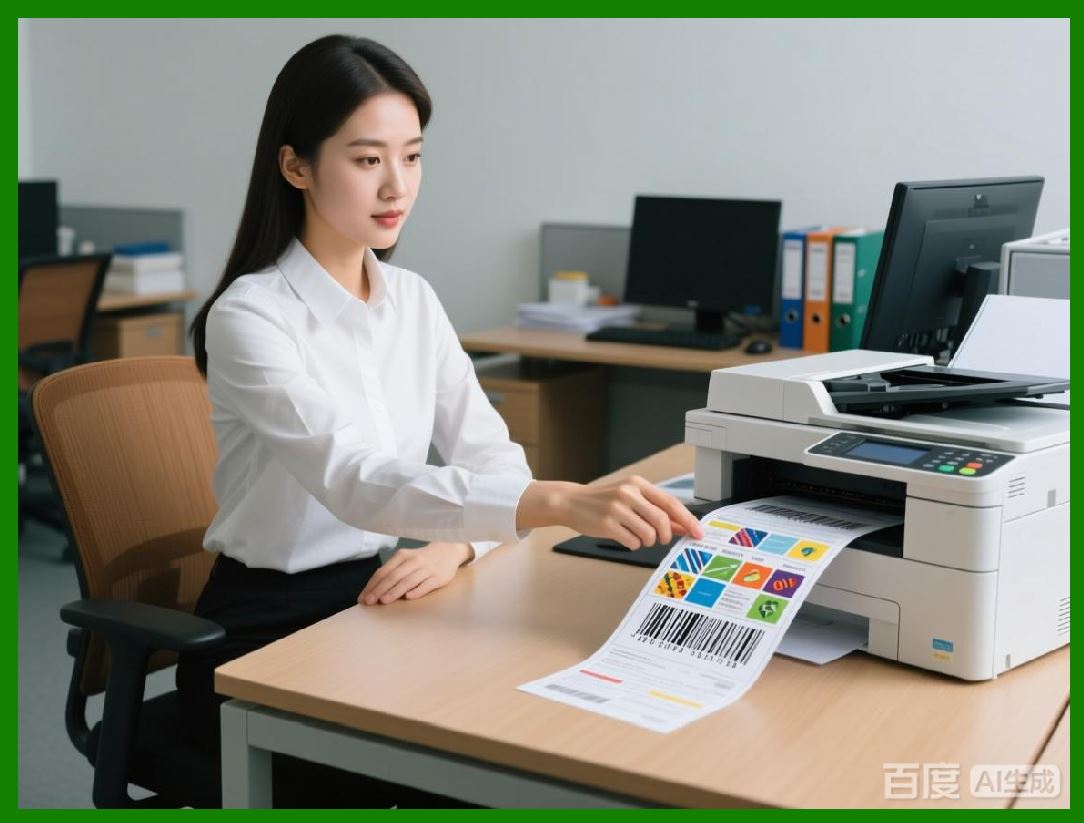
A defining characteristic of Neodynamic Barcode Professional & Printing SDK is that barcode generation is never treated as a purely visual task; instead, it is engineered as a precision printing workflow. From the earliest versions, Neodynamic positioned barcode creation as inseparable from printer behavior, print resolution, media handling, and device control. |
Unlike many barcode libraries that simply render a bitmap or vector and delegate all responsibility to the host application, Barcode Professional embeds printing awareness directly into its architecture. Every barcode object 'knows' how it should be printed: its quiet zones, module dimensions, scaling rules, rotation, margins, and alignment are all printer-context aware. |
This philosophy ensures that barcodes remain compliant and scannable when they leave the screen and reach physical substrates such as paper labels, synthetic tags, tickets, cartons, or industrial packaging. |
|
9.2 Unified Printing Model Across Application Types |
Neodynamic provides a consistent printing model across: |
1. Desktop applications (Windows Forms, WPF) |
2. Server-side applications (ASP.NET, ASP.NET Core, Web API) |
3. Hybrid web-client printing (WebClientPrint) |
Despite differences in environment, the conceptual pipeline remains the same: |
1. Barcode definition |
2. Layout composition |
3. Rendering mode selection (vector or raster) |
4. Printer selection |
5. Print job submission |
6. Optional status tracking or feedback |
This consistency allows developers to migrate printing logic from desktop to web or from on-premise to cloud-hosted systems with minimal redesign. |

|
9.3 Raster Printing Pipeline |
Raster printing is essential for compatibility with legacy printers, low-cost devices, and environments where vector printing is not supported. |
In Barcode Professional, raster printing involves: |
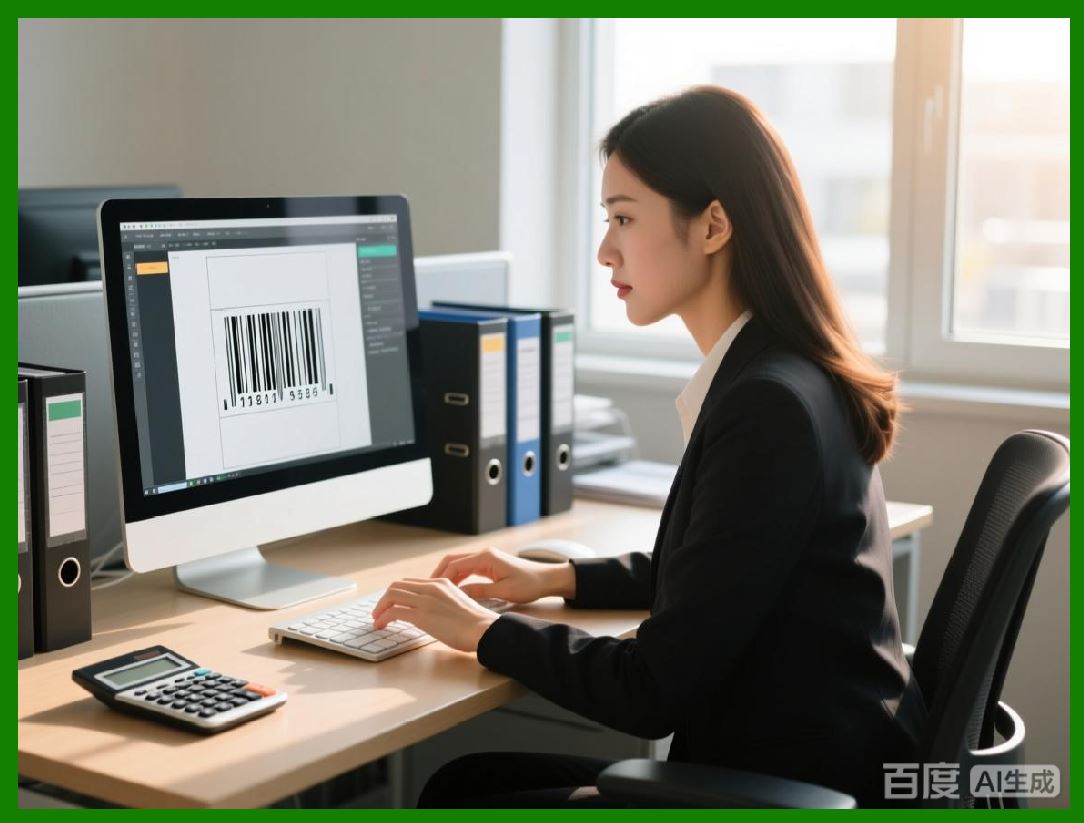
1. Calculating barcode module sizes at target DPI |
2. Rendering barcode bars or cells into a bitmap buffer |
3. Applying anti-aliasing rules selectively (often disabled for linear barcodes) |
4. Embedding quiet zones and human-readable text |
5. Sending the bitmap to the printer via GDI or print spooler |
The SDK allows developers to specify DPI explicitly, ensuring predictable results across printers with different native resolutions, such as 203 DPI, 300 DPI, or 600 DPI thermal printers. |
Importantly, Neodynamic emphasizes pixel-perfect control, preventing fractional module widths that could lead to scanner misreads. |
|
9.4 Vector Printing Pipeline |
Vector printing is where Barcode Professional distinguishes itself from many competitors. |
In vector mode: |
1. Barcodes are rendered as geometric primitives rather than pixels |
2. Lines, rectangles, and paths are defined mathematically |
3. Scaling occurs at print time rather than render time |
4. Output remains crisp at any resolution |
Vector printing is especially important for: |
1. High-resolution laser printers |
2. Industrial label printers |
3. PDF-based workflows |
4. Professional publishing environments |
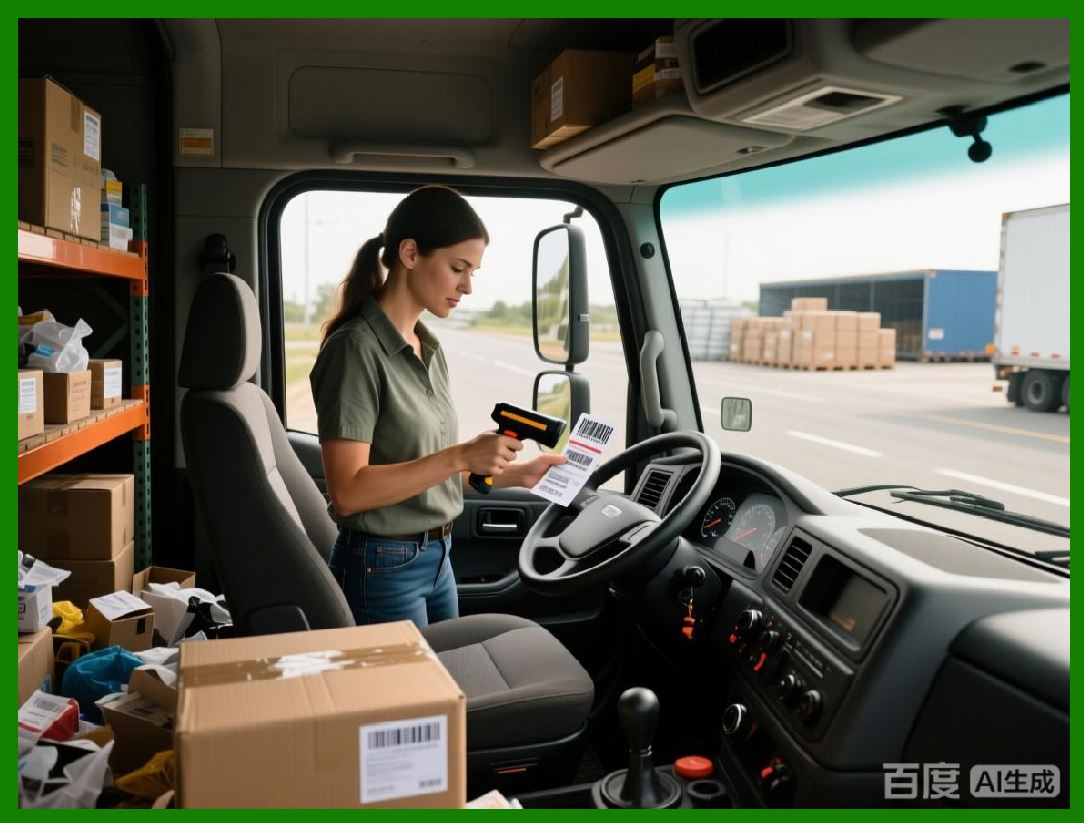
The SDK supports vector output through multiple channels, including printer drivers that accept vector commands, PDF generation, and SVG-like structures. |
This approach ensures that barcode edges remain sharp and module dimensions remain exact regardless of scaling or printer DPI. |
|
9.5 GDI+ and PrintDocument Integration |
On Windows platforms, Barcode Professional integrates deeply with the PrintDocument and GDI+ printing model. |
Key features include: |
1. Direct rendering onto PrintPage event surfaces |
2. Support for multi-page print jobs |
3. Margin and paper size awareness |
4. Printer-specific settings such as orientation and scaling |
Developers can embed barcode printing within existing print workflows, combining barcodes with text, graphics, logos, and line art in a single print pass. |
This tight integration enables scenarios such as: |
1. Printing invoices with embedded barcodes |
2. Generating packing slips with multiple symbologies |
3. Printing batch labels with sequential numbering |
|
9.6 Label Printing and Media Awareness |
Label printing introduces unique challenges that Barcode Professional explicitly addresses. |
The SDK understands: |
1. Label dimensions |
2. Gap sizes between labels |
3. Continuous versus die-cut media |
4. Orientation constraints |
5. Thermal transfer versus direct thermal printing |
By allowing developers to define physical label sizes and margins, the SDK ensures that barcodes are positioned correctly and not clipped or misaligned. |
This is particularly important for industries such as logistics, retail, healthcare, and manufacturing, where misaligned labels can disrupt automated scanning systems. |

|
9.7 Thermal Printer Compatibility |
Thermal printers dominate barcode printing in industrial environments, and Barcode Professional is engineered with this reality in mind. |
Key considerations include: |
1. Fixed DPI constraints |
2. Limited font support |
3. Monochrome output |
4. Heat-related distortion risks |
The SDK allows developers to tailor barcode output specifically for thermal printers by: |
1. Locking module widths to printer DPI |
2. Disabling unnecessary anti-aliasing |
3. Choosing optimal bar widths for heat spread |
4. Adjusting quiet zones for low-resolution printing |
This attention to detail improves scan reliability in high-speed, high-volume printing environments. |

|
9.8 Network Printer Support |
Modern enterprise environments often rely on network-connected printers rather than locally attached devices. |
Barcode Professional supports network printing by leveraging: |
1. OS-level printer drivers |
2. Network print queues |
3. Server-side print spooling |
In server scenarios, barcodes can be printed from web applications directly to warehouse or factory printers without user intervention, enabling fully automated workflows. |
This capability is critical for applications such as: |
1. Automated order fulfillment |
2. Shipping label generation |
3. Manufacturing work order printing |

|
9.9 Web Printing Challenges and Solutions |
Web-based printing is traditionally difficult due to browser sandbox restrictions. Neodynamic addresses this with its WebClientPrint technology, which works alongside Barcode Professional. |
Key challenges include: |
1. Lack of direct printer access from browsers |
2. Inconsistent print dialogs |
3. User-dependent configuration |
Neodynamic approach allows: |
1. Silent printing (where permitted) |
2. Direct selection of target printers |
3. Server-generated print jobs |
4. Client-side print agents |
This architecture bridges the gap between web applications and physical printers, making barcode printing feasible in browser-based systems. |

|
9.10 Print Job Customization and Control |
Barcode Professional provides granular control over print jobs, including: |
1. Paper size selection |
2. Orientation control |
3. Margins and offsets |
4. Scaling behavior |
5. Printer-specific options |
Developers can dynamically modify print parameters based on business logic, such as changing label sizes depending on product type or adjusting barcode dimensions based on packaging format. |
This flexibility enables a single application to support multiple printers and label formats without code duplication. |

|
9.11 Batch Printing and Performance Considerations |
High-volume environments often require printing hundreds or thousands of barcodes per job. |
The SDK supports batch printing through: |
1. Efficient object reuse |
2. Optimized rendering pipelines |
3. Minimal memory allocation |
4. Stream-based output handling |
By avoiding unnecessary re-rendering, Barcode Professional maintains high throughput even under heavy load. |
This makes it suitable for: |
1. Distribution centers |
2. Manufacturing lines |
3. High-volume ticketing systems |
|
9.12 Error Handling and Print Reliability |
Printing failures can be costly, especially in automated systems. Barcode Professional provides mechanisms for: |
1. Detecting printer availability |
2. Handling print exceptions |
3. Retrying failed jobs |
4. Logging print events |
These features allow developers to build resilient systems that can recover from transient printer errors without manual intervention. |
|
9.13 Cross-Platform Printing Strategy |
While Windows is the primary platform for direct printing, Neodynamic also supports cross-platform scenarios through: |
1. Server-side PDF generation |
2. Client-side printing via web technologies |
3. Platform-neutral vector formats |
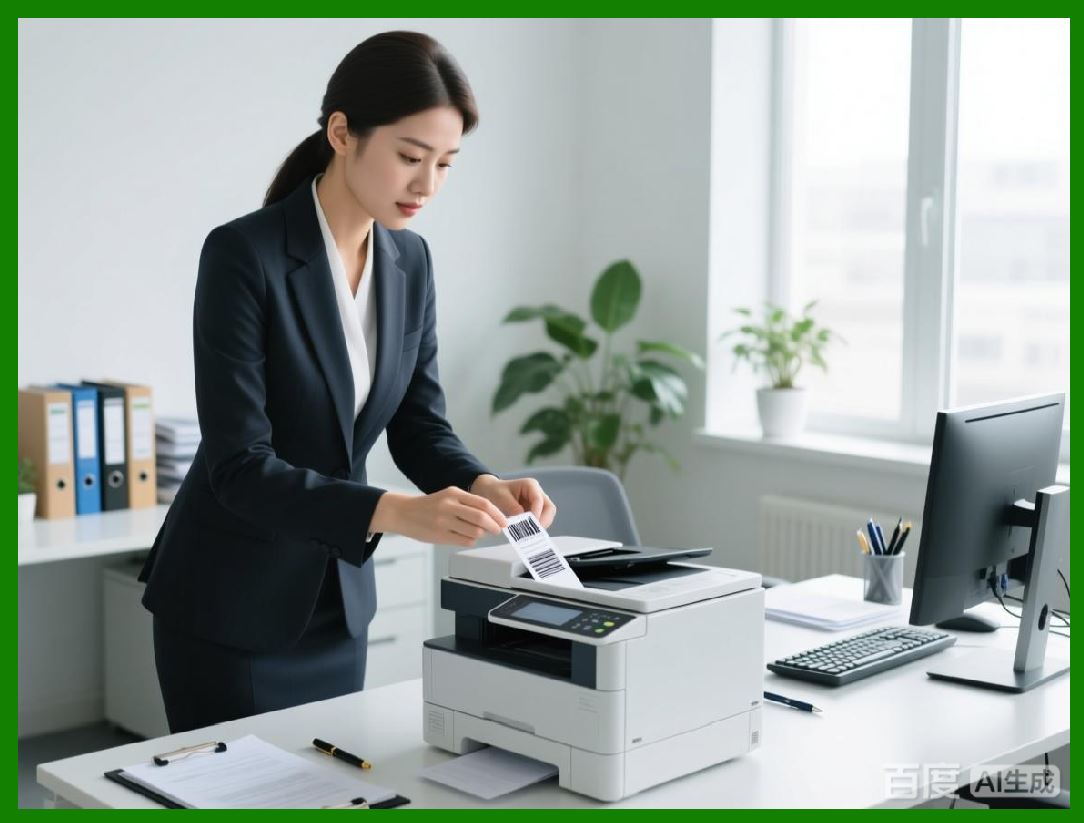
This ensures that applications running on Linux or cloud infrastructure can still generate printable barcode artifacts, even if direct printer access is not available. |
|
9.14 Printing in Regulated Industries |
Industries such as healthcare, pharmaceuticals, and finance impose strict requirements on printed barcodes. |
Barcode Professional supports compliance by ensuring: |
1. Exact barcode dimensions |
2. Proper quiet zones |
3. High contrast output |
4. Consistent print quality |
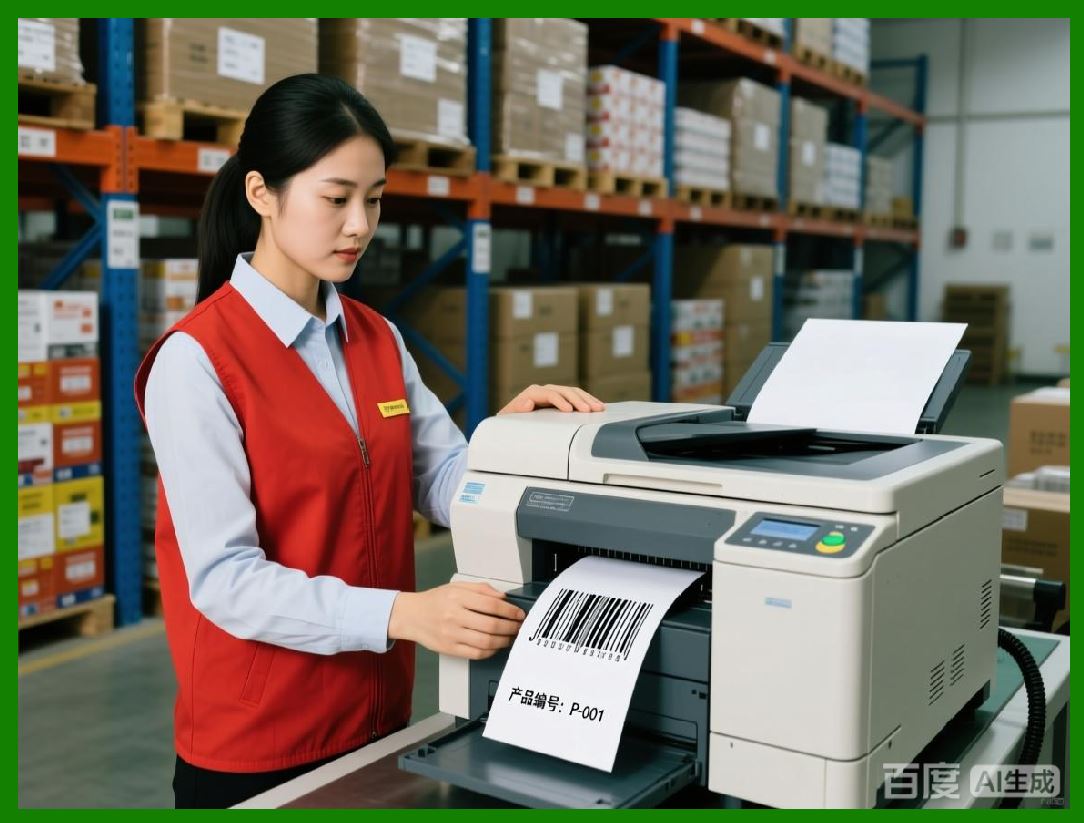
These features help meet standards for medication labeling, patient identification, and regulatory tracking systems. |
|
9.15 Printer Driver Independence |
Rather than relying on proprietary printer languages, Barcode Professional primarily leverages standard OS drivers and vector formats. |
This approach: |
1. Reduces vendor lock-in |
2. Simplifies deployment |
3. Improves compatibility across printer brands |
Developers can switch printers without rewriting barcode generation logic, provided the new printer supports standard drivers. |

|
9.16 Extensibility for Custom Printing Needs |
Advanced users can extend printing behavior by: |
1. Subclassing print handlers |
2. Injecting custom rendering logic |
3. Combining barcodes with proprietary graphics |
This extensibility makes Barcode Professional suitable for highly customized industrial or enterprise workflows. |
|
9.17 Summary of Printing Capabilities |
In summary, Barcode Professional printing architecture is characterized by: |
1. Deep printer awareness |
2. Dual raster and vector pipelines |
3. Strong support for thermal and industrial printers |
4. Advanced web printing solutions |
5. Enterprise-grade reliability and performance |
Printing is not an afterthought but a core competency of the SDK. |
|
9.18 Transition to Next Part |
With printing architecture thoroughly explored, the next section will focus on Part 10 Barcode Rendering Quality, Resolution Management, and Scan Reliability, examining how Neodynamic ensures that printed and digital barcodes remain readable under real-world conditions. |
 cs@easiersoft.com