NiceLabel SDK |
Part 1 Introduction, Historical Background, and the Evolution of Enterprise Labeling Systems |
1. Introduction to Enterprise Labeling Technologies |
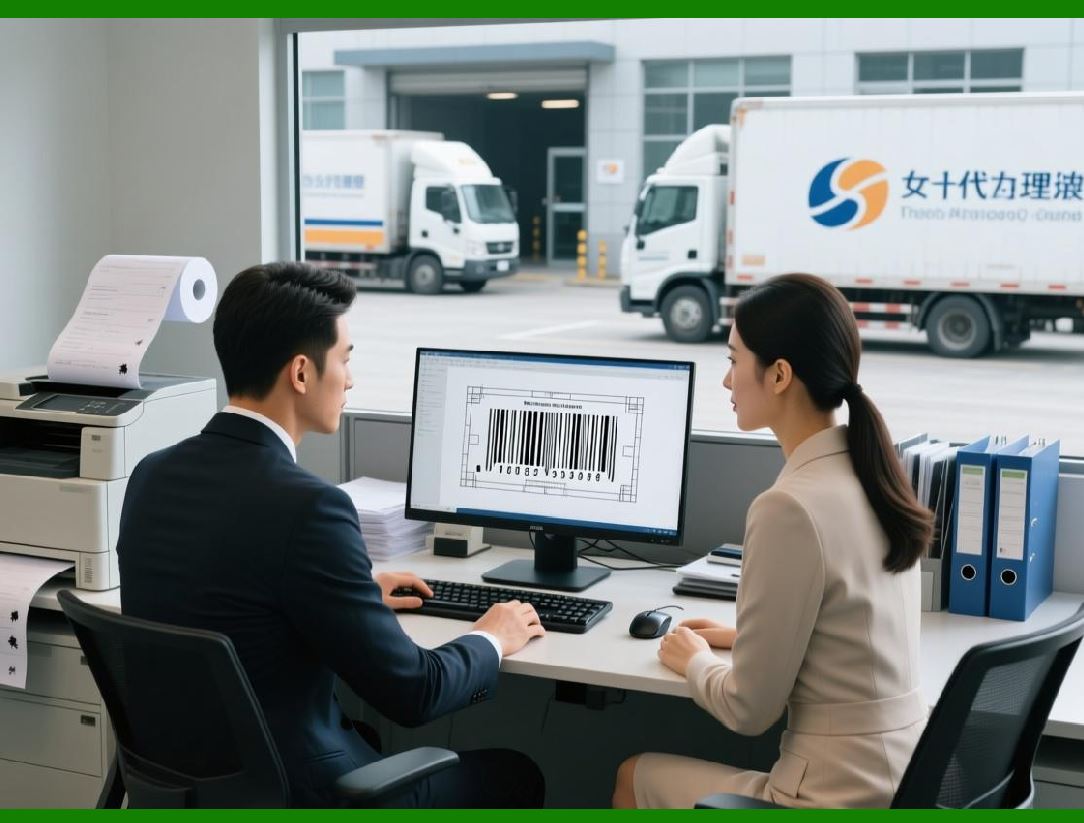
Enterprise labeling systems play a critical role in modern supply chains, manufacturing processes, logistics operations, healthcare management, and retail distribution networks. A label is not merely a printed sticker placed on a product or package. Instead, it functions as a structured carrier of information that may include product identification data, manufacturing details, batch numbers, expiration dates, regulatory compliance indicators, shipping instructions, and machine-readable barcodes. |
Over time, labeling technology has evolved from simple mechanical printing systems to advanced digital platforms capable of generating dynamic content, integrating with enterprise software systems, and ensuring compliance with industry regulations. Within this context, the NiceLabel platform has emerged as one of the most widely recognized enterprise labeling solutions. |
The NiceLabel SDK represents a development toolkit that allows software developers to integrate labeling capabilities directly into business applications. Instead of using standalone labeling software, organizations can embed label design, barcode generation, printing automation, and template management into their own enterprise systems. This approach enables seamless workflows across manufacturing execution systems, warehouse management systems, enterprise resource planning platforms, and regulatory documentation systems. |
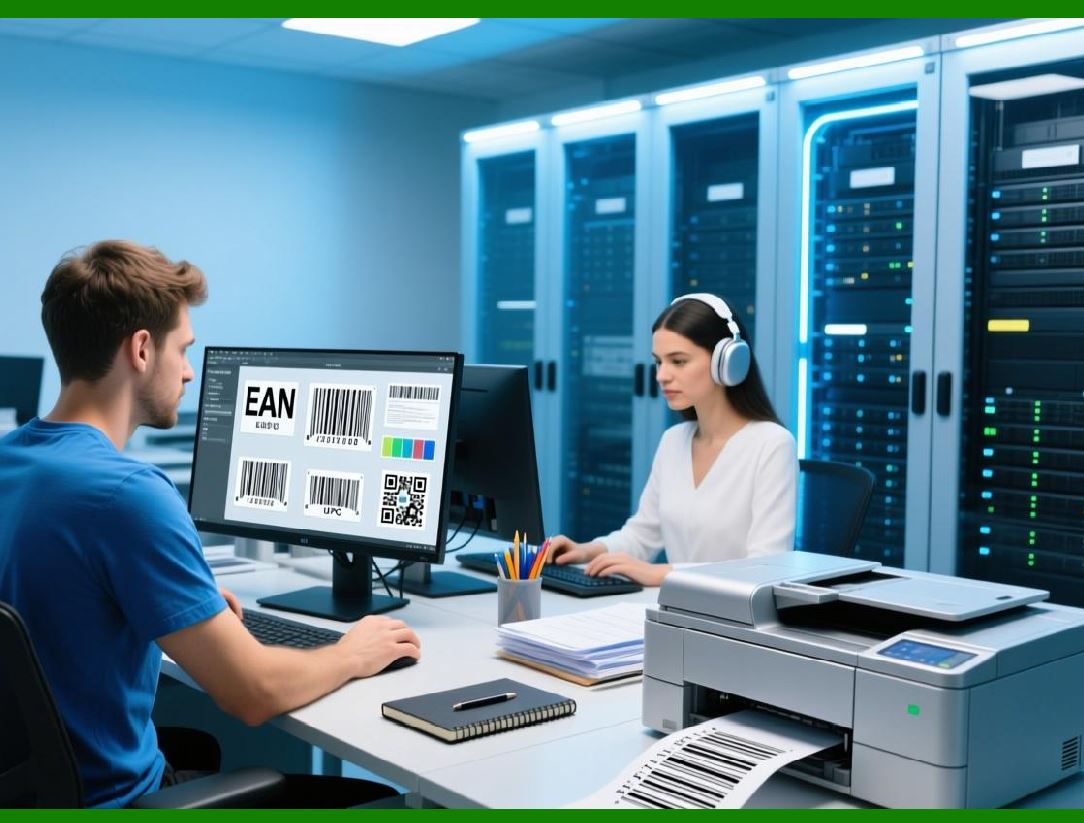
Enterprise labeling solutions like NiceLabel SDK support numerous barcode standards, including linear barcodes such as Code 128 barcode symbology, Code 39 barcode symbology, and EAN-13 barcode, as well as two-dimensional barcodes like QR Code, Data Matrix barcode, and PDF417 barcode. These barcode formats enable automated scanning, data capture, and traceability throughout supply chains. |
The development of SDK-based labeling solutions reflects the increasing demand for integrated data management systems in global commerce. Instead of maintaining separate software environments for printing labels, organizations now expect labeling functionality to operate as a native component of enterprise software infrastructure. |
|
2. Historical Development of Barcode-Based Labeling Systems |
To understand the significance of the NiceLabel SDK, it is necessary to examine the historical evolution of barcode-based labeling technologies. |
The concept of machine-readable symbols began in the mid-twentieth century when researchers sought methods for automatically identifying products during retail transactions. One of the earliest breakthroughs occurred when Norman Joseph Woodland and Bernard Silver developed the first barcode concept in the late 1940s. |
Their invention eventually evolved into the Universal Product Code, which became the dominant retail barcode standard in North America. The first commercial barcode scan took place in 1974 at a supermarket in Ohio, marking the beginning of automated product identification. |
Following this milestone, barcode usage expanded rapidly across industries: |
1. Retail inventory tracking |
2. Logistics and shipping identification |
3. Manufacturing process control |
4. Healthcare specimen tracking |
5. Government documentation management |
As barcode adoption increased, organizations required tools to generate and print barcode labels efficiently. Early labeling systems were typically standalone applications that connected directly to specialized printers. |
However, as enterprise software environments grew more complex, the need for integrated labeling solutions became evident. |

|
3. Emergence of Label Design Software Platforms |
During the 1990s, advances in computer graphics, database connectivity, and printer technologies enabled the development of sophisticated label design software. |
These platforms allowed users to visually design labels using drag-and-drop interfaces. A label could include elements such as: |
1. Static text fields |
2. Dynamic database fields |
3. Barcodes and QR codes |
4. Images and logos |
5. Variable numbering sequences |
Among the companies that developed advanced labeling platforms was Loftware, the organization responsible for creating the NiceLabel product line. |
NiceLabel software was designed to address the needs of enterprises that required reliable labeling across distributed environments. The platform introduced several innovations, including centralized label template management and support for a wide range of industrial printers. |

|
4. The Concept of Software Development Kits in Enterprise Labeling |
A Software Development Kit (SDK) is a collection of tools, libraries, documentation, and APIs that allow developers to integrate specific functionality into their applications. |
Within the labeling industry, SDKs enable developers to embed label generation and printing capabilities directly into business software. |
The NiceLabel SDK provides programmable access to the NiceLabel labeling engine. Instead of manually designing labels and printing them through a separate application, developers can automate the entire process through code. |
This capability is particularly important in environments where labels must be generated automatically based on data from enterprise systems. |
Examples include: |
1. Automatic printing of shipping labels during order fulfillment |
2. Generation of product labels during manufacturing processes |
3. Creation of regulatory labels for pharmaceutical packaging |
4. Printing of patient identification labels in hospitals |
Through SDK integration, labeling becomes a seamless component of operational workflows. |

|
5. Enterprise Labeling Requirements in Modern Industry |
Modern industries face increasingly complex labeling requirements. Labels must not only identify products but also comply with regulatory standards, support global logistics operations, and integrate with automated data systems. |
Some of the most common labeling requirements include: |
1. Traceability of products across supply chains |
2. Compliance with government regulations |
3. Accurate barcode encoding for automated scanning |
4. Integration with enterprise databases |
5. Support for multilingual labeling |
The NiceLabel SDK addresses these requirements by providing a flexible architecture capable of supporting both small-scale and large-scale labeling operations. |

|
6. Regulatory Compliance and Labeling Systems |
Regulatory compliance is a major factor influencing the design of enterprise labeling solutions. |
Different industries are subject to strict labeling regulations that require accurate data representation and standardized formatting. |
For example: |
1. Pharmaceutical products must comply with serialization regulations and include traceability information. |
2. Food packaging must include nutritional information and expiration dates. |
3. Chemical products must display hazard symbols and safety instructions. |
International standards organizations such as GS1 play a critical role in defining barcode structures used in global supply chains. |
GS1 standards ensure that barcodes generated by labeling software are compatible with scanning systems worldwide. |
NiceLabel SDK supports these standards by providing built-in barcode generation features that conform to internationally recognized specifications. |
|
7. Integration with Enterprise Software Systems |
Modern enterprise environments rely heavily on integrated software platforms. |
Examples of such platforms include: |
1. Enterprise Resource Planning systems |
2. Warehouse Management Systems |
3. Manufacturing Execution Systems |
4. Customer Relationship Management systems |
Through its SDK architecture, NiceLabel allows developers to connect labeling functions with these systems. |
For instance, a manufacturing system may automatically send product information to the labeling engine whenever a production batch is completed. The labeling engine then generates and prints the appropriate labels without requiring manual intervention. |

|
8. Importance of Barcode Generation in Labeling Platforms |
Barcodes remain the core component of modern labeling systems. |
They enable machines to read product information quickly and accurately. Barcode scanning eliminates manual data entry errors and improves operational efficiency. |
The NiceLabel SDK includes a powerful barcode generation engine capable of producing numerous barcode formats. |
These formats include: |
1. Linear barcodes for retail and inventory tracking |
2. Two-dimensional barcodes for high-density data storage |
3. Postal barcodes for shipping applications |
4. Industry-specific identification codes |
By supporting multiple barcode standards, the SDK ensures compatibility with diverse scanning systems used in global commerce. |

|
9. Growth of Industrial Label Printing Technologies |
The effectiveness of labeling systems also depends on the capabilities of label printers. |
Industrial printers used in enterprise environments typically support technologies such as: |
1. Thermal transfer printing |
2. Direct thermal printing |
3. Inkjet printing |
4. Laser printing |
Thermal printing has become particularly popular due to its reliability and high print quality for barcodes. |
The NiceLabel platform supports a wide range of printers from manufacturers such as Zebra Technologies, SATO Holdings, and TSC Auto ID Technology. |
Through the SDK, developers can programmatically control printer selection, print settings, and label output parameters. |

|
10. Advantages of SDK-Based Labeling Integration |
SDK-based labeling solutions provide several advantages compared to standalone labeling software. |
First, they enable automation of repetitive labeling tasks. Instead of requiring users to manually generate labels, enterprise applications can automatically trigger label printing when specific events occur. |
Second, SDK integration improves data accuracy. Label information is retrieved directly from enterprise databases, eliminating the risk of manual data entry errors. |
Third, SDK solutions support scalable deployments. Organizations can implement centralized labeling services that handle thousands of print requests across distributed locations. |
Finally, SDK-based labeling systems provide greater customization capabilities, allowing developers to tailor labeling workflows to specific business requirements. |

|
11. Enterprise Labeling in Manufacturing Environments |
Manufacturing facilities rely heavily on labeling systems to track products throughout the production process. |
Labels may be used to identify: |
1. Raw materials entering production lines |
2. Work-in-progress items moving between manufacturing stages |
3. Finished goods ready for packaging |
4. Shipping containers destined for distribution centers |
Integration between manufacturing systems and labeling engines ensures that each product receives the correct label at the appropriate stage of production. |
The NiceLabel SDK enables such integration by allowing manufacturing software to dynamically generate labels based on real-time production data. |

|
12. Role of Labeling in Logistics and Distribution |
Logistics and distribution operations depend on accurate labeling for efficient package handling. |
Labels typically contain shipping addresses, tracking numbers, and barcodes that allow packages to be scanned at each stage of the delivery process. |
Major logistics companies rely on sophisticated labeling systems to manage millions of shipments each day. |
Automated label generation ensures that each package receives the correct shipping information, reducing errors and improving delivery accuracy. |

|
13. Labeling Systems in Healthcare and Pharmaceutical Industries |
Healthcare and pharmaceutical industries require highly accurate labeling systems due to strict regulatory requirements. |
Labels are used to identify: |
1. Patient samples |
2. Prescription medications |
3. Medical devices |
4. Laboratory specimens |
Incorrect labeling can lead to serious safety risks, making reliable labeling systems essential. |
The NiceLabel SDK allows healthcare software systems to generate labels automatically based on patient data stored in hospital information systems. |
|
14. Globalization and Multilingual Labeling |
Global supply chains require labels that can display information in multiple languages. |
Products distributed internationally must comply with local labeling regulations and language requirements. |
Enterprise labeling platforms therefore include features for managing multilingual label templates. |
Through database integration, the NiceLabel SDK can dynamically populate labels with localized text depending on the destination country. |

|
15. Security and Data Integrity in Labeling Systems |
Security is an important consideration in enterprise labeling systems. |
Unauthorized modifications to label templates or printing processes can lead to incorrect product identification or regulatory violations. |
To prevent such issues, enterprise labeling platforms implement access controls, user authentication mechanisms, and audit logs. |
These features help organizations maintain strict control over labeling operations. |

|
16. The Transition from Standalone Label Software to SDK Platforms |
In the early days of barcode labeling, organizations relied on standalone applications installed on individual workstations. |
While these systems were adequate for small-scale operations, they lacked the flexibility required for large enterprise environments. |
SDK-based solutions represent the next stage in the evolution of labeling technology. By embedding labeling functionality directly into enterprise applications, organizations can achieve higher levels of automation and integration. |

|
17. The Role of Cloud Technologies in Modern Labeling Platforms |
Recent developments in cloud computing have further transformed enterprise labeling systems. |
Cloud-based labeling platforms allow organizations to centralize label template management and distribute printing capabilities across multiple locations. |
This approach simplifies deployment and ensures that all facilities use standardized label formats. |
The NiceLabel platform has adopted cloud-based architectures to support scalable labeling operations. |

|
18. Future Trends in Enterprise Labeling Technology |
The future of enterprise labeling will likely be shaped by several technological trends. |
These trends include: |
1. Integration with Internet of Things devices |
2. Real-time data synchronization across supply chains |
3. Advanced barcode formats capable of storing larger datasets |
4. AI-based quality verification for printed labels |
As supply chains become increasingly digital, labeling systems will play an even more important role in ensuring product traceability and operational efficiency. |
The NiceLabel SDK represents an important step in this evolution by providing developers with the tools needed to integrate advanced labeling capabilities into enterprise software ecosystems. |
End of Part 1. |

|
Next section: |
Part 2 Architecture and Core Components of the NiceLabel SDK |
 cs@easiersoft.com