NiceLabel SDK |
Part 13 Workflow Automation and Event-Driven Printing |
Workflow automation and event-driven printing are key capabilities of the NiceLabel SDK, enabling enterprises to streamline labeling operations, reduce human intervention, and improve operational efficiency. Automated workflows allow labels to be generated and printed in response to specific events, system triggers, or operational milestones without manual input. This capability is especially critical in high-volume manufacturing, logistics, and distribution environments where speed, accuracy, and compliance are essential. |
This part explains how the NiceLabel SDK supports workflow automation, event-driven printing, integration with sensors and scanning devices, and operational optimization. |

|
1. Overview of Workflow Automation |
Workflow automation in labeling involves creating predefined sequences of operations that are executed automatically when certain conditions are met. |
Key goals of workflow automation include: |
1. Eliminating manual label printing errors |
2. Accelerating production, shipping, and inventory processes |
3. Ensuring regulatory compliance by enforcing approved procedures |
4. Reducing operational costs through efficiency improvements |
The NiceLabel SDK provides tools to design and execute automated workflows that can be triggered by a variety of events and data sources. |

|
2. Event-Driven Printing Concept |
Event-driven printing refers to generating and printing labels automatically in response to specific events. Events can originate from: |
1. Enterprise systems (ERP, WMS, MES) |
2. Production line sensors and machinery |
3. Scanning devices such as barcode or RFID readers |
4. Scheduled time-based triggers |
Event-driven printing ensures that labels are produced exactly when and where they are needed, reducing delays and manual intervention. |

|
3. Types of Events Supported |
The NiceLabel SDK supports multiple types of events that can trigger label printing: |
1. Data Events: Changes in data fields in ERP, WMS, or MES systems, such as new orders, batch completion, or inventory updates. |
2. Device Events: Signals from sensors, scanners, or production equipment indicating that a product has reached a specific stage in a process. |
3. Time Events: Scheduled tasks that trigger label printing at predefined intervals or times. |
4. User-Defined Events: Custom triggers defined by applications or middleware to initiate printing workflows. |
This flexibility allows enterprises to tailor workflows to their unique operational requirements. |

|
4. Designing Automated Label Workflows |
The SDK provides a workflow engine that allows developers and administrators to design automated labeling sequences: |
1. Define triggers that initiate the workflow |
2. Specify data sources and mappings for label fields |
3. Apply conditional logic based on operational or business rules |
4. Determine print destinations, printer selection, and job priority |
5. Include exception handling steps to manage errors |
Workflows can range from simple print-on-event sequences to complex multi-step operations involving approvals, verification, and routing. |

|
5. Integration with Enterprise Systems |
Event-driven printing relies heavily on integration with enterprise systems: |
1. ERP Systems: Trigger printing based on new orders, production releases, or shipping requests. |
2. WMS Systems: Initiate label printing when products are picked, packed, or staged for shipment. |
3. MES Systems: Generate labels when batches are completed, serialized, or moved through the production line. |
Real-time integration ensures that labels are always generated with the most current operational data. |

|
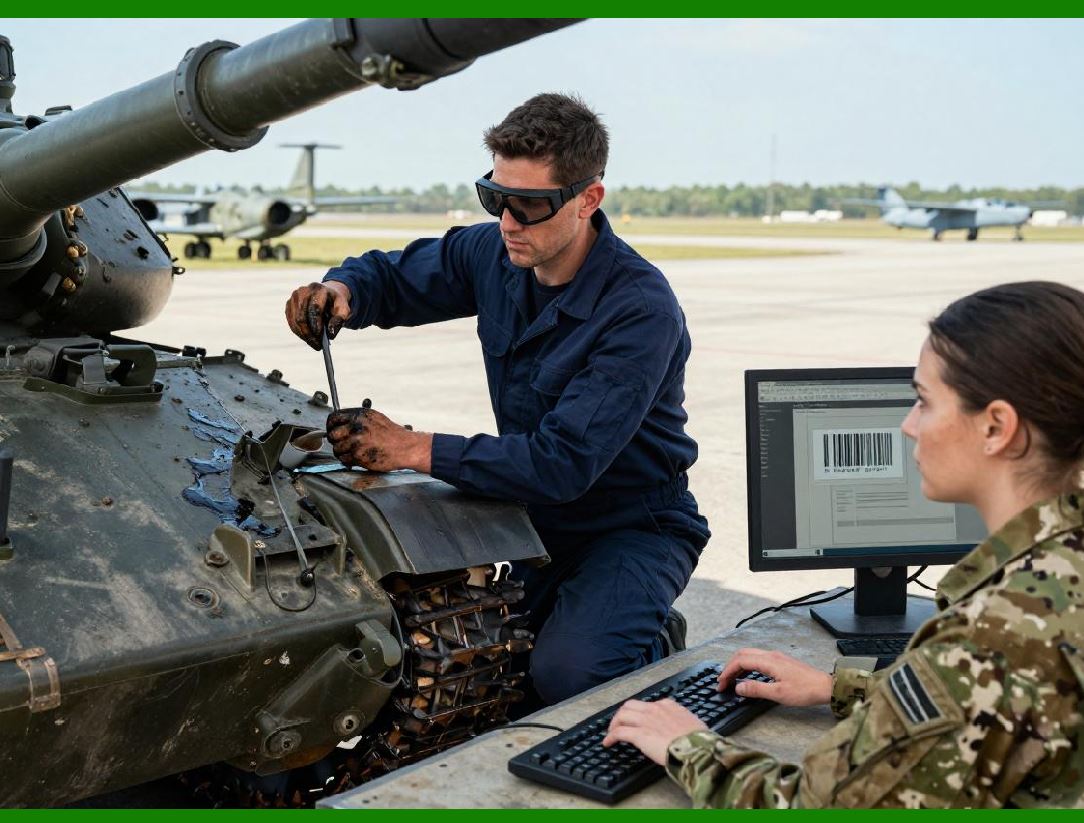
6. Integration with Sensors and Scanning Devices |
The NiceLabel SDK supports integration with hardware devices to trigger label printing: |
1. Barcode Scanners: Scanning a product or carton can automatically generate and print labels. |
2. RFID Readers: Detecting items with RFID tags can initiate label printing for packaging or inventory tracking. |
3. Production Sensors: Signals from assembly lines, conveyors, or filling machines can trigger labels for serialized products, batch identification, or quality control purposes. |
This integration allows printing to be seamlessly embedded into production and logistics workflows. |
|
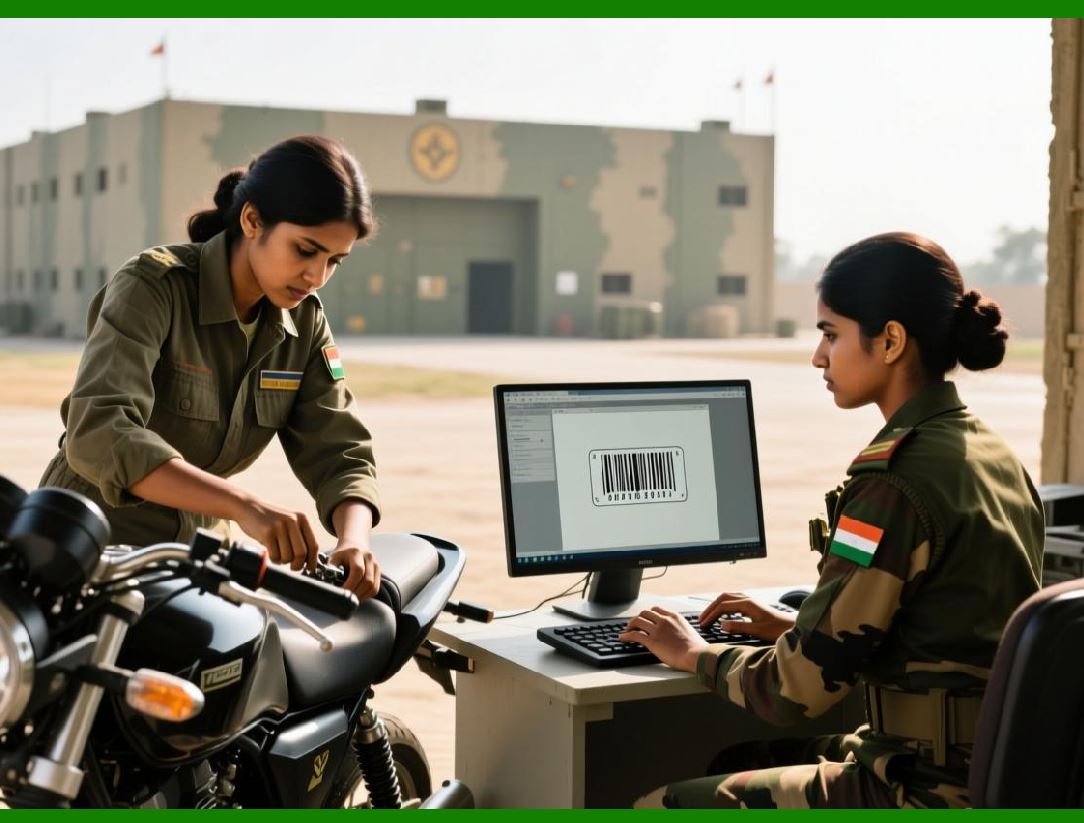
7. Conditional Printing Logic |
The SDK allows workflows to include conditional rules to determine: |
1. Which label template to use based on product type, destination, or batch |
2. Whether a label should be printed at all under certain conditions |
3. Modifications to dynamic data fields based on operational requirements |
Conditional logic ensures that the correct labels are generated for every situation, reducing errors and mislabeling. |
|
8. Exception Handling in Automated Workflows |
Even in automated environments, errors can occur. The NiceLabel SDK supports robust exception handling mechanisms: |
1. Detecting printer errors, such as paper jams or offline status |
2. Handling missing or invalid data from enterprise systems |
3. Logging error events and notifying operators or administrators |
4. Redirecting print jobs to alternative printers if necessary |
5. Retrying failed print jobs automatically according to predefined rules |
These capabilities maintain operational continuity and prevent disruptions in production and logistics. |

|
9. Batch and Multi-Label Printing |
Automated workflows often involve printing multiple labels for a batch of products or shipments. |
The SDK provides features for: |
1. Batch processing of multiple label templates in a single workflow |
2. Looping through a dataset to print labels for each record |
3. Printing multiple copies or variations of labels as required by operational procedures |
4. Efficient queuing and scheduling to optimize printer utilization |
Batch automation increases throughput while reducing manual handling. |

|
10. Scheduling and Time-Based Triggers |
In addition to event-driven triggers, the NiceLabel SDK supports scheduling automated print tasks: |
1. Printing at specific times of day |
2. Recurring printing tasks for daily, weekly, or monthly operations |
3. Coordinating label printing with production or shipping schedules |
4. Combining scheduled and event-driven triggers for complex workflows |
Time-based scheduling complements real-time printing to ensure labels are ready when needed. |

|
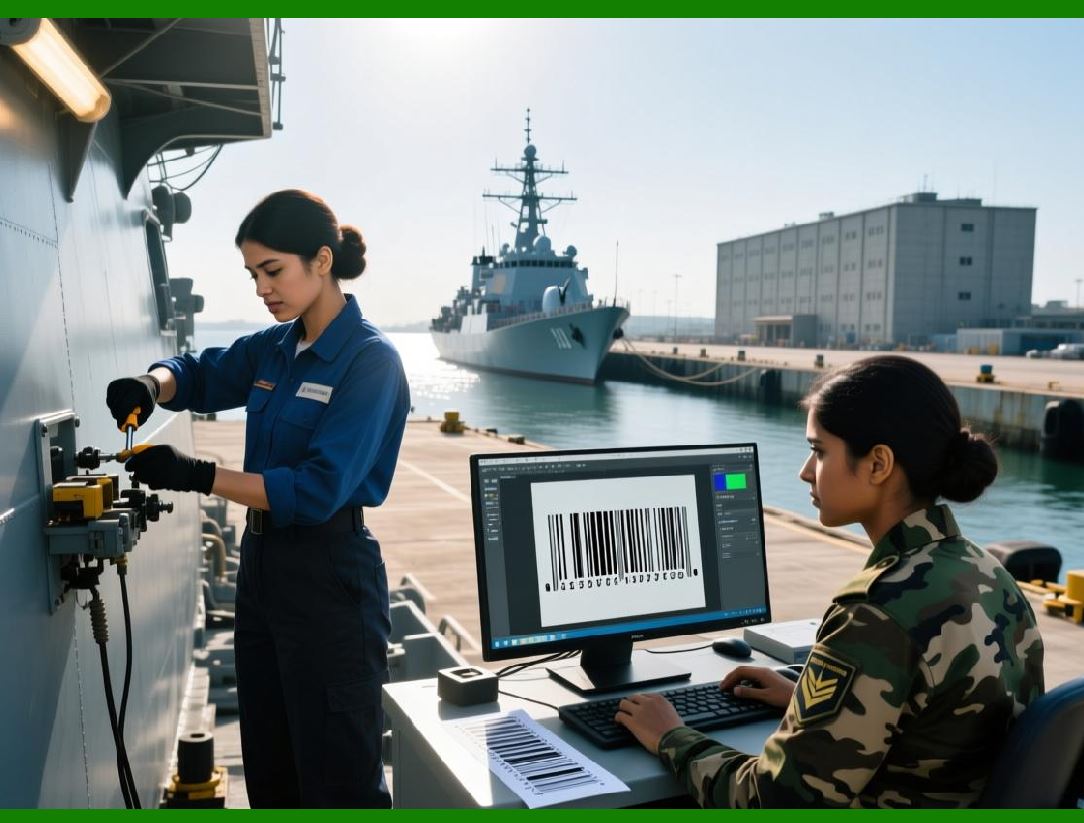
11. Workflow Monitoring and Logging |
Monitoring automated workflows is essential to ensure reliability and compliance: |
1. Track workflow execution in real-time |
2. Log successful and failed print events |
3. Record user interactions, printer status, and data sources |
4. Generate reports for audit and operational review |
The NiceLabel SDK provides comprehensive logging tools to maintain transparency and operational oversight. |
|
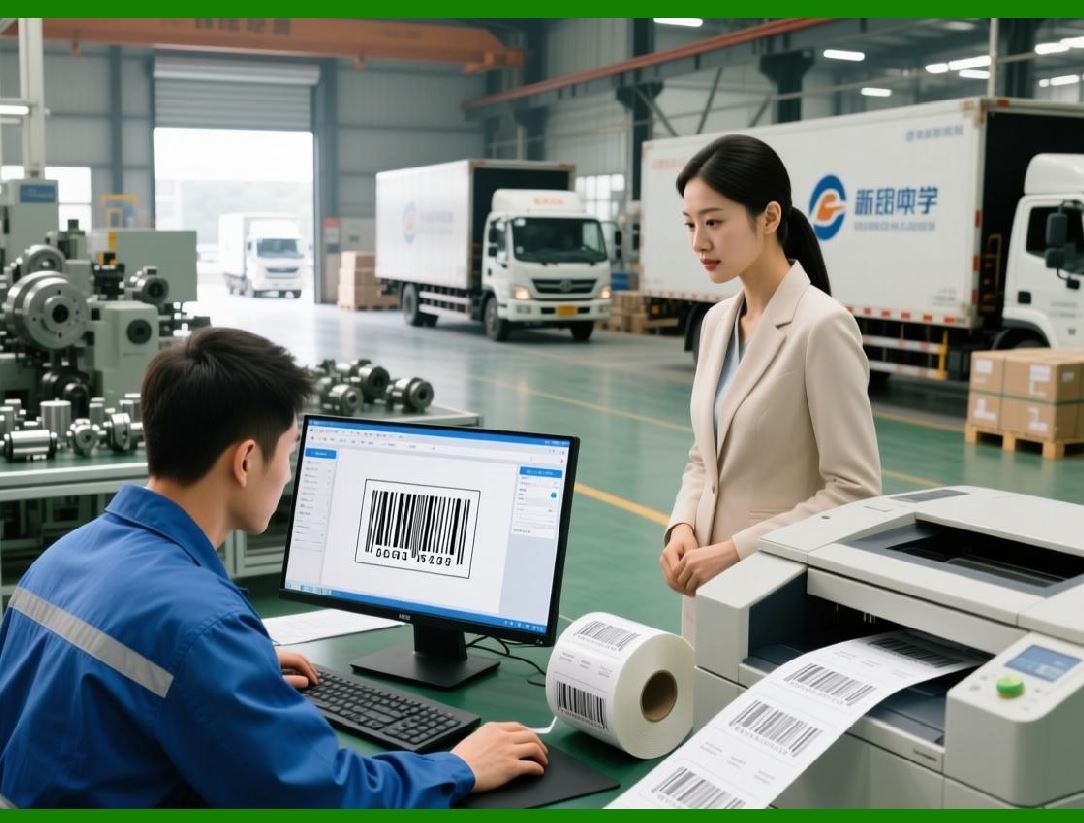
12. Integration with Quality Control Processes |
Automated workflows can include quality control steps: |
1. Printing labels only after product verification |
2. Including batch and serial numbers for traceability |
3. Enforcing approval workflows before label release |
4. Flagging exceptions in label content based on quality control checks |
Integration with QC processes ensures that labels reflect only approved products, reducing the risk of errors or non-compliance. |
|
13. Optimizing Labeling Throughput |
Automation improves operational efficiency by: |
1. Reducing manual intervention and operator errors |
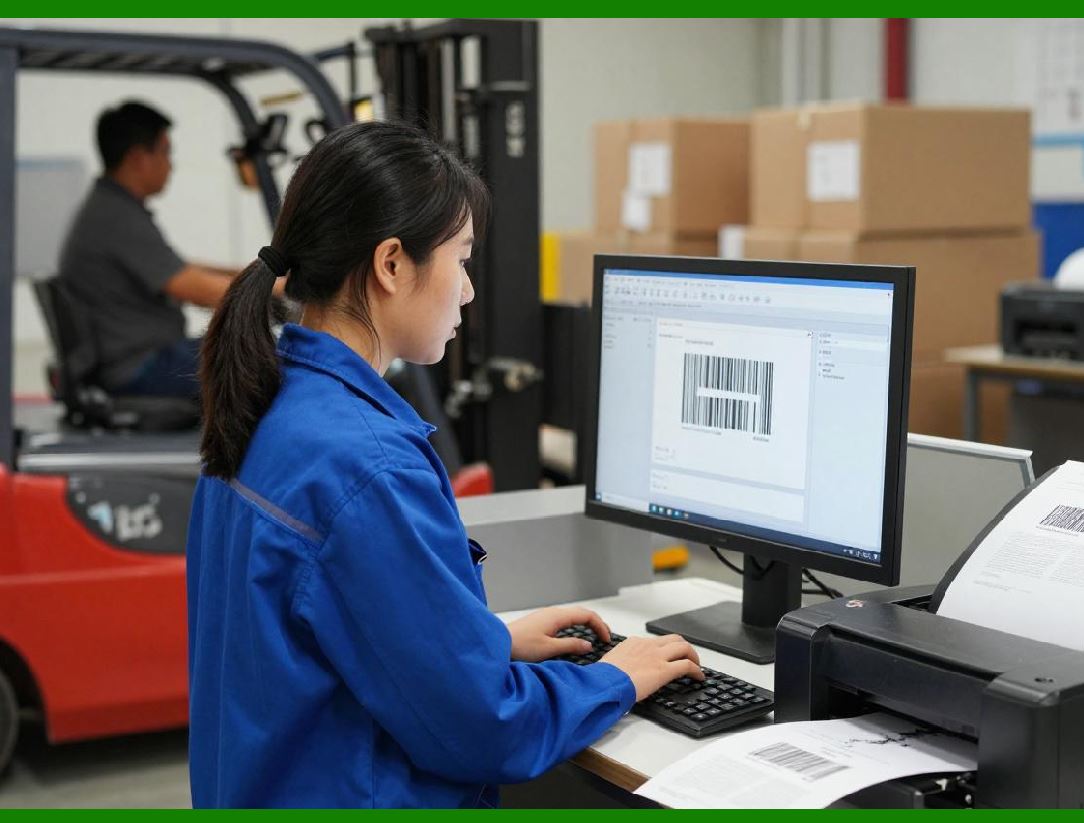
2. Streamlining label printing processes in production and logistics |
3. Balancing print loads across multiple printers |
4. Minimizing downtime by automatically handling errors and rerouting print jobs |
Optimized workflows contribute to faster throughput and reduced operational costs. |
|
14. Integration with ERP/WMS/MES for Triggered Printing |
Automated workflows often depend on combined integration: |
1. A production completion event from MES triggers label generation |
2. Product data from ERP populates label fields dynamically |
3. WMS triggers the printing of shipping or storage labels as items are picked |
The NiceLabel SDK supports multi-system integration to create seamless, event-driven labeling pipelines. |

|
15. Multi-Site Event Automation |
For enterprises with multiple production or distribution sites, automated workflows can be distributed across locations: |
1. Centralized definition of triggers and workflows |
2. Local execution of label printing based on real-time events |
3. Central monitoring and logging of workflow execution |
4. Consistent label templates and operational standards across all sites |
This enables standardized, automated labeling processes in geographically dispersed operations. |

|
16. Security in Automated Workflows |
Automation must maintain compliance and security: |
1. Authentication of system-triggered print jobs |
2. Role-based access control to prevent unauthorized label generation |
3. Audit logs of automated printing events |
4. Verification of dynamic data integrity before printing |
The SDK ensures that automation does not compromise security or compliance. |

|
17. Combining Event-Driven and User-Initiated Printing |
Workflows can combine automated, event-driven printing with manual, user-initiated printing: |
1. Operators can manually trigger label reprints when needed |
2. Automated workflows continue to execute in parallel |
3. Conditional rules can prevent duplicate or unnecessary prints |
This hybrid approach provides flexibility while maintaining efficiency. |

|
18. Summary of Workflow Automation and Event-Driven Printing |
The NiceLabel SDK enables advanced workflow automation and event-driven printing across enterprise operations. Key capabilities include: |
1. Triggered printing from ERP, WMS, MES, and production events |
2. Integration with sensors, barcode scanners, and RFID devices |
3. Conditional logic and exception handling for error-free operations |
4. Batch, scheduled, and multi-site printing for operational efficiency |
5. Monitoring, logging, and auditing for compliance and transparency |
6. Optimization of labeling throughput while maintaining security and compliance |
Automated workflows reduce human error, improve speed, and ensure labels are accurate, compliant, and ready when needed. |
End of Part 13. |

|
Next section: |
Part 14 Label Template Management and Version Control in the NiceLabel SDK |
This section will explore: |
* centralized template repositories |
* version control mechanisms |
* access control and template security |
* reuse of templates across multiple sites and workflows |
* audit trails for template modifications. |
 cs@easiersoft.com