NiceLabel SDK |
Part 16 Printing Management, Device Compatibility, and Optimization |
Printing management is a critical component of the NiceLabel SDK, ensuring that labels are printed accurately, efficiently, and reliably across a wide range of devices and operational environments. Effective printing management encompasses printer integration, driver support, device compatibility, job scheduling, optimization for throughput and quality, and real-time monitoring. In large enterprises, seamless printing management is essential for reducing downtime, avoiding labeling errors, and maintaining compliance across production, logistics, and distribution processes. |
This part explores the SDK printing management features, compatibility with different devices, and optimization strategies for enterprise operations. |

|
1. Overview of Printing Management |
Printing management involves the coordination of label generation, printer selection, and print job execution. Key objectives include: |
1. Ensuring consistent label quality across multiple devices and sites |
2. Reducing printing errors and downtime |
3. Integrating label printing into automated workflows |
4. Supporting compliance with regulatory and industry standards |
5. Optimizing throughput for high-volume printing environments |
The NiceLabel SDK provides a unified printing management framework that supports all these requirements. |

|
2. Printer Integration |
The SDK offers seamless integration with a wide variety of printing devices: |
1. Direct printer drivers: Support for manufacturer-specific drivers ensures full access to device capabilities |
2. Standardized drivers: Windows Printer Driver compatibility allows deployment across mixed printer fleets |
3. Network printers: Integration with printers connected via LAN, WAN, or Wi-Fi |
4. USB and serial printers: Support for legacy devices commonly used in manufacturing and logistics |
5. Label printers: Thermal transfer, direct thermal, laser, and inkjet printers |
This integration guarantees that labels are rendered correctly regardless of printer technology. |

|
3. Device Compatibility |
The SDK is designed for broad device compatibility, including: |
1. Thermal transfer printers: Ideal for high-durability labels and compliance labeling |
2. Direct thermal printers: Suitable for shipping, warehouse, and short-term labels |
3. Laser and inkjet printers: Used for high-resolution graphics and color labeling |
4. Mobile and handheld printers: Integration with portable printers for on-demand labeling in logistics or retail |
5. Industrial printers: High-speed, high-volume devices for manufacturing and distribution centers |
Device compatibility ensures operational flexibility and scalability. |

|
4. Print Job Scheduling and Queuing |
Efficient management of print jobs is critical in high-volume environments: |
1. Job queuing: Multiple print jobs can be queued for sequential or parallel execution |
2. Priority management: Assign priority levels to print jobs for urgent shipments or production batches |
3. Time-based scheduling: Print jobs can be scheduled to run at specific times or intervals |
4. Load balancing: Distribute print jobs across multiple printers to optimize throughput |
5. Automated retry: Failed jobs can be automatically retried according to predefined rules |
Scheduling and queuing maximize printer utilization and prevent bottlenecks. |

|
5. Optimization for Printing Speed and Quality |
The NiceLabel SDK provides advanced settings to balance speed and quality: |
1. Resolution adjustment: Set optimal DPI for label material and barcode scannability |
2. Print density control: Adjust darkness and contrast for different media types |
3. Graphic rendering optimization: Ensure images, logos, and barcodes are rendered clearly at high speed |
4. Batch printing optimization: Efficiently handle large volumes of identical or varied labels |
5. Template caching: Preload templates to reduce rendering time during high-volume operations |
These optimizations reduce printing errors and maximize operational efficiency. |

|
6. Real-Time Printer Monitoring |
Monitoring printer status in real-time is essential for reliability: |
1. Online/offline status detection to prevent print job failures |
2. Error detection such as paper jams, low ink, or media misalignment |
3. Notifications and alerts for operators and administrators |
4. Printer health metrics including toner levels, ribbon usage, and maintenance cycles |
5. Integration with workflows to pause or reroute jobs in case of printer issues |
Real-time monitoring minimizes downtime and ensures continuous label production. |

|
7. Multi-Printer Management |
Enterprise operations often use multiple printers across production, logistics, and distribution centers: |
1. Centralized printer management: Administrators can manage all printers from a single interface |
2. Template assignment: Specific printers can be associated with particular templates or label types |
3. Load distribution: Print jobs can be dynamically allocated to available printers |
4. Failover support: Automatically redirect print jobs if a printer goes offline |
5. Cross-site deployment: Printers in multiple locations can be managed centrally |
Multi-printer management ensures operational continuity and efficiency. |

|
8. Print Job Logging and Auditing |
Maintaining detailed records of print activity supports traceability and compliance: |
1. Job start and completion times for each print task |
2. User and system initiation tracking |
3. Printer used and label template for every print |
4. Quantity printed and any errors encountered |
5. Audit reporting for internal reviews and regulatory inspections |
Logging provides accountability and supports operational optimization. |

|
9. Security in Print Management |
Secure printing is essential for sensitive or regulated environments: |
1. Role-based access control to define who can initiate print jobs |
2. Encrypted data transfer to printers |
3. Template integrity verification before printing |
4. Audit trails to track all print-related activities |
5. Secure release workflows to prevent unauthorized label printing |
Security measures ensure that only authorized personnel and systems can produce labels. |

|
10. Integration with Enterprise Workflows |
Printing is fully integrated into automated workflows: |
1. Labels are generated dynamically from ERP, WMS, MES, or other data sources |
2. Event-driven printing ensures labels are produced exactly when needed |
3. Conditional logic determines template, quantity, and printer selection |
4. Automated error handling ensures failed jobs are retried or rerouted |
Workflow integration reduces manual intervention and supports operational efficiency. |

|
11. Remote and Cloud Printing |
The SDK supports remote and cloud-based printing solutions: |
1. Cloud print queues allow label printing from multiple locations |
2. Remote device monitoring ensures printers are operational regardless of location |
3. Template distribution from centralized cloud repositories |
4. Secure printing over internet connections with encryption and authentication |
Remote printing capabilities support distributed enterprises and logistics operations. |

|
12. Optimization for Label Media |
Different label materials require specific print settings: |
1. Thermal vs. direct thermal adjust heat and speed settings for optimal contrast |
2. Synthetic materials control adhesion and toner compatibility |
3. Shrink sleeves and flexible labels ensure correct size and barcode readability after application |
4. High-resolution graphics maintain visual quality for regulatory or marketing requirements |
Media-specific optimization ensures consistent quality across label types. |

|
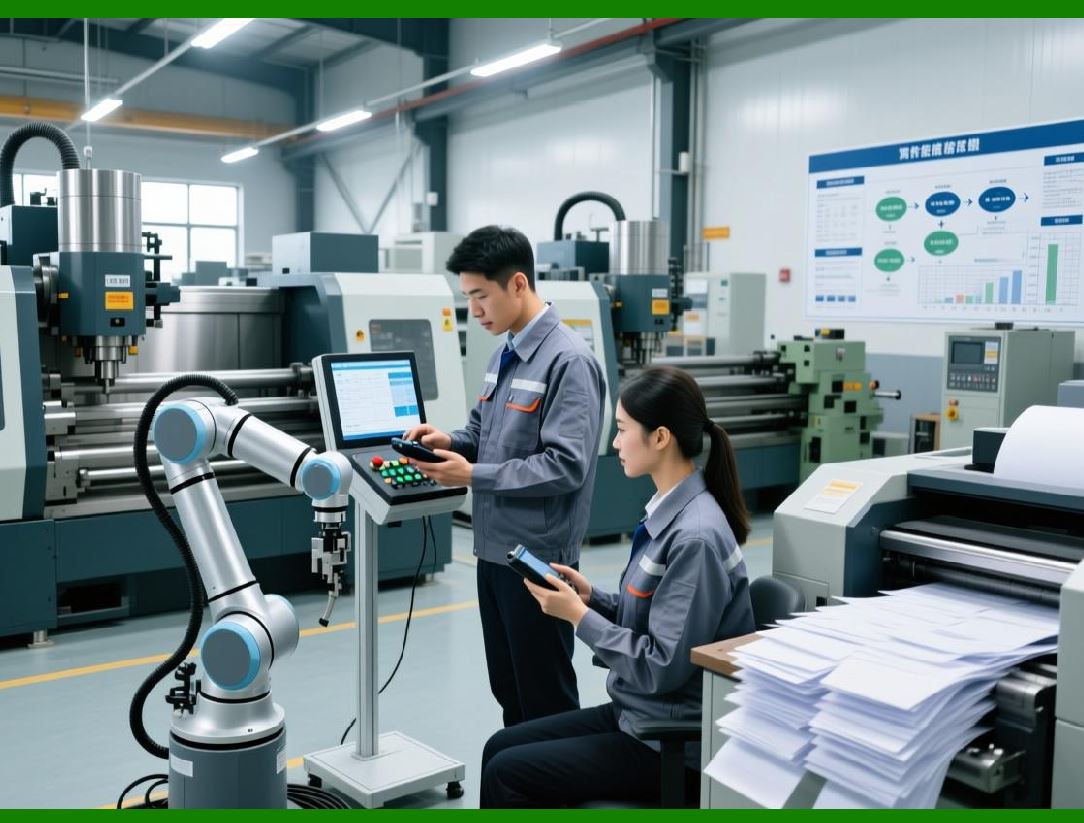
13. Template-to-Printer Mapping |
The SDK supports mapping templates to specific printers: |
1. Dedicated printer assignment for high-volume labels |
2. Conditional assignment based on label type, site, or production line |
3. Fallback options for printer failure |
4. Load balancing to maximize throughput |
This mapping ensures labels are printed correctly and efficiently. |
|
14. Multi-Format and Multi-Size Printing |
Enterprises often require printing labels in multiple formats and sizes: |
1. Dynamic resizing of templates to fit different label dimensions |
2. Orientation adjustment for horizontal, vertical, or angled placement |
3. Variable content scaling for barcodes, text, and graphics |
4. High-volume batch processing with mixed label sizes |
Multi-format support enhances flexibility and operational efficiency. |

|
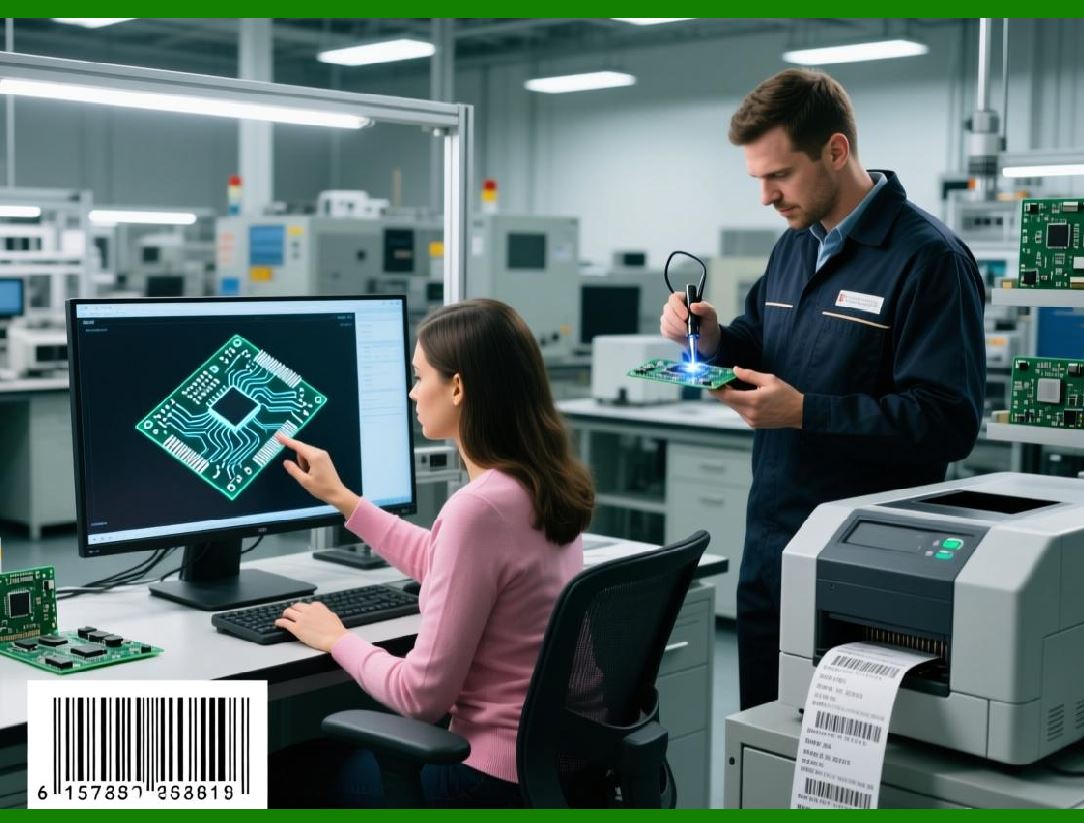
15. Print Job Prioritization |
The SDK allows prioritization of print jobs for operational efficiency: |
1. Urgent shipments can be printed before routine labels |
2. Batch prioritization ensures time-sensitive production lines are not delayed |
3. Dynamic reprioritization based on real-time operational needs |
Prioritization ensures that critical labels are printed on time. |
|
16. Error Handling and Recovery |
Reliable printing requires robust error handling: |
1. Automatic retry of failed print jobs |
2. Job rerouting to alternative printers |
3. Operator alerts with instructions for intervention |
4. Logging errors for audit and troubleshooting |
Error handling minimizes downtime and maintains operational flow. |

|
17. Performance Monitoring and Analytics |
Performance analytics help optimize printing operations: |
1. Printer utilization metrics to identify bottlenecks |
2. Average print time per label or batch |
3. Error rates and causes for proactive maintenance |
4. Throughput reporting for production planning |
Analytics support data-driven decisions to improve label printing efficiency. |

|
18. Summary of Printing Management and Optimization |
The NiceLabel SDK provides a comprehensive suite of printing management capabilities: |
1. Seamless integration with multiple printer types and drivers |
2. Support for industrial, thermal, inkjet, laser, and mobile printers |
3. Job scheduling, queuing, and prioritization for high-volume operations |
4. Optimization for speed, quality, and media compatibility |
5. Real-time monitoring, logging, and error handling |
6. Secure and controlled printing with role-based access and audit trails |
7. Integration with automated workflows and enterprise data sources |
8. Remote and cloud-based printing support for distributed enterprises |
These features ensure reliable, efficient, and compliant label printing across all enterprise operations. |
End of Part 16. |

|
Next section: |
Part 17 Integration, APIs, and SDK Extensibility in the NiceLabel SDK |
This section will cover: |
* API and SDK interfaces for developers |
* Integration with ERP, WMS, MES, and third-party systems |
* Extending functionality with custom scripts and plugins |
* Event handling, data validation, and error management |
* Examples of enterprise integration scenarios. |
 cs@easiersoft.com