NiceLabel SDK |
Part 17 Integration, APIs, and SDK Extensibility |
The NiceLabel SDK provides extensive integration and extensibility features, enabling enterprises to seamlessly incorporate label printing into complex workflows, ERP systems, WMS, MES, and other enterprise applications. Its APIs and extensibility tools allow developers to automate label generation, manage templates programmatically, and create custom solutions tailored to unique operational requirements. Part 17 explores the SDK integration capabilities, APIs, extensibility options, event handling, data validation, and real-world enterprise use cases. |

|
1. Overview of SDK Integration |
Integration ensures that labeling is a core part of business processes rather than a separate, manual step. Key objectives include: |
1. Automation of label generation based on enterprise data |
2. Real-time communication with ERP, WMS, MES, and other systems |
3. Dynamic label population from databases and live data feeds |
4. Workflow-driven printing triggered by production, logistics, or shipping events |
5. Compliance enforcement through centralized template and barcode management |
The SDK is designed to support both tightly coupled and loosely coupled integrations, providing flexibility for enterprise IT environments. |

|
2. API Interfaces for Developers |
The NiceLabel SDK exposes multiple interfaces for developers: |
1. .NET API: Comprehensive libraries for Cand VB.NET, enabling label creation, template management, and printing from custom applications |
2. COM API: Supports integration with legacy applications or environments that use COM objects |
3. RESTful API (for NiceLabel Cloud and enterprise solutions): Enables web-based integration with cloud-hosted labeling workflows and external systems |
4. Command-line interface (CLI): Allows automation of batch printing and template deployment from scripts |
5. JavaScript SDK: For browser-based applications and web portal integrations |
These APIs allow developers to create end-to-end automated labeling solutions, reducing manual intervention and improving operational efficiency. |

|
3. Integration with Enterprise Systems |
Labeling often relies on live data from multiple enterprise systems. The SDK supports: |
1. ERP integration: SAP, Microsoft Dynamics, Oracle, and other ERP platforms for retrieving product, batch, and shipment data |
2. WMS integration: Warehouse Management Systems to print labels during picking, packing, and shipping |
3. MES integration: Manufacturing Execution Systems to print product or component labels during production |
4. Database connectivity: SQL Server, Oracle, MySQL, PostgreSQL, and other databases for dynamic label population |
5. IoT and sensor systems: Printing triggered by sensors, conveyors, or machine events in smart factories |
Integration ensures that labels reflect real-time operational data and maintain traceability. |

|
4. Event Handling and Workflow Automation |
The SDK allows event-driven automation: |
1. Trigger events: Label printing can be triggered by ERP updates, database changes, or production events |
2. Conditional logic: Labels can be generated based on product type, batch, or destination |
3. Workflow branching: Different templates and printers can be selected dynamically based on operational conditions |
4. Error handling: Automatically detect and respond to issues, such as missing data or printer errors |
5. Notifications: Operators or systems can receive alerts when printing events occur |
Event-driven workflows minimize manual intervention, reduce errors, and accelerate operations. |

|
5. Extending SDK Functionality |
The NiceLabel SDK can be extended to meet specialized requirements: |
1. Custom scripts: Use .NET, VBScript, or JavaScript to perform data validation, formatting, or template modifications dynamically |
2. Plugins and add-ons: Develop custom extensions to enhance labeling functionality |
3. Custom barcode generation: Implement proprietary symbologies or encoding rules for specialized industries |
4. Integration adapters: Build connectors to link the SDK with unique enterprise or third-party systems |
Extensibility ensures that the SDK can adapt to complex operational needs without requiring modifications to the core system. |

|
6. Data Validation and Error Management |
Ensuring correct data is printed on labels is critical: |
1. Field validation: Validate barcode data, numeric ranges, or text fields before printing |
2. Conditional rules: Ensure data meets regulatory or corporate standards |
3. Error logging: Automatically log invalid data, template issues, or printer errors |
4. Pre-print verification: Optionally preview or simulate printing to catch errors before production |
5. Corrective workflows: Automatically reroute or flag invalid print jobs |
Data validation minimizes labeling errors and supports regulatory compliance. |

|
7. Template and Print Job Automation |
The SDK allows fully automated template selection and print execution: |
1. Dynamic template selection: Choose templates based on product, batch, or destination |
2. Batch printing: Generate hundreds or thousands of labels programmatically with minimal intervention |
3. Serialized printing: Automatically increment serial numbers or batch identifiers |
4. Scheduled printing: Execute recurring or time-specific printing tasks without human involvement |
5. Integration with approval workflows: Ensure templates and data are verified before print execution |
Automation streamlines labeling operations and reduces operational bottlenecks. |

|
8. Multi-Platform Integration |
The SDK supports integration across multiple platforms and environments: |
1. Windows-based applications: Full .NET and COM support for desktop and server environments |
2. Web applications: REST APIs and JavaScript SDK for browser-based systems |
3. Cloud platforms: Integration with NiceLabel Cloud for centralized, remote labeling |
4. Cross-site deployment: Templates, printers, and workflows can be synchronized across multiple locations |
Multi-platform integration enables enterprise-wide labeling standardization. |
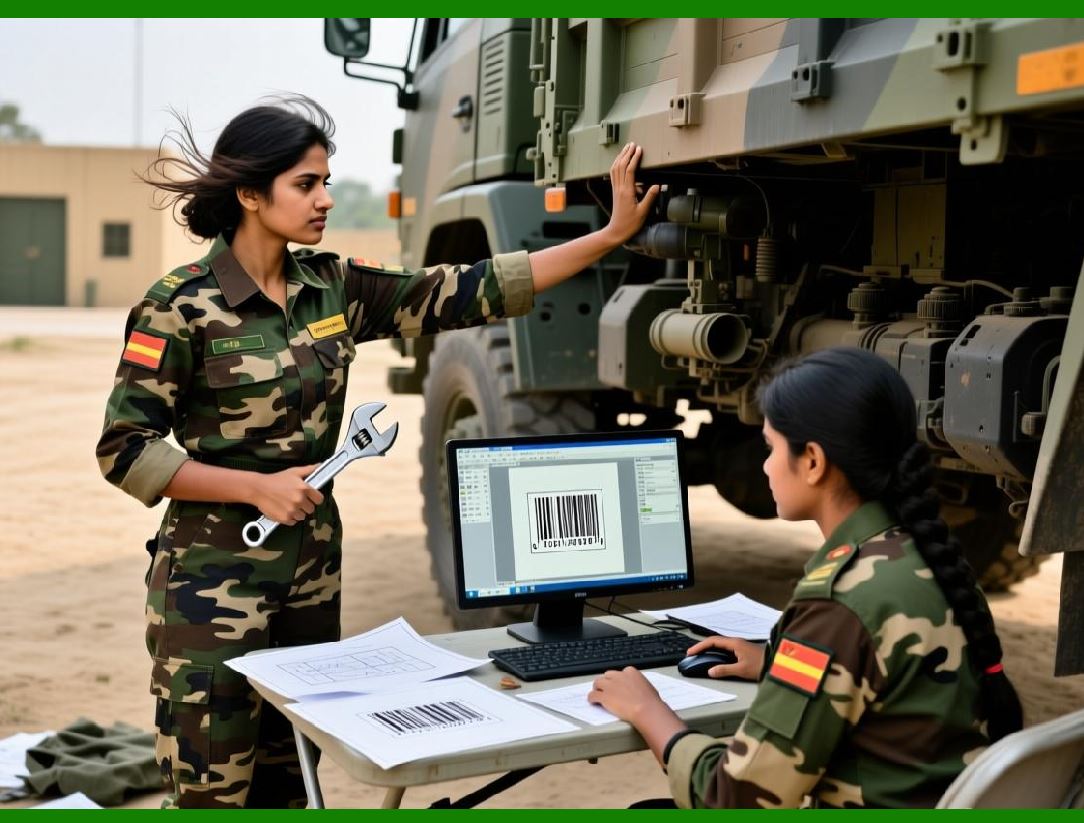
|
9. Enterprise Security and Compliance |
Integration and extensibility are supported with enterprise-grade security: |
1. Role-based access: Define who can access APIs, templates, or print jobs |
2. Encrypted communications: Secure data transmission between applications and printers |
3. Audit trails: Track API calls, print events, and template modifications |
4. Regulatory compliance: Ensure integration processes comply with FDA, GxP, GS1, and ISO standards |
Security ensures that automated processes maintain both operational integrity and regulatory compliance. |

|
10. Logging and Monitoring of Integrated Systems |
Monitoring integrated systems ensures reliable operations: |
1. API call logging: Capture all interactions with the SDK and external systems |
2. Print job tracking: Record which system, user, or workflow initiated printing |
3. Error and exception handling: Monitor failures in data retrieval, template loading, or printing |
4. Analytics: Review trends in printing, workflow efficiency, and error frequency |
Monitoring supports proactive maintenance, troubleshooting, and operational optimization. |

|
11. Custom Workflow Examples |
Typical enterprise integration scenarios include: |
1. Manufacturing line labeling: MES triggers label printing automatically when production is completed |
2. Warehouse shipping labels: WMS generates labels with shipping and tracking information dynamically |
3. Pharmaceutical compliance labeling: ERP provides batch and expiration data; SDK generates GS1-compliant Data Matrix barcodes automatically |
4. Retail shelf labeling: Cloud-based systems push product updates and pricing to remote stores; SDK prints localized labels on demand |
5. IoT-triggered labeling: Sensors detect product arrival at packing stations and trigger dynamic label printing |
These examples demonstrate the SDK flexibility and adaptability to complex operational needs. |

|
12. SDK Extensibility Benefits |
Extensibility provides tangible benefits: |
1. Adaptable to evolving business needs: Custom scripts, plugins, and API calls enable tailored solutions |
2. Seamless integration with existing IT infrastructure: Reduces the need for manual intervention or data duplication |
3. Enhanced automation: Fully automated workflows improve efficiency and reduce errors |
4. Scalable deployment: Supports small operations as well as multi-site enterprises |
5. Regulatory compliance support: Ensures dynamic labeling meets industry standards |
Extensibility ensures that the NiceLabel SDK can grow with the enterprise. |

|
13. Developer Tools and Documentation |
The SDK comes with comprehensive developer support: |
1. Sample code libraries: Pre-built examples for common integration scenarios |
2. API documentation: Detailed references for methods, classes, and events |
3. Best practice guidelines: Recommendations for performance, security, and compliance |
4. Debugging tools: Assist in troubleshooting integration and print automation issues |
5. Support channels: Vendor-provided technical support for developers |
These tools accelerate development and simplify enterprise integration. |

|
14. Summary of Integration, APIs, and Extensibility |
The NiceLabel SDK offers enterprise-grade integration and extensibility: |
1. Extensive APIs (.NET, COM, REST, JavaScript, CLI) |
2. Seamless connection with ERP, WMS, MES, IoT, and databases |
3. Event-driven workflows and automated print job management |
4. Custom scripts, plugins, and extensibility for specialized requirements |
5. Data validation, error handling, and audit trails |
6. Multi-platform, cloud, and cross-site support |
7. Developer tools, sample code, and documentation |
These features enable enterprises to fully integrate labeling into business processes, ensuring efficiency, compliance, and operational scalability. |
End of Part 17. |

|
Next section: |
Part 18 Reporting, Analytics, and Compliance in the NiceLabel SDK |
This final section will cover: |
* tracking label usage and print activity |
* generating compliance and operational reports |
* analytics for workflow optimization |
* regulatory inspection support |
* enterprise-level insights from labeling operations. |
 cs@easiersoft.com