NiceLabel SDK |
Part 18 Reporting, Analytics, and Compliance |
The NiceLabel SDK provides comprehensive reporting and analytics capabilities that allow enterprises to monitor, analyze, and optimize their labeling operations. Reporting and analytics are essential for maintaining regulatory compliance, improving operational efficiency, tracking label usage, and supporting audit requirements. This final section examines the SDK reporting features, analytics tools, compliance support, and enterprise insights. |

|
1. Overview of Reporting and Analytics |
The SDK reporting and analytics features are designed to: |
1. Provide real-time and historical insights into labeling operations |
2. Ensure regulatory and corporate compliance |
3. Track label production and usage across multiple sites |
4. Identify operational bottlenecks and optimize workflows |
5. Support auditing, quality assurance, and continuous improvement |
By collecting and analyzing label printing data, enterprises gain transparency into processes and can make informed decisions. |

|
2. Print Job Tracking |
Print job tracking is the foundation of reporting: |
1. Job details: Captures the template used, printer, number of labels, user, and time of print |
2. Dynamic data tracking: Logs variable data printed on each label, such as batch numbers, serial numbers, and barcodes |
3. Error reporting: Records failed jobs, incomplete prints, and printer errors |
4. Audit trails: Provides a permanent record for regulatory or internal audits |
5. User activity tracking: Monitors who initiated each print job for accountability |
Tracking ensures complete visibility into labeling operations. |

|
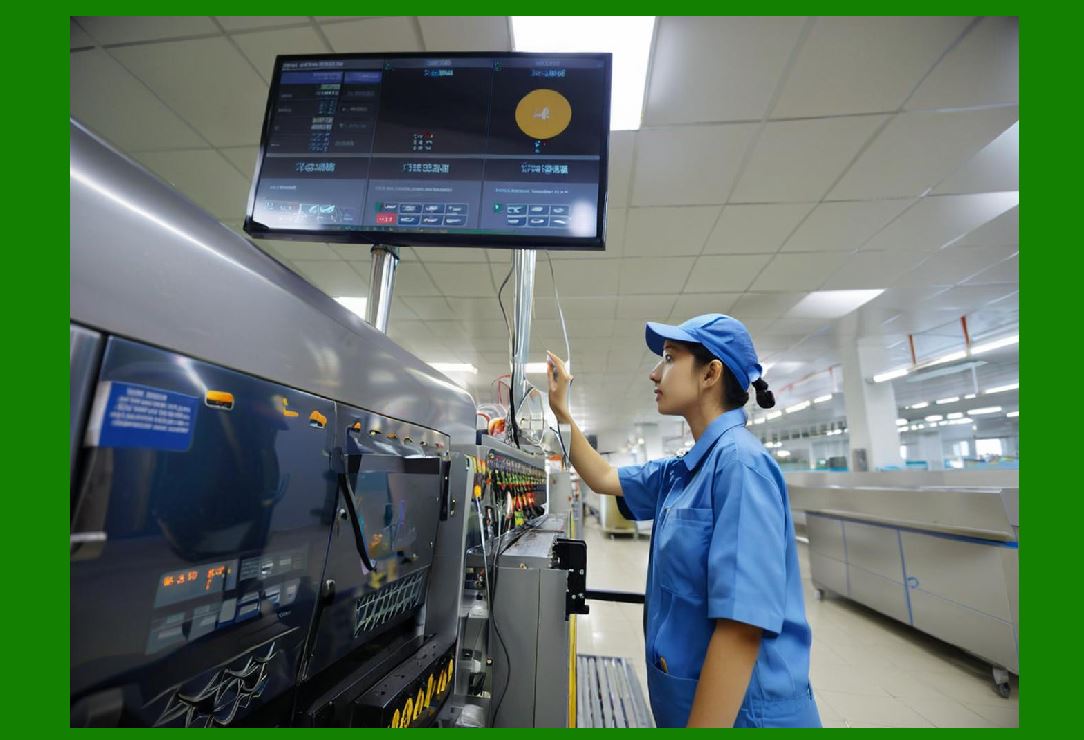
3. Label Usage and Inventory Monitoring |
Enterprises often need to monitor label usage to manage materials and reduce waste: |
1. Label consumption reports: Track quantities used over time |
2. Material type tracking: Monitor usage of specific label stock, ink, or ribbons |
3. Cost analysis: Calculate material and operational costs for labeling |
4. Forecasting: Predict future material needs based on historical usage trends |
5. Multi-site comparison: Compare label usage across facilities for optimization |
This data helps in resource planning and cost control. |
|
4. Compliance Reporting |
Regulated industries require detailed documentation to demonstrate compliance: |
1. Regulatory formats: Generate reports in compliance with FDA, GxP, GS1, ISO, and other industry standards |
2. Traceability reports: Document every label produced for a batch, shipment, or serialized product |
3. Template approval records: Track which templates were approved and used for printing |
4. Deviation tracking: Document printing errors or template changes and corrective actions |
5. Audit-ready reporting: Quickly produce reports for inspections or audits |
Compliance reporting reduces regulatory risk and ensures operational transparency. |

|
5. Analytics for Operational Efficiency |
Analytics allow enterprises to improve labeling processes and operational performance: |
1. Print volume analysis: Identify peak usage periods and adjust resources accordingly |
2. Error rate analysis: Detect recurring issues with printers, templates, or workflows |
3. Printer performance metrics: Monitor uptime, throughput, and reliability |
4. Template utilization: Analyze which templates are most frequently used and optimize design |
5. Workflow optimization: Identify bottlenecks in label generation, approval, or printing |
Analytics enable proactive management and continuous improvement. |

|
6. Multi-Site and Enterprise Reporting |
Large organizations benefit from centralized reporting: |
1. Cross-site aggregation: Combine print and usage data from multiple facilities |
2. Comparative metrics: Benchmark performance between sites or production lines |
3. Centralized dashboards: Visualize label production, errors, and compliance status in real time |
4. Standardized reporting: Ensure consistent metrics and formats across the enterprise |
5. Remote monitoring: Access reports and analytics from headquarters or cloud-based platforms |
Centralized reporting ensures consistent operational standards across global operations. |

|
7. Customizable Reports |
The SDK allows customization of reporting formats and content: |
1. Predefined templates: Use built-in report formats for common operational metrics |
2. Custom fields: Include specific variables, such as batch numbers, expiration dates, or production lines |
3. Flexible layouts: Format reports for PDF, Excel, CSV, or web dashboards |
4. Scheduled reporting: Automate report generation and distribution at regular intervals |
5. Interactive dashboards: Allow drill-down analysis for detailed operational insights |
Customizable reports make it easier to meet internal and external reporting requirements. |

|
8. Data Export and Integration |
Reporting data can be integrated with other enterprise systems: |
1. ERP integration: Send label usage and print data to ERP for accounting and inventory management |
2. WMS/MES integration: Provide production and shipping visibility for operational planning |
3. Business intelligence tools: Export data to analytics platforms for advanced visualization and modeling |
4. Cloud integration: Share reporting data across sites and remote operations |
5. API access: Programmatically retrieve reporting data for custom applications or dashboards |
Data export and integration enhance decision-making and operational transparency. |

|
9. Quality Control and Verification Reporting |
Barcode and label quality are critical for scanning reliability and regulatory compliance: |
1. Verification reports: Capture the results of barcode and print quality verification |
2. Error identification: Highlight labels that fail scannability or quality thresholds |
3. Corrective actions: Document reprints or adjustments to maintain compliance |
4. Historical quality trends: Monitor improvement or deterioration of label production quality |
5. Audit support: Provide documentation for internal and external inspections |
Quality control reporting ensures labels meet standards and reduces operational errors. |

|
10. Security and Access Control in Reporting |
Enterprise reporting must be secure and role-specific: |
1. Role-based access: Ensure users only see reporting data relevant to their role |
2. Encrypted reports: Protect sensitive label data during transmission and storage |
3. Audit trails: Log access to reports and export actions |
4. Compliance with data protection regulations: GDPR, HIPAA, and other privacy standards |
5. Controlled distribution: Limit automated report distribution to authorized recipients |
Security features protect sensitive operational and product information. |

|
11. Reporting for Regulatory Inspections |
The SDK supports preparation and presentation of documentation for regulatory inspections: |
1. Audit-ready label history: Provide detailed records of labels printed per batch or product |
2. Template and version control reports: Demonstrate that approved templates were used |
3. Error and deviation logs: Show corrective actions for nonconformities |
4. Traceability reports: Enable inspectors to track product journey from production to distribution |
5. Electronic signatures and approvals: Document who authorized each print job |
This capability ensures rapid response during inspections and reduces compliance risk. |

|
12. Analytics for Strategic Decision-Making |
Beyond operational efficiency, analytics inform strategic decisions: |
1. Cost analysis: Evaluate label material, ink, and labor costs for cost optimization |
2. Resource allocation: Determine optimal printer and operator deployment |
3. Process improvement: Identify recurring bottlenecks or inefficiencies in labeling workflows |
4. Forecasting: Predict future label demand and resource requirements |
5. Supply chain optimization: Ensure accurate, timely labeling for shipments and logistics |
Analytics support both tactical and strategic management decisions. |

|
13. Dashboards and Visualization |
The SDK supports visual representation of data for easier interpretation: |
1. Real-time dashboards: Show current print jobs, printer status, and error alerts |
2. Historical trend graphs: Analyze printing activity over weeks, months, or years |
3. Comparative charts: Compare performance across printers, production lines, or facilities |
4. Custom visualizations: Build charts for KPIs such as error rates, throughput, and usage |
5. Interactive drill-downs: Investigate root causes of errors or operational inefficiencies |
Visualization improves understanding of complex data and facilitates rapid decision-making. |

|
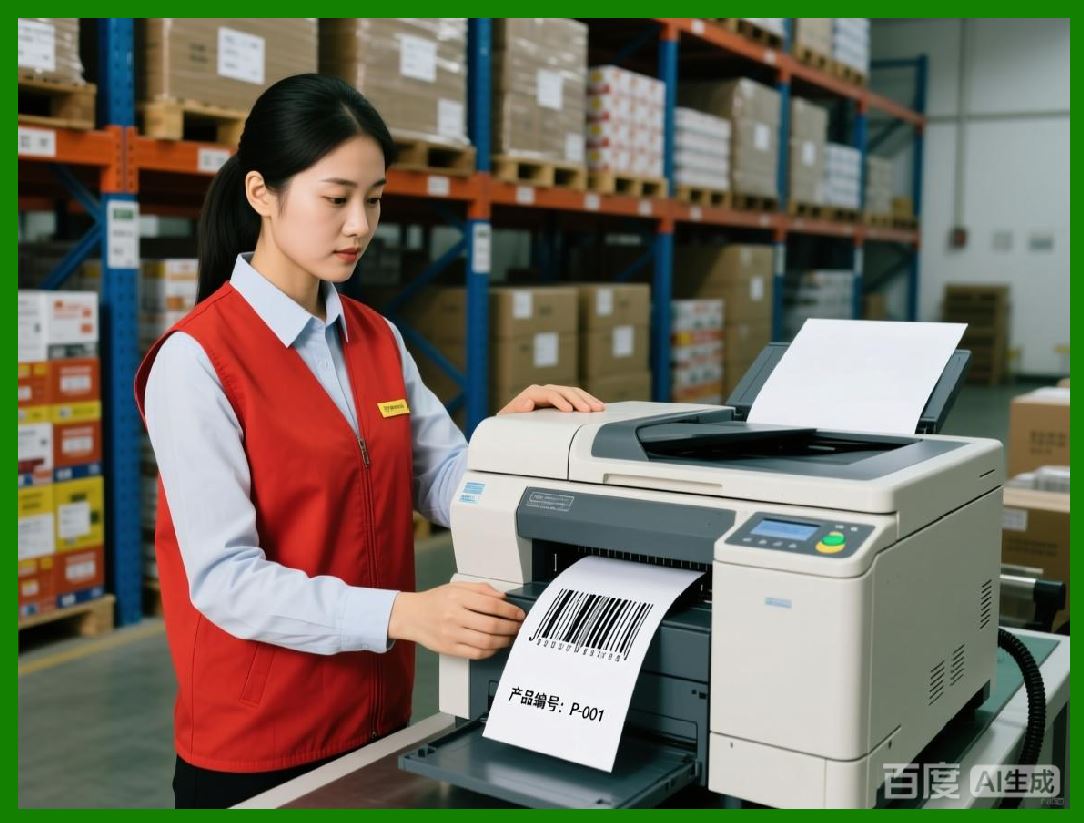
14. Integration with Business Intelligence Systems |
Reporting data from NiceLabel can feed into enterprise BI platforms: |
1. Excel, Power BI, Tableau: Import reporting data for advanced analytics |
2. Predictive modeling: Identify trends and forecast labeling needs |
3. Operational KPI dashboards: Monitor labeling efficiency and error reduction |
4. Centralized decision-making: Integrate labeling data with broader enterprise performance metrics |
5. Cross-functional insights: Enable finance, operations, and quality teams to access label-related analytics |
BI integration ensures labeling is part of enterprise-wide data-driven decision-making. |
|
15. Automated Reporting |
Automation enhances efficiency and reduces manual intervention: |
1. Scheduled report generation: Generate daily, weekly, or monthly reports automatically |
2. Email distribution: Deliver reports to predefined recipients securely |
3. Triggered reporting: Generate reports automatically based on events such as batch completion |
4. Template-based reports: Standardized formats ensure consistency across time and locations |
5. Archiving: Automatically store historical reports for regulatory compliance and trend analysis |
Automation reduces administrative burden and ensures timely reporting. |

|
16. Compliance with Industry Standards |
The SDK helps enterprises maintain compliance with multiple standards: |
1. GS1 compliance: Ensures barcode and label data meet global standards |
2. ISO standards: ISO/IEC 15415 for 2D and ISO/IEC 15416 for linear barcodes |
3. FDA, GxP, and pharmaceutical regulations: Maintain batch and serial traceability |
4. Food and beverage labeling regulations: Track allergens, expiration, and nutritional data |
5. Quality management systems: Supports ISO 9001 and internal audit requirements |
Compliance reporting reduces operational risk and supports global market access. |

|
17. Security and Audit Readiness |
Security and audit readiness are integral to reporting: |
1. Electronic signature tracking: Capture approval of templates and print jobs |
2. Immutable audit trails: Ensure reporting data cannot be altered after printing |
3. Access control: Restrict sensitive report access to authorized personnel |
4. Compliance documentation: Simplify preparation for inspections or internal audits |
5. Version history: Track changes in templates, workflows, and labeling data |
Audit-ready reporting ensures regulatory and corporate accountability. |

|
18. Summary of Reporting, Analytics, and Compliance |
The NiceLabel SDK provides enterprise-level reporting and analytics that: |
1. Track print jobs, templates, users, and dynamic label data |
2. Monitor label usage, material consumption, and cost |
3. Ensure compliance with industry regulations and corporate policies |
4. Provide real-time dashboards, analytics, and historical trends |
5. Enable multi-site and cross-platform reporting |
6. Support automated, scheduled, and triggered reporting |
7. Integrate with BI platforms, ERP, WMS, and MES |
8. Provide audit-ready documentation, quality verification, and error tracking |
Through comprehensive reporting, analytics, and compliance support, enterprises can achieve operational efficiency, traceability, and regulatory adherence while gaining strategic insights from labeling operations. |
End of Part 18 NiceLabel SDK Full Overview. |

|
Reference URL: |
https://www.nicelabel.com/products/sdk |
 cs@easiersoft.com