NiceLabel SDK |
Part 8 Automation, Workflow Management, and Process Control |
Automation is one of the most important aspects of modern enterprise labeling systems. In large production environments, labels must be generated automatically based on operational events rather than manual actions. The NiceLabel SDK provides a comprehensive automation framework that enables organizations to create intelligent labeling workflows capable of responding to real-time business events. |
Automation within the NiceLabel SDK allows developers to connect labeling operations to business processes such as manufacturing, packaging, warehousing, logistics, and retail distribution. Instead of requiring employees to manually open label templates and enter data, automated workflows retrieve data from enterprise systems and generate labels automatically. |
This section explains the mechanisms used by the NiceLabel SDK to support workflow automation and process control. |

|
1. Concept of Automated Labeling Systems |
An automated labeling system is designed to generate and print labels without requiring manual intervention from operators. Instead of relying on manual data entry, the system listens for operational triggers and automatically initiates label generation tasks. |
Automation significantly improves operational efficiency by eliminating repetitive manual tasks. It also reduces human errors, which are common when label information must be typed manually. |
Key benefits of automated labeling include: |
1. Increased productivity in high-volume operations |
2. Reduction of labeling errors |
3. Consistent label formatting and content |
4. Integration with enterprise systems |
5. Real-time response to operational events |
In large industrial environments, automation ensures that labeling keeps pace with production lines, shipping operations, and warehouse workflows. |

|
2. Workflow-Based Label Generation |
Workflow automation is a central feature of the NiceLabel SDK. A workflow defines the sequence of actions that occur when a specific event takes place. |
A typical automated labeling workflow may involve several stages: |
1. Detecting a triggering event |
2. Retrieving data from an external system |
3. Selecting the appropriate label template |
4. Populating the template with dynamic data |
5. Rendering the label image |
6. Sending the print job to a designated printer |
Each stage of the workflow is controlled by programmable logic within the SDK environment. |
Workflows can be customized to meet the specific operational requirements of different industries. |

|
3. Trigger-Based Automation |
Automation workflows are usually initiated by triggers. A trigger is an event that signals the labeling system to perform a specific action. |
The NiceLabel SDK supports multiple trigger types, including: |
1. File-based triggers |
2. Database triggers |
3. API requests |
4. Network messages |
5. Hardware device signals |
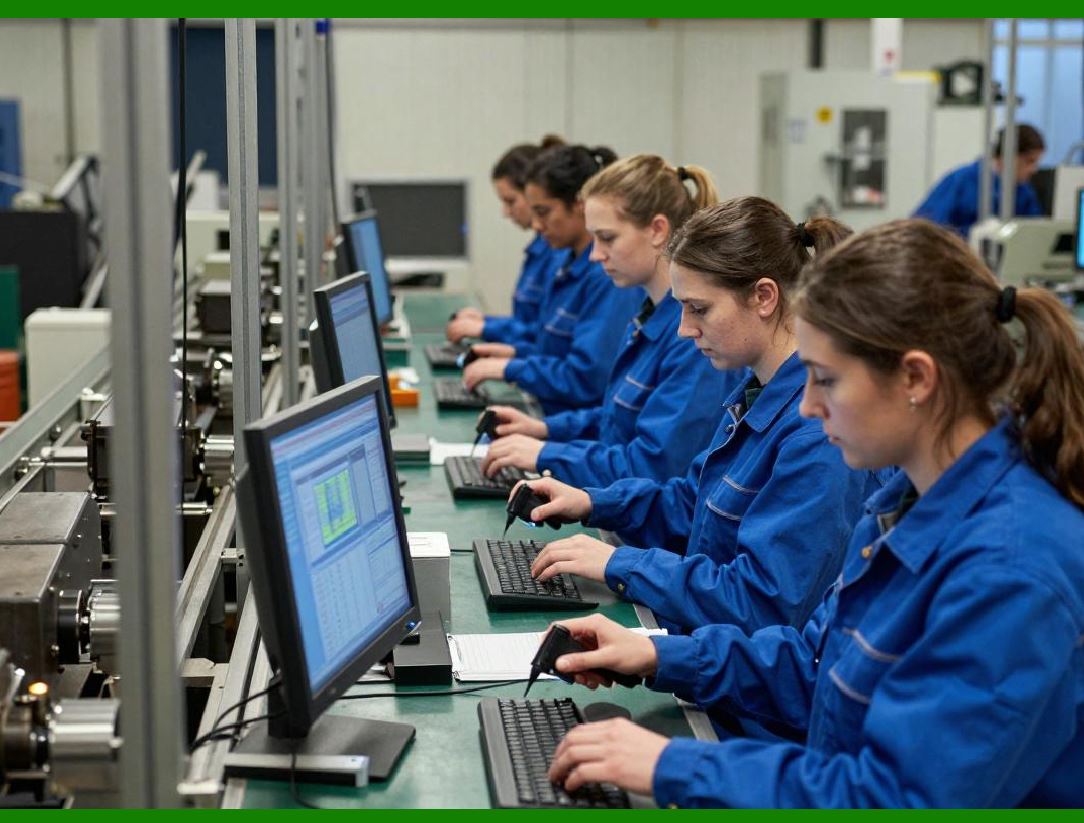
For example, when a production machine finishes manufacturing a batch of products, the system may generate a data file containing product details. The labeling system detects the arrival of this file and automatically initiates the label printing workflow. |
Trigger-based automation ensures that labeling processes are synchronized with operational events. |
|
4. File Monitoring Automation |
One common automation method involves monitoring specific directories for new files. When a new file appears, the labeling system processes the file and extracts relevant data. |
These files may contain information such as: |
1. Product identifiers |
2. Serial numbers |
3. Production batch data |
4. Shipment details |
The NiceLabel SDK can parse these files and use the contained data to populate label templates. |
File-based automation is widely used in manufacturing environments where machines or production systems export data files that must be processed by labeling systems. |
|
5. Database Event Monitoring |
Another powerful automation method involves monitoring changes in enterprise databases. |
The labeling system can detect events such as: |
1. Creation of new production records |
2. Updates to shipping orders |
3. Changes in inventory status |
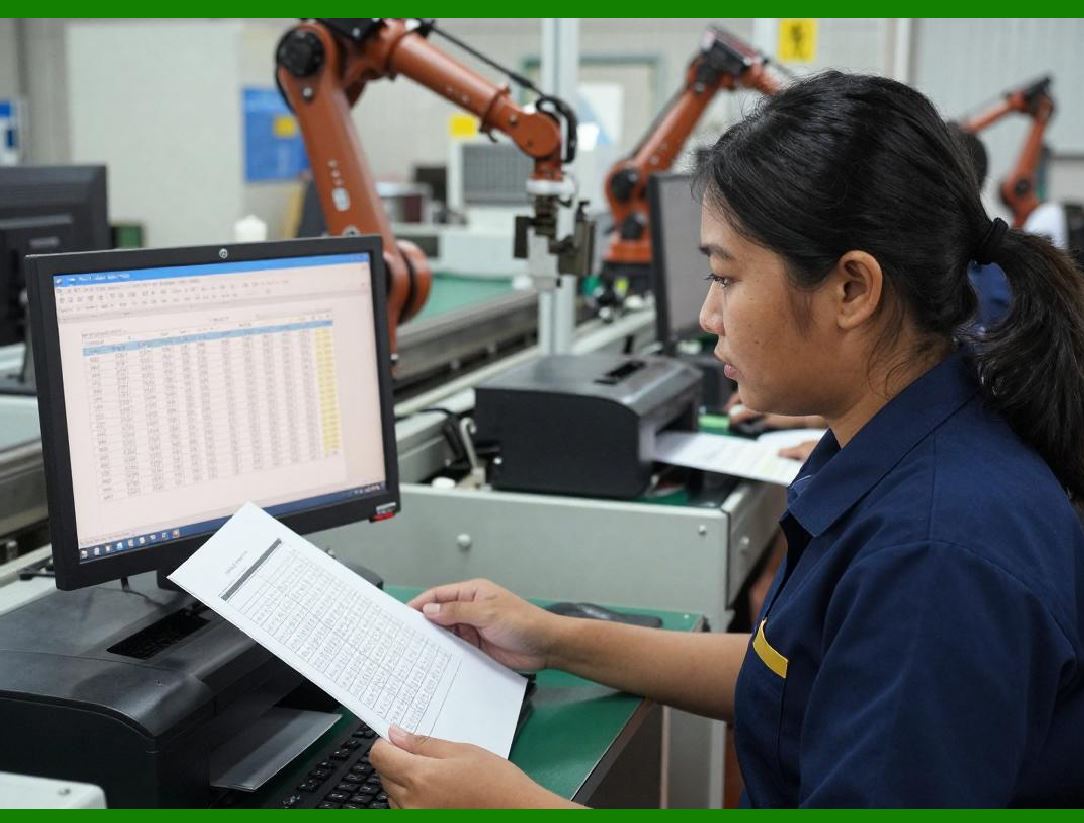
When such events occur, the labeling system automatically retrieves the corresponding data and generates labels. |
Database-driven automation ensures that labeling operations remain synchronized with enterprise data systems. |
|
6. API-Based Workflow Automation |
Modern enterprise software systems frequently communicate using APIs. The NiceLabel SDK supports API-based workflow triggers that allow external applications to request label printing operations. |
For example, a warehouse management system may send an API request containing information about a shipping order. The labeling system receives the request and generates shipping labels automatically. |
API-based automation enables seamless integration between labeling systems and external software applications. |

|
7. Automated Label Selection |
In many organizations, multiple label formats are used for different products, packages, or regulatory requirements. |
Automation systems must determine which label template to use for each situation. |
The NiceLabel SDK allows automated label selection based on conditions such as: |
1. Product category |
2. Destination country |
3. Packaging type |
4. Customer requirements |
Conditional logic within the workflow determines the correct template to apply. |
This capability is particularly important for companies that distribute products globally and must comply with different labeling regulations. |

|
8. Batch Label Generation |
Large operations often require the generation of many labels at once. The NiceLabel SDK supports batch processing workflows that allow multiple labels to be produced in a single automated process. |
Batch printing may be required for: |
1. Manufacturing batches |
2. Shipping orders containing multiple items |
3. Inventory restocking operations |
4. Retail distribution shipments |
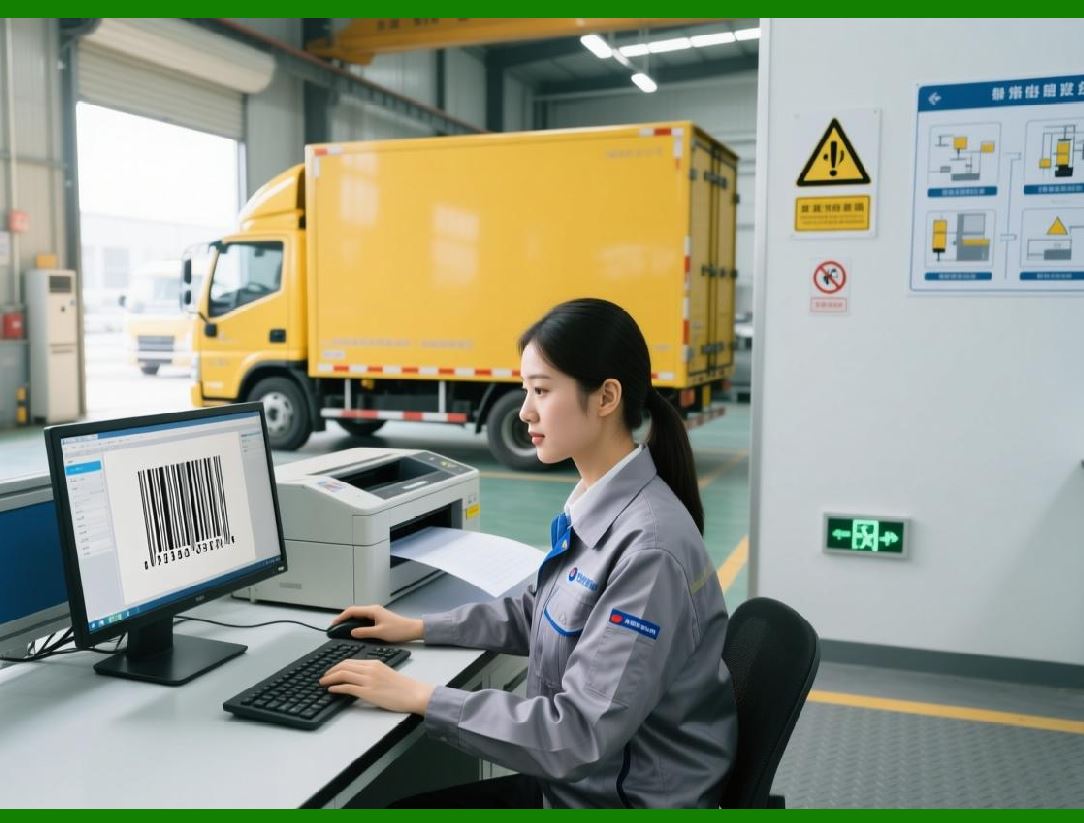
Batch workflows retrieve large data sets from enterprise systems and generate corresponding labels efficiently. |
|
9. Serial Number Automation |
Many industries require products to carry unique serial numbers. These serial numbers must be generated and tracked automatically. |
The NiceLabel SDK includes serial number automation mechanisms that can: |
1. Generate sequential numbers |
2. Maintain unique number sequences |
3. Store serial numbers in databases |
4. Prevent duplicate identifiers |
Serial numbers can be encoded in barcodes such as Code 128 barcode symbology or Data Matrix barcode depending on the application. |
Automated serial numbering ensures compliance with traceability requirements in industries such as electronics and pharmaceuticals. |

|
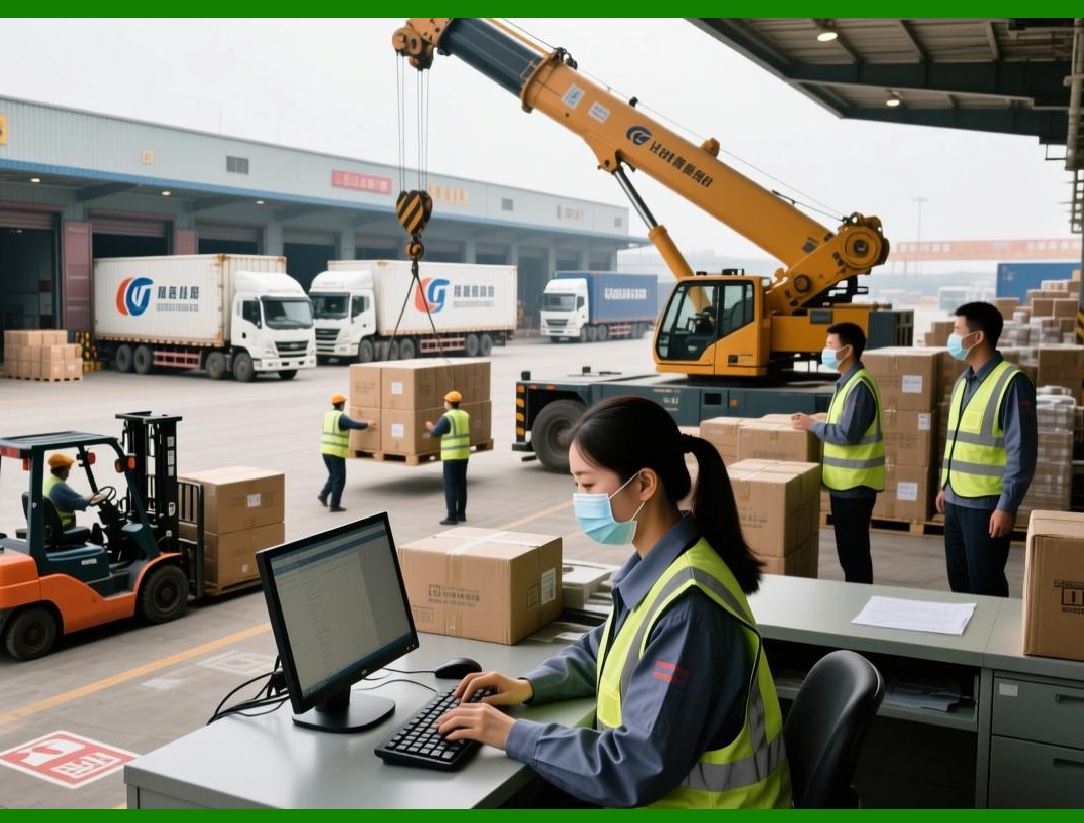
10. Real-Time Printing for Production Lines |
In manufacturing environments, labeling systems must operate in real time. Production lines often move continuously, and labels must be generated instantly as products move through packaging stages. |
The NiceLabel SDK supports real-time printing operations by allowing workflows to respond immediately to machine signals or production system events. |
For example: |
1. A packaging machine signals that a product is ready for labeling. |
2. The labeling system retrieves the product data. |
3. The label is generated and printed within seconds. |
This rapid response ensures that production lines operate smoothly without delays. |
|
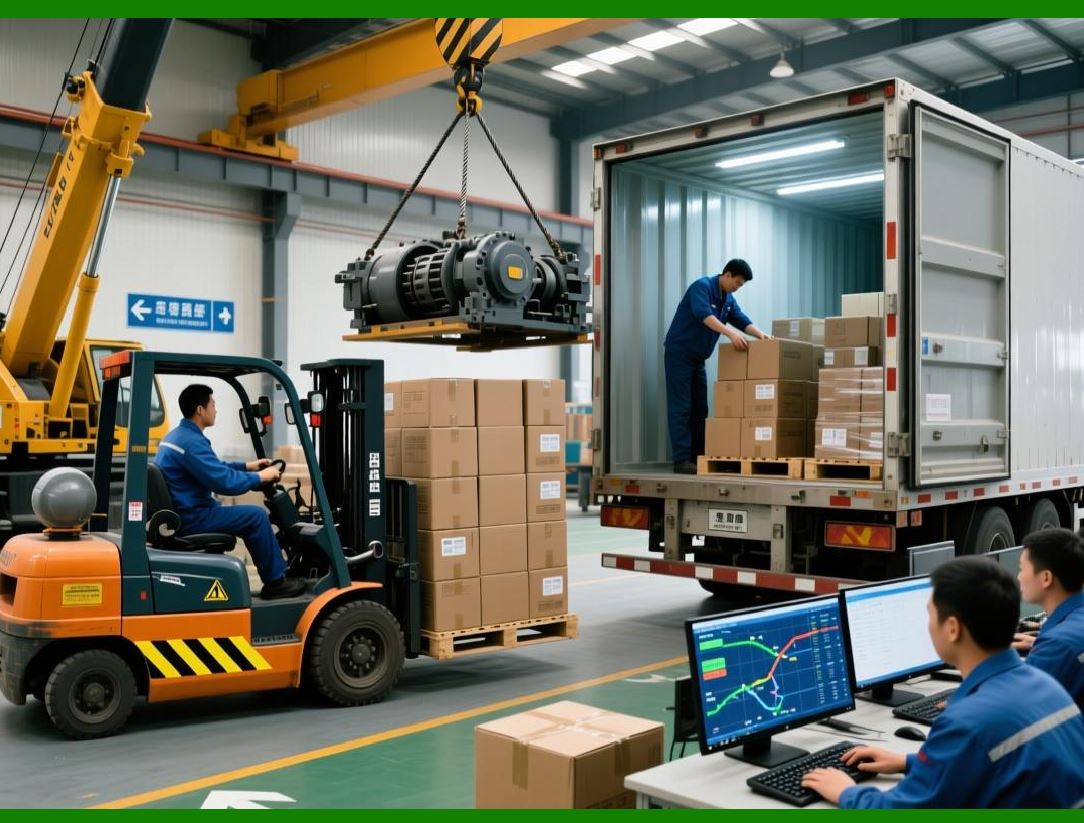
11. Integration with Industrial Equipment |
Automated labeling workflows may interact with industrial hardware devices. |
Examples include: |
1. Packaging machines |
2. conveyor belt sensors |
3. barcode scanners |
4. industrial printers |
These devices may send signals to the labeling system that trigger printing operations. |
The NiceLabel SDK can integrate with such equipment through network protocols or hardware interfaces. |
|
12. Workflow Scheduling |
In addition to event-driven automation, some labeling tasks must occur at scheduled intervals. |
Scheduled workflows may perform tasks such as: |
1. Printing daily inventory labels |
2. Generating shipping documentation |
3. Producing labels for scheduled production runs |
The SDK supports scheduling mechanisms that allow automated tasks to run at predefined times. |
Scheduling ensures that labeling operations occur consistently without requiring manual oversight. |

|
13. Conditional Logic in Workflows |
Automated workflows often require conditional decision-making logic. |
Conditional rules allow workflows to behave differently depending on input data. |
Examples of conditional logic include: |
1. Selecting different label templates based on product category |
2. Printing additional labels when quantities exceed certain thresholds |
3. Adding regulatory information for international shipments |
These rules allow workflows to adapt dynamically to operational requirements. |

|
14. Workflow Logging and Monitoring |
In enterprise environments, it is important to monitor the performance of automated labeling systems. |
The NiceLabel SDK includes logging mechanisms that record workflow activities. |
Logged information may include: |
1. Trigger events |
2. data retrieval operations |
3. label generation steps |
4. printer status messages |
Administrators can review these logs to identify potential issues and ensure that workflows operate correctly. |
Monitoring tools help maintain the reliability of automated labeling processes. |

|
15. Error Handling in Automated Workflows |
Automation systems must be capable of handling unexpected conditions. |
Common error scenarios include: |
1. Missing data fields |
2. database connection failures |
3. printer communication errors |
4. invalid barcode data |
The NiceLabel SDK allows developers to define error-handling procedures. |
For example, if required data is missing, the workflow may pause and notify an operator. Alternatively, the system may substitute default values. |
Effective error handling prevents workflow interruptions. |

|
16. Integration with Compliance Workflows |
Many industries must follow strict labeling regulations. Automation workflows must ensure that labels comply with applicable regulatory requirements. |
The NiceLabel SDK can integrate with compliance systems to ensure that required information is included on labels. |
Examples include: |
1. medical device identifiers encoded using GS1 DataMatrix barcode |
2. pharmaceutical product identifiers encoded using GS1-128 barcode |
3. food product labels containing expiration dates and lot numbers |
Automated compliance workflows help organizations meet regulatory requirements. |

|
17. Distributed Workflow Architecture |
Large enterprises may operate multiple labeling stations across different locations. |
The NiceLabel SDK supports distributed workflow architectures in which multiple labeling servers coordinate tasks across a network. |
This architecture allows organizations to: |
1. centralize label template management |
2. distribute printing tasks to local printers |
3. monitor workflows across multiple facilities |
Distributed architectures improve scalability and reliability. |

|
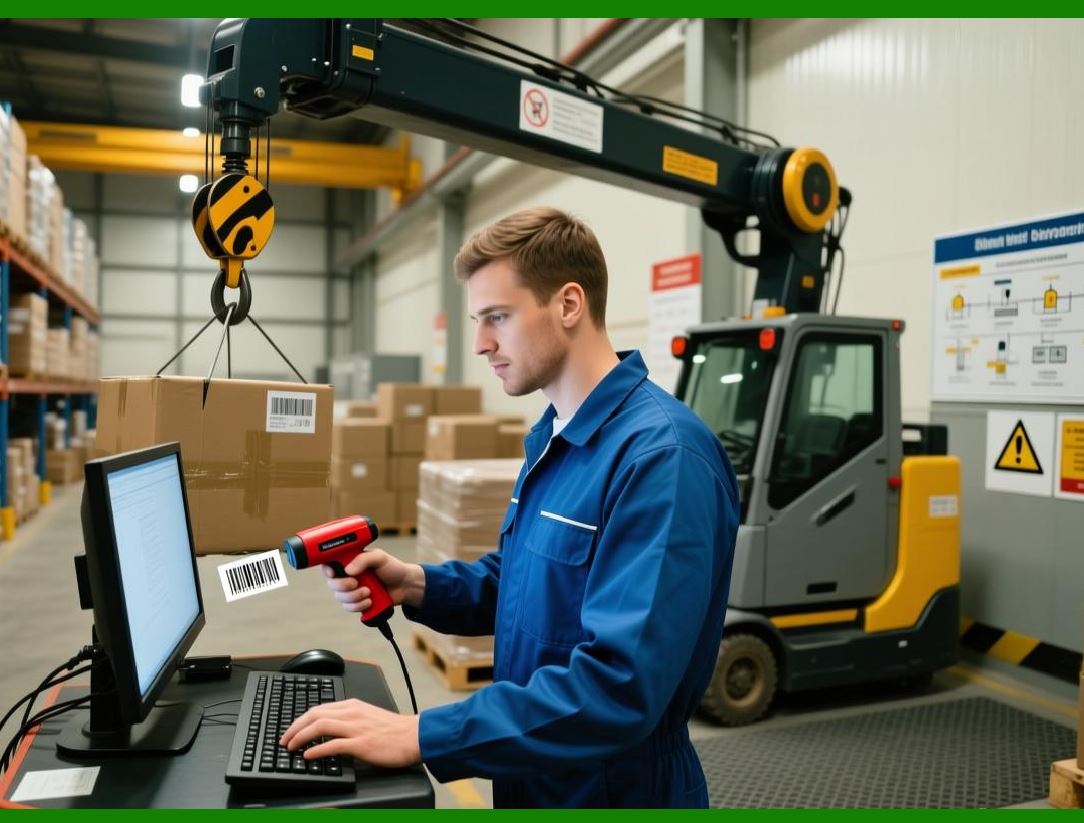
18. Future Trends in Labeling Automation |
Automation in enterprise labeling continues to evolve alongside advancements in industrial technology. |
Future developments may include: |
1. integration with Industrial Internet of Things (IIoT) devices |
2. artificial intelligence for workflow optimization |
3. predictive maintenance for printing equipment |
4. cloud-based automation platforms |
The NiceLabel SDK is designed to evolve with these technologies, ensuring that enterprise labeling systems remain adaptable and scalable. |
|
Conclusion of Part 8 |
Automation and workflow management are critical components of modern enterprise labeling systems. The NiceLabel SDK provides powerful tools for building automated workflows that integrate labeling operations with enterprise processes. |
Through trigger-based automation, batch processing, real-time printing, and advanced workflow control, organizations can achieve high levels of efficiency and accuracy in labeling operations. |

|
Next section: |
Part 9 Barcode Generation Technologies and Symbology Support in the NiceLabel SDK |
This upcoming section will explore: |
* supported barcode symbologies |
* barcode encoding mechanisms |
* error correction technologies |
* industrial barcode standards |
* performance considerations for barcode generation. |
 cs@easiersoft.com