NiceLabel SDK |
Part 9 Barcode Generation Technologies and Symbology Support |
Barcode generation is one of the core functions of the NiceLabel SDK. In enterprise labeling environments, barcodes are essential for enabling automated data capture, inventory tracking, supply chain management, and regulatory compliance. The SDK includes a comprehensive barcode generation engine capable of producing a wide variety of linear and two-dimensional barcode formats used across different industries. |
Barcode technologies supported by the SDK are designed to meet international standards and industry-specific requirements. This ensures that labels produced by the system can be scanned reliably by barcode readers and integrated with enterprise information systems. |
The following sections describe the barcode technologies supported by the NiceLabel SDK and the mechanisms used for encoding and rendering barcode symbols. |

|
1. Importance of Barcode Generation in Labeling Systems |
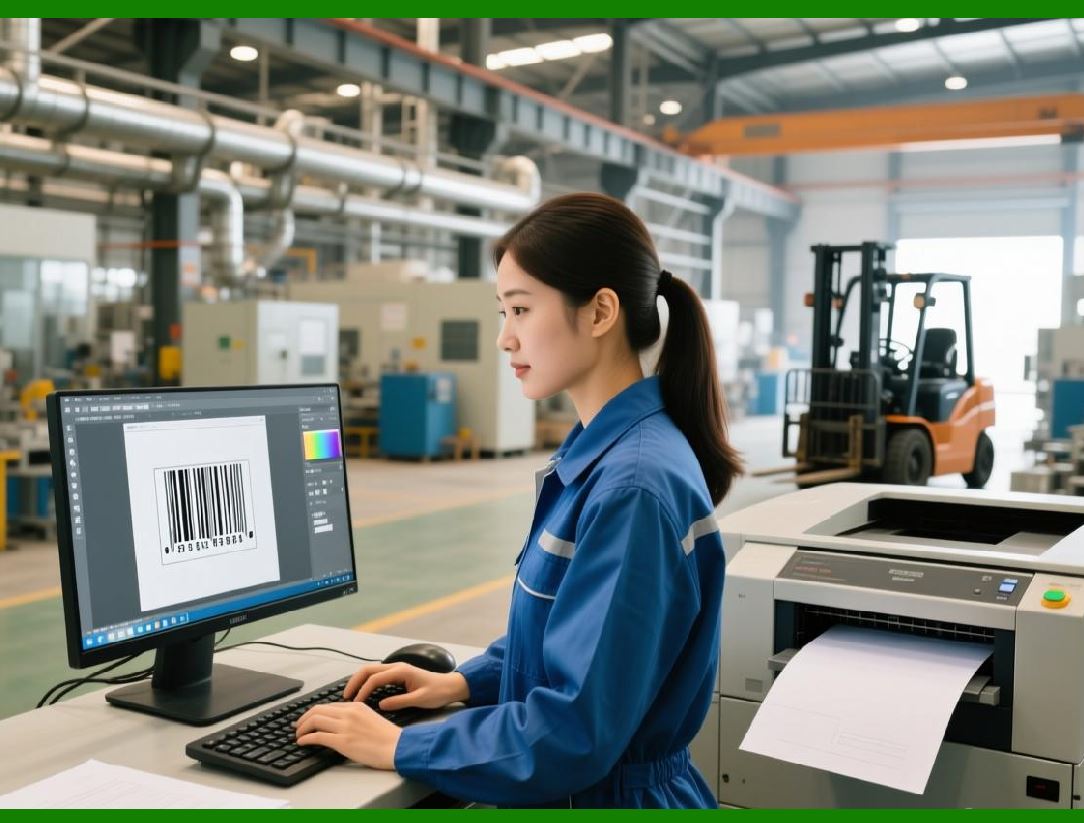
Barcodes provide a machine-readable representation of information. Instead of requiring manual entry of product identifiers or tracking numbers, barcode scanners can automatically capture encoded data. |
In enterprise environments, barcode technology offers several advantages: |
1. Fast and accurate data capture |
2. Reduction of manual data entry errors |
3. Improved traceability of products and assets |
4. Integration with automated systems |
5. Enhanced operational efficiency |
Barcodes are widely used in industries such as retail, logistics, healthcare, manufacturing, and government services. |
The NiceLabel SDK enables applications to generate barcodes dynamically based on data retrieved from enterprise systems. |
|
2. Categories of Barcode Symbologies |
Barcode symbologies supported by the SDK fall into two main categories: |
1. Linear (1D) barcodes |
2. Two-dimensional (2D) barcodes |
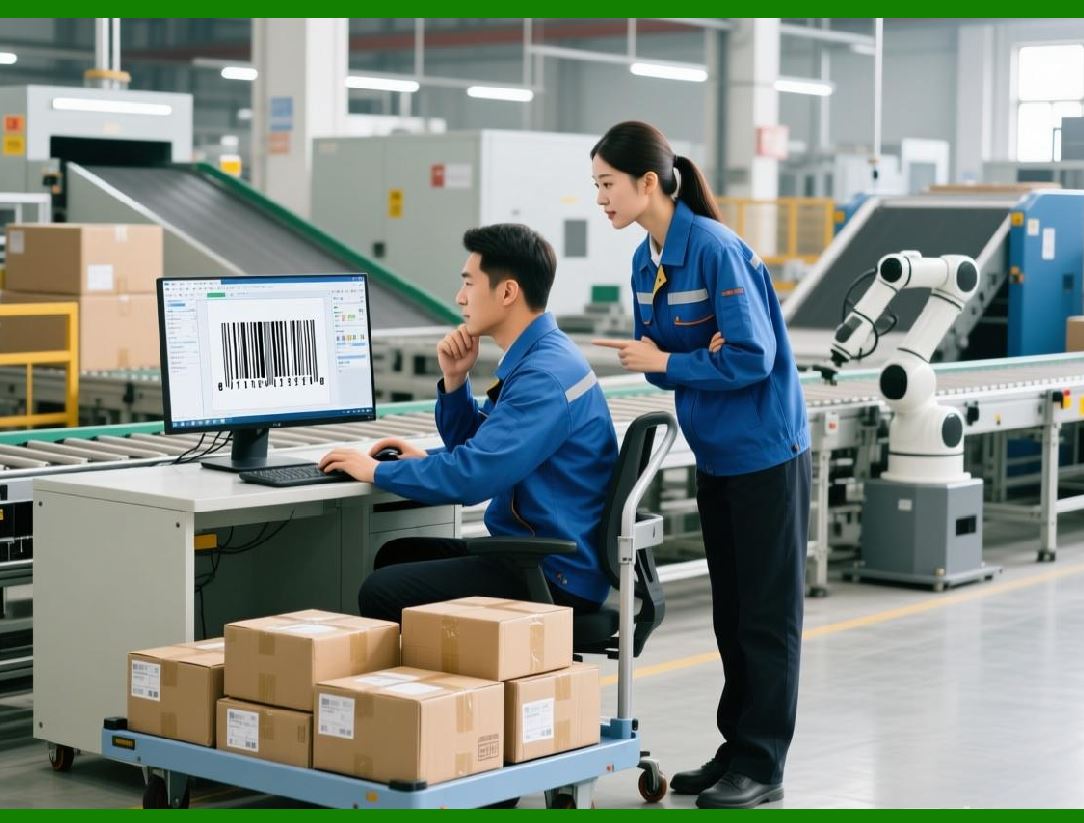
Linear barcodes represent information through varying widths of bars and spaces. These barcodes typically encode a limited amount of data and are commonly used for product identification. |
Two-dimensional barcodes encode information both horizontally and vertically, allowing them to store significantly more data in a smaller area. |
Both types of barcodes are widely used in enterprise labeling systems. |
|
3. Linear Barcode Technologies |
Linear barcodes remain widely used in many industries due to their simplicity and compatibility with existing scanning equipment. |
The NiceLabel SDK supports numerous linear barcode formats, including: |
* Code 128 barcode symbology |
* Code 39 barcode symbology |
* EAN-13 barcode |
* UPC-A barcode |
* Interleaved 2 of 5 barcode |
These symbologies are commonly used for retail product labeling, shipping labels, and asset tracking. |
The SDK automatically handles encoding rules, start and stop patterns, and checksum calculations required by each symbology. |

|
4. Code 128 Barcode Support |
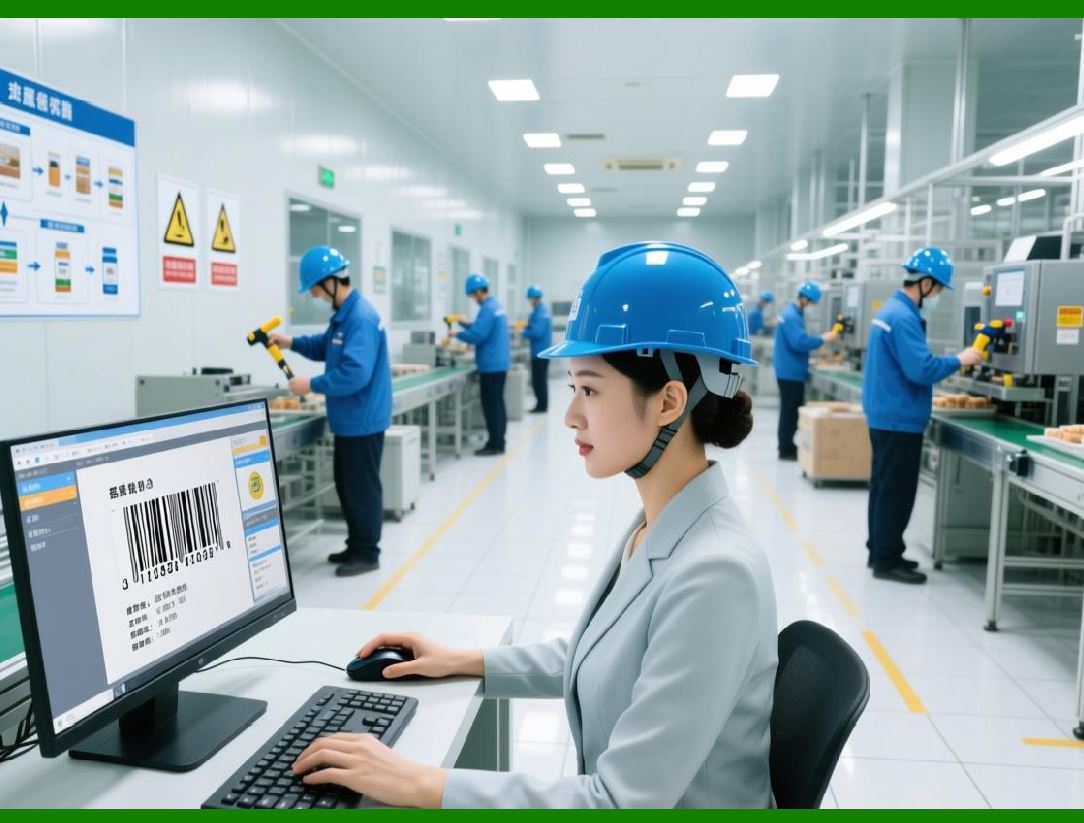
The Code 128 barcode symbology is one of the most widely used linear barcode standards in logistics and industrial applications. |
This barcode format offers several advantages: |
1. High data density |
2. Support for the full ASCII character set |
3. Efficient encoding of numeric and alphanumeric data |
4. Built-in checksum validation |
The NiceLabel SDK supports all three code sets used by Code 128: |
1. Code Set A for control characters |
2. Code Set B for alphanumeric characters |
3. Code Set C for high-density numeric encoding |
The SDK automatically selects the most efficient encoding strategy based on the input data. |
|
5. Retail Barcode Standards |
Retail product labeling commonly uses standardized barcode formats. |
Two of the most important retail barcode standards are: |
* EAN-13 barcode |
* UPC-A barcode |
These barcodes are used globally for identifying retail products at point-of-sale systems. |
The NiceLabel SDK supports automatic calculation of check digits required by these standards. Developers only need to supply the base product code, and the SDK completes the encoding process. |
Retail barcodes generated by the SDK are compatible with scanning systems used in supermarkets, department stores, and e-commerce fulfillment centers. |

|
6. Industrial and Logistics Barcode Formats |
Logistics operations require barcode formats capable of encoding longer identification numbers. |
The NiceLabel SDK supports industrial barcode standards such as: |
* GS1-128 barcode |
* Interleaved 2 of 5 barcode |
The GS1-128 barcode is widely used in supply chain management because it supports the use of Application Identifiers that encode structured product information. |
These identifiers may represent data such as: |
1. product numbers |
2. expiration dates |
3. batch numbers |
4. shipping container codes |
The SDK provides built-in support for GS1 standards, allowing developers to generate compliant supply chain labels. |

|
7. Two-Dimensional Barcode Technologies |
Two-dimensional barcodes provide significantly greater data capacity than linear barcodes. |
The NiceLabel SDK supports multiple 2D barcode symbologies, including: |
* QR Code |
* Data Matrix barcode |
* PDF417 barcode |
These barcode formats can encode hundreds or even thousands of characters of data within a small symbol. |
2D barcodes are commonly used in industries that require advanced traceability or compact data storage. |

|
8. QR Code Generation |
The QR Code is one of the most widely recognized 2D barcode formats. |
Originally developed for industrial tracking, QR codes are now used for many applications, including: |
1. product tracking |
2. marketing campaigns |
3. mobile payment systems |
4. website links |
The NiceLabel SDK allows developers to generate QR codes with customizable parameters such as: |
1. error correction level |
2. module size |
3. data encoding mode |
4. quiet zone dimensions |
QR codes generated by the SDK can encode text, numeric data, URLs, and binary information. |

|
9. Data Matrix Barcode Generation |
The Data Matrix barcode is widely used in industrial and regulatory applications. |
This barcode format is particularly suitable for: |
1. small product labels |
2. electronics manufacturing |
3. aerospace components |
4. pharmaceutical packaging |
Data Matrix symbols can encode large amounts of data in a compact square or rectangular format. |
The NiceLabel SDK supports ECC200 error correction, which allows scanners to recover data even when the barcode is partially damaged. |

|
10. PDF417 Barcode Support |
The PDF417 barcode is a stacked linear barcode format capable of storing large amounts of data. |
This barcode is often used for applications such as: |
1. transportation tickets |
2. identification documents |
3. logistics documentation |
4. government forms |
PDF417 supports both text and binary data encoding. |
The NiceLabel SDK includes configuration options for controlling the number of rows and columns used in the barcode symbol. |

|
11. Barcode Encoding Algorithms |
Generating a barcode involves more than simply displaying bars or squares. The SDK must perform complex encoding operations. |
Barcode encoding processes typically include: |
1. Data validation |
2. Character set selection |
3. Error detection calculation |
4. Symbol structure generation |
5. graphical rendering |
The NiceLabel SDK performs these steps automatically when developers provide input data. |
This simplifies the development process while ensuring that barcodes conform to official specifications. |

|
12. Error Detection and Correction |
Error detection and correction are essential features of modern barcode systems. |
Linear barcodes typically use checksum digits to detect scanning errors. For example, the EAN-13 barcode includes a check digit calculated using a weighted sum algorithm. |
Two-dimensional barcodes provide more advanced error correction mechanisms. |
For example: |
* QR Code uses Reed-Solomon error correction. |
* Data Matrix barcode uses ECC200 error correction. |
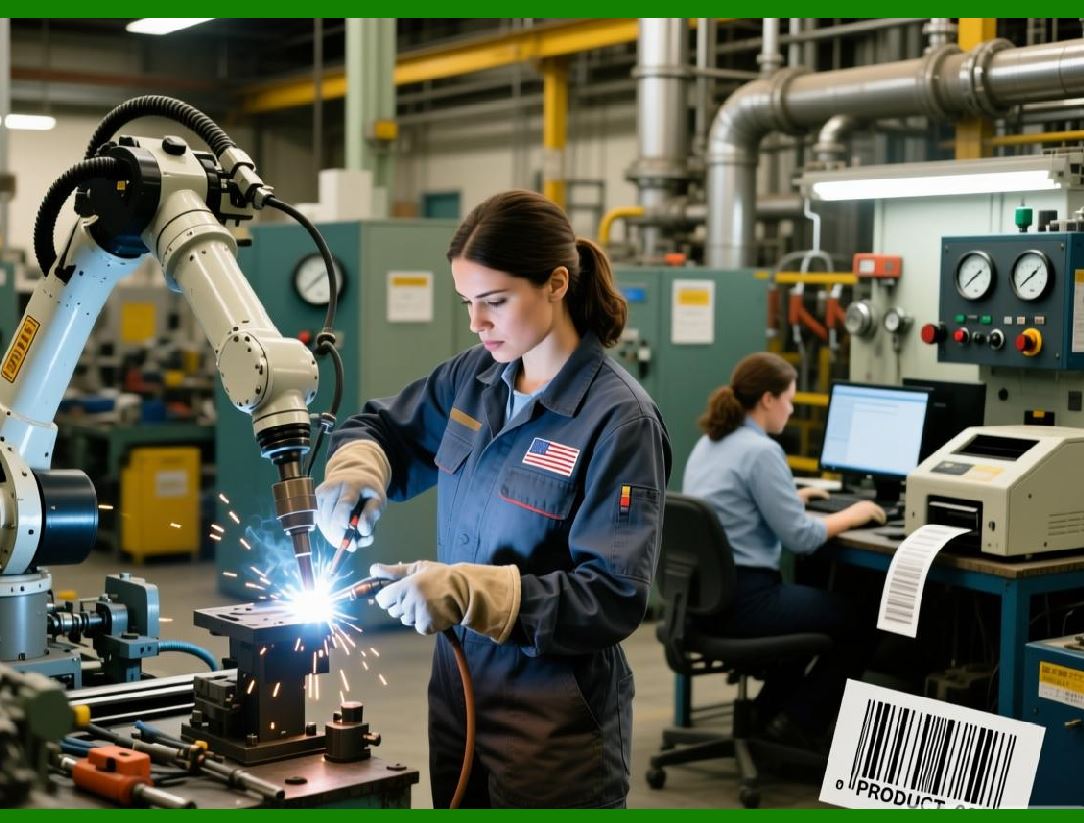
These mechanisms allow barcode readers to recover data even if parts of the symbol are damaged. |
|
13. Barcode Rendering and Image Generation |
After encoding the data, the barcode must be rendered as a graphical image. |
The NiceLabel SDK includes a rendering engine that converts encoded data into visual barcode symbols. |
Rendering parameters may include: |
1. bar width and spacing |
2. module size for 2D barcodes |
3. quiet zones surrounding the symbol |
4. human-readable text placement |
The SDK ensures that barcode images comply with industry specifications for scanning reliability. |

|
14. Customization of Barcode Appearance |
Although barcode symbols must follow strict encoding rules, certain visual elements can be customized. |
Developers using the NiceLabel SDK can modify parameters such as: |
1. barcode size |
2. orientation |
3. color schemes |
4. placement within the label layout |
These customization options allow barcodes to fit within different label designs while maintaining readability. |

|
15. Compliance with Industry Standards |
Many industries require barcodes to comply with international standards. |
The NiceLabel SDK supports standards established by organizations such as: |
* GS1 |
* ISO |
Compliance with these standards ensures that barcodes can be scanned by equipment used throughout the global supply chain. |
Standards compliance is especially important in regulated industries such as pharmaceuticals and medical devices. |

|
16. Barcode Quality and Verification |
Barcode quality is essential for reliable scanning. |
Poorly printed or incorrectly encoded barcodes may fail during scanning operations. |
The NiceLabel SDK provides tools that help ensure barcode quality, including: |
1. precise barcode dimension control |
2. proper quiet zone generation |
3. compliance with symbology specifications |
These features help maintain consistent barcode readability across different printing devices. |

|
17. Performance Considerations for Barcode Generation |
In high-volume environments, labeling systems must generate barcodes quickly and efficiently. |
The NiceLabel SDK is optimized for high-performance barcode generation. It supports batch processing and parallel rendering techniques that allow thousands of barcodes to be generated per minute. |
Performance optimization is particularly important for large logistics centers and manufacturing plants that print large volumes of labels. |

|
18. Summary of Barcode Generation Capabilities |
The NiceLabel SDK provides a comprehensive barcode generation engine that supports a wide range of linear and two-dimensional symbologies. |
Key features include: |
1. support for multiple barcode standards |
2. automatic encoding and checksum calculation |
3. advanced error correction mechanisms |
4. customizable rendering parameters |
5. compliance with international barcode standards |
These capabilities make the SDK suitable for enterprise environments where reliable barcode labeling is essential for operational efficiency and regulatory compliance. |
End of Part 9. |

|
Next section: |
Part 10 Label Printing Architecture and Printer Integration in the NiceLabel SDK |
This upcoming section will explore: |
* printer communication technologies |
* printing drivers and device compatibility |
* industrial label printer integration |
* print job management |
* high-volume enterprise printing systems. |
 cs@easiersoft.com