Part 14 Real-World Industry Use Cases and Deployment Patterns |
14.1 Importance of Industry Context in Barcode SDK Adoption |
The true value of the OnBarcode Barcode SDK becomes most apparent when examined through real-world industry applications. Barcode technology is not used in isolation; it is deeply embedded in business processes, regulatory frameworks, and physical workflows. A barcode SDK that works well in a laboratory setting but fails under real operational constraints provides little value. |
OnBarcode design decisions strict validation, predictable rendering, cross-platform consistency, and commercial support aslign closely with the needs of industries where barcode accuracy directly affects operational efficiency, safety, and compliance. |
This part explores how the SDK is typically used across major industry sectors and how its technical characteristics map to real deployment patterns. |
|
14.2 Retail and Point-of-Sale Systems |
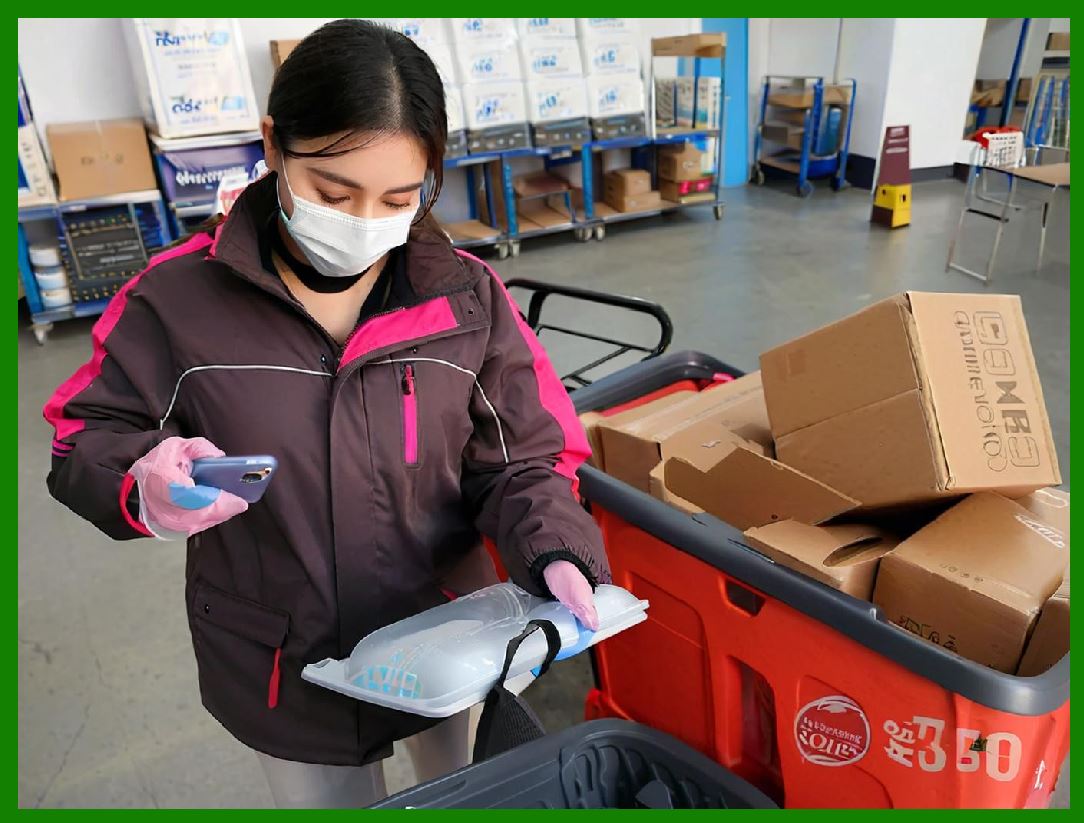
Retail is one of the most visible and demanding barcode environments. UPC and EAN barcodes must be generated and printed with absolute accuracy to ensure compatibility with scanners used at checkout counters worldwide. |
In retail systems, the SDK is often embedded in: |
1. Product information management systems |
2. Label printing software |
3. Pricing and promotion tools |
4. In-store kiosk applications |
The SDK automatic checksum calculation, guard bar placement, and human-readable text alignment are particularly valuable here. Retail barcodes are scanned thousands of times per day, and even minor deviations can cause widespread disruptions. |
Deployment patterns in retail typically involve centralized barcode generation services feeding data to distributed printing systems. |

|
14.3 Logistics and Supply Chain Management |
Logistics environments place extreme demands on barcode reliability. Barcodes are scanned under poor lighting, on damaged packaging, and at high speed. |
Common logistics use cases include: |
1. Shipping labels with Code 128 or GS1-128 |
2. Pallet and carton labeling using ITF-14 |
3. Tracking labels using PDF417 or Data Matrix |
4. Carrier-specific formats such as MaxiCode |
The SDK support for GS1 standards and its precise control over quiet zones and bar dimensions are essential in these scenarios. |
Deployment patterns often involve high-throughput server-side barcode generation integrated with warehouse management systems and automated print-and-apply equipment. |

|
14.4 Manufacturing and Industrial Automation |
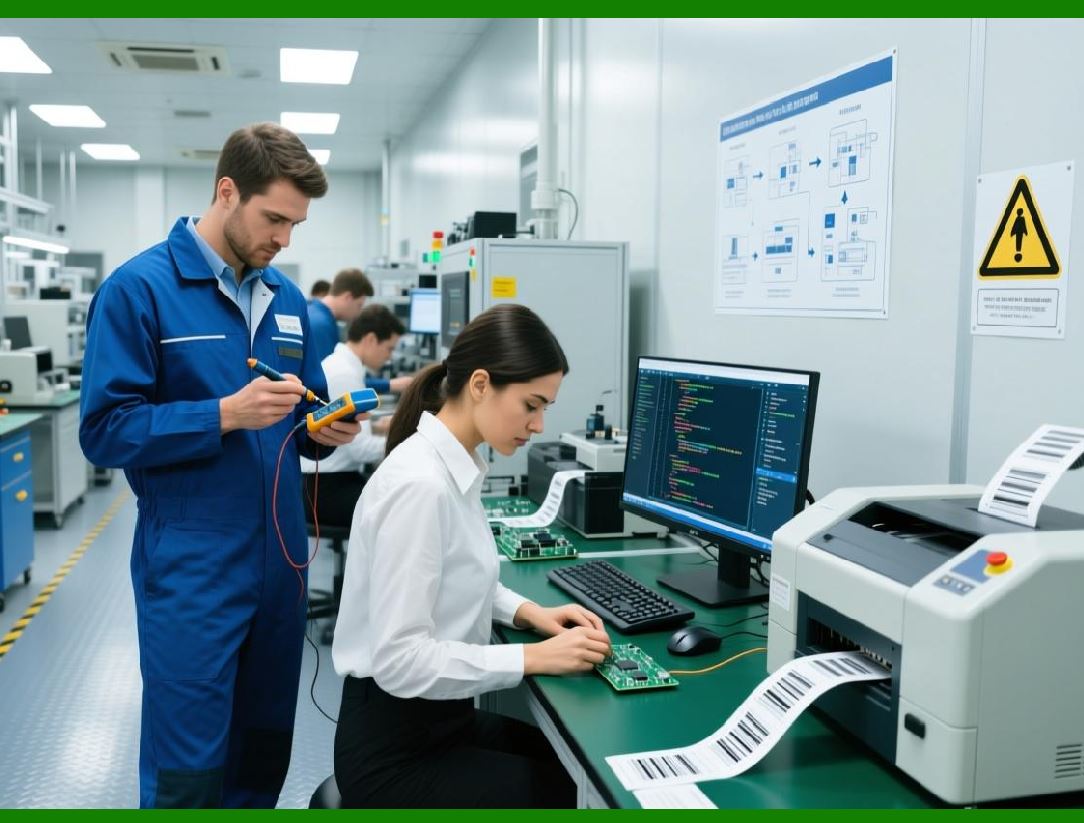
In manufacturing, barcodes are used to track parts, assemblies, and production stages. Unlike retail, manufacturing barcodes are often very small and printed directly on components. |
Typical symbologies include: |
1. Data Matrix (ECC 200) for part marking |
2. Code 128 for work-in-progress tracking |
3. QR Code for flexible data storage |
The SDK vector-based rendering engine is particularly important here, as it supports high-precision output for laser engraving, dot peen marking, and high-resolution industrial printers. |
Deployment often occurs in embedded systems or industrial PCs with limited user interfaces but strict performance and reliability requirements. |

|
14.5 Healthcare and Medical Systems |
Healthcare is among the most regulated environments for barcode usage. Barcodes are used to identify patients, medications, specimens, and medical devices. |
Common healthcare barcode applications include: |
1. Patient wristbands |
2. Medication labels |
3. Laboratory specimen tracking |
4. Asset management for medical equipment |
Standards compliance is critical, particularly for formats such as GS1-128 and Data Matrix used in pharmaceutical labeling. |
The SDK strict validation and deterministic output help organizations meet regulatory expectations and reduce the risk of misidentification, which can have serious consequences. |
Deployment patterns often involve integration with hospital information systems, laboratory information systems, and bedside scanning devices. |

|
14.6 Pharmaceutical and Life Sciences |
Pharmaceutical labeling introduces additional complexity due to global serialization and traceability requirements. |
Use cases include: |
1. Unit-level serialization using Data Matrix |
2. Batch and lot tracking |
3. Expiration date encoding |
4. Compliance with international regulations |
The SDK support for complex data structures and error correction is essential for generating small, information-dense symbols that remain readable throughout the product lifecycle. |
Deployment typically involves highly controlled environments with strict validation and audit requirements. |

|
14.7 Government and Public Sector Applications |
Government systems use barcodes for identification, document tracking, and logistics. |
Examples include: |
1. Asset tracking in public institutions |
2. Document management and archiving |
3. Identification cards and permits |
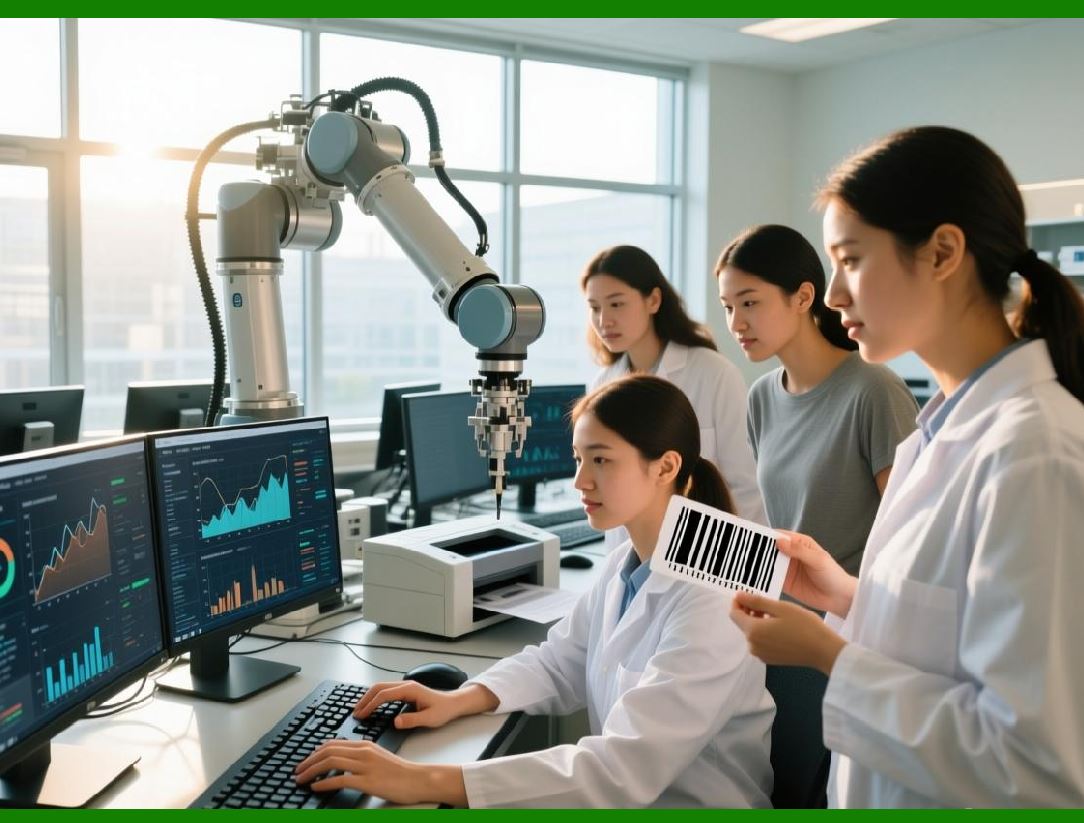
In these contexts, long-term stability and vendor accountability are often more important than cutting-edge features. The SDK commercial support model aligns well with public sector procurement practices. |
Deployment patterns may involve long software lifecycles and conservative upgrade schedules. |
|
14.8 Transportation and Ticketing Systems |
Transportation systems rely heavily on barcodes for ticketing and access control. |
Common use cases include: |
1. Boarding passes and travel documents |
2. Event tickets |
3. Transit passes |
Symbologies such as QR Code, PDF417, and Aztec Code are widely used due to their data capacity and resilience. |
The SDK support for rotation, compact formats, and minimal quiet zones is particularly valuable in mobile ticketing scenarios where screen space is limited. |

|
14.9 Education and Library Systems |
Libraries and educational institutions use barcodes for cataloging, circulation, and inventory. |
Typical use cases include: |
1. Book and media labeling |
2. Student ID cards |
3. Equipment checkout systems |
Codabar and Code 39 remain common in these environments, and the SDK support for legacy symbologies ensures compatibility with existing infrastructure. |
Deployment often involves desktop applications with integrated label printers. |

|
14.10 Office Automation and Document Management |
In office environments, barcodes are used to automate document workflows. |
Examples include: |
1. Barcode-based document indexing |
2. Automated scanning and filing |
3. Mailroom tracking systems |
PDF417 and QR Code are often used to encode document metadata. |
The SDK ability to generate barcodes programmatically and embed them into documents supports these automation scenarios effectively. |
|
14.11 E-Commerce and Online Platforms |
E-commerce platforms use barcodes primarily in fulfillment and returns processing. |
Typical applications include: |
1. Order picking labels |
2. Return merchandise authorization (RMA) labels |
3. Warehouse bin labeling |
The SDK is commonly deployed as part of server-side fulfillment systems, generating barcodes dynamically based on order data. |
Scalability and performance are key considerations here, and the SDK deterministic behavior supports predictable throughput. |

|
14.12 Embedded Systems and Specialized Hardware |
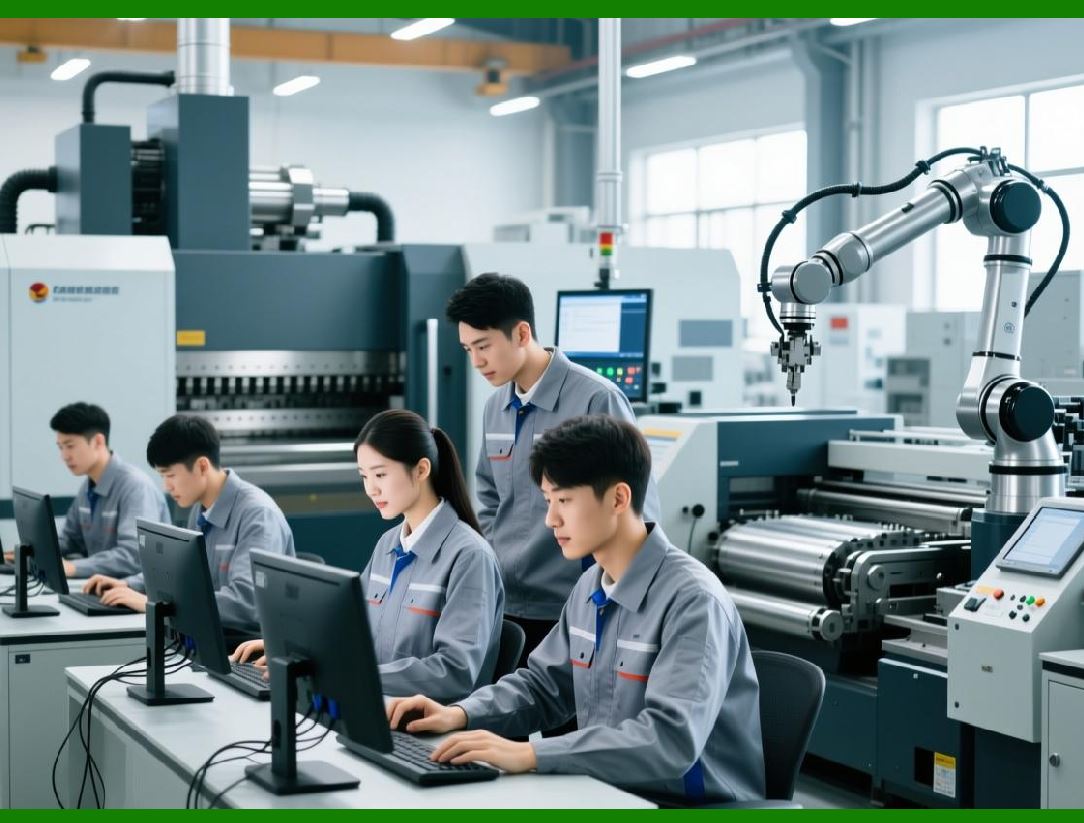
In some cases, the SDK is deployed in embedded systems with constrained resources, such as industrial controllers or specialized terminals. |
The SDK modular design and lack of external dependencies make it adaptable to such environments, provided that the underlying runtime supports the target platform. |
|
14.13 Integration with Printing and Labeling Hardware |
Across industries, barcode generation is closely tied to printing hardware. |
The SDK is often integrated with: |
1. Thermal label printers |
2. Industrial inkjet printers |
3. Laser printers |
Precise control over dimensions and resolution ensures that printed output meets scanner requirements. |

|
14.14 Globalization and Localization Considerations |
In multinational deployments, barcodes must function consistently across regions. |
The SDK Unicode support, platform independence, and standards compliance facilitate global deployment without region-specific customization. |

|
14.15 Risk Mitigation Through Standardization |
One recurring theme across industries is risk mitigation. By using a well-established commercial SDK, organizations reduce the risk associated with custom implementations, undocumented behavior, and unmaintained code. |

|
14.16 Long-Term Operational Stability |
In real-world deployments, barcode generation is rarely a one-off task. Systems may run continuously for years. |
The SDK focus on stability, predictable behavior, and backward compatibility supports these long-term operational needs. |

|
14.17 Summary of Industry Use Cases |
In summary, the OnBarcode Barcode SDK is used across a wide spectrum of industries, each with distinct operational constraints and regulatory requirements. |
Its versatility, standards compliance, and professional support make it suitable for scenarios ranging from retail checkout systems to pharmaceutical serialization and industrial automation. |
Part 15 typically examines limitations, trade-offs, and comparison with alternative approaches, or focus on a specific industry in greater depth. |
 cs@easiersoft.com