OnBarcode Barcode SDK Comprehensive Technical Analysis |
Part 6 of 17: Integration Scenarios and Architectural Patterns in Real-World Systems |
1. Role of Barcode Generation in Enterprise Architectures |
1.1 Barcode SDK as an Infrastructure Component |
In most real-world systems, barcode generation is not a standalone feature but a supporting infrastructure capability. It typically operates behind the scenes as part of: |
1. Data capture workflows |
2. Identification and tracking mechanisms |
3. Document and label generation pipelines |
4. Compliance and audit systems |
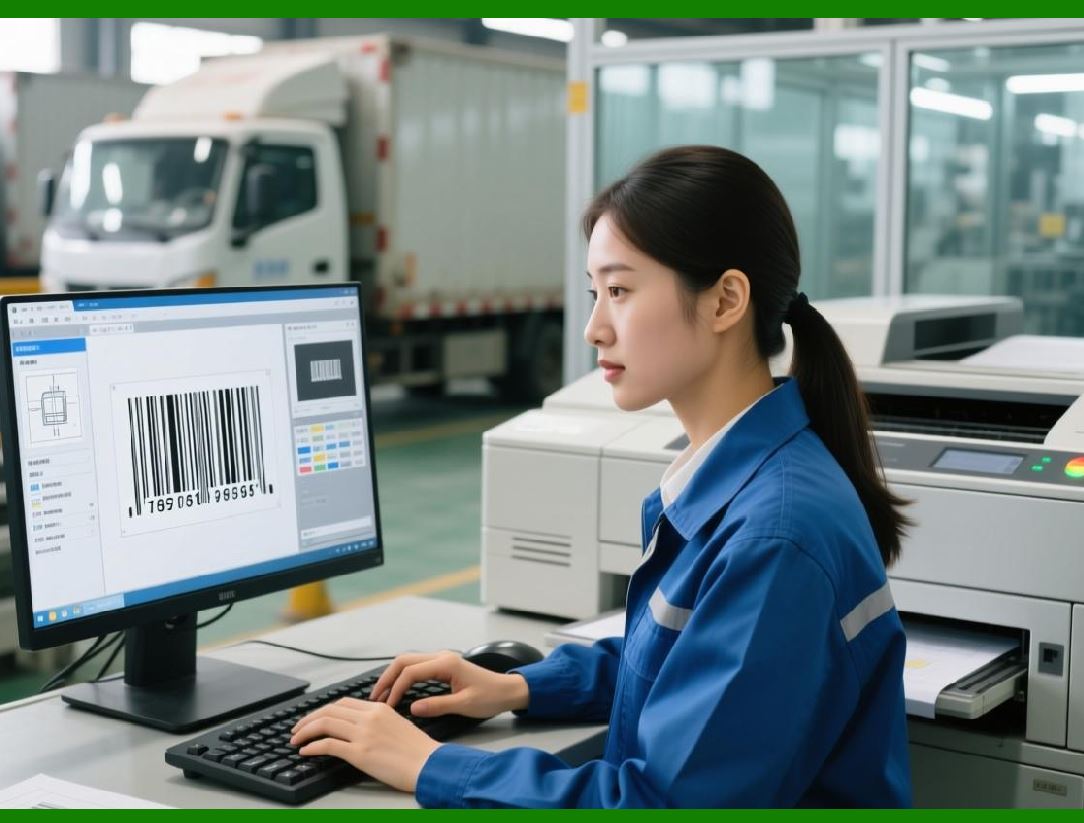
OnBarcode Barcode SDK is designed to function as a headless, service-like component that can be invoked programmatically wherever barcode output is required. |
|
1.2 Architectural Placement |
Within a typical enterprise architecture, the SDK may be placed in: |
1. Presentation layer (desktop or mobile UI) |
2. Application service layer |
3. Document generation layer |
4. Background batch processing layer |
Its flexible API allows it to operate effectively in any of these positions. |

|
2. Integration into Desktop Enterprise Applications |
2.1 ERP and Line-of-Business Systems |
Enterprise Resource Planning (ERP) and similar systems frequently require barcode generation for: |
1. Inventory items |
2. Purchase orders |
3. Shipping labels |
4. Asset tags |
In such systems, the SDK is usually embedded as a referenced library within the application codebase. |
2.2 UI-Driven Barcode Generation |
In desktop applications, barcode generation is often triggered by: |
1. User actions (printing, exporting) |
2. Data entry completion |
3. Workflow transitions |
The SDK rendering methods allow barcodes to be generated dynamically and displayed in preview dialogs or printed directly. |
2.3 Printing and Label Workflows |
Desktop systems commonly integrate the SDK with: |
1. Label printers |
2. Office printers |
3. Print spoolers |
The SDK DPI and scaling controls ensure that printed barcodes match physical label dimensions accurately. |

|
3. Server-Side and Web Application Integration |
3.1 Barcode Generation as a Backend Service |
In web applications, barcode generation typically occurs on the server side. The SDK is used to: |
1. Generate images on demand |
2. Embed barcodes into generated documents |
3. Produce downloadable assets |
This model avoids relying on client-side rendering, ensuring consistent output across browsers and devices. |
3.2 REST and API-Based Architectures |
In service-oriented architectures, barcode generation may be exposed via: |
1. Internal APIs |
2. Microservices |
3. Background job processors |
The SDK stateless rendering methods make it suitable for invocation in response to API calls. |
3.3 Scalability Considerations |
In high-traffic environments, integration must consider: |
1. Concurrent request handling |
2. Resource pooling |
3. Throughput and latency |
The SDK relatively low computational overhead makes it practical for scalable server-side deployment. |

|
4. Document Generation and Reporting Systems |
4.1 Embedding Barcodes in Documents |
One of the most common integration scenarios is embedding barcodes into: |
1. PDF reports |
2. Invoices |
3. Shipping documents |
4. Compliance forms |
The SDK vector and graphics-context rendering capabilities allow barcodes to be placed precisely within document layouts. |
4.2 Report Designers and Templates |
In reporting systems, barcode generation is often template-driven. The SDK can be invoked: |
1. During report rendering |
2. Per record in a dataset |
3. As part of a pagination process |
This allows each document instance to contain unique barcode values. |
4.3 Batch Document Production |
For batch processing scenarios, such as monthly statements or bulk shipping labels, the SDK supports: |
1. High-volume barcode generation |
2. Repetitive rendering with different data |
3. Integration with file output pipelines |
|
5. Mobile Application Integration Patterns |
5.1 On-Device Barcode Display |
In mobile applications, barcodes are commonly displayed on-screen for: |
1. Ticket validation |
2. Access control |
3. Loyalty programs |
The SDK renders barcodes directly to device-friendly bitmap formats. |
5.2 Offline Capability |
Because barcode generation occurs locally within the SDK, mobile apps can generate barcodes: |
1. Without network connectivity |
2. Using locally stored data |
This is critical for field operations and offline workflows. |
5.3 Interaction with Mobile Printers |
Some mobile applications integrate with portable printers. The SDK rendering controls allow generation of printer-ready barcode images compatible with mobile printing SDKs. |

|
6. Integration in Logistics and Supply Chain Systems |
6.1 Shipping and Labeling Pipelines |
Logistics systems often generate barcodes as part of automated pipelines that include: |
1. Order processing |
2. Packaging |
3. Label printing |
4. Shipment tracking |
The SDK can be invoked programmatically at each stage. |
6.2 Compliance with Industry Standards |
Supply chain applications frequently require strict adherence to standards. The SDK enforces: |
1. Correct symbology usage |
2. Mandatory check digits |
3. Required formatting rules |
This reduces the risk of non-compliant labels entering the distribution chain. |

|
7. Healthcare and Regulated Environments |
7.1 Medical and Pharmaceutical Applications |
In healthcare systems, barcodes are used for: |
1. Patient identification |
2. Medication tracking |
3. Sample labeling |
Integration must prioritize accuracy and repeatability. |
7.2 Validation and Audit Requirements |
Regulated environments often require: |
1. Deterministic output |
2. Reproducibility of symbols |
3. Clear traceability of encoded data |
The SDK predictable behavior supports these requirements. |

|
8. Integration with Legacy Systems |
8.1 Coexistence with Older Technologies |
Many organizations operate legacy systems that still require barcode output. The SDK can be integrated by: |
1. Wrapping it in adapter layers |
2. Exposing simple interfaces |
3. Using file-based output |
This allows gradual modernization without full system replacement. |
8.2 Data Format Bridging |
The SDK can encode data originating from: |
1. Legacy databases |
2. Fixed-width text files |
3. Mainframe exports |
As long as input data is properly formatted, the SDK remains agnostic to data origin. |

|
9. Cloud and Virtualized Deployments |
9.1 Cloud Hosting Considerations |
When deployed in cloud environments, the SDK must function reliably in: |
1. Virtual machines |
2. Containerized services |
Its lack of hardware dependencies makes this feasible. |
9.2 Stateless Service Design |
For cloud-native architectures, barcode generation services are often stateless. The SDK fits well into this model when instantiated per request or per worker. |

|
10. Performance and Throughput in Integrated Systems |
10.1 Batch vs Real-Time Usage |
Integration scenarios may involve: |
1. Real-time barcode generation for user interactions |
2. Batch generation for large datasets |
The SDK supports both usage patterns with appropriate configuration. |
10.2 Resource Management |
Proper integration includes: |
1. Reusing objects where safe |
2. Avoiding unnecessary image regeneration |
3. Managing memory usage explicitly in long-running processes |

|
11. Error Propagation and Monitoring |
11.1 Integration-Level Error Handling |
Errors originating from the SDK should be: |
1. Caught and logged |
2. Translated into application-level messages |
3. Monitored for recurring issues |
11.2 Operational Monitoring |
In production systems, barcode generation failures may indicate: |
1. Invalid upstream data |
2. Configuration drift |
3. Environmental issues |
Integration with logging and monitoring systems helps maintain reliability. |

|
12. Security Considerations in Integration |
12.1 Data Sensitivity |
Barcodes often encode sensitive information such as: |
1. Identifiers |
2. Transaction references |
3. Personal data |
Integration designs must ensure that encoded data is handled securely. |
12.2 Output Control |
Generated barcode images and documents should be: |
1. Stored securely |
2. Transmitted over secure channels |
3. Access-controlled |

|
13. Summary of Part 6 |
This part has covered: |
1. Enterprise and desktop integration patterns |
2. Server-side and web application usage |
3. Document and report generation |
4. Mobile and logistics system integration |
5. Healthcare and regulated environments |
6. Cloud deployment considerations |
7. Performance, monitoring, and security |

|
In Part 7, we will focus on performance characteristics and optimization strategies, including encoding speed, rendering efficiency, memory usage, and best practices for high-volume barcode generation. |
 cs@easiersoft.com