Seagull BarTender SDK Comprehensive Technical Guide (Part 10) |
*(Error Handling, Logging, Reporting, and Audit Compliance)* |
1. Introduction to Error Handling and Logging |
1.1 Importance in Enterprise Labeling |
* In high-volume or regulated environments, errors in printing can lead to: |
1. Regulatory non-compliance |
2. Product recalls or mislabeling |
3. Operational inefficiencies |
4. Financial losses |
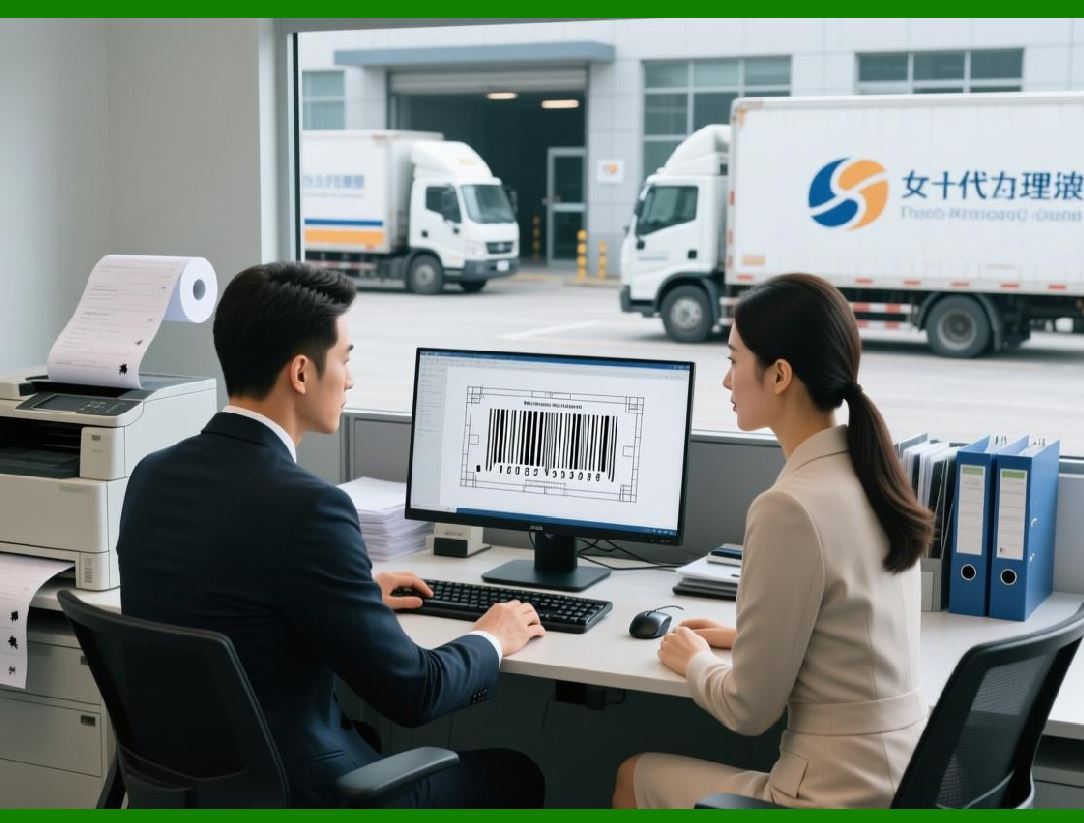
* The BarTender SDK provides mechanisms for robust error handling, logging, and reporting to mitigate risks and ensure traceability. |
|
1.2 Key Objectives |
1. Detect errors during data retrieval, template processing, or printing |
2. Log details for analysis, auditing, and compliance |
3. Notify operators or systems when intervention is required |
4. Provide actionable insights to prevent recurring issues |

|
2. Error Types in BarTender SDK |
2.1 Data Errors |
* Missing or invalid field values |
* Inconsistent or incorrectly formatted data |
* Non-compliant serial numbers, batch codes, or expiration dates |
2.2 Template Errors |
* Missing or corrupted objects in templates |
* Incorrect font or graphic references |
* Barcodes that cannot be generated with given data |
2.3 Printer Errors |
* Printer offline or unreachable |
* Media or ribbon shortages |
* Printer jams, calibration issues, or misfeeds |
2.4 API or SDK Errors |
* Communication failures with SDK API (COM, .NET, REST) |
* Unsupported operations or invalid method calls |
* Runtime exceptions during automation |

|
3. Error Handling Strategies |
3.1 Pre-Print Validation |
* SDK allows developers to validate: |
1. Data sources before template population |
2. Required fields and barcode encoding |
3. Template integrity and object references |
* Pre-print validation reduces runtime errors significantly. |
3.2 Runtime Error Handling |
* SDK exposes event-driven hooks for error handling: |
1. OnError triggered when printing fails |
2. OnJobCompleted can check for warnings or partial failures |
3. Custom event handlers can automatically reroute jobs or notify operators |
3.3 Example Workflow |
1. OnError triggers when a printer is offline |
2. SDK automatically switches the print job to an available printer |
3. Logs the error with details including template, job ID, and timestamp |

|
4. Sends notification to the operations dashboard |
4. Logging Mechanisms |
4.1 Types of Logs |
1. Job Logs record each print job, template used, and status |
2. Data Logs capture data values used for variable fields |
3. Error Logs detail any runtime or pre-print validation errors |
4. Audit Logs maintain records for regulatory compliance |
4.2 Programmatic Logging |
* SDK allows logging via APIs: |
1. Write logs to local files or network shares |
2. Insert logs into centralized databases for analytics |
3. Include timestamps, user/operator IDs, and job-specific data |
4. Integrate with enterprise monitoring and alert systems |

|
5. Reporting Capabilities |
5.1 Built-in Reporting |
* BarTender provides native reporting for: |
1. Job completion summaries |
2. Error and warning statistics |
3. Print volumes by template or printer |
5.2 Custom Reports Using SDK |
* Developers can programmatically generate: |
1. Compliance-ready audit reports |
2. Detailed operational metrics for production efficiency |
3. Multi-site or multi-printer summaries |
4. Reports in various formats: PDF, Excel, XML, or CSV |
5.3 Integration with BI Tools |
* Log data can feed into Business Intelligence tools such as: |
1. Power BI |
2. Tableau |
3. Qlik |
4. Custom dashboards for operational monitoring |
* Enables predictive analytics and trend identification for future planning. |

|
6. Audit and Compliance Tracking |
6.1 Regulatory Compliance |
* Industries like pharmaceuticals, food & beverage, and logistics require: |
1. Traceable print job records |
2. Barcode and serialization verification |
3. Operator accountability for each print job |
* SDK can automatically log these details for compliance reporting. |
6.2 Maintaining Audit Trails |
1. Each print job is uniquely identified (Job ID, template, data used) |
2. Operators and automated systems are tracked |
3. Errors and corrective actions are recorded |
4. Digital signatures or secure logging can be used for highly regulated environments |
6.3 Real-World Compliance Use Case |
* Pharmaceutical serialization labeling: |
1. Each batch generates unique DataMatrix codes |
2. SDK logs the batch number, operator, timestamp, and template used |
3. Any printing errors trigger rerun or exception handling |
4. Logs are stored for FDA and ISO audit purposes |

|
7. Notifications and Alerts |
7.1 Real-Time Notifications |
* SDK can trigger alerts when: |
1. Printer goes offline |
2. Media or ink levels are low |
3. Validation fails before printing |
7.2 Methods of Notification |
1. Emails or SMS alerts |
2. Push notifications to enterprise dashboards |
3. Integration with IT monitoring systems (e.g., ServiceNow, PagerDuty) |

|
8. Error Recovery and Job Retry |
8.1 Automated Recovery |
* SDK can automatically: |
1. Reroute jobs to available printers |
2. Retry failed print jobs after a defined interval |
3. Log retries for audit purposes |
8.2 Manual Intervention |
* Operators can be notified to: |
1. Fix printer issues |
2. Correct invalid data |
3. Approve reprints or exceptions |

|
9. Best Practices for Error Handling and Reporting |
1. Implement pre-print data validation to prevent errors at runtime |
2. Use event-driven error handling to capture and respond to failures automatically |
3. Maintain centralized logs for all job types and sites |
4. Integrate logs with BI dashboards for operational insights |
5. Ensure audit trail compliance with industry regulations |
6. Schedule periodic review of error logs to identify trends and optimize workflows |
|
10. Summary of Part 10 |
Part 10 covered error handling, logging, reporting, and audit compliance in BarTender SDK: |
1. Types of errors (data, template, printer, SDK/API) |
2. Pre-print validation and runtime error handling strategies |
3. Logging mechanisms for job, data, error, and audit information |
4. Reporting capabilities and BI integration |
5. Audit trail management for regulatory compliance |
6. Notifications, alerts, and automated recovery |
7. Best practices to ensure operational reliability and traceability |
 cs@easiersoft.com