Seagull BarTender SDK Comprehensive Technical Guide (Part 14) |
*(Internationalization, Localization, and Global Compliance in Enterprise Labeling Systems)* |
1. Introduction to Internationalization in Labeling Systems |
1.1 Importance of Internationalization (i18n) |
Global enterprises must ensure their labeling systems: |
1. Support multiple languages |
2. Adapt to regional printing standards |
3. Comply with local regulations |
4. Maintain consistent branding across regions |
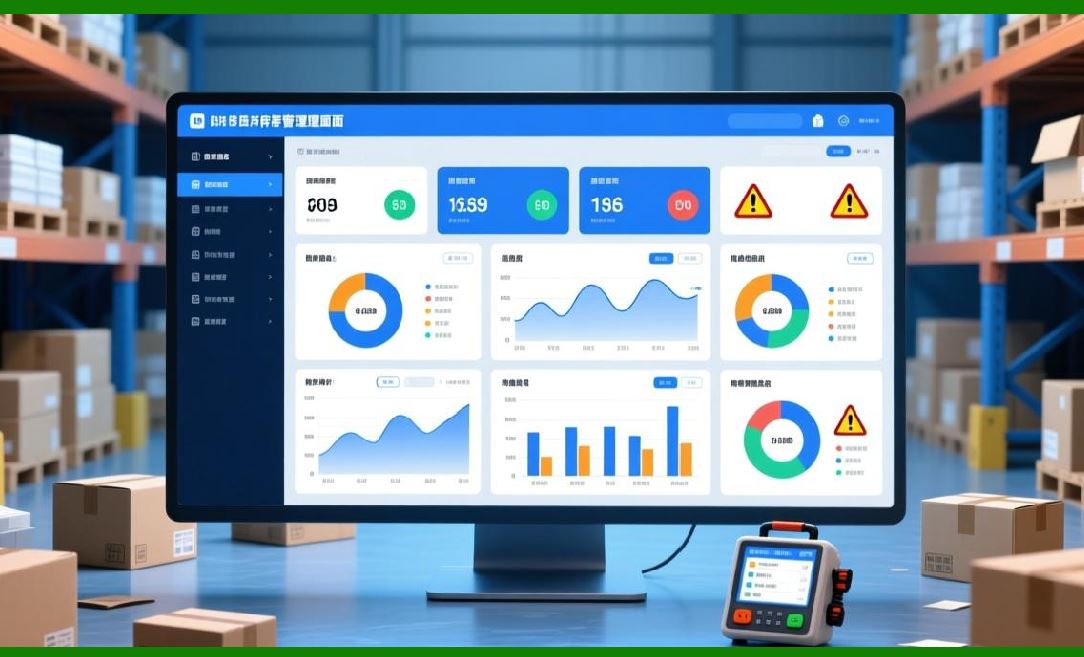
BarTender SDK provides the flexibility to design templates and workflows that can be localized without duplicating efforts. |
|
1.2 Key Goals of Internationalization |
1. Allow templates to support multiple languages. |
2. Enable dynamic selection of languages at runtime. |
3. Ensure proper character encoding for international scripts. |
4. Maintain consistent formatting for dates, numbers, and units. |

|
1.3 Challenges in International Labeling |
1. Multi-byte character sets (Chinese, Japanese, Arabic). |
2. Bi-directional text (e.g., Arabic or Hebrew). |
3. Variable label sizes for translated text. |
4. Compliance with local regulatory requirements. |

|
2. Character Encoding and Unicode Support |
2.1 Unicode in BarTender SDK |
* BarTender supports Unicode, allowing: |
1. Chinese, Japanese, Korean (CJK) characters |
2. Cyrillic, Greek, and other scripts |
3. Special symbols and mathematical characters |
2.2 Configuring Templates for Unicode |
1. Select Unicode-compliant fonts in templates. |
2. Ensure data sources support UTF-8 encoding. |
3. Avoid legacy ANSI encodings for global deployment. |
2.3 Handling Multi-Language Data Fields |
* Data sources should include language codes or field identifiers to select the correct language dynamically. |

|
3. Multi-Language Templates |
3.1 Strategies for Multi-Language Labels |
1. Single Template, Multiple Languages use multiple text objects bound to language fields. |
2. Multiple Templates per Language maintain separate templates for each locale. |
3. Dynamic Text Replacement use BarTender SDK to inject localized text at runtime. |
3.2 Advantages of Single Template Approach |
1. Centralized management of label design. |
2. Reduced template duplication. |
3. Simplified maintenance and version control. |
3.3 Challenges of Single Template Approach |
1. Increased template complexity. |
2. Need for proper data bindings for all supported languages. |
3. Dynamic resizing for variable-length text. |

|
4. Local Formatting Rules |
4.1 Numeric and Decimal Formats |
* Different regions use different symbols: |
1. Decimal point (`.`) vs comma (`,`) |
2. Digit grouping (e.g., 1,000 vs 1.000) |
* BarTender SDK allows programmatic formatting based on locale. |
4.2 Date and Time Formats |
1. US: `MM/DD/YYYY` |
2. Europe: `DD/MM/YYYY` |
3. ISO: `YYYY-MM-DD` |
* SDK templates can dynamically format dates for the target region. |
4.3 Units of Measurement |
1. Metric vs imperial (kg vs lb, cm vs inches) |
2. Temperature (Celsius vs Fahrenheit) |
3. Volume (liters vs gallons) |

|
5. Regional Compliance Requirements |
5.1 Regulatory Labeling Considerations |
Different countries enforce specific labeling rules: |
1. Healthcare/Pharma FDA (US), EMA (EU), PMDA (Japan) |
2. Food & Beverage allergen declarations, ingredient lists |
3. Logistics customs labeling standards (e.g., GS1, UPU) |
5.2 Integration with Compliance Data Sources |
* SDK allows automatic insertion of regulatory-required data: |
1. Expiry dates |
2. Lot numbers |
3. Barcodes (e.g., GS1 DataMatrix, EAN-13) |
4. Warnings or symbols per local laws |
5.3 Audit and Traceability |
* Maintain audit trails for compliance verification: who printed, when, and what label version was used. |

|
6. Bi-Directional Text Support |
6.1 Right-to-Left Languages |
* Languages like Arabic and Hebrew require: |
1. Right-to-left rendering |
2. Proper text alignment and justification |
3. Correct embedding of left-to-right segments (e.g., numbers) |
6.2 SDK Configuration for Bi-Directional Text |
1. Select appropriate font and encoding. |
2. Use BarTender SDK APIs to set text direction programmatically. |
3. Test labels in all target languages. |

|
7. Font and Graphics Considerations |
7.1 Multi-Script Font Selection |
* Use Unicode-compliant fonts covering all necessary scripts. |
* Avoid proprietary fonts lacking global character coverage. |
7.2 Graphics Localization |
1. Images and icons may need regional adaptation. |
2. Logos may have size or color variations per region. |
3. BarTender SDK allows dynamic loading of graphics based on locale. |
7.3 Label Size and Layout Adjustments |
* Longer translations may require text resizing or repositioning. |
* SDK APIs support programmatic adjustment of object size and position. |

|
8. Barcode Symbology and Regional Standards |
8.1 Symbology Selection by Region |
* Different countries prefer specific barcodes: |
1. EAN-13 (Europe) |
2. UPC-A (North America) |
3. GS1 DataMatrix (Global, pharma) |
4. QR Codes for multi-language product info |
8.2 Compliance Checks |
* Ensure encoded data meets local standards: |
1. Check digits |
2. Data length |
3. Required identifiers |
8.3 Dynamic Symbology Assignment |
* BarTender SDK enables choosing barcode type programmatically per locale or product type. |
|
9. Multi-Language Preview and Testing |
9.1 Preview Mechanisms |
* Use SDK to generate previews for each language before printing. |
* Allows QA teams to verify translations and layouts. |
9.2 Automated Testing |
* Programmatically check: |
1. Text truncation |
2. Barcode readability |
3. Font compatibility |
* Ensure no errors occur for any supported locale. |
9.3 User Acceptance Testing |
* Include regional users to confirm cultural and linguistic accuracy. |

|
10. Deployment Strategies for Global Operations |
10.1 Centralized vs Regional Printing |
1. Centralized single location prints labels for all regions; requires robust logistics. |
2. Regional distributed printing; easier compliance with local regulations. |
10.2 Template Synchronization |
* Use SDK or custom tools to keep templates synchronized across sites. |
10.3 Language and Compliance Updates |
* Maintain a process for updating translations and regulatory information efficiently. |
|
11. Best Practices Summary |
1. Always use Unicode-compliant fonts for multi-language support. |
2. Implement dynamic field replacement for localized content. |
3. Adapt numeric, date, and measurement formats to the target region. |
4. Apply regional compliance rules for text, barcodes, and symbols. |
5. Test bi-directional and multi-byte languages thoroughly. |
6. Use SDK APIs for dynamic graphics and template adjustments. |
7. Implement audit trails for compliance verification. |
8. Synchronize templates across global operations efficiently. |

|
12. Summary of Part 14 |
This part explored internationalization and localization in BarTender SDK, including: |
1. Multi-language template strategies |
2. Unicode and multi-byte character support |
3. Local numeric, date, and measurement formats |
4. Bi-directional text handling |
5. Regional regulatory compliance |
6. Barcode symbology selection per region |
7. Graphics and layout adaptation |
8. Global deployment strategies |

|
Next Step |
In Part 15, we will cover: |
* Advanced printing automation |
* Scheduled and conditional print jobs |
* Event-driven and API-triggered printing |
* Job prioritization and queuing strategies |
* Automated error recovery in printing pipelines |
 cs@easiersoft.com