Seagull BarTender SDK Comprehensive Technical Guide (Part 15) |
*(Advanced Printing Automation, Job Scheduling, Conditional Workflows, and Queue Management)* |
1. Introduction to Printing Automation |
1.1 Importance of Printing Automation |
In enterprise environments, automation is critical for: |
1. High-volume printing demands |
2. Reducing human intervention and errors |
3. Maintaining consistent label quality |
4. Meeting regulatory deadlines and operational KPIs |
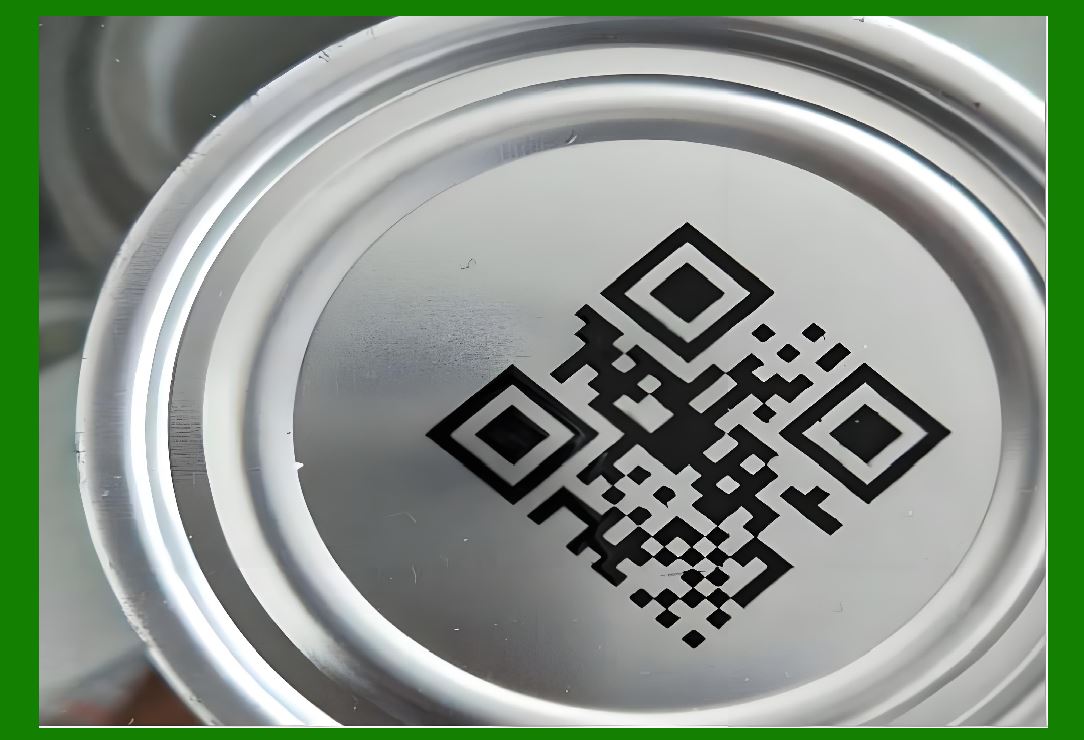
BarTender SDK provides robust features to enable automated label printing in complex workflows. |
|
1.2 Key Goals of Automation |
1. Streamline label production processes |
2. Reduce latency in order-to-label cycles |
3. Integrate with upstream systems (ERP, WMS, MES) |
4. Maintain centralized control of printing operations |
1.3 Types of Automation |
1. Scheduled printing recurring jobs based on time or production cycles |
2. Event-driven printing triggered by external systems or data events |
3. Conditional printing based on dynamic rules or data values |

|
2. Scheduled Print Jobs |
2.1 Scheduling Concepts |
* Use SDK or Windows Task Scheduler to initiate print jobs automatically. |
* Jobs can be triggered: |
1. Daily, weekly, or monthly |
2. At specific production intervals |
3. After batch completion |
2.2 Implementation via SDK |
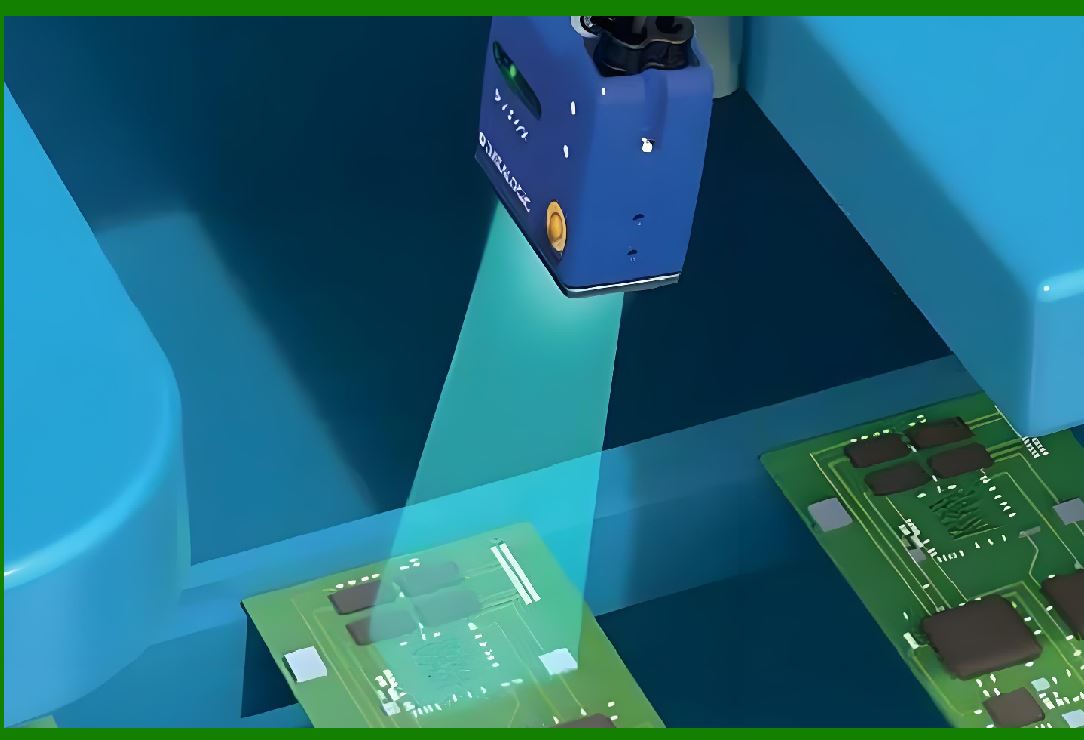
1. Create a scheduled service or Windows service. |
2. Load the template using the SDK. |
3. Inject dynamic data fields. |
4. Execute print job programmatically. |
2.3 Logging and Monitoring |
* Maintain logs of scheduled jobs including: |
1. Job start and completion time |
2. Status of each print task |
3. Any errors encountered |
|
3. Event-Driven Printing |
3.1 Concept |
* Printing is triggered by external events rather than time intervals: |
1. New order entry in ERP |
2. Barcode scan in WMS |
3. Production sensor signal from MES |
3.2 Implementation Approaches |
1. SDK Event Listeners respond to messages or API calls. |
2. Message Queues jobs triggered by data arriving in a queue (e.g., RabbitMQ, MSMQ). |
3. Webhooks REST APIs trigger print execution. |
3.3 Advantages |
1. Immediate response to business events |
2. Reduces manual intervention |
3. Integrates seamlessly with enterprise workflow |

|
4. Conditional Printing |
4.1 Defining Conditional Logic |
* Labels are printed only when specific conditions are met, e.g.: |
1. Product type matches criteria |
2. Quantity exceeds threshold |
3. Compliance checks passed |
4.2 SDK Implementation |
1. Evaluate data values at runtime. |
2. Use decision rules to determine whether to execute the print. |
3. Optionally select different templates based on conditions. |
4.3 Benefits |
1. Ensures printing is accurate and relevant |
2. Prevents waste of labels and materials |
3. Supports complex production and regulatory rules |

|
5. Job Queue Management |
5.1 Importance of Queues |
* Queues manage high-volume and concurrent print requests efficiently. |
* Prevents printer overload and maintains consistent throughput. |
5.2 Queue Design Strategies |
1. Priority Queues assign higher priority to urgent jobs. |
2. FIFO Queues process jobs in order received. |
3. Multi-Queue System separate queues by printer, template, or department. |
5.3 SDK Queue Implementation |
1. Maintain an in-memory or database-backed queue of print jobs. |
2. Dequeue and process each job with error handling. |
3. Log completion status for monitoring and auditing. |

|
6. Load Balancing Across Multiple Printers |
6.1 Multi-Printer Strategy |
* Distribute jobs across multiple printers to prevent bottlenecks. |
6.2 Printer Selection Algorithms |
1. Round-robin distribute evenly |
2. Load-based assign to the printer with the least workload |
3. Capability-based match job type to printer features (e.g., color, thermal, industrial) |
6.3 SDK Implementation |
* Programmatically query printer status and capabilities. |
* Assign jobs dynamically and monitor completion. |

|
7. Automated Error Handling and Recovery |
7.1 Types of Print Failures |
1. Printer offline or jammed |
2. Network connectivity issues |
3. Data validation errors |
4. Template incompatibility |
7.2 Automated Recovery Strategies |
1. Retry mechanisms resubmit failed jobs after a delay |
2. Alternative printer routing redirect jobs to available printers |
3. Escalation alerts notify operators of repeated failures |
7.3 SDK Techniques for Recovery |
1. Catch exceptions during print execution |
2. Maintain job metadata to allow retries |
3. Log detailed error codes for troubleshooting |

|
8. Real-Time Job Monitoring |
8.1 Monitoring Objectives |
1. Track job status in real time |
2. Detect bottlenecks or failures promptly |
3. Provide visibility to operations managers |
8.2 SDK Monitoring Implementation |
1. Subscribe to OnJobStarted, OnJobCompleted, and OnError events. |
2. Capture printer feedback (e.g., out of media, low toner). |
3. Store job history in a centralized monitoring database. |
8.3 Dashboard and Reporting |
* Display job progress, printer utilization, and error trends. |
* Support decision-making for production planning. |

|
9. Integration with Enterprise Systems |
9.1 ERP Integration |
* Automate label generation from order entries, batch releases, or shipping instructions. |
9.2 WMS/MES Integration |
* Trigger labels based on production line events or inventory movement. |
9.3 API-Driven Automation |
* Expose RESTful or SOAP APIs for external systems to initiate print jobs. |
* Use SDK to validate templates, apply conditional logic, and execute printing. |

|
10. Performance Optimization for High-Volume Printing |
10.1 Template Optimization |
1. Reduce complex graphics and layers. |
2. Simplify barcodes and dynamic fields. |
10.2 Engine Reuse |
* Reuse BarTender engine instances to avoid repeated initialization overhead. |
10.3 Concurrent Job Processing |
* Implement multi-threading to process multiple print jobs simultaneously while avoiding conflicts. |

|
11. Best Practices for Automated Printing Systems |
1. Maintain a centralized job queue with priority handling. |
2. Implement retry and failover mechanisms for errors. |
3. Optimize templates for speed and resource usage. |
4. Use event-driven triggers to reduce latency. |
5. Integrate dashboards for real-time monitoring. |
6. Enforce security and audit logging in automated workflows. |
7. Regularly test automation logic under peak load scenarios. |

|
12. Summary of Part 15 |
This part explored advanced printing automation using BarTender SDK, including: |
1. Scheduled, event-driven, and conditional printing |
2. Job queue design and prioritization |
3. Multi-printer load balancing |
4. Automated error detection and recovery |
5. Real-time monitoring and reporting |
6. Enterprise system integration (ERP, WMS, MES) |
7. High-volume printing optimization |
8. Best practices for automated workflows |
|
Next Step |
In Part 16, we will cover: |
* SDK customization for reporting and analytics |
* Generating print statistics, job summaries, and compliance reports |
* Data aggregation for operational intelligence |
* Integration with BI tools and dashboards |
 cs@easiersoft.com