Seagull BarTender SDK Comprehensive Technical Guide (Part 19) |
*(Future Trends, Innovations, and Strategic Outlook for BarTender SDK Solutions)* |
1. Introduction to Future Trends in Labeling Automation |
1.1 Industry Evolution |
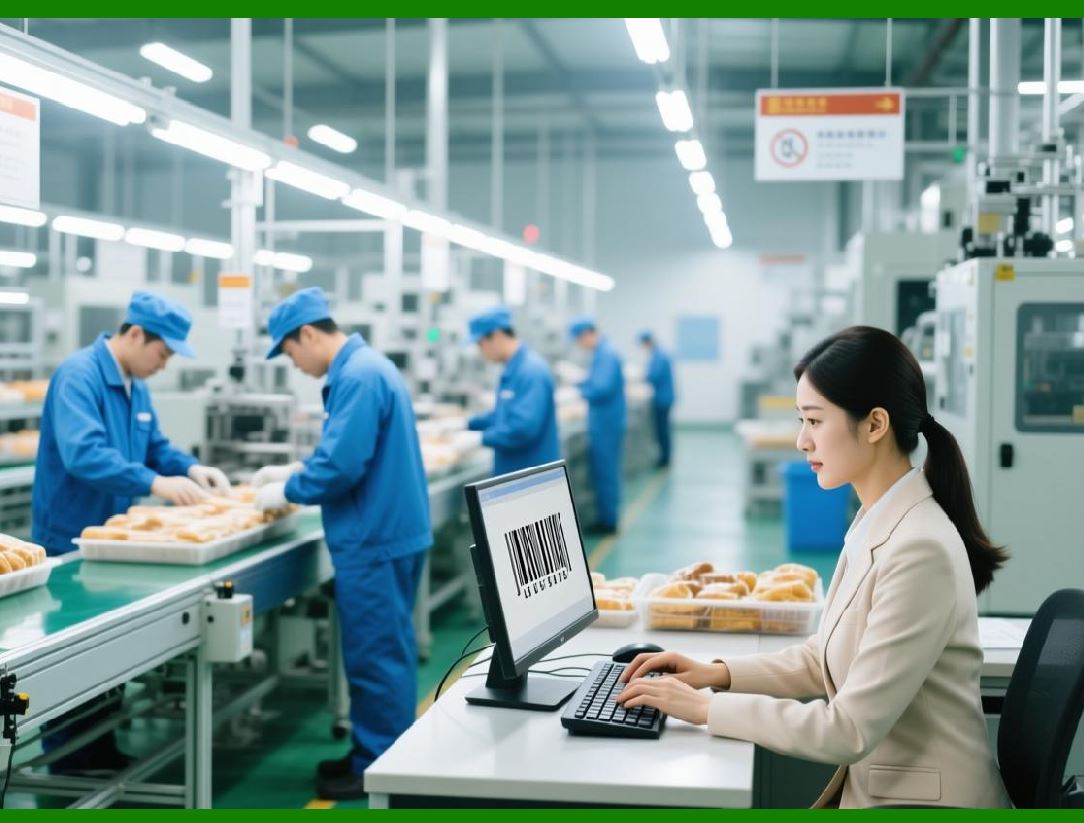
Labeling and barcode printing technology are increasingly integrating with: |
1. IoT (Internet of Things) connecting printers, sensors, and production lines for real-time automation. |
2. AI and Machine Learning optimizing workflows, predicting maintenance, and error reduction. |
3. Cloud Computing enabling global deployment, centralized monitoring, and remote management. |
4. Industry 4.0 and Smart Manufacturing fully automated, data-driven production environments. |
BarTender SDK positions organizations to leverage these trends through flexible integration and programmatic control. |

|
1.2 Objectives of Future-Ready SDK Deployment |
1. Enhance operational efficiency and printing speed |
2. Reduce downtime through predictive maintenance |
3. Support real-time data analytics and decision-making |
4. Enable scalable, cloud-native workflows for global operations |
|
2. Integration with AI and Machine Learning |
2.1 AI-Driven Error Prediction |
* Use machine learning models to predict: |
1. Printer failures (paper jams, hardware issues) |
2. High-risk print jobs (based on template complexity or data quality) |
3. Maintenance needs for consumables like labels, ribbons, and toner |
* SDK integration allows job monitoring data to feed AI models in real time. |
2.2 Workflow Optimization |
* AI can analyze: |
1. Print queues for bottlenecks |
2. Labeling patterns to optimize template selection |
3. Operator efficiency to assign tasks dynamically |
* Results can be applied programmatically via the SDK for dynamic routing of jobs and prioritization. |
2.3 Quality Assurance |
* AI can detect anomalies in printed labels using camera systems. |
* SDK allows automated rescans and reprints when defects are detected. |
* Reduces waste and ensures compliance with regulatory standards. |

|
3. IoT-Enabled Smart Printing |
3.1 Connected Printers |
* Printers equipped with IoT sensors report status to central dashboards. |
* Real-time updates on: |
1. Printer availability and readiness |
2. Media and ink levels |
3. Environmental conditions affecting print quality |
3.2 Predictive Maintenance |
* IoT sensor data can forecast maintenance needs before failures occur. |
* SDK can programmatically pause or reroute jobs when printers require servicing. |
3.3 Centralized Operations |
* Cloud dashboards provide a single view of multi-site printing operations. |
* SDK allows automated remote management and troubleshooting. |

|
4. Cloud-Native SDK Deployment |
4.1 Advantages of Cloud Deployment |
1. Global access to print services from any location |
2. Centralized monitoring, logging, and compliance reporting |
3. Reduced need for on-site infrastructure |
4. Dynamic scaling for peak workloads |
4.2 Cloud Deployment Strategies |
* Use SDK in combination with: |
1. Virtual machines or containers for engine hosting |
2. REST APIs for job submission and status monitoring |
3. Cloud databases for centralized analytics |
4. CI/CD pipelines to automate updates and template distribution |
4.3 Security in Cloud Environments |
* Ensure data encryption at rest and in transit |
* Role-based access control for print services |
* Audit trails for compliance across geographies |
|
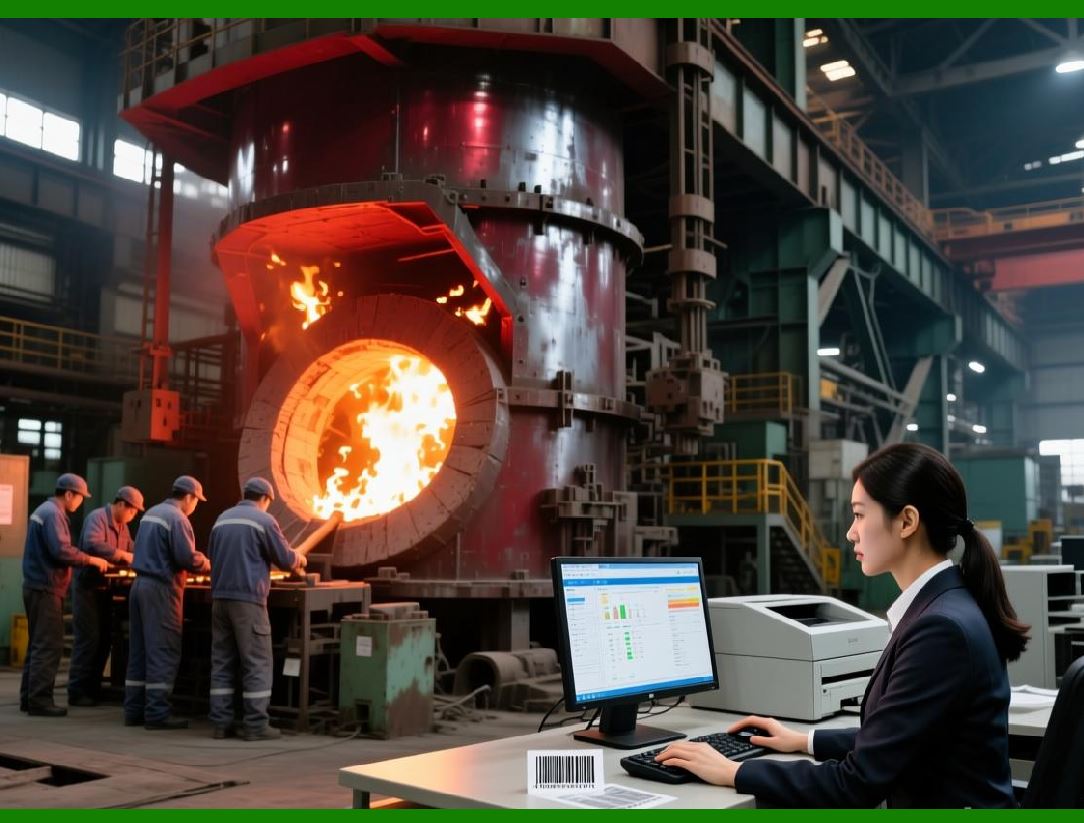
5. Predictive Analytics for Enterprise Labeling |
5.1 Real-Time Metrics Analysis |
* SDK captures detailed operational data: |
1. Job execution times |
2. Printer performance metrics |
3. Error frequency and types |
* Analytics systems can forecast future demand and allocate resources efficiently. |
5.2 Trend Analysis |
* Analyze historical printing data to: |
1. Predict peak printing times |
2. Optimize staffing and printer allocation |
3. Identify templates causing recurring errors |
5.3 Strategic Benefits |
* Reduces operational cost by minimizing downtime |
* Improves production efficiency and throughput |
* Supports long-term planning and capacity management |
|
6. Advanced Security and Compliance Trends |
6.1 Regulatory Evolution |
* Pharmaceutical, food, and logistics industries increasingly require: |
1. Secure and auditable print operations |
2. Serialization and tamper-evident labeling |
3. Multi-jurisdictional compliance reporting |
* SDK enables automated capture of necessary data and audit trails. |
6.2 Data Protection Trends |
1. End-to-end encryption for print data |
2. Secure API endpoints for remote or cloud-based printing |
3. Role-based access and authorization controls |

|
7. AI-Assisted Template Design |
7.1 Dynamic Layout Optimization |
* AI algorithms can suggest layout adjustments based on: |
1. Printer resolution and speed |
2. Label size and material |
3. Regulatory requirements |
* SDK enables programmatic application of optimized templates. |
7.2 Automated Language Localization |
* AI-assisted translation of label text for global distribution |
* Dynamic substitution of content using SDK APIs ensures accurate labeling in multiple languages |

|
8. Predictive Supply Chain Labeling |
8.1 Just-in-Time Labeling |
* SDK integrates with ERP and WMS systems to print labels only when needed |
* Reduces label waste and inventory of pre-printed labels |
8.2 Smart Reordering and Resource Management |
* AI analyzes label consumption trends |
* Automatically orders media, ribbons, and other consumables |
|
9. Future Innovations in BarTender SDK |
9.1 Integration with Blockchain |
* Ensures traceability of serialized labels for high-value or regulated products |
* SDK can programmatically capture blockchain transactions for audit purposes |
9.2 Voice and Mobile-Driven Printing |
* Mobile apps and voice commands trigger print jobs |
* SDK REST APIs handle secure mobile print requests |
9.3 Augmented Reality (AR) and Digital Twins |
* Visualize label placement on products before printing |
* Simulate printing workflows in AR environments using SDK-driven data |

|
10. Strategic Outlook |
10.1 Positioning BarTender SDK |
* Enables enterprises to: |
1. Maintain operational excellence in labeling |
2. Achieve real-time intelligence through analytics and AI |
3. Reduce errors and increase compliance adherence |
4. Scale globally without compromising control or performance |
10.2 Competitive Advantages |
1. Flexible integration with modern enterprise systems |
2. Cloud and on-premises deployment support |
3. Advanced automation, error handling, and reporting |
4. Future-ready features for IoT, AI, and predictive analytics |
10.3 Long-Term Vision |
* BarTender SDK is evolving towards fully automated, data-driven labeling ecosystems: |
1. Multi-site, cloud-native operations |
2. AI-assisted template design and error prevention |
3. Predictive maintenance and operational intelligence |
4. Seamless integration with global enterprise systems |

|
11. Conclusion of the Comprehensive Guide |
The Seagull BarTender SDK provides a robust, flexible, and future-ready platform for label design, printing, and enterprise integration. Key takeaways include: |
1. Programmatic Control fully automate label printing workflows. |
2. Advanced SDK Features dynamic templates, plug-ins, event-driven printing, and API integration. |
3. Enterprise Integration seamless connectivity with ERP, WMS, MES, and cloud systems. |
4. Automation and Analytics real-time monitoring, reporting, error handling, and predictive insights. |
5. Scalability and Reliability multi-site deployment, printer load balancing, and operational continuity. |
6. Future-Proofing IoT, AI, cloud-native deployment, AR/VR, blockchain, and predictive supply chain integration. |
Enterprises using BarTender SDK can confidently manage complex labeling needs while preparing for the next generation of smart manufacturing and intelligent supply chain systems. |

|
Reference URL |
https://www.seagullscientific.com/software/bartender/sdk/ |
 cs@easiersoft.com