Seagull BarTender SDK Comprehensive Technical Guide (Part 3) |
*(Advanced Automation, Integration Builder, Event-Driven Systems, and Distributed Architectures)* |
1. Introduction to Advanced Automation in BarTender |
1.1 Evolution from Manual Printing to Intelligent Automation |
In modern enterprise environments, labeling is no longer a manual process. Instead, it is deeply embedded into business workflows. BarTender SDK, combined with its automation tools, enables: |
1. Fully automated label generation |
2. Real-time response to business events |
3. Integration across distributed systems |
4. Minimal human intervention |
Automation is especially critical in: |
* High-volume manufacturing |
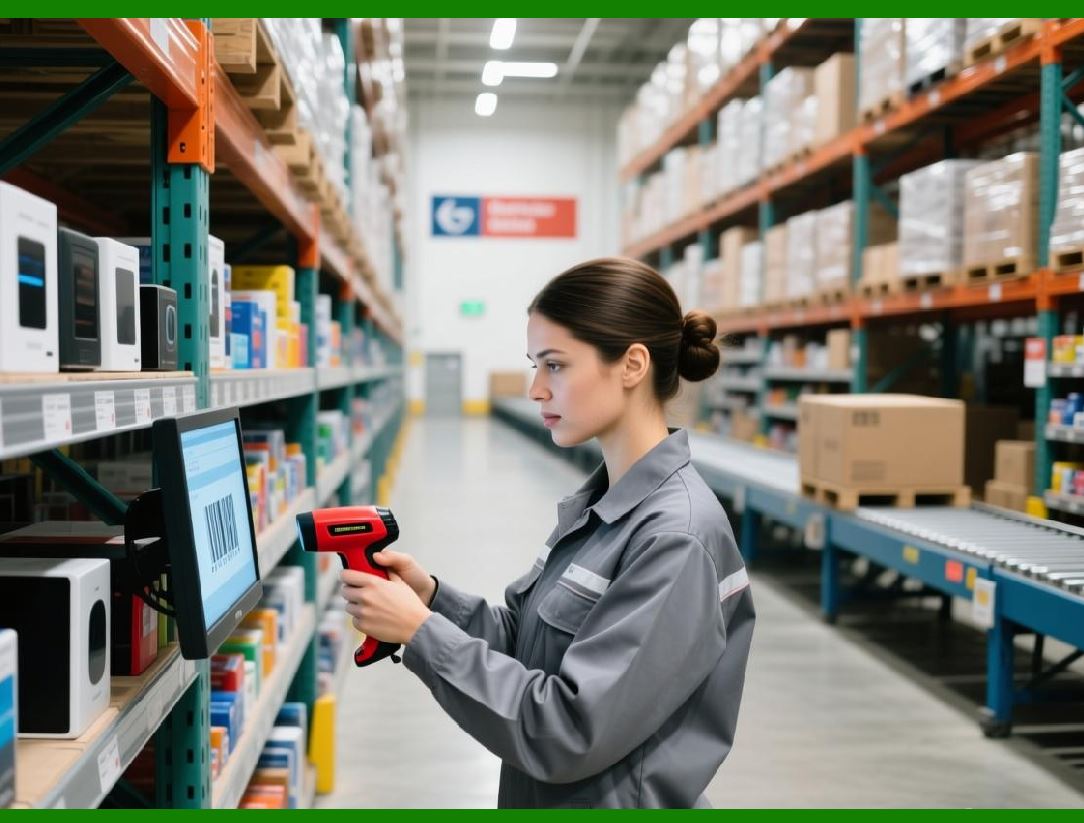
* Logistics and warehousing |
* Pharmaceutical compliance |
* E-commerce fulfillment |

|
1.2 Role of Integration Builder in Automation |
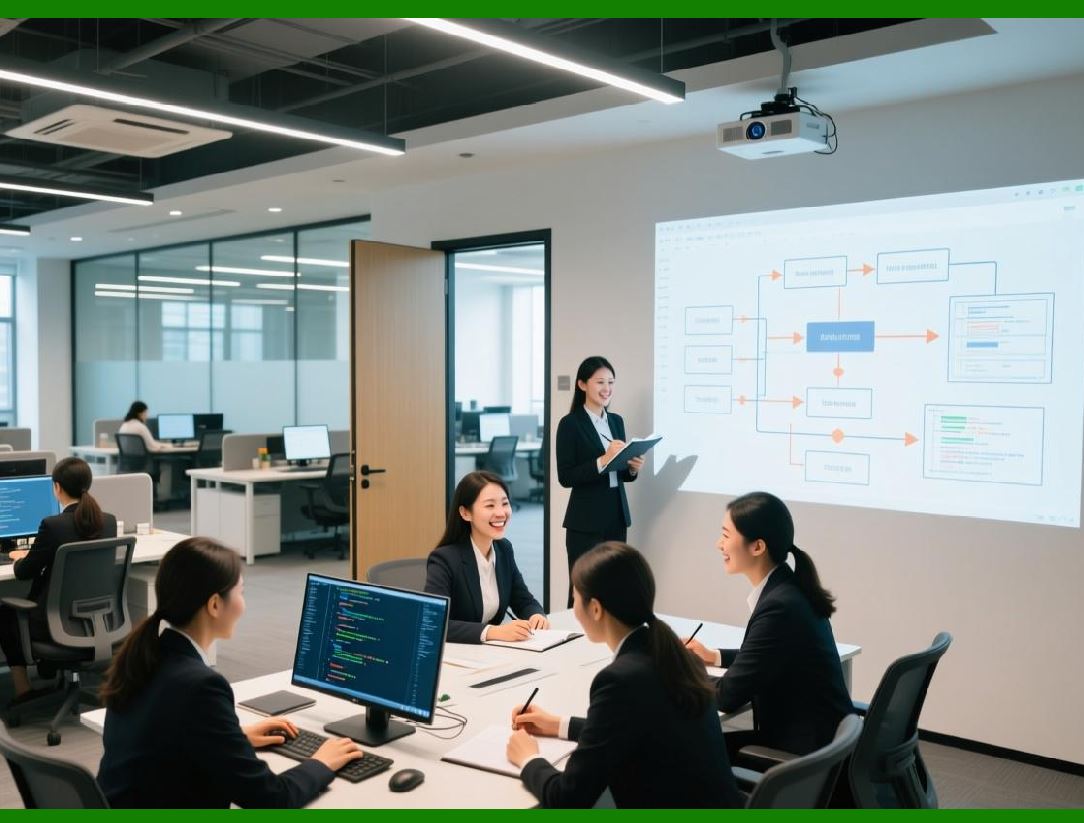
Integration Builder is a key component that complements the SDK by offering: |
1. Event-driven automation |
2. Workflow orchestration |
3. Data transformation pipelines |
4. External system integration |
It acts as a middleware layer between enterprise systems and BarTender. |
|
1.3 SDK vs Integration Builder |
While both enable automation, their roles differ: |
1. SDK (Code-driven) |
* Used inside applications |
* Requires programming |
2. Integration Builder (Configuration-driven) |
* No-code / low-code |
* Workflow-based |
In advanced systems, both are often used together. |

|
2. Integration Builder Architecture |
2.1 Core Components |
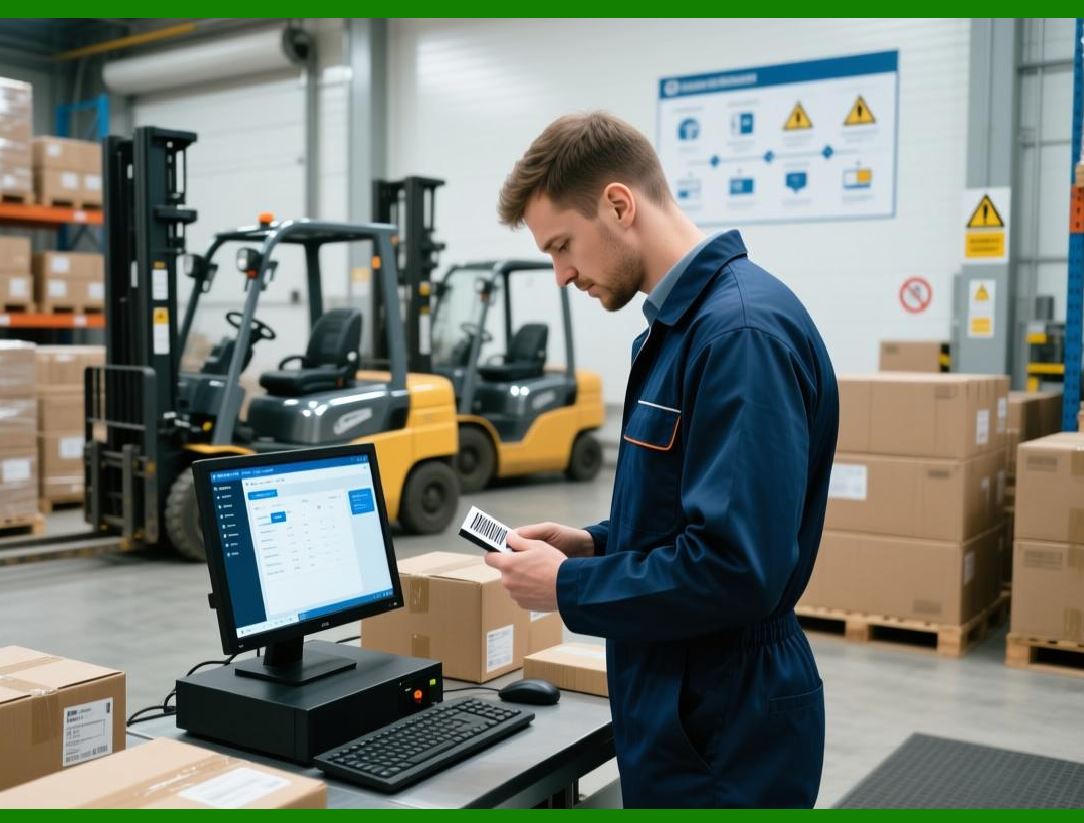
Integration Builder consists of: |
1. Integration Service |
* Executes workflows |
* Runs as Windows service |
2. Integration Definitions |
* Workflow configurations |
3. Triggers |
* Define when workflows start |
4. Actions |
* Define what happens |
|
2.2 Workflow Execution Model |
The execution flow: |
1. Trigger detects event |
2. Workflow is initiated |
3. Data is captured and processed |
4. Actions are executed |
5. Output is generated (e.g., print job) |

|
2.3 Stateless vs Stateful Processing |
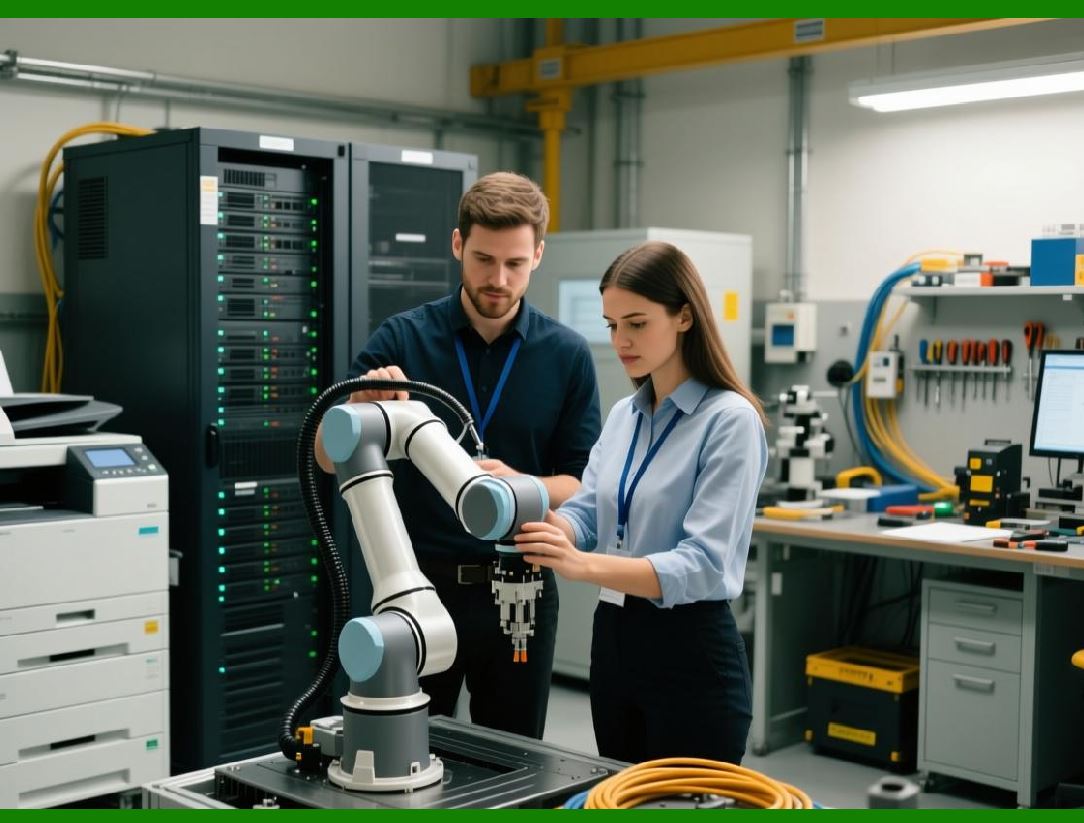
1. Stateless workflows |
* Independent executions |
* Faster and scalable |
2. Stateful workflows |
* Maintain context |
* Useful for multi-step processes |
|
3. Trigger Mechanisms in Detail |
3.1 File-Based Triggers |
Triggered when: |
1. A file is created |
2. A file is modified |
3. A file is moved |
Use cases: |
* CSV file drop for batch printing |
* XML-based job definitions |
3.2 Database Triggers |
Triggered by: |
1. New database records |
2. Updated records |
3. Scheduled polling |
Applications: |
* Order processing systems |
* Inventory updates |
3.3 Web Service Triggers |
Triggered by: |
1. HTTP requests |
2. REST API calls |
Used for: |
* Real-time integration |
* Cloud-based systems |
3.4 Message Queue Triggers |
Supports: |
1. MSMQ |
2. Other messaging systems |
Use cases: |
* Distributed systems |
* Asynchronous processing |
3.5 Scheduled Triggers |
Time-based execution: |
1. Daily batch jobs |
2. Periodic label printing |

|
4. Actions and Workflow Logic |
4.1 Types of Actions |
Common actions include: |
1. Print document |
2. Transform data |
3. Send email |
4. Execute script |
5. Call web service |
4.2 Conditional Logic |
Workflows support: |
1. IF conditions |
2. Switch-case logic |
3. Data-driven branching |
4.3 Data Transformation |
Supports: |
1. XML transformation (XSLT) |
2. JSON parsing |
3. String manipulation |
4.4 Multi-Step Workflows |
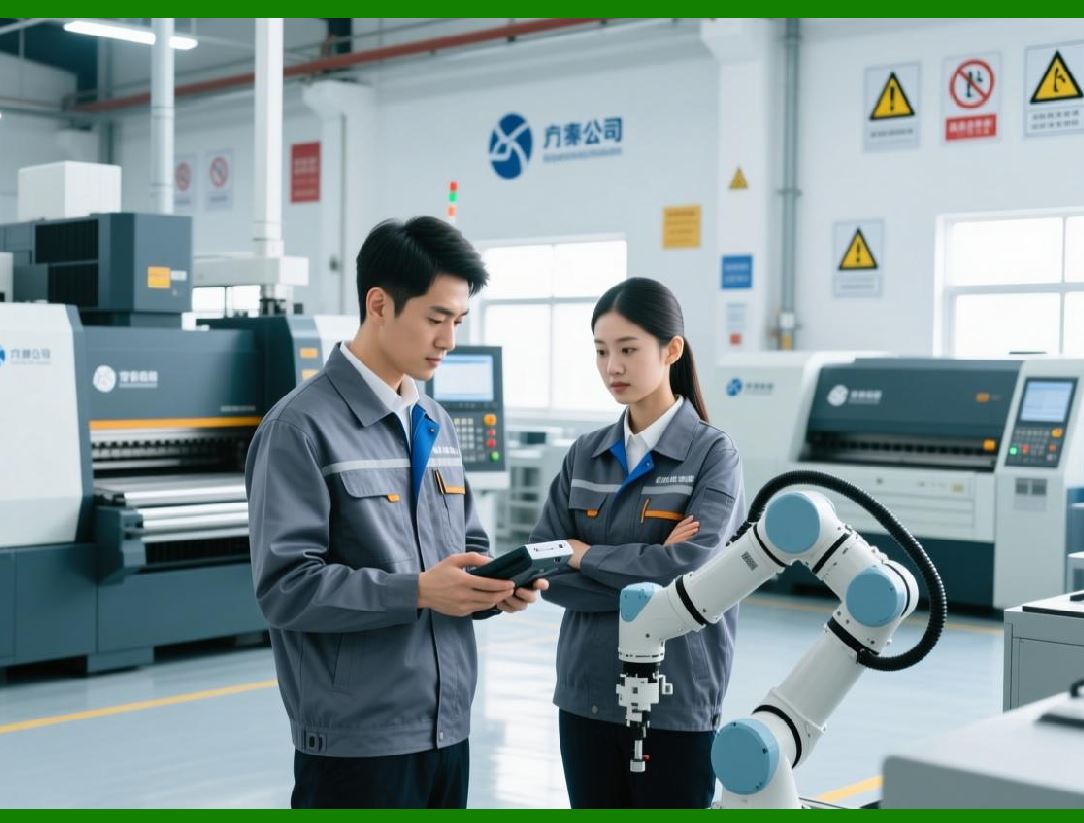
Complex workflows can include: |
1. Data validation |
2. Data enrichment |
3. Multiple print steps |
4. Logging and notification |
|
5. Event-Driven Printing Systems |
5.1 Concept of Event-Driven Architecture |
Event-driven systems react to: |
1. Business events |
2. System changes |
3. External triggers |
BarTender fits into this model as a response engine. |
5.2 Designing Event Pipelines |
Typical pipeline: |
1. Event source (ERP/WMS) |
2. Message broker or trigger |
3. Integration Builder workflow |
4. SDK or print engine |
5. Printer output |
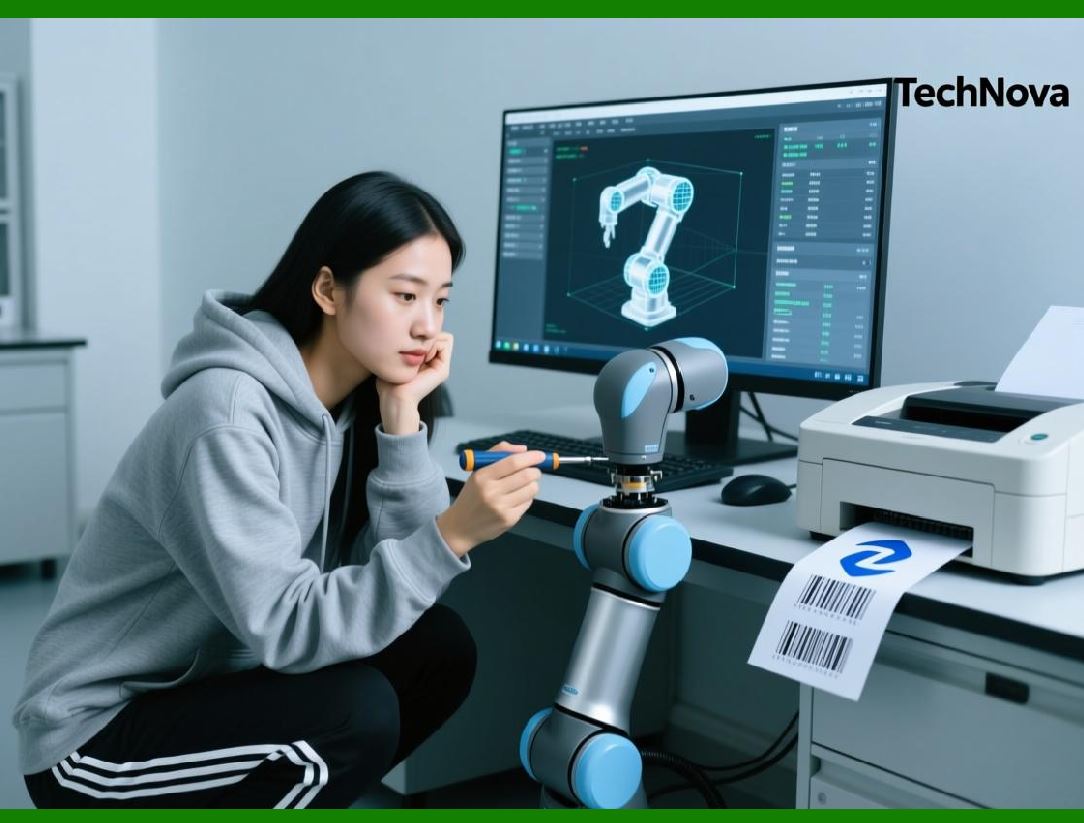
5.3 Real-Time vs Batch Processing |
1. Real-time processing |
* Immediate printing |
* Used in production lines |
2. Batch processing |
* Grouped jobs |
* Used in reporting and bulk labeling |
|
6. REST API and Web-Based Integration |
6.1 REST API Overview |
BarTender supports RESTful interactions for: |
1. Submitting print jobs |
2. Querying status |
3. Managing workflows |
6.2 HTTP Communication Model |
Uses: |
1. GET (retrieve data) |
2. POST (submit jobs) |
3. PUT (update configurations) |
4. DELETE (remove resources) |
6.3 JSON-Based Data Exchange |
Typical request includes: |
1. Template name |
2. Data fields |
3. Printer settings |
6.4 Security in Web APIs |
Includes: |
1. Authentication tokens |
2. HTTPS encryption |
3. Role-based access |

|
7. Distributed Printing Architectures |
7.1 Centralized Architecture |
Characteristics: |
1. Single BarTender server |
2. Multiple client applications |
3. Centralized control |
Advantages: |
* Easier management |
* Unified logging |
7.2 Distributed Architecture |
Characteristics: |
1. Multiple BarTender instances |
2. Localized printing |
3. Regional servers |
Advantages: |
* Reduced latency |
* Higher scalability |
7.3 Hybrid Architecture |
Combines: |
1. Centralized control |
2. Distributed execution |

|
8. High Availability and Fault Tolerance |
8.1 Redundancy Strategies |
1. Multiple servers |
2. Backup printers |
3. Failover mechanisms |
8.2 Load Balancing |
Distribute print jobs across: |
1. Multiple engines |
2. Multiple printers |
8.3 Error Recovery |
Includes: |
1. Retry mechanisms |
2. Fallback workflows |
3. Alert systems |

|
9. Cloud-Based Deployment Models |
9.1 Cloud Infrastructure |
BarTender can be deployed on: |
1. Virtual machines |
2. Cloud servers |
3. Hybrid environments |
9.2 SaaS Integration |
Supports: |
1. Web-based applications |
2. Remote printing services |
9.3 Challenges in Cloud Deployment |
1. Printer connectivity |
2. Latency |
3. Security |

|
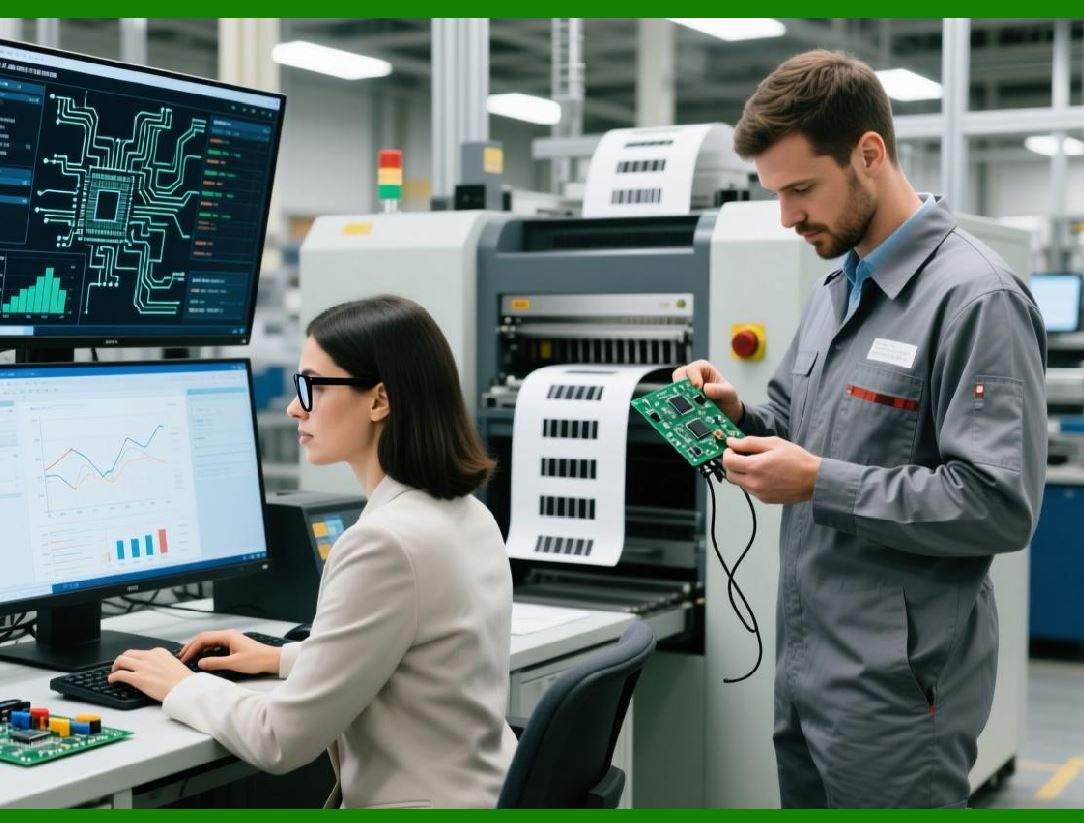
10. Microservices Architecture with BarTender |
10.1 Microservices Overview |
Microservices break applications into: |
1. Independent services |
2. Loosely coupled components |
10.2 BarTender as a Microservice |
Can function as: |
1. Label generation service |
2. Print execution service |
10.3 API Gateway Integration |
Used to: |
1. Route requests |
2. Manage authentication |
3. Monitor traffic |
|
11. Data Serialization and Dynamic Labeling |
11.1 Serialization Concepts |
Used for: |
1. Unique identifiers |
2. Batch tracking |
3. Compliance labeling |
11.2 Dynamic Content Generation |
Includes: |
1. Real-time data injection |
2. Conditional elements |
3. Multi-language support |

|
12. Security in Enterprise Automation |
12.1 Authentication Mechanisms |
1. Windows authentication |
2. API tokens |
12.2 Data Protection |
1. Encryption |
2. Secure storage |
12.3 Compliance Standards |
Supports: |
1. FDA regulations |
2. GS1 standards |
3. Industry-specific rules |
|
13. Monitoring and Analytics |
13.1 System Monitoring |
Tracks: |
1. Print jobs |
2. Errors |
3. Performance metrics |
13.2 Logging Systems |
Includes: |
1. Centralized logs |
2. Real-time alerts |
13.3 Analytics and Reporting |
Used for: |
1. Performance analysis |
2. Audit compliance |
3. Optimization |

|
14. Advanced Workflow Scenarios |
14.1 Multi-System Integration |
Example: |
1. ERP triggers order |
2. WMS updates inventory |
3. BarTender prints label |
14.2 Multi-Stage Labeling |
Includes: |
1. Production labels |
2. Packaging labels |
3. Shipping labels |
14.3 Conditional Routing |
Print jobs routed based on: |
1. Location |
2. Product type |
3. Priority |

|
15. Custom Scripting and Extensibility |
15.1 Script Actions |
Supports: |
1. VBScript |
2. PowerShell |
15.2 Extending Functionality |
Developers can: |
1. Integrate external APIs |
2. Add custom logic |

|
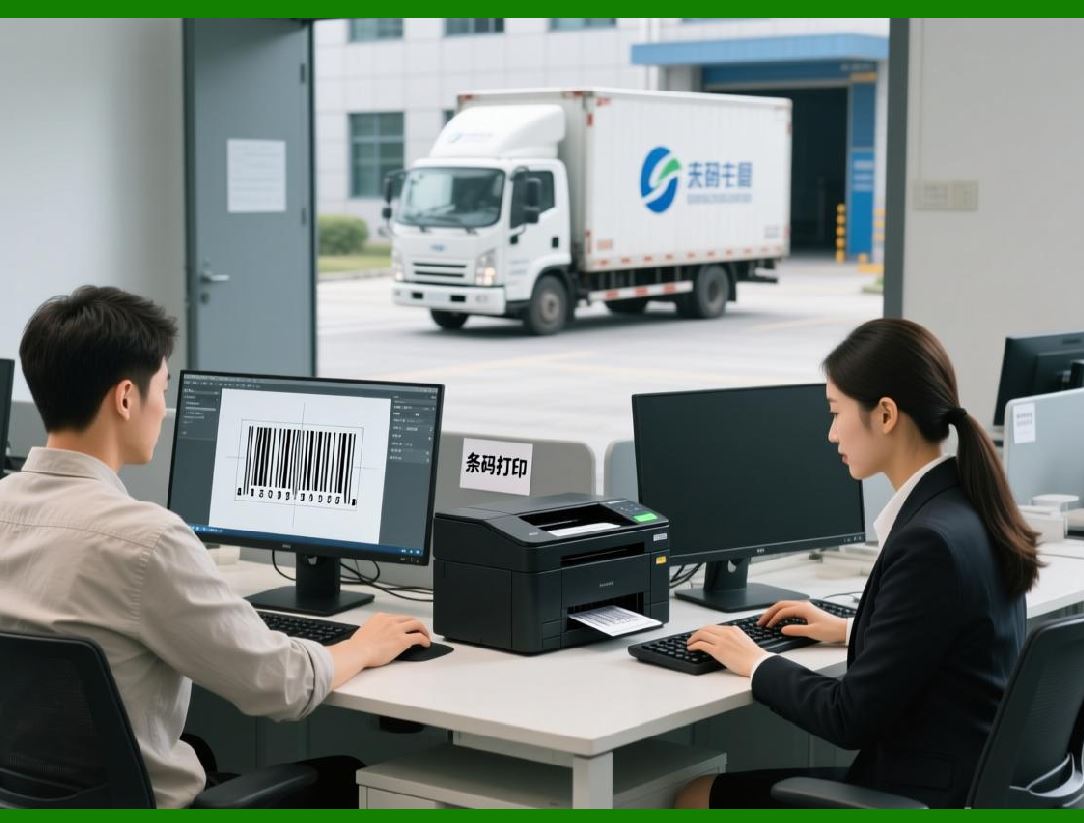
16. Performance Optimization in Automation |
16.1 Workflow Optimization |
1. Reduce unnecessary steps |
2. Optimize triggers |
16.2 Resource Allocation |
1. CPU management |
2. Memory usage |
16.3 Throughput Maximization |
1. Parallel processing |
2. Efficient batching |
|
17. Testing Automated Systems |
17.1 Simulation Testing |
Simulate: |
1. High load |
2. Failure scenarios |
17.2 Validation Testing |
Ensure: |
1. Data accuracy |
2. Label correctness |
17.3 Continuous Testing |
Use CI/CD pipelines. |

|
18. Common Pitfalls in Automation |
18.1 Over-Complex Workflows |
Leads to: |
* Maintenance difficulty |
18.2 Poor Error Handling |
Causes: |
* System instability |
18.3 Resource Bottlenecks |
Results in: |
* Slow performance |

|
19. Summary of Part 3 |
This part explored advanced automation and enterprise integration, including: |
1. Integration Builder architecture |
2. Trigger and action mechanisms |
3. Event-driven systems |
4. REST API integration |
5. Distributed and cloud architectures |
6. Microservices design |
7. Security and monitoring |
8. Advanced workflow scenarios |

|
Next Step |
In Part 4, I will go even deeper into: |
* Barcode generation internals within BarTender |
* Supported symbologies and encoding logic |
* GS1, RFID, and compliance labeling |
* Print engine rendering pipeline |
* Advanced template design techniques |
 cs@easiersoft.com