TBarCode SDK by TEC-IT Printing Workflows and Industrial Integration |
Part 8: Barcode Printing and Label Optimization |
8.1 Overview of Printing Workflows |
Printing is a critical stage in barcode deployment. A barcode accuracy, readability, and durability depend not only on the generation process but also on the printing method, media, and integration with printing systems. TBarCode SDK supports direct printing from applications, integration with industrial printers, and embedding barcodes into document templates. Its flexibility allows developers to implement workflows for office printers, desktop label printers, and high-speed industrial print lines. |

|
8.2 Supported Printer Types |
TBarCode SDK accommodates a wide range of printing devices, including: |
* Desktop Inkjet and Laser Printers: Suitable for office environments and low-volume printing of barcode labels or documents. |
* Thermal Transfer Printers: Ideal for durable labels, such as those used in logistics, pharmaceuticals, or manufacturing. Thermal transfer printers use ribbons to produce long-lasting, high-contrast barcodes. |
* Direct Thermal Printers: Commonly used for shipping labels, receipts, and tickets. The SDK allows adjustment for print density and module size to maintain readability despite the sensitivity of direct thermal media. |
* Industrial High-Speed Printers: Integration with Zebra, SATO, Intermec, and other industrial printer brands is supported through printer drivers or SDK APIs, allowing production-line printing at hundreds or thousands of labels per hour. |

|
8.3 Integration with Printer Drivers |
TBarCode SDK can send barcode output directly to printer drivers via standard Windows printing APIs, or to printer-specific command languages like ZPL (Zebra), EPL, or DPL. Developers can programmatically select the printer, configure print quality, set page or label size, and print multiple copies. |
* Best Practices: |
1. Use printer resolution settings compatible with the generated barcode image or vector. |
2. Ensure quiet zones and module sizes comply with both symbology standards and printer capabilities. |
3. For high-speed printing, pre-render barcodes to memory streams to minimize bottlenecks caused by repeated rendering. |

|
8.4 Label Templates and Design Integration |
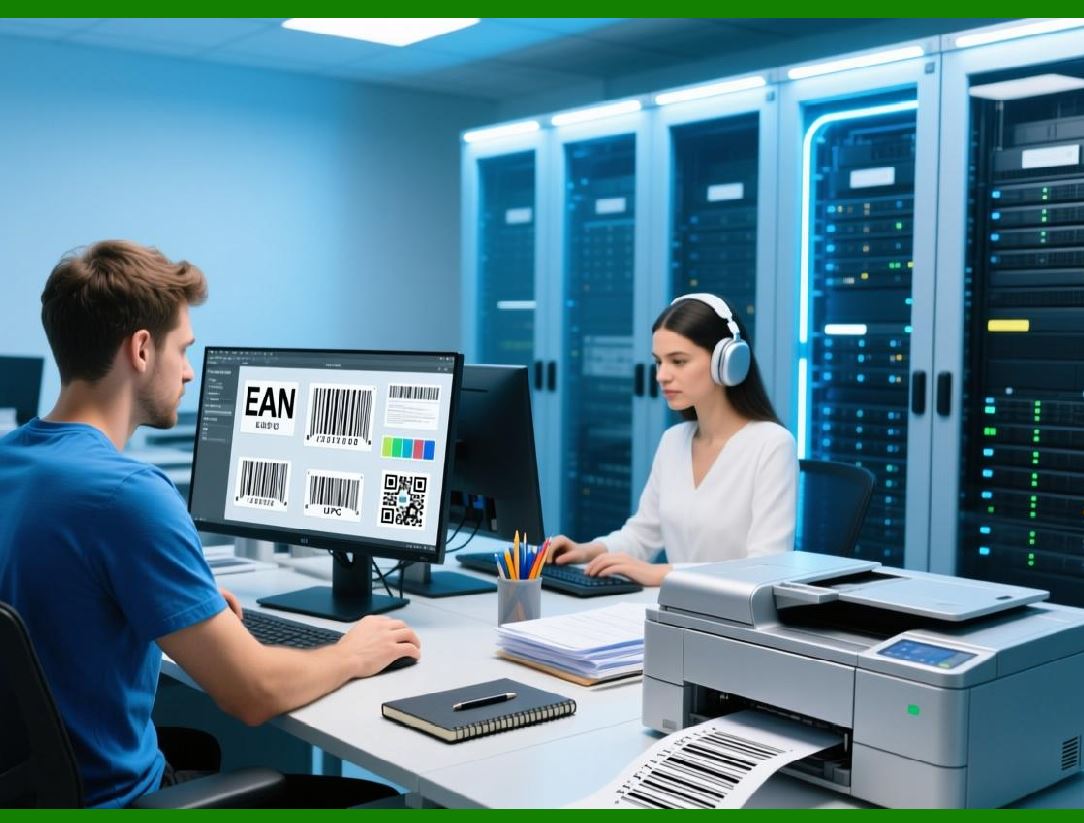
In enterprise workflows, barcodes are often part of complex labels that include text, logos, tables, and graphics. TBarCode SDK integrates with label design software and allows developers to embed barcodes into pre-defined templates: |
* Template-Based Printing: Load label templates with placeholders for dynamic barcode content. Barcodes are generated on-the-fly and inserted into the correct location. |
* Dynamic Content Placement: Adjust size, rotation, and alignment of barcodes relative to text and graphics in templates. |
* Integration with Office and PDF Templates: Barcodes can be embedded in Word, Excel, or PDF templates to produce shipping labels, ID cards, or certificates. |

|
8.5 Thermal Transfer Printing Optimization |
Thermal transfer printing produces highly durable barcodes suitable for industrial and outdoor environments. TBarCode SDK allows developers to: |
* Adjust barcode module width and height to match printer resolution. |
* Choose foreground and background colors compatible with ribbon and media type. |
* Render barcodes as high-resolution raster images or vectors for crisp print quality. |
* Implement batch printing for labels with variable data from databases or ERP systems. |
|
8.6 Direct Thermal Printing Optimization |
Direct thermal printers are sensitive to environmental conditions and print media limitations. SDK features for direct thermal printing include: |
* Module width scaling to account for media shrinkage or expansion. |
* High-contrast rendering to maximize readability on heat-sensitive materials. |
* Quick rendering to memory streams to avoid delays in high-volume printing. |
|
8.7 High-Speed Industrial Printing Considerations |
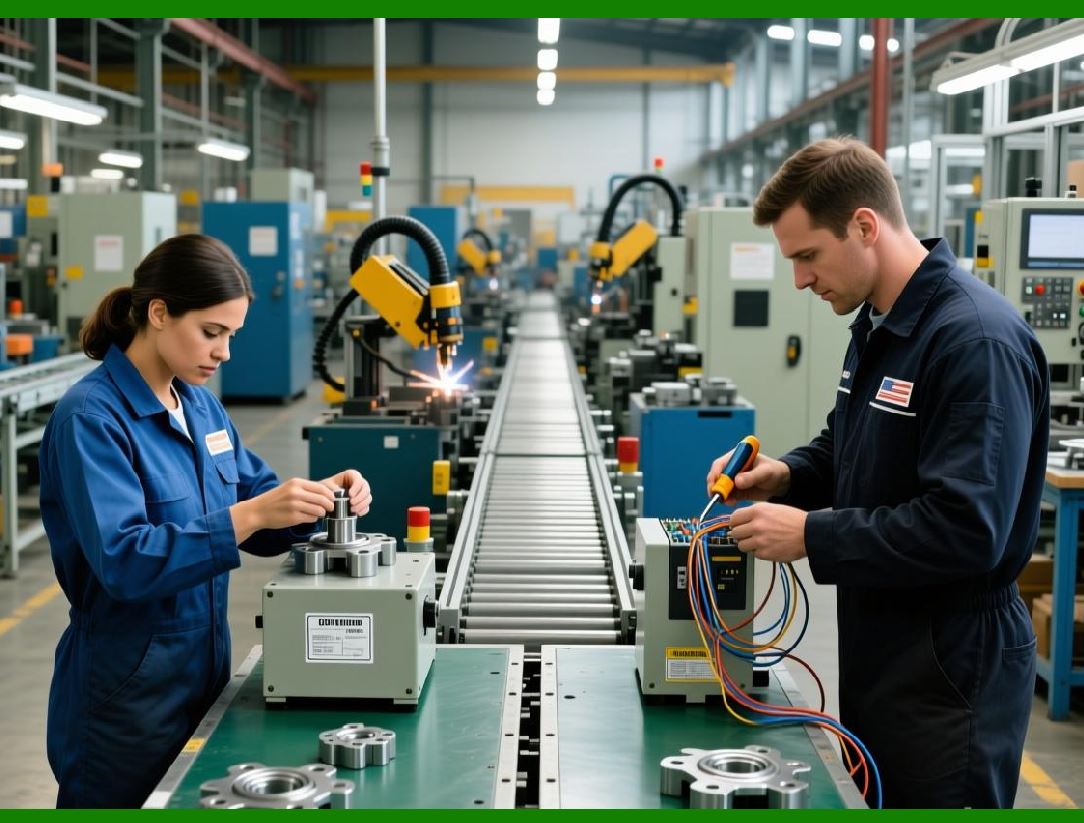
Industrial environments require reliable, high-speed barcode printing. TBarCode SDK supports optimizations for production-line workflows: |
* Memory Stream Printing: Generate barcodes in memory rather than writing to disk, reducing I/O delays. |
* Batch Pre-Rendering: Pre-render all barcodes before printing to maintain a consistent throughput. |
* Printer Command Integration: Use printer-specific command languages (ZPL, EPL, DPL) to control label format, barcode placement, and printer settings programmatically. |
* Error Handling: Detect and log printing errors or skipped labels for immediate corrective action. |

|
8.8 Multi-Copy and Sequential Printing |
For manufacturing or distribution, multiple copies of a barcode label are often required: |
* TBarCode SDK supports automatic incrementing of sequential numbers, serial numbers, or order IDs. |
* Developers can program loops to generate multiple copies, ensuring correct variable data for each label. |
* Integration with database-driven workflows ensures that each printed label corresponds to the correct item, batch, or customer order. |

|
8.9 Quality Assurance for Printed Barcodes |
Ensuring printed barcode readability is crucial for operational efficiency: |
* Verification Scanning: Use handheld or fixed scanners to test sample prints from each batch. |
* Print Density Adjustments: Adjust printer settings to maintain sharp edges and proper contrast. |
* Label Material Selection: Choose media that prevents smudging, fading, or distortion under environmental stress. |
* Compliance Checks: Ensure barcodes meet ISO, GS1, and postal standards, particularly when printed at high volumes or in regulated industries. |

|
8.10 Summary of Part 8 |
Part 8 has examined the complete workflow for printing barcodes using TBarCode SDK. The SDK supports integration with a wide variety of printers, label templates, and industrial environments. By leveraging raster or vector output, dynamic data integration, and printer-specific optimizations, developers can ensure that printed barcodes remain readable, accurate, and compliant across all applications from office documents to high-speed production lines. |
 cs@easiersoft.com