Part 11: Error Correction Trade-Offs, Image Source Integration, and Cross-Platform Deployment |
This part explores ZXing handling of error correction in real-world scenarios, how it integrates with different image sources (camera, scanners, files), and strategies for cross-platform deployment on desktop, mobile, and server environments. |
11.1 Error Correction in ZXing: Principles and Trade-Offs |
11.1.1. Most barcode formats include some form of error correction, ranging from Reed-Solomon (RS) for QR Codes and Data Matrix to simple checksums for 1D codes like EAN/UPC. |
11.1.2. ZXing implements these algorithms in a modular fashion: |
* 2D codes: full RS decoding with configurable correction levels |
* 1D codes: checksum validation and pattern verification |
11.1.3. Trade-offs exist between: |
* Error recovery capability (high levels can recover large damage) |
* Decoding speed (more correction requires additional computation) |
* Memory usage (RS operations require finite field arithmetic tables) |
11.1.4. ZXing allows developers to tune performance by enabling/disabling error correction or by choosing specific code versions. |

|
11.2 QR Code Error Correction Levels |
11.2.1. QR Codes provide four levels of RS error correction: |
* Level L (7%): Low redundancy, high data capacity |
* Level M (15%): Medium redundancy |
* Level Q (25%): High redundancy |
* Level H (30%): Maximum redundancy, lowest capacity |
11.2.2. ZXing decoders read the format information to identify the error correction level and apply RS decoding accordingly. |
11.2.3. In real-world applications, higher correction levels are preferable for: |
* Dirty or damaged labels |
* Poor printing |
* Outdoor scanning |
11.2.4. The trade-off is slightly increased decoding latency and larger barcode size. |
|
11.3 1D Barcode Error Detection |
11.3.1. Linear codes rely on: |
* Check digits (EAN, UPC, Code 39 optional) |
* Pattern validation (module ratios, start/stop verification) |
11.3.2. ZXing verifies these patterns after scanning to prevent false positives. |
11.3.3. Unlike 2D codes, error recovery is limited: if a digit is unreadable, decoding fails. |

|
11.4 Integration with Camera-Based Image Sources |
11.4.1. ZXing can process images from various cameras: |
* Android Camera API (YUV or JPEG frames) |
* iOS camera frames (via Swift/Objective-C wrappers) |
* Desktop webcams (OpenCV, Java AWT, or BufferedImage) |
11.4.2. Key considerations: |
* Orientation: cameras may deliver mirrored or rotated images |
* Resolution: ZXing is tolerant, but extremely low-res images may fail |
* Lighting: adaptive binarization mitigates uneven illumination |
11.4.3. ZXing allows Region-of-Interest (ROI) cropping to focus only on expected barcode locations, improving speed and accuracy. |

|
11.5 Scanner-Based Image Integration |
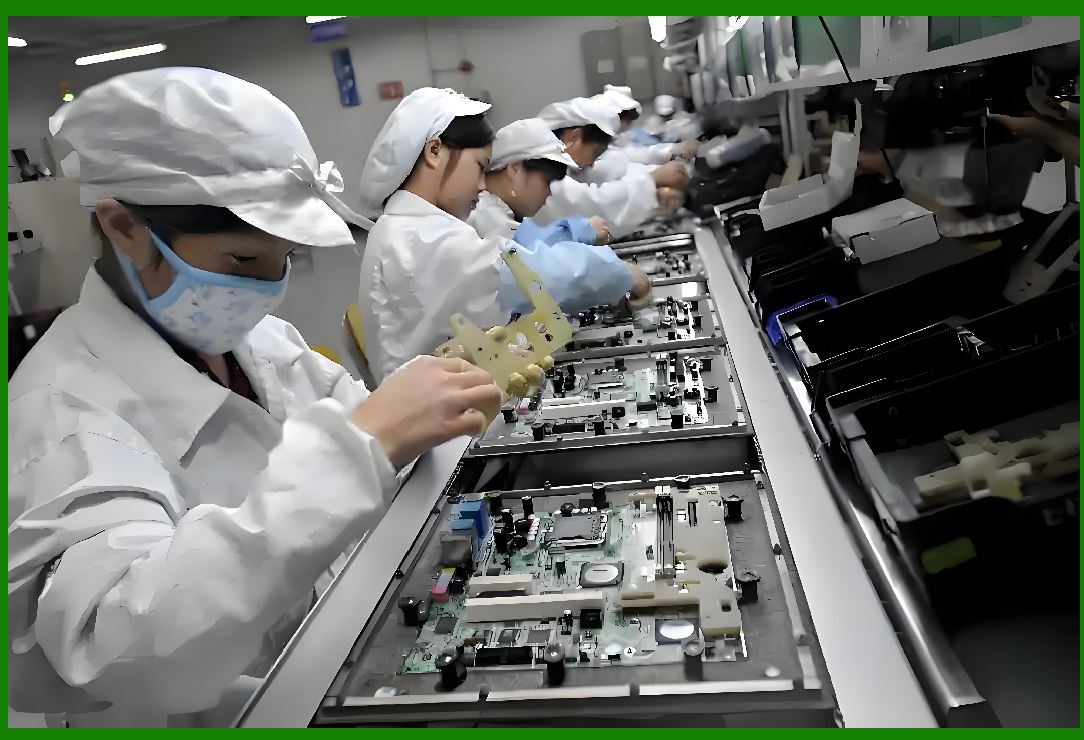
11.5.1. Many industrial and retail scanners provide preprocessed grayscale images. |
11.5.2. ZXing can process: |
* TIFF or BMP scanned files |
* Multi-page documents |
* High-resolution conveyor-belt captures |
11.5.3. Developers often: |
* Convert scanner output to `LuminanceSource` |
* Apply binarization and decoding |
* Use `MultipleBarcodeReader` for bulk scanning |
|
11.6 File-Based and Static Image Processing |
11.6.1. ZXing fully supports static images: |
* PNG, JPEG, BMP, GIF |
* BufferedImage in Java |
* Bitmap in Android/iOS |
11.6.2. Applications: |
* Archival document scanning |
* Barcode extraction from PDF pages |
* Automated verification of shipping labels |
11.6.3. Performance considerations: |
* Large images may need downscaling |
* Multiple barcodes per image require multi-region scanning |
* ROI or cropping improves throughput |

|
11.7 Cross-Platform Deployment Strategies |
11.7.1. ZXing is designed for platform-agnostic integration, supporting: |
* Java SE and Java EE (desktop and server) |
* Android |
* iOS (via wrappers like ZXingObjC) |
* C/ .NET (via ZXing.Net) |
11.7.2. Key architectural benefits: |
* Core decoding logic is purely algorithmic |
* Minimal dependencies on UI frameworks |
* Platform-specific optimizations only in image acquisition or display layers |

|
11.8 Performance Optimizations Across Platforms |
11.8.1. Android: |
* Use PlanarYUVLuminanceSource to avoid RGB conversion |
* Enable `TryHarder` mode selectively |
* Use ROI to reduce frame processing |
11.8.2. iOS: |
* Use native image buffer formats |
* Limit per-frame processing to maintain real-time responsiveness |
11.8.3. Desktop / Server: |
* Thread pooling for high-throughput batch decoding |
* Reuse `LuminanceSource` and binarizer buffers |
* Pre-filter images using simple heuristics before full decoding |

|
11.9 Handling Multi-Barcode Images Across Platforms |
11.9.1. Multi-barcode detection is supported on all platforms: |
* Separate candidate regions are processed independently |
* Optional callbacks report intermediate detection points |
* Multi-threading improves throughput without modifying core decoders |
11.9.2. Cross-platform differences: |
* Memory allocation patterns differ between Java, .NET, and native iOS/Android |
* Developers must carefully manage buffer reuse to prevent leaks or GC overhead |
|
11.10 Industrial Deployment Considerations |
11.10.1. ZXing is well-suited for: |
* Retail POS systems |
* Document verification pipelines |
* Mobile scanning apps |
* Light logistics scanning |
11.10.2. For extreme industrial environments, limitations include: |
* Very fast conveyor scanning (>1 m/s) |
* Severely damaged or distorted barcodes |
* High-density multi-barcode labels requiring precise ROI extraction |
11.10.3. Many enterprises combine ZXing with hardware triggers or camera SDKs for reliability under demanding conditions. |

|
11.11 Memory Management and Latency |
11.11.1. Cross-platform applications must balance: |
* Decoding speed |
* Memory usage |
* Garbage collection frequency |
11.11.2. ZXing mitigates these via: |
* Reusable buffers in `LuminanceSource` and binarizers |
* Early failure detection to skip un-decodable frames |
* Avoiding unnecessary object creation during multi-barcode scanning |

|
11.12 Summary of Part 11 |
11.12.1. ZXing provides a robust error correction framework for both 1D and 2D barcodes. |
11.12.2. It integrates with a wide variety of image sources: |
* Camera frames (mobile and desktop) |
* Scanner outputs |
* Static files (JPEG, PNG, TIFF, BMP) |
11.12.3. Cross-platform deployment is straightforward because: |
* Core decoding logic is algorithmic and platform-agnostic |
* Platform-specific wrappers handle input/output efficiently |
* Multi-threading and ROI strategies maximize throughput |
11.12.4. ZXing design philosophy is flexibility and correctness, making it suitable for applications ranging from mobile scanning to enterprise batch processing. |
If you want, I can continue with Part 12, where we will explore: |
* ZXing integration with legacy systems and ActiveX / .NET components |
* Custom decoder extensions for proprietary barcodes |
* Real-world industrial case studies and benchmarks |
 cs@easiersoft.com