How to Develop a Windows Desktop Barcode Label Design and Printing Software Using VB6.0 |
Part 10: Integration of Image Objects, Logos, and Graphics in Barcode Labels |
1. Importance of Graphics in Label Design |
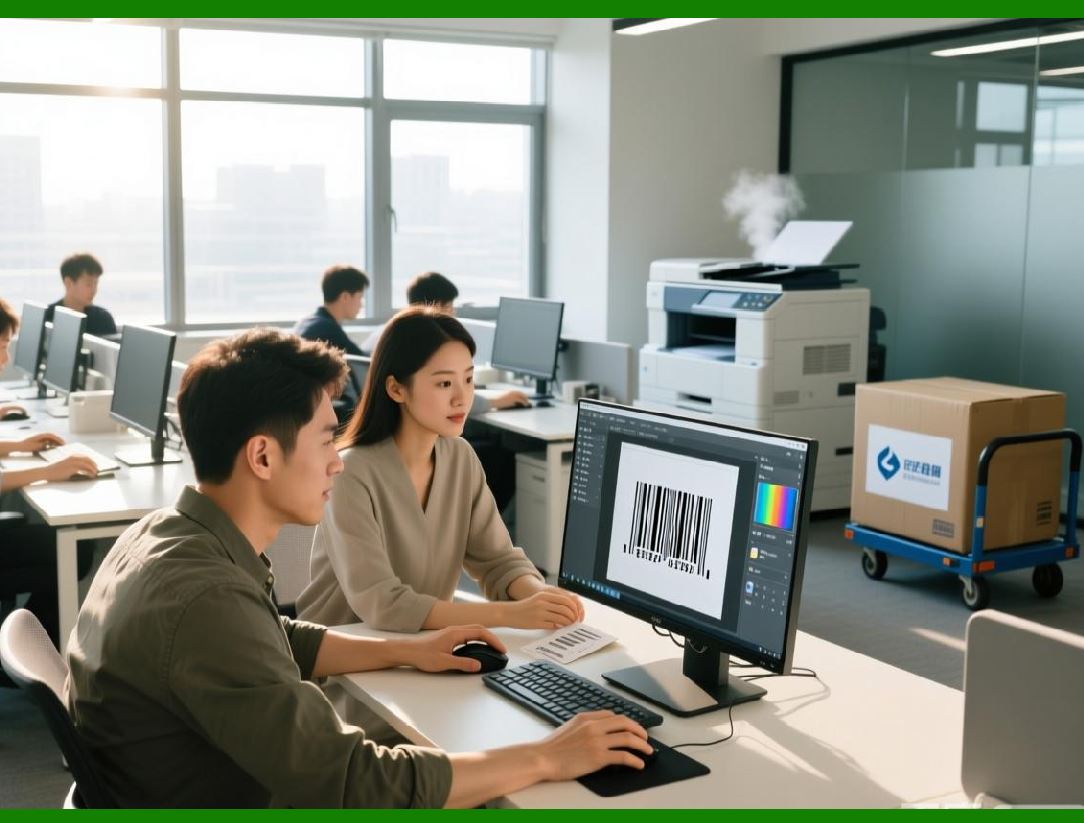
1.1 Modern barcode labels often include company logos, product images, or decorative elements. |
1.2 Graphics increase brand recognition, improve aesthetics, and convey additional product information. |
1.3 Integrating graphics requires careful consideration of placement, resolution, and compatibility with barcode readability. |
1.4 In VB6, graphics are handled through standard picture boxes, image controls, and GDI drawing routines. |

|
2. Types of Image Objects |
2.1 Common image formats include BMP, JPEG, PNG, and GIF. |
2.2 BMP provides lossless quality but larger file sizes. |
2.3 JPEG and PNG allow compression but may introduce artifacts if scaled improperly. |
2.4 The software must allow importing, resizing, and positioning without degrading quality. |

|
3. Image Resolution and Printing Considerations |
3.1 Print resolution is typically much higher than screen resolution (30000 DPI vs. 726 DPI). |
3.2 Images designed at screen resolution often appear blurry when printed. |
3.3 Images should be scaled or resampled to match printer DPI. |
3.4 Vector graphics (WMF/EMF) are preferable when scaling is required for logos. |
|
4. Image Placement and Alignment |
4.1 Precise placement ensures that images do not interfere with barcode quiet zones. |
4.2 Alignment tools, snapping, and guides aid in consistent positioning. |
4.3 Images may be aligned relative to page, label, or other objects. |
4.4 Consideration must be given to overlapping objects and Z-order. |

|
5. Transparency and Background Handling |
5.1 Images with transparent backgrounds allow for flexible integration with label colors. |
5.2 VB6 supports basic transparency handling using masks or alpha channels in compatible formats. |
5.3 Improper handling of transparency can cause unwanted artifacts in printed labels. |
5.4 Background color of the design surface should match label stock for accurate preview. |

|
6. Scaling and Aspect Ratio |
6.1 Maintaining aspect ratio is critical to prevent distortion. |
6.2 Scaling should be calculated relative to both screen and printer resolution. |
6.3 For barcodes adjacent to graphics, scaling errors can compromise readability. |
6.4 Uniform scaling ensures consistent visual appearance across labels. |

|
7. Image Import Workflow |
7.1 Users typically select image files via a file dialog. |
7.2 The software may preview the image on the design surface. |
7.3 Image metadata such as DPI, dimensions, and color depth should be read to inform placement. |
7.4 Images may optionally be embedded in templates or linked externally. |

|
8. Handling Large or High-Resolution Images |
8.1 Large images consume memory and may slow rendering. |
8.2 Off-screen buffering or tiling techniques can optimize performance. |
8.3 Preprocessing images (resizing, compression) improves runtime efficiency. |
8.4 Efficient memory management prevents crashes in batch printing scenarios. |

|
9. Integration with Variable Data |
9.1 Some labels require dynamic graphics, such as serial-numbered images or QR codes containing product-specific content. |
9.2 Variable graphics can be generated at runtime and placed on the design surface. |
9.3 The system must synchronize image rendering with data bindings. |
9.4 Dynamic graphics increase computational complexity but enable high-value, traceable labels. |

|
10. Layering and Z-Order for Graphics |
10.1 Graphics may be layered behind or in front of barcode or text objects. |
10.2 Proper Z-order prevents graphics from obscuring critical barcode areas. |
10.3 Users should have control over object stacking through layer panels or commands. |
10.4 Consistency in layering ensures predictability between preview and final print. |

|
11. Color Management for Logos and Graphics |
11.1 Color fidelity is crucial for brand logos. |
11.2 CMYK printing and RGB screens differ significantly; color profiles should be applied where possible. |
11.3 Software may provide warnings for out-of-gamut colors or unsupported printer capabilities. |
11.4 Maintaining contrast between graphics and barcodes is essential for scanner readability. |

|
12. Embedding QR Codes and 2D Graphics |
12.1 2D barcodes like QR codes are effectively images themselves. |
12.2 They must be generated at high resolution to maintain scannability. |
12.3 Placement alongside logos requires careful spacing to avoid visual interference. |
12.4 The rendering engine must treat them as atomic objects to prevent accidental distortion. |

|
13. Graphic Effects and Enhancements |
13.1 Basic effects include shadows, borders, and fills. |
13.2 Overuse of effects may reduce print quality or barcode readability. |
13.3 Subtle enhancements can improve aesthetics without compromising functionality. |
13.4 VB6 supports GDI drawing for effects, but advanced processing may require external libraries. |

|
14. Performance Optimization for Graphics |
14.1 Rendering multiple high-resolution images can slow design and printing. |
14.2 Caching pre-rendered graphics in memory buffers improves performance. |
14.3 Efficient use of VB6 PictureBox or Image controls reduces flicker during editing. |
14.4 Batch printing with multiple images requires careful memory management. |

|
15. Error Handling and Validation of Graphics |
15.1 The software must detect unsupported formats, missing files, or corrupted images. |
15.2 Invalid images should be flagged before printing. |
15.3 Warnings or replacement placeholders prevent runtime printing failures. |
15.4 Validation ensures operational reliability and reduces waste. |

|
16. Template Management of Graphics |
16.1 Graphics embedded in templates should maintain correct size and position across sessions. |
16.2 Templates may include static or dynamic images depending on workflow needs. |
16.3 Consistent template management avoids misaligned graphics in high-volume printing. |
16.4 Proper file referencing avoids broken image links when templates are shared. |

|
17. Previewing Graphics on Screen vs. Print |
17.1 Screen previews must approximate printer output, including scaling, resolution, and color. |
17.2 Differences between display DPI and printer DPI must be accounted for in rendering calculations. |
17.3 Users should be able to toggle between detailed and performance-oriented preview modes. |
17.4 Accurate preview minimizes trial-and-error in label production. |

|
18. Integration with Third-Party Image Sources |
18.1 Some workflows require logos or graphics from external systems or databases. |
18.2 Images may be retrieved via network paths, URLs, or embedded database blobs. |
18.3 Integration must handle connectivity failures gracefully. |
18.4 Dynamic retrieval allows templates to remain generic while supporting product-specific branding. |

|
19. Consistency Across Multiple Printers |
19.1 Printer characteristics may affect graphic placement, resolution, and color. |
19.2 Software must adjust graphics dynamically for target printers to maintain fidelity. |
19.3 Testing on multiple printer models ensures consistent output. |
19.4 Automation of printer profile selection improves operational reliability. |
|
20. Summary of Part 10 |
20.1 This part examined the integration of images, logos, and graphics in barcode labels. |
20.2 Emphasis was placed on resolution, scaling, layering, color management, and dynamic graphics. |
20.3 In the next part, we will discuss advanced printing features and hardware-specific optimizations, including thermal, label roll, and industrial printer support. |
 cs@easiersoft.com