Zebra ZPL SDK |
A Comprehensive Technical Analysis of Zebra Printer Programming and Barcode Printing Technology |
Part 4 Barcode Generation Using ZPL Commands |
1. Introduction to Barcode Generation in ZPL |
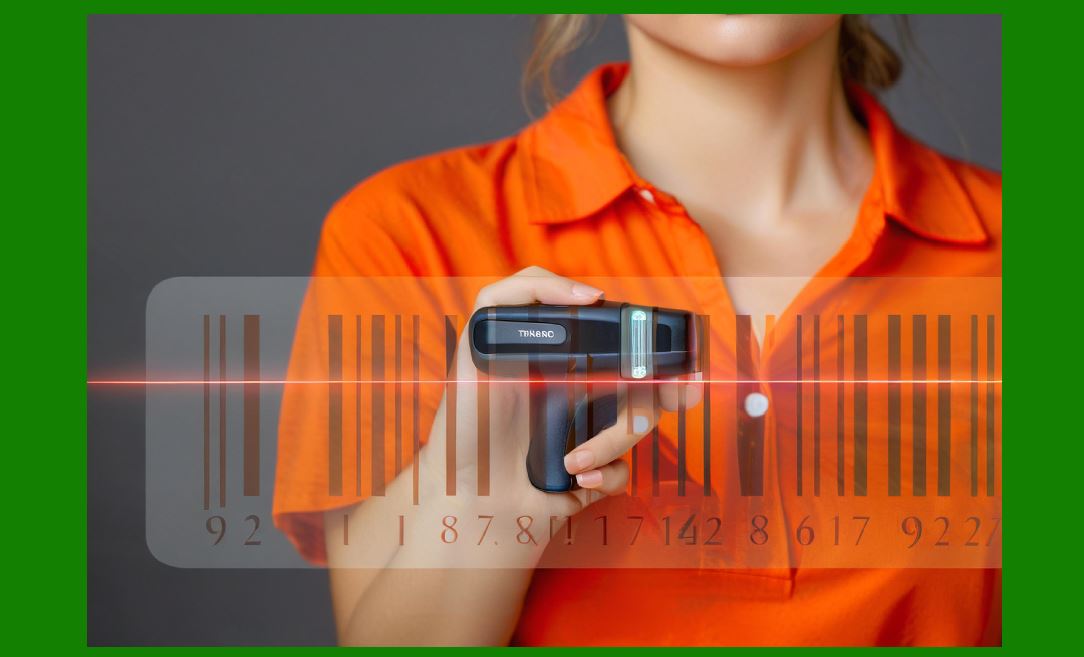
One of the most important functions of the Zebra Programming Language (ZPL) is the generation of machine-readable barcodes. Industrial labeling systems rely heavily on barcodes to identify, track, and manage products, assets, and documents. The ability of Zebra printers to generate high-quality barcodes internally is one of the major reasons these printers are widely adopted across industries such as logistics, retail, manufacturing, healthcare, and government operations. |
Unlike traditional barcode libraries that generate barcode images on a host computer, ZPL printers produce barcodes directly within the printer firmware. In this architecture, the application transmits barcode data along with a set of parameters describing the barcode type and its formatting characteristics. The printer then calculates the necessary bar patterns, error correction codes, and layout structures required to render the barcode. |
This approach provides several benefits: |
1. Reduced network traffic between the computer and printer |
2. Consistent barcode quality regardless of host operating system |
3. High-speed barcode generation for large batch printing |
4. Direct control over barcode parameters such as module width and height |
5. Compatibility with industrial scanning equipment |
The Zebra ZPL SDK assists developers by simplifying the creation of ZPL commands used to generate these barcodes. However, understanding the underlying barcode commands and parameters remains essential for developers who want to design efficient labeling systems. |
|
2. Classification of Barcode Symbologies Supported by ZPL |
ZPL printers support a wide range of barcode symbologies that can be broadly categorized into two major groups: |
1. Linear barcodes |
2. Two-dimensional barcodes |
Each category serves different purposes and offers different data capacities and scanning characteristics. |
Linear barcodes encode data using a sequence of vertical bars and spaces. These barcodes are widely used in retail and logistics applications. |
Two-dimensional barcodes encode data using patterns arranged both horizontally and vertically. They can store significantly more information and often include advanced error correction mechanisms. |
The ZPL firmware contains built-in algorithms capable of generating both types of symbols based on the data supplied by the application. |

|
3. Linear Barcode Symbologies in ZPL |
Linear barcodes remain extremely common in industrial applications because they are simple, reliable, and compatible with a wide range of scanners. |
ZPL supports many linear barcode types, including: |
1. Code 128 |
2. Code 39 |
3. Interleaved 2 of 5 |
4. UPC-A |
5. UPC-E |
6. EAN-13 |
7. EAN-8 |
8. Codabar |
9. MSI |
10. Industrial 2 of 5 |
11. LOGMARS |
12. Code 11 |
Each symbology follows its own encoding rules and formatting requirements. When a developer specifies a barcode command in ZPL, the printer firmware automatically applies these rules during barcode generation. |
For example, some barcode types require start and stop characters, while others require check digits to verify data integrity. |

|
4. Code 128 Barcode Generation |
One of the most frequently used barcode types in ZPL printing systems is Code 128. This symbology is widely used in logistics and warehouse management because it supports a large character set and offers high data density. |
Code 128 supports three encoding subsets: |
1. Subset A Uppercase letters, control characters, and digits |
2. Subset B Uppercase and lowercase letters and digits |
3. Subset C Numeric data with high compression efficiency |
The printer firmware automatically selects the most efficient encoding subset when generating Code 128 barcodes unless the developer specifies a particular subset. |
Important parameters associated with Code 128 barcode generation include: |
* Orientation of the barcode |
* Height of the bars |
* Human-readable text display |
* Check digit calculation |
The ZPL command defining Code 128 barcodes instructs the printer to generate the appropriate pattern based on the input data string. |

|
5. Code 39 Barcode Generation |
Another widely supported symbology in ZPL printers is Code 39. This barcode type is particularly popular in industrial and military applications due to its simplicity and robustness. |
Code 39 uses a fixed set of characters including: |
* Uppercase letters |
* Digits |
* Several special symbols |
Each character in Code 39 is represented by nine elements composed of bars and spaces. |
One advantage of Code 39 is that it does not strictly require a check digit, although optional check digit calculations may be used in some implementations. |
In ZPL, the command used to generate Code 39 barcodes allows developers to specify parameters such as: |
* Barcode orientation |
* Bar height |
* Print interpretation line |
* Module width ratio |
Because Code 39 has relatively low data density, it is typically used for applications where reliability is more important than compactness. |
|
6. UPC and EAN Barcode Generation |
Retail environments rely heavily on barcode standards such as UPC (Universal Product Code) and EAN (European Article Number). |
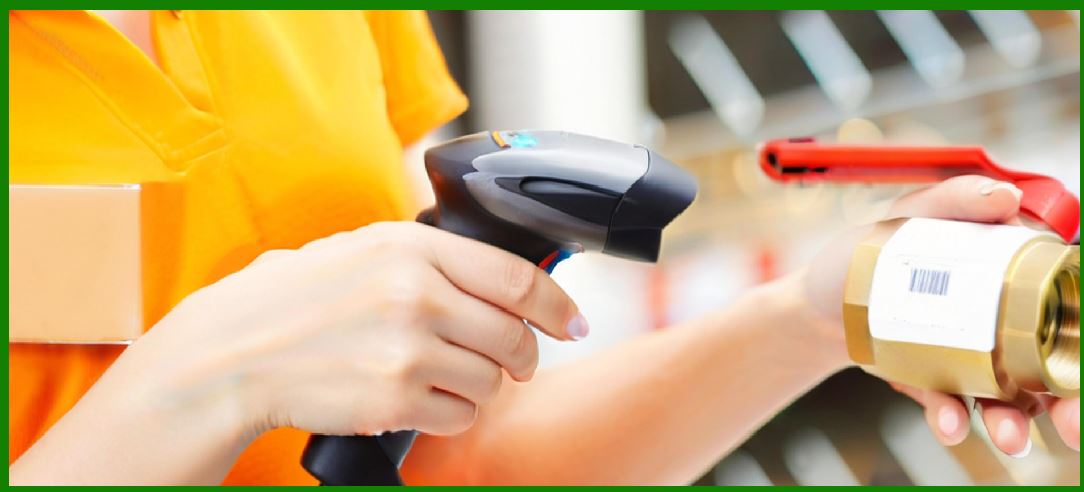
ZPL printers include built-in support for these symbologies, allowing them to print product identification labels compatible with global retail scanning systems. |
UPC-A is commonly used in North America, while EAN-13 is widely used internationally. |
These barcode formats contain fixed data structures including: |
* Manufacturer identification numbers |
* Product numbers |
* Check digits |
The printer firmware automatically calculates and verifies check digits when generating these barcodes. |
Important parameters that developers may configure include: |
* Barcode height |
* Text display position |
* Orientation |
* Module width |
Because these barcodes are standardized, their layout must conform to strict dimensional requirements to ensure compatibility with retail scanners. |

|
7. Interleaved 2 of 5 Barcode |
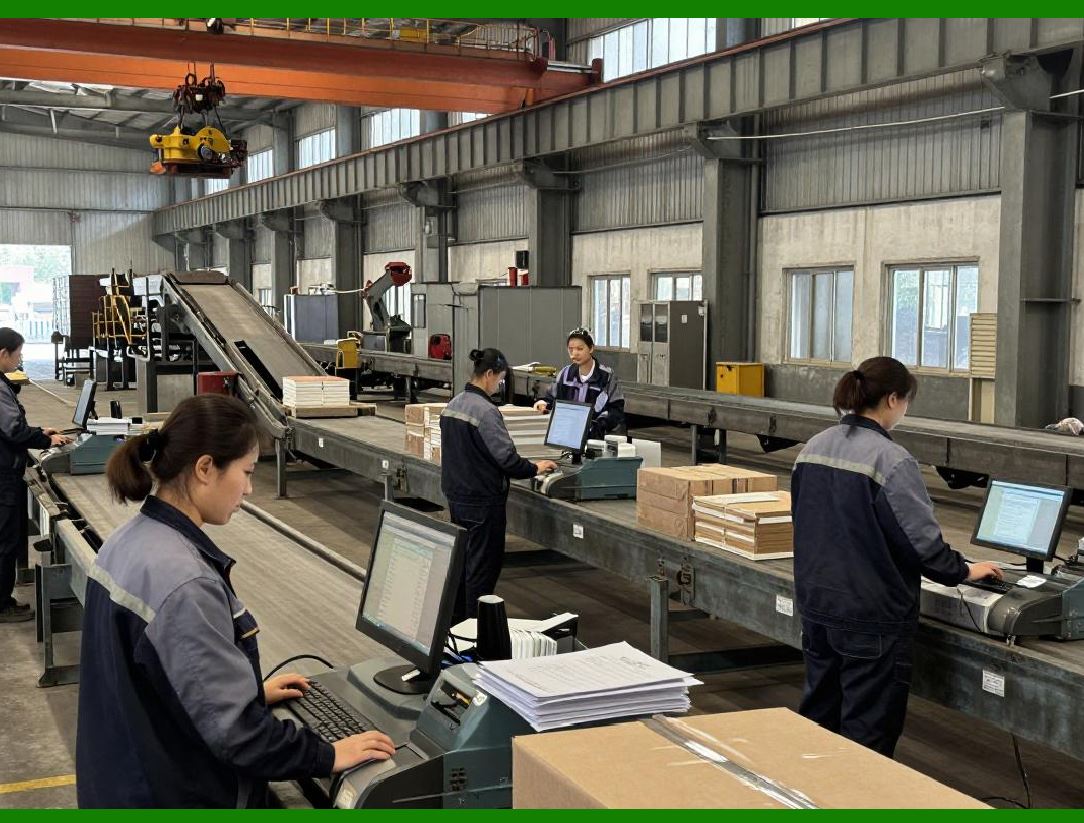
The Interleaved 2 of 5 barcode is commonly used in logistics and warehouse environments for labeling cartons and pallets. |
This symbology encodes numeric data by pairing digits together, which allows it to achieve higher density than some other linear barcodes. |
Each pair of digits is encoded using five bars and five spaces arranged in an interleaved pattern. |
ZPL printers support the generation of Interleaved 2 of 5 barcodes with configurable parameters including: |
* Narrow bar width |
* Wide bar ratio |
* Barcode height |
* Check digit inclusion |
Because this symbology requires an even number of digits, the printer firmware may automatically pad the data if necessary. |
|
8. Two-Dimensional Barcode Symbologies |
Two-dimensional barcodes provide significantly greater data capacity than linear barcodes. These symbols encode information using patterns of squares or dots arranged in both horizontal and vertical directions. |
ZPL printers support several important two-dimensional barcode types, including: |
1. QR Code |
2. Data Matrix |
3. PDF417 |
4. MicroPDF417 |
5. Aztec Code (supported on some models) |
Two-dimensional barcodes are widely used in applications that require compact storage of large amounts of data. |
Examples include: |
* Electronic tickets |
* Medical records |
* Identification cards |
* Product traceability systems |
The ZPL barcode engine generates these symbols using complex encoding algorithms embedded within the printer firmware. |

|
9. QR Code Generation |
The QR Code is one of the most popular two-dimensional barcodes supported by ZPL printers. |
QR Codes are capable of storing large amounts of information including: |
* Numeric data |
* Alphanumeric characters |
* Binary data |
* Kanji characters |
The ZPL command used to generate QR Codes includes parameters controlling: |
* Model version |
* Error correction level |
* Module size |
* Data encoding mode |
Error correction is a particularly important feature of QR Codes. It allows the symbol to remain readable even if part of the code is damaged or obscured. |
The printer firmware calculates the Reed-Solomon error correction codes required for the selected error correction level. |

|
10. Data Matrix Barcode Generation |
The Data Matrix symbology is widely used in industries such as electronics manufacturing and pharmaceuticals. |
This two-dimensional barcode is capable of encoding large amounts of data within a very small physical area. |
Data Matrix symbols are composed of black and white modules arranged in a square or rectangular pattern. The symbol includes distinctive alignment patterns that allow scanners to quickly detect orientation and decode the data. |
ZPL printers support Data Matrix generation with parameters controlling: |
* Symbol size |
* Module size |
* Data encoding mode |
* Error correction level |
Because Data Matrix symbols can be extremely compact, they are often used in direct part marking applications where space is limited. |

|
11. PDF417 Barcode Generation |
The PDF417 barcode is a stacked linear symbology that can encode significantly more information than traditional linear barcodes. |
PDF417 symbols consist of multiple rows of linear barcode patterns stacked vertically. |
This structure allows the symbol to store large amounts of data, including entire text documents. |
Applications of PDF417 barcodes include: |
* Airline boarding passes |
* Identification cards |
* Government documents |
* Shipping manifests |
ZPL printers generate PDF417 symbols using parameters such as: |
* Number of rows |
* Number of columns |
* Error correction level |
* Data compaction mode |
The printer firmware calculates the necessary encoding patterns and generates the stacked barcode structure. |

|
12. Human-Readable Interpretation Lines |
Many barcodes include human-readable text printed beneath the barcode symbol. This text allows operators to read the encoded data without scanning equipment. |
ZPL provides parameters that control whether human-readable text appears above or below the barcode. |
Additional formatting options include: |
* Font selection |
* Character spacing |
* Alignment relative to the barcode |
Including human-readable interpretation lines can improve usability in situations where manual data entry may occasionally be required. |

|
13. Barcode Dimension Control |
Proper barcode dimensions are essential for ensuring that printed symbols can be reliably scanned. |
ZPL allows developers to control several important dimensional parameters. |
These include: |
1. Module width (the width of the narrowest bar or square element) |
2. Wide-to-narrow bar ratio |
3. Barcode height |
4. Quiet zone margins |
The quiet zone refers to the blank space surrounding a barcode. Scanners require this space to correctly detect the symbol boundaries. |
If barcode dimensions are not configured correctly, scanners may fail to read the symbol or may produce decoding errors. |
Therefore, developers must ensure that barcode parameters comply with industry standards such as GS1 specifications. |
|
14. Check Digit Calculation |
Many barcode symbologies use check digits to verify the accuracy of encoded data. |
A check digit is a mathematical value calculated from the other digits in the barcode. When the barcode is scanned, the scanning system recalculates the check digit and compares it to the encoded value. |
If the values do not match, the scanner detects an error. |
ZPL printers often perform check digit calculations automatically. When the application provides barcode data without a check digit, the printer firmware may generate it internally. |
This feature simplifies application development while ensuring compliance with barcode standards. |
|
15. Error Correction in Two-Dimensional Barcodes |
Two-dimensional barcodes often include sophisticated error correction mechanisms that allow them to remain readable even if parts of the symbol are damaged. |
Error correction techniques commonly used include: |
* Reed-Solomon encoding |
* Data redundancy |
* Structured data blocks |
These techniques allow scanners to reconstruct missing portions of the symbol. |
For example, QR Codes can recover data even if a significant percentage of the symbol area is damaged. |
ZPL printers automatically generate the necessary error correction patterns based on the parameters specified in the barcode command. |
|
16. Scanner Compatibility Considerations |
When designing barcode labels, developers must consider the capabilities of the scanning equipment that will read the symbols. |
Important factors include: |
* Scanner resolution |
* Scanning distance |
* Lighting conditions |
* Barcode orientation |
* Surface material |
ZPL printers allow developers to adjust barcode parameters to optimize scanning performance under specific conditions. |
For example, increasing barcode height can improve scanning reliability for long-distance scanners used in warehouse environments. |

|
17. Industrial Barcode Quality Standards |
High-volume labeling environments must ensure that printed barcodes meet strict quality standards. |
Organizations often evaluate barcode quality using standardized grading systems defined by international standards organizations. |
These grading systems measure factors such as: |
* Symbol contrast |
* Edge sharpness |
* Modulation |
* Decode success rate |
Because ZPL printers generate barcodes internally using precise algorithms, they are capable of producing symbols that meet these quality requirements when properly configured. |
Maintaining consistent barcode quality is essential for avoiding scanning failures that could disrupt logistics and inventory tracking systems. |
End of Part 4. |

|
The next section will continue with: |
Part 5 Label Layout Design in ZPL |
This section will explain in extensive detail: |
* Label coordinate systems |
* Layout planning strategies |
* Multi-field label design |
* Advanced positioning commands |
* Alignment and spacing techniques |
* Layering of text, graphics, and barcodes |
* Techniques used in real industrial label formats. |
 cs@easiersoft.com