Zebra ZPL SDK |
A Comprehensive Technical Analysis of Zebra Printer Programming and Barcode Printing Technology |
Part 9 High-Speed Printing Techniques and Performance Optimization |
1. Introduction to High-Speed Printing |
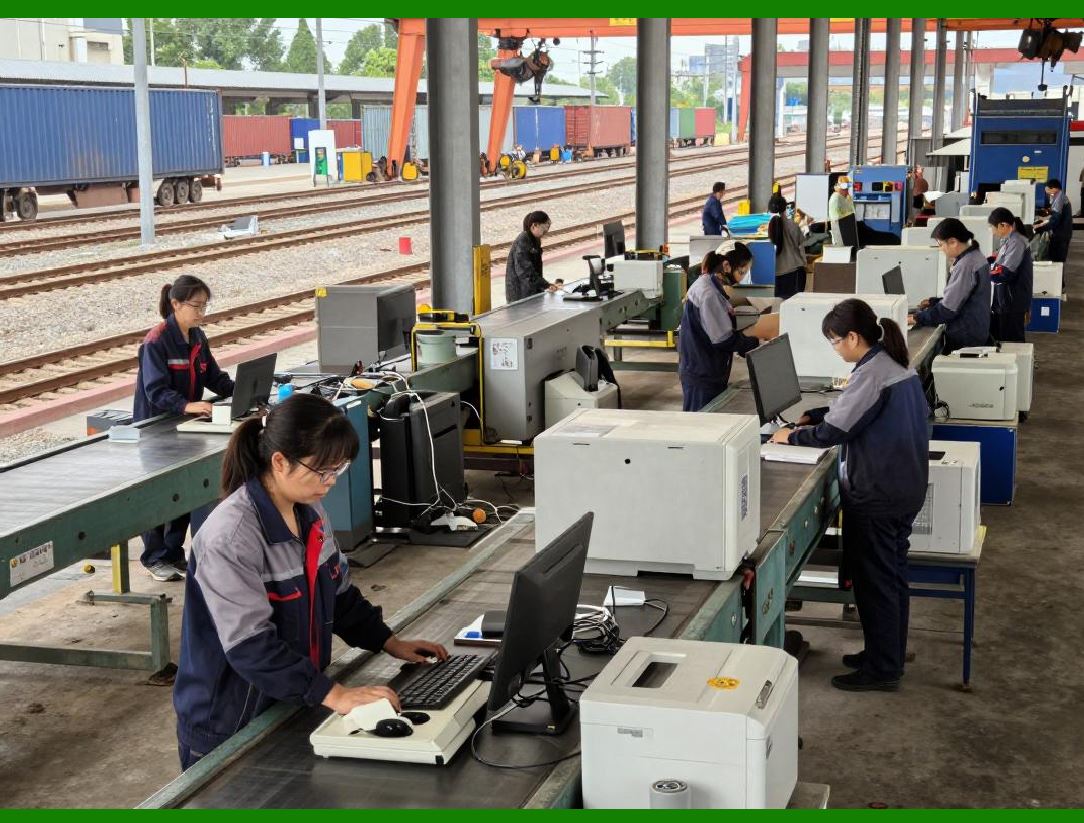
In industrial environments, Zebra printers are frequently tasked with printing hundreds or thousands of labels per hour. High-speed printing is critical for industries such as logistics, manufacturing, pharmaceuticals, and retail, where label delays can bottleneck operations. |
High-speed printing depends on the integration of multiple factors: |
1. Efficient ZPL command sequences |
2. Optimized use of printer memory |
3. Proper selection of thermal media and print resolution |
4. Network and host application performance |
The Zebra ZPL SDK allows developers to design label formats that maximize throughput without sacrificing print quality. This section details the techniques and considerations necessary for achieving high-speed, reliable printing. |

|
2. Print Speed vs. Print Quality |
Zebra printers offer multiple print speed settings that can be adjusted based on the label requirements. Typically, these settings range from 2 inches per second (ips) to over 12 ips in high-performance models. |
Key considerations: |
* Higher print speed |
* Increases throughput but can slightly reduce resolution and print sharpness |
* Requires precise media alignment and high-quality ribbons or thermal labels |
* Lower print speed |
* Produces sharper, more detailed labels |
* Recommended for high-density barcodes or intricate graphics |
Developers must balance speed and quality based on the specific requirements of their operation, considering barcode scannability, text readability, and regulatory compliance. |
|
3. Optimizing Print Head Usage |
The print head is the critical component in thermal printing, converting electrical pulses into thermal patterns on labels. Optimizing print head usage is essential for: |
1. Reducing wear and extending lifespan |
2. Maintaining consistent print quality |
3. Supporting sustained high-speed printing |
Techniques include: |
* Using consistent label formats to avoid unnecessary head movement |
* Minimizing full-width raster graphics when possible |
* Avoiding excessive print darkness settings that generate more heat |
Proper maintenance, such as cleaning and calibration, also ensures that high-speed printing does not compromise quality or damage the print head. |

|
4. Media Selection for High-Speed Printing |
Label material and thermal ribbon selection directly affect throughput. Considerations include: |
1. Direct thermal labels |
* Suitable for short-term use |
* Simpler, fewer consumables, but sensitive to heat and light |
2. Thermal transfer labels |
* Use a ribbon to transfer ink |
* Longer-lasting prints, higher durability |
High-speed printing favors media with: |
* Smooth surfaces for consistent thermal contact |
* Proper thickness to prevent jams at high speed |
* Compatibility with the chosen thermal ribbon and print resolution |
The ZPL SDK supports specifying media type and print settings in the command stream to optimize label performance. |

|
5. Print Buffering and Job Queues |
Zebra printers use internal RAM and buffer memory to temporarily store print jobs. Efficient buffering improves high-speed printing by: |
* Allowing the printer to process large jobs without waiting for additional data |
* Reducing network bottlenecks in centralized print environments |
* Supporting batch printing of identical or variable labels |
Developers can optimize performance by: |
* Sending complete print jobs in bulk to minimize transmission delays |
* Using stored templates to reduce inline data size |
* Ensuring print jobs do not exceed available RAM, which can cause pauses or errors |
The ZPL SDK can help manage these buffers programmatically to optimize label throughput. |

|
6. Network and Communication Optimization |
High-speed printing in industrial environments often relies on network-connected printers. Network efficiency impacts overall throughput: |
1. Wired Ethernet vs. USB |
* Ethernet supports high-volume distributed printing |
* USB may be sufficient for local, low-volume applications |
2. Print job batching |
* Sending multiple labels in a single transmission reduces overhead |
* Avoid excessive small, frequent print jobs |
3. Compression of ZPL streams |
* Utilizing compressed graphics and efficient barcode encoding reduces transmission time |
The ZPL SDK allows developers to pre-process data and send optimized command streams for maximum network efficiency. |

|
7. Using Stored Templates and Resources |
High-speed printing benefits significantly from preloaded resources, including: |
* Fonts |
* Graphics |
* Templates |
By storing these assets in printer memory, each print job only transmits variable data, reducing both transmission time and processing overhead. This is especially important in environments producing high-volume, repetitive labels. |

|
8. Minimizing ZPL Command Overhead |
Efficient ZPL command design directly influences print speed: |
1. Avoid redundant font or orientation commands |
2. Group related fields using field block commands (`^FB`) |
3. Reference stored graphics rather than sending inline bitmap data repeatedly |
4. Precompute repetitive barcode data where possible |
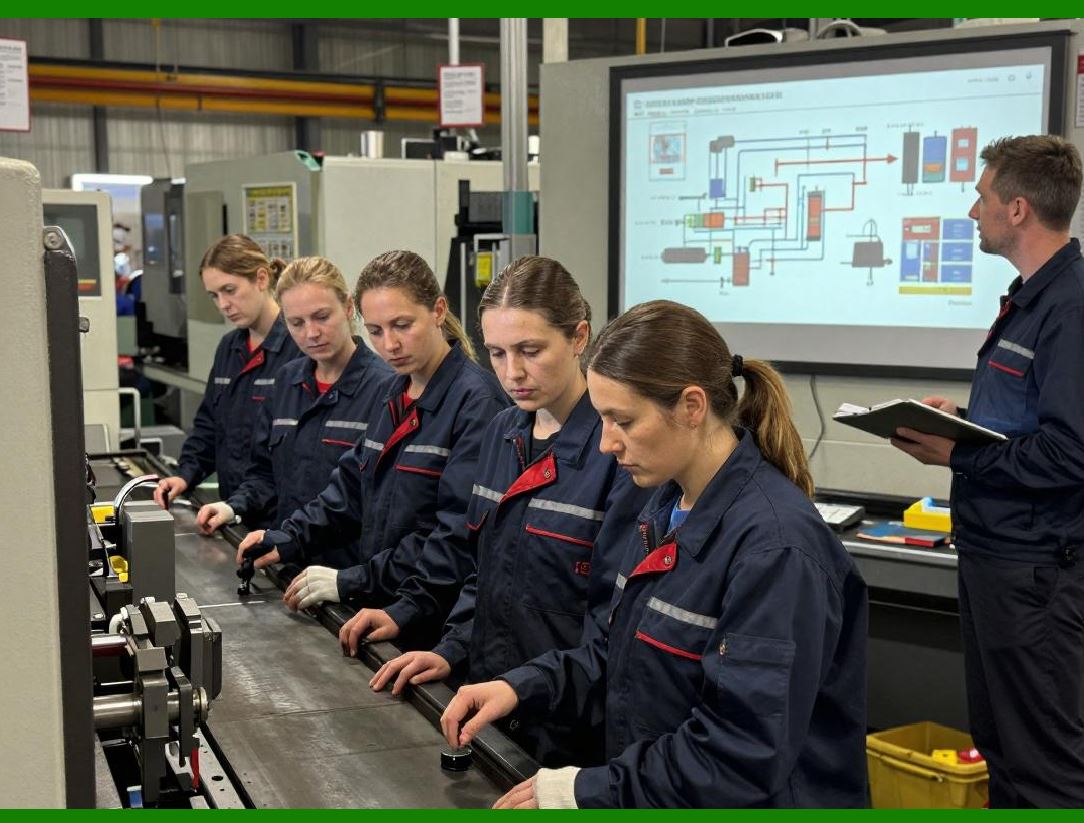
Reducing command overhead ensures that the printer spends more time physically printing and less time parsing instructions. |
|
9. Multi-Pass and Continuous Printing Considerations |
Industrial printers often use continuous media rolls. High-speed operations must consider: |
1. Label spacing Correct gaps between labels prevent misalignment at high speeds |
2. Tear-off or rewind modes Proper configuration avoids jams during continuous printing |
3. Peel-and-present applications Coordinating print timing with label sensors ensures smooth operation |
ZPL commands such as `^MNY` (Media type) and `^MTT` (Media tracking) allow precise control over media handling to support continuous printing. |

|
10. Print Darkness and Contrast Optimization |
Print darkness settings (`^MD`) affect both quality and speed: |
* Higher darkness produces more pronounced prints but may require slower speeds to avoid smearing |
* Lower darkness allows faster printing but may reduce readability, especially for dense barcodes |
Selecting the optimal darkness level depends on media type, print speed, and environmental conditions. |

|
11. High-Speed Barcode Printing Techniques |
Barcodes, especially 2D codes, require careful consideration at high speeds: |
1. Adjust module size (`^B3`, `^BC`, `^QR`) to match print resolution |
2. Maintain proper quiet zones around barcodes for reliable scanning |
3. Optimize error correction levels for QR Codes and Data Matrix to reduce print time without compromising readability |
High-speed barcode printing requires balancing density, module size, and print speed to maintain scanner compatibility. |

|
12. Graphics Optimization for Speed |
Graphics can be a bottleneck in high-speed printing. Techniques for optimization include: |
* Storing frequently used graphics in flash memory |
* Compressing graphics using ZPL-supported methods |
* Scaling images to minimum required resolution |
* Avoiding unnecessary full-width images |
These strategies ensure graphics do not slow down overall label throughput. |

|
13. Thermal Media Handling at High Speeds |
Thermal labels are sensitive to: |
* Heat accumulation |
* Ribbon friction (for thermal transfer) |
* Media feed consistency |
At high speeds, printers may require: |
* Adequate cooling periods for the printhead |
* Calibration of label sensors |
* Proper tension in media rolls to prevent slippage |
Zebra printers include configurable parameters for media handling, which can be adjusted via ZPL or SDK commands. |
|
14. Host Application Considerations |
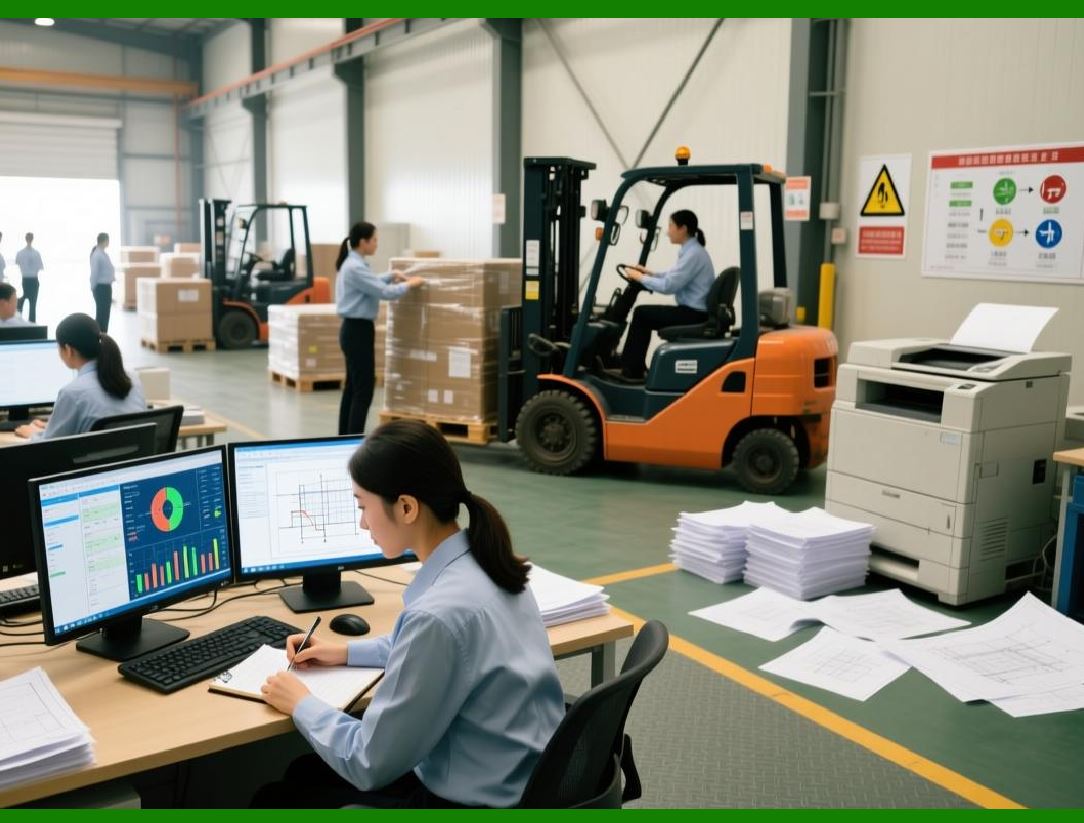
High-speed printing is not only about the printer—it also depends on the host application: |
* Efficient generation of ZPL commands |
* Batch processing of label data |
* Minimal runtime computation for each print job |
* Error checking and logging to prevent reprints |
Optimizing both the printer and the host application ensures maximum throughput in industrial environments. |

|
15. Monitoring Printer Status in High-Speed Environments |
Monitoring printer health is critical when operating at high speeds: |
1. Check for media depletion, ribbon exhaustion, or jams |
2. Monitor printer temperature and printhead usage |
3. Track memory utilization for large jobs |
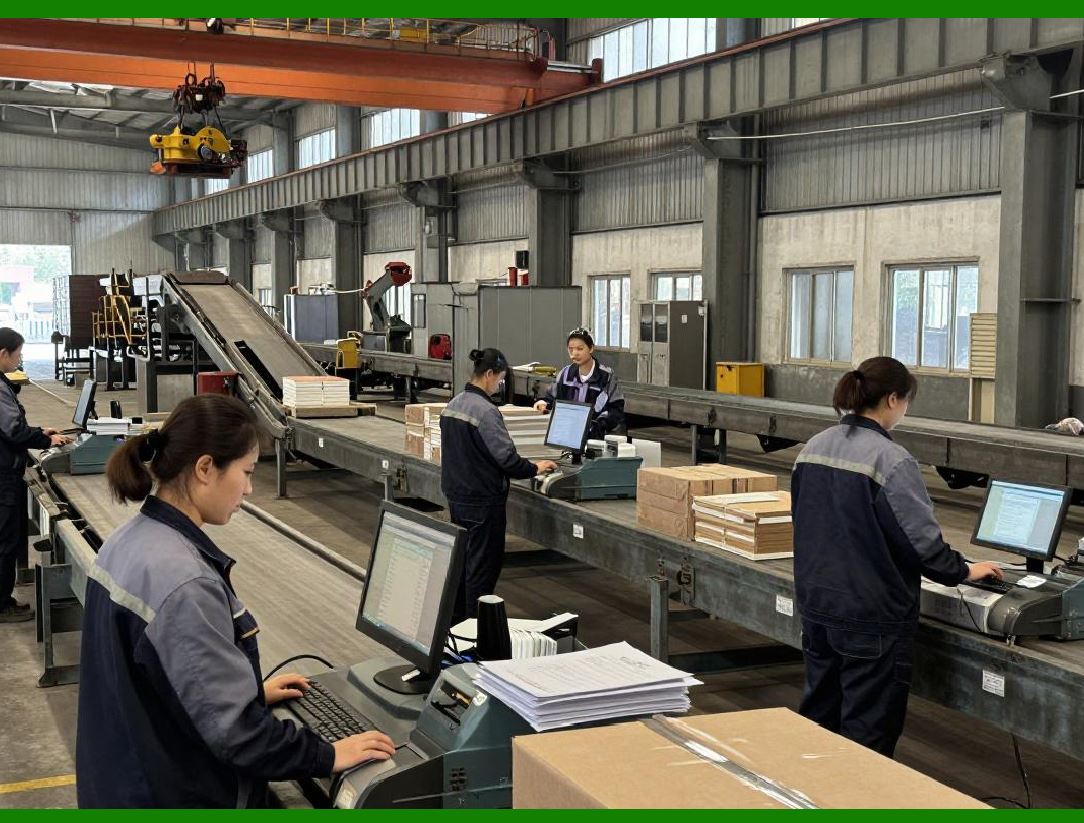
Proactive monitoring prevents downtime and maintains consistent output quality during high-volume operations. |
|
16. High-Volume Printing Strategies |
Organizations that need thousands of labels per hour can adopt the following strategies: |
1. Use stored templates and reference resources in printer memory |
2. Minimize inline graphics and repetitive commands |
3. Batch print jobs with variable data substitution |
4. Optimize media handling, speed, and darkness settings |
5. Implement monitoring and automated error handling |
These strategies collectively ensure that Zebra printers can operate reliably under continuous, high-speed workloads. |

|
17. Summary |
High-speed printing with Zebra printers is a complex interplay of: |
* ZPL command optimization |
* Memory and resource management |
* Thermal media and ribbon selection |
* Printer and host application coordination |
The Zebra ZPL SDK enables developers to programmatically implement these optimizations, resulting in high-throughput, reliable label production that meets industrial demands. |
End of Part 9. |

|
The next section will continue with: |
Part 10 Error Handling, Diagnostics, and Printer Maintenance in ZPL |
This upcoming section will cover: |
* Common error types in ZPL printing |
* Printer diagnostic commands |
* Memory and sensor troubleshooting |
* Proactive maintenance strategies |
* SDK support for error detection and reporting |
* Automated handling of media and printhead issues. |
 cs@easiersoft.com