ZXing (Zebra Crossing) Comprehensive Technical Analysis |
Part 15 of 17 |
15. Integration in Mobile and Enterprise Applications |
15.1 Overview of real-world integration |
ZXing is widely adopted in both mobile and enterprise environments due to its modular design, cross-platform availability, and robust decoding capabilities. Integration strategies vary depending on the application domain, user requirements, and hardware constraints. |
The primary integration goals include: |
1. Seamless barcode scanning and generation |
2. Minimal development complexity |
3. High reliability and error handling |
4. Platform portability |
5. Scalability for enterprise workflows |

|
15.2 Mobile application integration |
Mobile applications leverage ZXing for real-time barcode scanning, particularly in Android and iOS ecosystems. |
15.2.1 Android integration |
1. ZXing provides a core Java library and `Intent`-based integration with the ZXing Barcode Scanner app |
2. Developers can embed ZXing directly into applications for custom UI |
3. Camera preview frames are accessed through `Camera2` or legacy `Camera` APIs |
4. `LuminanceSource` implementations (e.g., `PlanarYUVLuminanceSource`) process YUV frames efficiently |
5. `MultiFormatReader` decodes symbols in real time, often at 30+ frames per second on modern devices |
Use cases: |
* Retail self-checkout systems |
* Ticket scanning for events |
* Mobile payment and wallet applications |
* Inventory and warehouse management |
15.2.2 iOS integration |
ZXing integration on iOS is typically via ZXingObjC, an Objective-C port: |
1. Camera access via AVFoundation |
2. Real-time frame extraction to `LuminanceSource` |
3. Decoding via `MultiFormatReader` |
4. Support for Swift-based applications through bridging headers |
Applications: |
* Mobile ticketing |
* Loyalty and coupon scanning |
* Healthcare barcode scanning for patient ID and medication verification |
|
15.3 Web and browser-based integration |
ZXing JavaScript and TypeScript ports allow web applications to decode barcodes in-browser: |
1. Access camera streams via WebRTC or getUserMedia |
2. Render frames to ` |
3. Convert canvas data to grayscale for `LuminanceSource` |
4. Decode with `MultiFormatReader` in real time |
Applications: |
* Web-based check-in systems |
* E-commerce QR code scanning |
* Document verification portals |
Performance optimizations such as WebAssembly acceleration and selective region scanning improve responsiveness. |

|
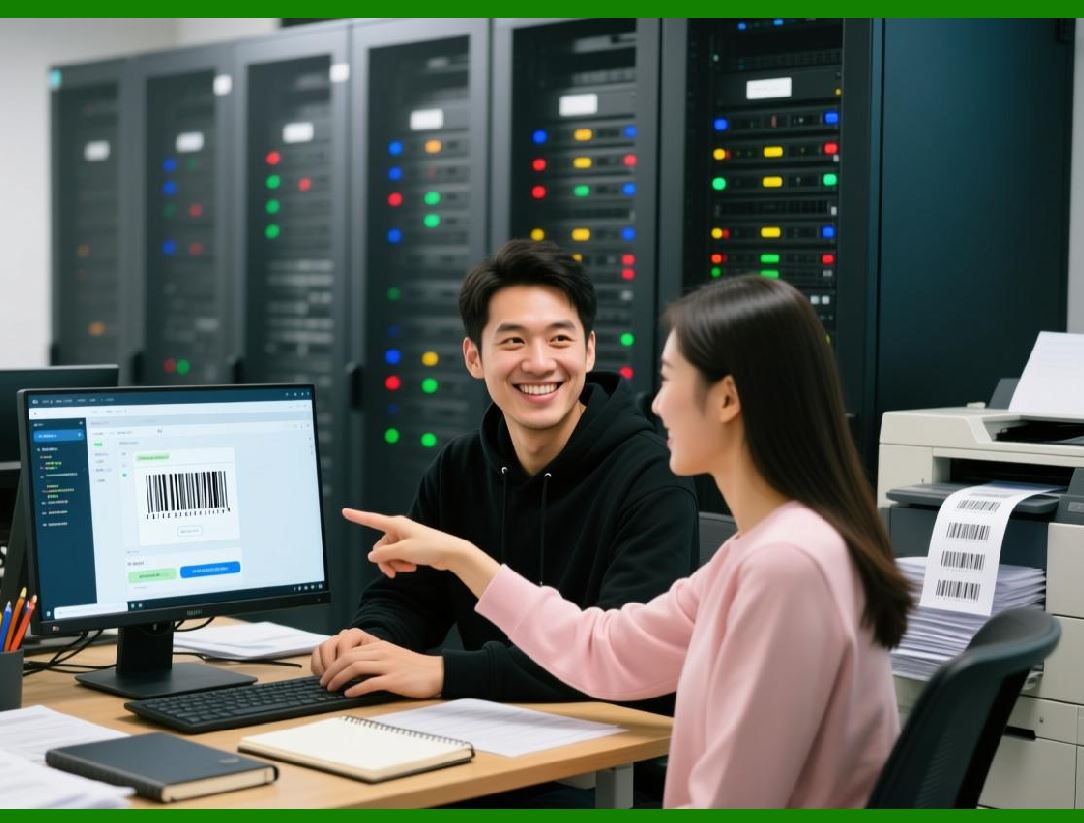
15.4 Enterprise application integration |
In enterprise environments, ZXing supports batch processing and backend workflows: |
1. Integration with server-side applications using Java, C, Python, or Node.js |
2. Automated decoding of scanned documents, invoices, and shipping labels |
3. High-throughput pipelines for warehouse and logistics operations |
4. Metadata extraction for analytics, reporting, and traceability |
Example scenario: |
* A distribution center scans hundreds of packages per minute, decodes 1D and 2D barcodes, and updates a central inventory system in real time. ZXing handles decoding and validation while the enterprise software processes results. |
|
15.5 Integration with point-of-sale (POS) systems |
ZXing is often embedded in retail POS applications: |
1. Supports USB or embedded barcode scanners |
2. Enables scanning of multiple symbologies including QR, EAN, and Code128 |
3. Provides consistent decoding results for transaction and inventory processing |
4. Supports offline operation and batch synchronization |
The API multi-format support reduces the need for hardware-specific drivers and simplifies software development. |

|
15.6 Integration with mobile payment systems |
Mobile payment systems frequently use ZXing for QR Code-based transactions: |
1. Users scan a merchant QR code or display their own code for payment |
2. ZXing decodes the transaction data and validates format and checksum |
3. Applications apply structured append handling for multi-part payment codes |
4. Metadata such as orientation, byte segments, and encoding type ensure accurate processing |
This integration is widely seen in fintech, e-wallets, and contactless payment solutions. |

|
15.7 Document and logistics management |
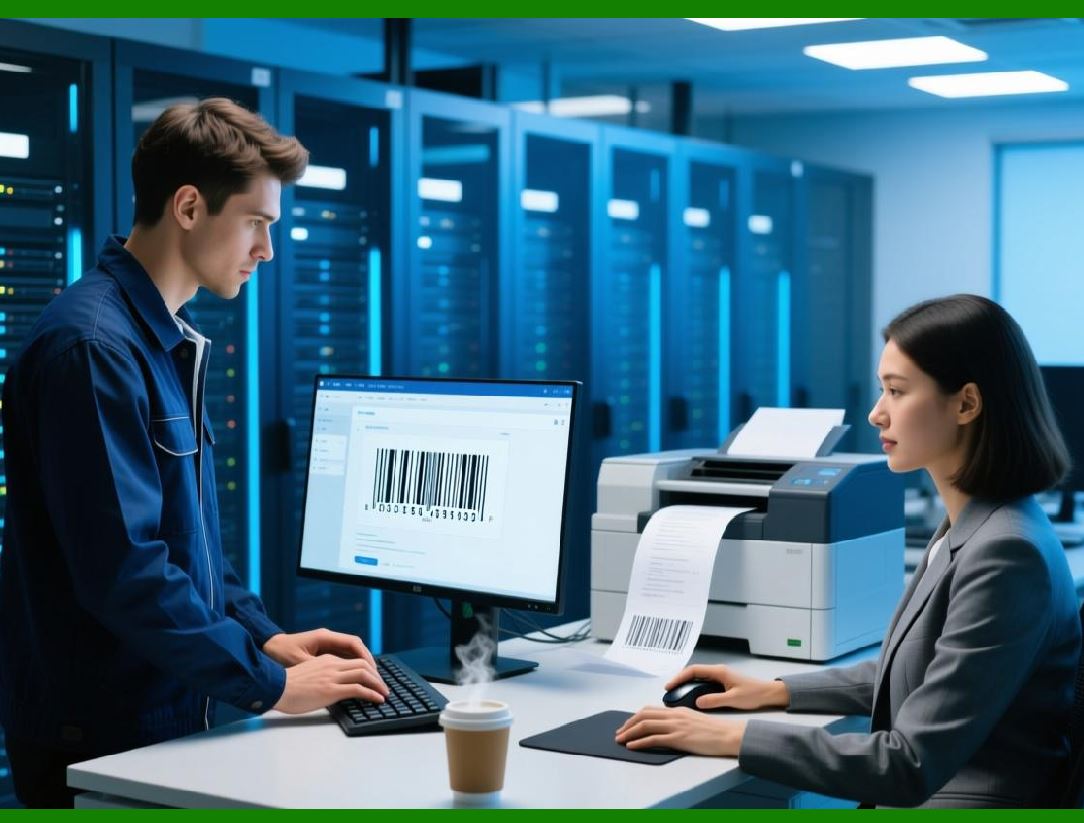
ZXing is extensively used in document scanning and logistics applications: |
1. Automatically decodes barcodes on forms, invoices, and shipping labels |
2. Batch processing allows high-volume throughput |
3. Supports multiple symbologies per document |
4. Integrates with ERP and WMS (Warehouse Management Systems) |
Key benefits: |
* Reduced manual entry errors |
* Faster processing |
* Enhanced traceability |
* Real-time inventory updates |
|
15.8 Healthcare applications |
Healthcare relies on ZXing for: |
1. Patient identification using wristband barcodes |
2. Medication verification via 2D Data Matrix codes |
3. Lab sample tracking |
4. Ensuring compliance with regulatory standards such as HIPAA |
ZXing structured append and error correction features are critical in environments where accuracy is paramount. |

|
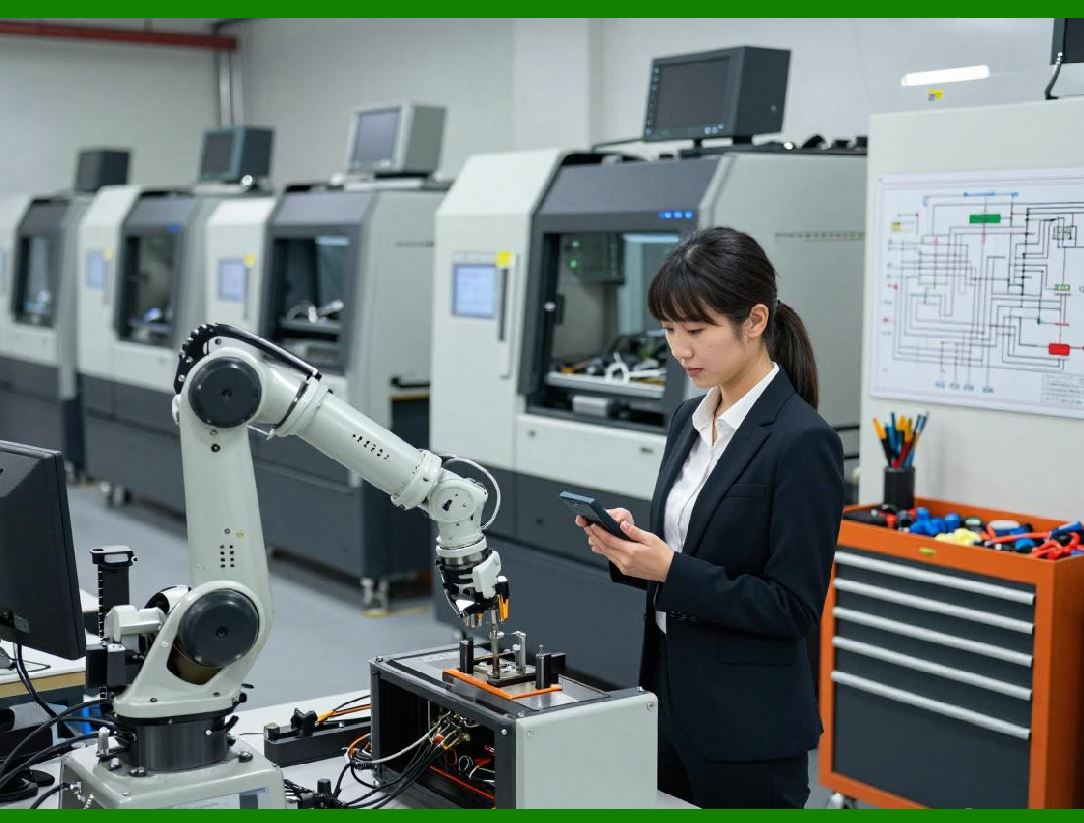
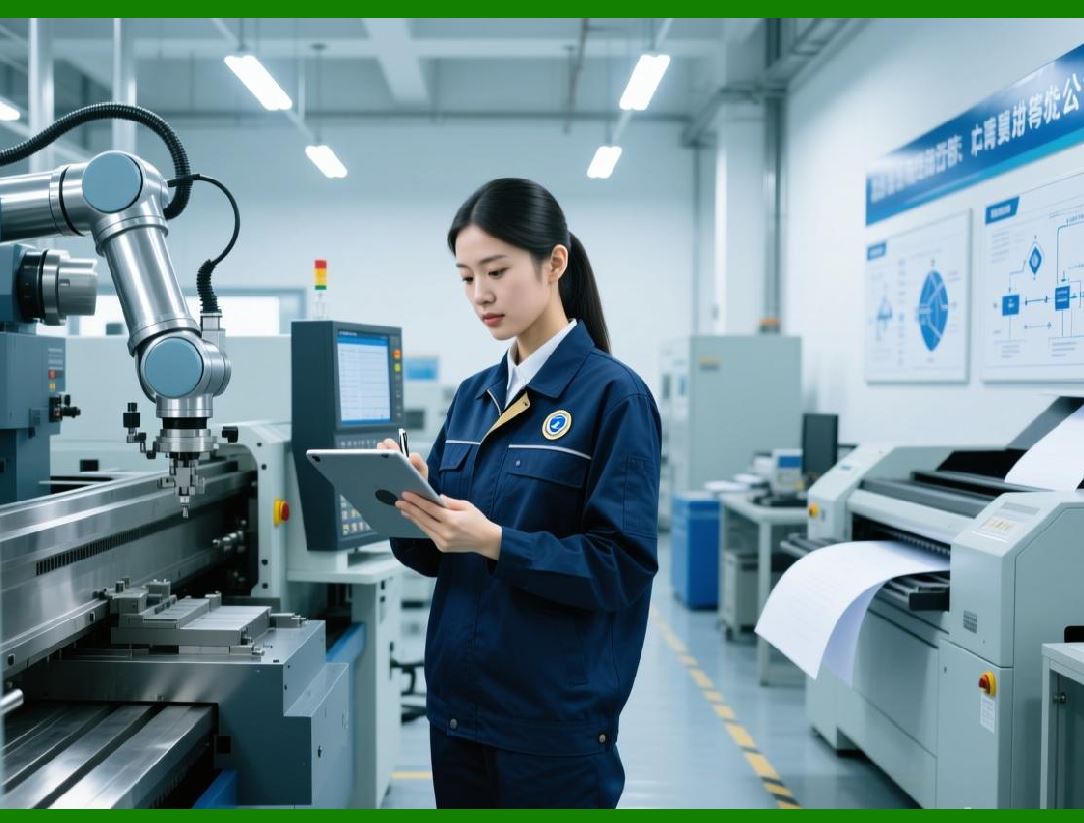
15.9 Industrial and manufacturing integration |
In industrial settings, ZXing is integrated with: |
1. Automated inspection systems |
2. Conveyor belt scanners |
3. Robotic arms for package handling |
4. Embedded C++ or Java implementations for real-time decoding |
ZXing provides low-latency, high-reliability decoding, supporting both 1D and 2D symbologies under challenging conditions such as motion blur, dust, and variable lighting. |

|
15.10 Security and authentication |
ZXing is used for secure barcode applications: |
1. Validates barcode integrity using error correction |
2. Supports checksums and cryptographic payloads |
3. Enables secure ticketing, access control, and authentication |
4. Integrates with backend systems for real-time verification |
This is particularly useful in event management, transportation, and restricted-access facilities. |
|
15.11 Deployment patterns |
Developers can deploy ZXing in several ways: |
1. Embedded library: Directly include the ZXing API in the application code |
2. Service-oriented architecture: Deploy ZXing on a backend server and expose REST APIs |
3. Hybrid mobile applications: Integrate with frameworks like React Native or Xamarin |
4. Cloud-based scanning: Process images uploaded from mobile clients in cloud pipelines |
This flexibility makes ZXing suitable for diverse deployment scenarios. |

|
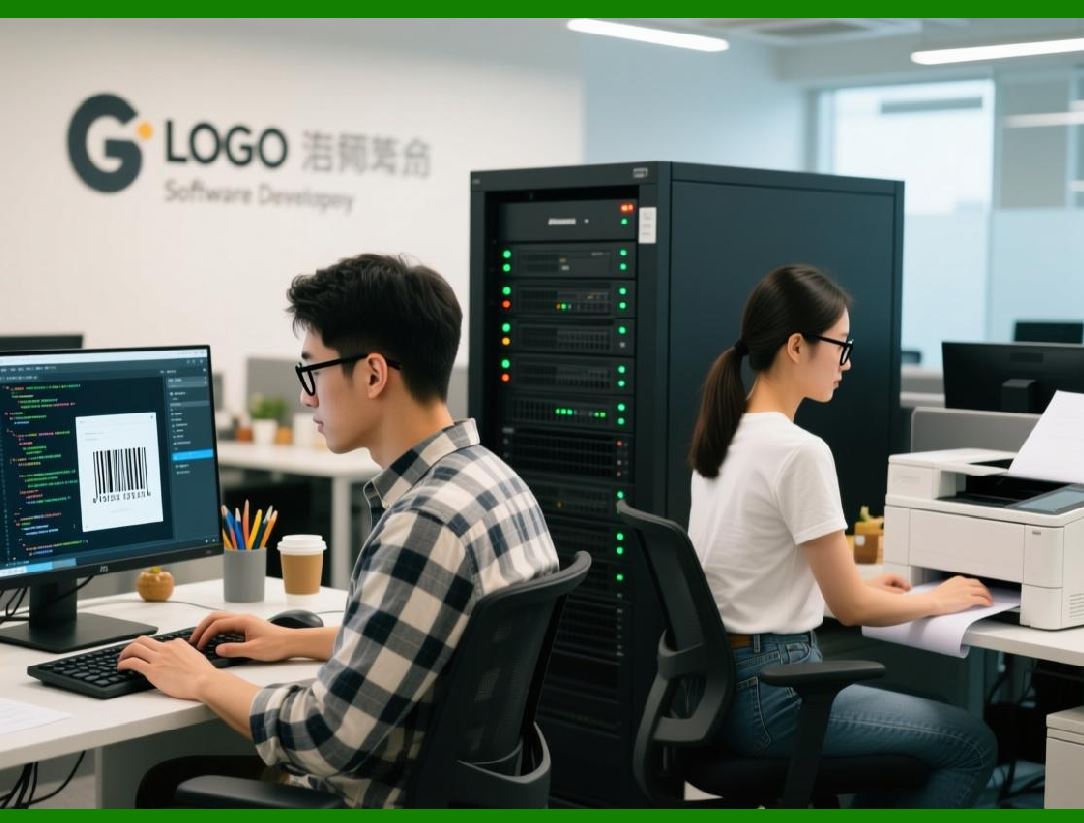
15.12 Error handling in enterprise applications |
Enterprise integrations benefit from ZXing structured exceptions: |
* Failed scans are logged with metadata for quality monitoring |
* Retry mechanisms can automatically rescan failed images |
* Partial or multi-segment barcodes are reassembled |
* Developers can provide feedback to users in real-time applications |
This reduces operational errors and ensures reliable data capture. |
|
15.13 Developer experience |
ZXing consistent API, hints system, and cross-platform ports allow developers to: |
1. Quickly implement scanning and generation workflows |
2. Extend functionality for custom symbologies or image sources |
3. Optimize performance for specific hardware or deployment requirements |
4. Integrate barcode scanning into complex enterprise systems |
The library design emphasizes ease of integration without sacrificing flexibility or power. |

|
15.14 Summary of Part 15 |
In this part, we covered: |
1. Mobile application integration for Android and iOS |
2. Web browser and JavaScript/TypeScript deployment |
3. Enterprise applications including logistics, document processing, and backend pipelines |
4. Point-of-sale system integration |
5. Mobile payment systems |
6. Healthcare barcode applications |
7. Industrial and manufacturing applications |
8. Security and authentication use cases |
9. Deployment patterns and service-oriented architectures |
10. Error handling and developer experience |
|
Part 16 will examine ZXing future development, extensibility, and community ecosystem, highlighting ongoing improvements, contributions, and emerging use cases. |
 cs@easiersoft.com