ZXing (Zebra Crossing) Comprehensive Technical Analysis |
Part 2 of 17: Overall Architecture and Core Design Philosophy of ZXing |
2. Overall Architectural Overview |
2.1 Architectural goals |
From its earliest design stages, ZXing was built with several explicit architectural goals in mind: |
1. Cross-platform portability |
2. Support for multiple barcode symbologies |
3. Separation of concerns between image processing and decoding logic |
4. Efficiency on low-powered devices |
5. Extensibility without breaking existing code |
6. Readable, maintainable source code |
These goals shaped every major design decision, from class structure to algorithm selection. |

|
2.2 High-level component breakdown |
ZXing architecture can be broadly divided into the following conceptual layers: |
1. Image acquisition and abstraction layer |
2. Image preprocessing and binarization layer |
3. Barcode detection layer |
4. Barcode decoding layer |
5. Error correction and data reconstruction layer |
6. Encoding (generation) layer |
7. Format-specific logic modules |
8. Cross-language portability layer |
Each layer is loosely coupled, allowing individual components to evolve independently. |

|
2.3 Separation between image representation and decoding |
One of ZXing most important architectural choices is the strict separation between image data and decoding logic. |
ZXing does not directly depend on: |
* Camera APIs |
* UI frameworks |
* Image file formats |
* Platform-specific image buffers |
Instead, it introduces abstract representations of image data that allow decoding algorithms to remain platform-agnostic. |
This design enables: |
* Use on Android, desktop, server, and embedded systems |
* Easy porting to new languages |
* Replacement of image input sources without code changes |
|
3. Image Abstraction Layer |
3.1 The role of luminance-based image models |
ZXing operates primarily on luminance (grayscale) data, not color images. This decision reflects the reality that barcode decoding depends almost entirely on contrast, not color. |
Key principles: |
1. Color information is discarded early |
2. Images are treated as intensity matrices |
3. Contrast matters more than hue or saturation |
This simplifies processing while improving performance. |

|
3.2 LuminanceSource abstraction |
At the heart of ZXing image abstraction is the concept of a luminance source, which represents a grayscale image as a two-dimensional array of brightness values. |
Core responsibilities: |
1. Provide pixel luminance values |
2. Support cropping |
3. Support rotation (in some implementations) |
4. Hide platform-specific image details |
The decoding pipeline only interacts with this abstraction, never with raw images. |
|
3.3 Advantages of the abstraction approach |
This abstraction offers several critical benefits: |
1. Platform independence |
2. Memory efficiency |
3. Easy integration with camera frames |
4. Support for streaming image sources |
5. Clean separation of responsibilities |
Because of this design, ZXing can be embedded into: |
* Android camera apps |
* WebAssembly-based scanners |
* Server-side batch processors |
* Embedded scanners with custom sensors |

|
4. Binarization Layer |
4.1 Purpose of binarization |
Binarization converts grayscale images into black-and-white representations, which are essential for barcode detection. |
The binarization process: |
1. Separates foreground (barcode elements) from background |
2. Enhances contrast |
3. Reduces noise |
4. Simplifies downstream algorithms |
ZXing treats binarization as a distinct, replaceable stage. |

|
4.2 Global vs adaptive thresholding |
ZXing supports both: |
1. Global thresholding |
2. Adaptive (local) thresholding |
Global thresholding: |
* Faster |
* Simpler |
* Less robust under uneven lighting |
Adaptive thresholding: |
* More computationally expensive |
* Significantly more robust |
* Essential for mobile and real-world scanning |
ZXing architecture allows switching between these strategies without modifying decoding logic. |

|
4.3 Block-based adaptive binarization |
One of ZXing key architectural innovations is block-based adaptive binarization. |
This approach: |
1. Divides the image into small blocks |
2. Computes local thresholds per block |
3. Preserves fine detail in uneven lighting |
4. Handles shadows and glare effectively |
Block-based binarization is especially important for: |
* QR Codes |
* Data Matrix |
* Aztec Code |
* Poorly printed symbols |

|
4.4 Binary bitmap representation |
After binarization, images are represented as binary bitmaps, where: |
* Each pixel is either black or white |
* Memory usage is minimized |
* Bit-level operations become possible |
This representation enables: |
* Fast pattern detection |
* Efficient scanning of rows and columns |
* Reduced computational overhead |

|
5. Detection Layer |
5.1 Purpose of barcode detection |
Detection is the process of locating a barcode within an image, independent of decoding its contents. |
Key detection tasks include: |
1. Identifying candidate barcode regions |
2. Detecting orientation |
3. Estimating scale |
4. Correcting perspective distortion |
ZXing explicitly separates detection from decoding. |

|
5.2 Format-specific detectors |
ZXing uses format-specific detectors, each optimized for the visual structure of a particular barcode type. |
Examples: |
* Finder patterns for QR Code |
* L-shaped borders for Data Matrix |
* Bullseye patterns for Aztec Code |
* Guard bars for linear barcodes |
Each detector implements: |
1. Pattern recognition logic |
2. Geometric validation |
3. Coordinate extraction |

|
5.3 Multi-barcode detection support |
ZXing architecture allows: |
* Detection of multiple barcodes in a single image |
* Independent decoding of each detected symbol |
* Aggregation of results |
This is critical for: |
* Industrial scanning |
* Document processing |
* Logistics applications |
* Batch scanning systems |
|
5.4 Orientation and rotation handling |
Detection algorithms estimate barcode orientation by: |
1. Analyzing pattern geometry |
2. Measuring relative distances |
3. Applying rotation transforms |
This allows ZXing to decode: |
* Rotated symbols |
* Skewed images |
* Perspective-distorted captures |
Orientation handling is a core architectural feature, not an afterthought. |

|
6. Decoding Layer |
6.1 Logical separation from detection |
Once detection produces a normalized representation of the barcode region, decoding begins. |
Decoding logic: |
* Assumes a clean, normalized input |
* Focuses purely on symbol interpretation |
* Does not interact with raw image data |
This separation makes decoding logic: |
1. Easier to test |
2. Easier to extend |
3. Independent of image quality variations |

|
6.2 Bitstream extraction |
Decoding begins by: |
1. Sampling the normalized barcode grid |
2. Extracting a bit matrix |
3. Mapping visual modules to binary values |
This bit matrix represents the encoded data prior to error correction. |
|
6.3 Symbol version and format interpretation |
For 2D barcodes, decoding includes: |
1. Determining symbol version |
2. Identifying error correction level |
3. Parsing format information |
4. Selecting decoding parameters |
ZXing architecture encapsulates this logic within format-specific modules. |

|
7. Error Correction and Data Reconstruction |
7.1 Role of error correction |
Real-world barcodes are often: |
* Damaged |
* Partially obscured |
* Poorly printed |
* Captured under suboptimal conditions |
ZXing integrates error correction as a first-class architectural component. |

|
7.2 Reed-Solomon error correction |
ZXing relies heavily on Reed-Solomon codes for: |
* Error detection |
* Error correction |
* Data recovery |
This implementation is: |
* Modular |
* Reusable across formats |
* Independent of image processing |
Reed-Solomon logic operates purely on symbol data, not pixels. |

|
7.3 Separation of concerns |
Error correction code: |
1. Does not know barcode geometry |
2. Does not know image origin |
3. Only processes numeric codewords |
This clean separation enhances reliability and testability. |

|
8. Encoding (Generation) Layer |
8.1 Encoding as a secondary concern |
Although ZXing is widely known for decoding, it also supports barcode generation. |
Architectural principles for encoding: |
1. Completely separate from decoding logic |
2. Stateless where possible |
3. Deterministic output |
4. Format-specific modules |

|
8.2 Data-to-symbol pipeline |
Encoding typically involves: |
1. Input data parsing |
2. Mode selection |
3. Error correction generation |
4. Module placement |
5. Bitmap or vector output |
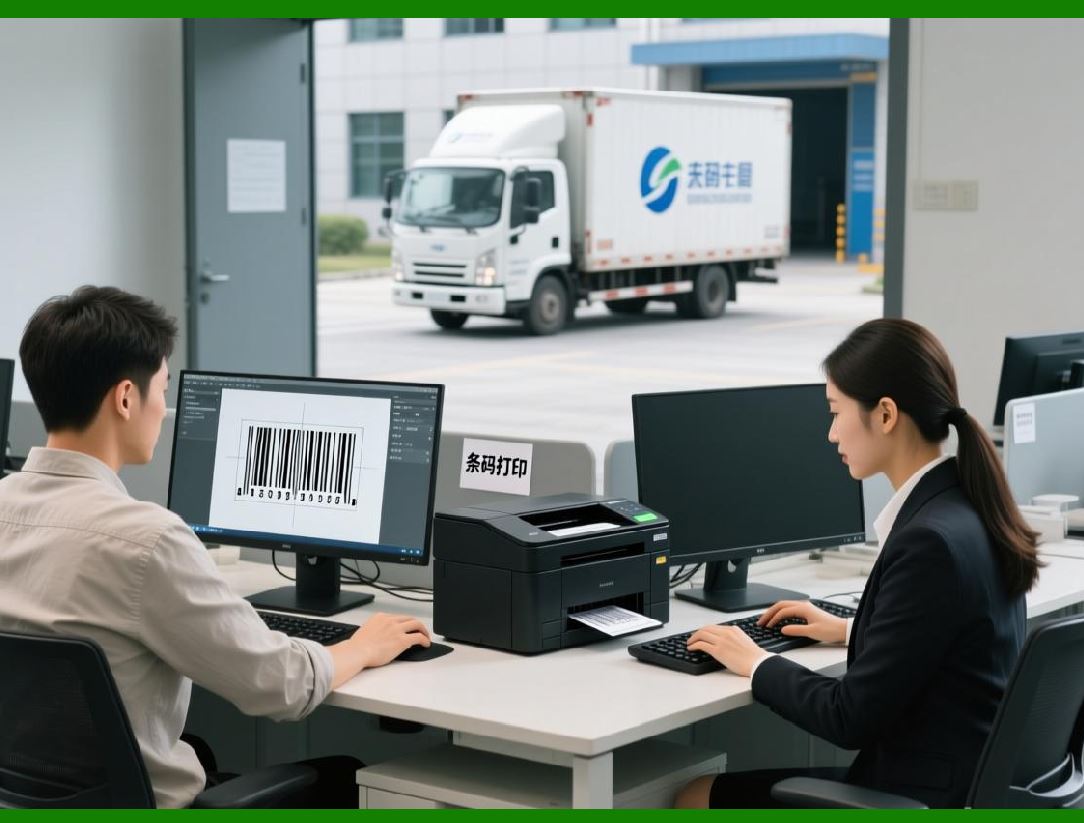
ZXing allows developers to generate barcodes without any dependency on image input or scanning code. |
|
8.3 Output flexibility |
Encoding output can be: |
* Bit matrices |
* Raster images |
* Vector representations (in some ports) |
This makes ZXing suitable for: |
* Printing |
* Display |
* Embedding in documents |
* Industrial marking |

|
9. Extensibility and Modularity |
9.1 Plug-in style architecture |
ZXing architecture allows new barcode formats to be added by: |
1. Implementing a detector |
2. Implementing a decoder |
3. Registering the format |
Existing code does not need modification. |
9.2 Format independence |
Each barcode format: |
* Lives in its own logical module |
* Shares common infrastructure |
* Does not interfere with others |
This avoids monolithic code growth. |
9.3 Language portability |
ZXing modular design has enabled successful ports to: |
* C |
* C++ |
* Python |
* JavaScript |
* Objective-C |
* Swift |
The architectural consistency across languages is one of ZXing defining strengths. |

|
10. Summary of Part 2 |
In this part, we examined: |
1. ZXing core architectural goals |
2. Its layered design philosophy |
3. Image abstraction and binarization strategies |
4. Detection and decoding separation |
5. Error correction as a standalone component |
6. Encoding support and output flexibility |
7. Modularity and extensibility |

|
Next Part 3 will explore supported barcode symbologies in ZXing, covering linear barcodes, 2D barcodes, encoding modes, constraints, and real-world use cases in extreme detail. |
 cs@easiersoft.com