ZXing (Zebra Crossing) Comprehensive Technical Analysis |
Part 3 of 17: Supported Barcode Symbologies in ZXing |
11. Overview of Symbology Support Strategy |
11.1 Design philosophy behind symbology support |
ZXing was never designed to support every barcode ever invented.Instead, its symbology strategy is guided by several pragmatic principles: |
1. Focus on widely deployed and standardized barcode formats |
2. Prioritize formats that are camera-readable |
3. Emphasize robust decoding under real-world conditions |
4. Support both 1D (linear) and 2D (matrix/stacked) barcodes |
5. Avoid obscure or legacy formats with minimal real-world usage |
This strategy has allowed ZXing to remain relevant, efficient, and maintainable over long periods. |

|
11.2 Classification of supported barcode types |
ZXing logically groups barcode formats into the following categories: |
1. Two-dimensional matrix barcodes |
2. Stacked two-dimensional barcodes |
3. Linear (one-dimensional) barcodes |
4. Special-purpose and niche formats |
5. Text-based and numeric-only formats |
Each category has distinct decoding challenges and architectural implications. |

|
12. Two-Dimensional Matrix Barcodes |
12.1 QR Code |
12.1.1 Importance of QR Code support |
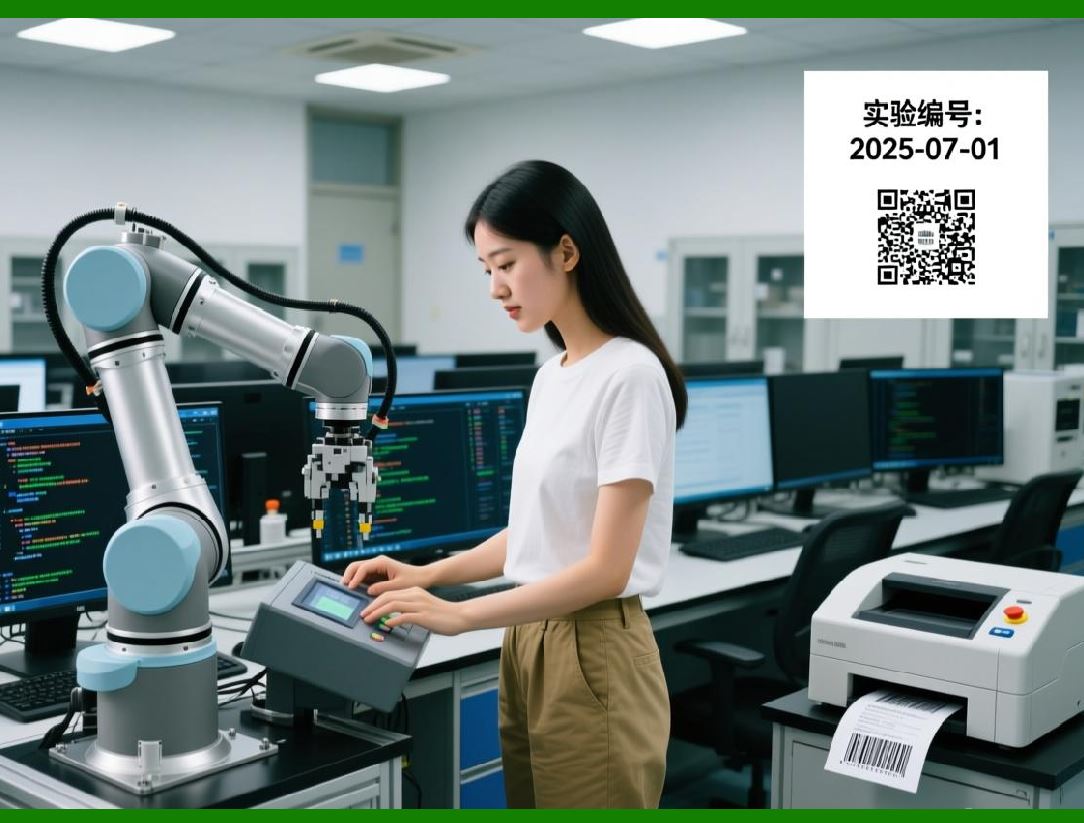
QR Code is the most important and widely used barcode format supported by ZXing. It was the primary motivation for the library creation and remains its most mature and optimized decoder. |
QR Codes are used extensively for: |
1. URLs and web navigation |
2. Mobile payments |
3. Authentication and login |
4. Product tracking |
5. Marketing and advertising |
6. Ticketing and access control |
12.1.2 QR Code structural characteristics |
ZXing QR Code decoder accounts for the following structural elements: |
1. Finder patterns at three corners |
2. Alignment patterns for higher versions |
3. Timing patterns |
4. Format information |
5. Version information |
6. Data and error correction codewords |
Each of these components is handled by dedicated detection and parsing logic. |
12.1.3 Encoding modes supported |
ZXing supports all standard QR Code encoding modes, including: |
1. Numeric mode |
2. Alphanumeric mode |
3. Byte mode |
4. Kanji mode |
5. Mixed-mode encoding |
6. Extended Channel Interpretation (ECI) |
The decoder dynamically switches between modes based on control bits embedded in the symbol. |
12.1.4 Error correction levels |
ZXing fully supports all four QR Code error correction levels: |
1. Level L (low) |
2. Level M (medium) |
3. Level Q (quartile) |
4. Level H (high) |
This allows successful decoding even when large portions of the symbol are damaged or obscured. |
12.1.5 Practical decoding robustness |
ZXing QR Code decoder is specifically optimized for: |
1. Low-resolution camera images |
2. Motion blur |
3. Perspective distortion |
4. Uneven lighting |
5. Partial occlusion |
6. Screen-based QR Codes |
These optimizations make it suitable for real-time mobile scanning. |
|
12.2 Data Matrix |
12.2.1 Industrial significance |
Data Matrix is widely used in: |
1. Manufacturing |
2. Electronics labeling |
3. Pharmaceutical packaging |
4. Aerospace and defense |
5. Medical devices |
ZXing provides full support for ECC 200 Data Matrix symbols. |
12.2.2 Structural features |
ZXing Data Matrix decoder recognizes: |
1. Solid L-shaped finder pattern |
2. Alternating clock track |
3. Square or rectangular symbol shapes |
4. Variable module sizes |
Detection relies heavily on geometric consistency and contrast analysis. |
12.2.3 Encoding capabilities |
ZXing supports Data Matrix encoding schemes including: |
1. ASCII encoding |
2. C40 encoding |
3. Text encoding |
4. X12 encoding |
5. EDIFACT encoding |
6. Base256 encoding |
The decoder seamlessly switches between modes during decoding. |
12.2.4 Error correction |
ZXing implements Reed-Solomon error correction for Data Matrix, enabling reliable decoding even with severe symbol degradation. |

|
12.3 Aztec Code |
12.3.1 Unique characteristics |
Aztec Code is notable for: |
1. Central bullseye finder pattern |
2. Absence of a quiet zone requirement |
3. Compact symbol size |
4. Strong error correction |
ZXing includes a complete Aztec Code encoder and decoder. |
12.3.2 Use cases |
Aztec Code is commonly used in: |
1. Transportation tickets |
2. Boarding passes |
3. Government documents |
4. High-density data storage |
ZXing support makes it suitable for ticketing and identity applications. |
12.3.3 Decoding strategy |
ZXing Aztec decoder: |
1. Locates the bullseye pattern |
2. Determines symbol orientation and size |
3. Extracts layers and data blocks |
4. Applies error correction |
5. Decodes character encoding |
|
12.4 MaxiCode |
12.4.1 Logistics and shipping |
MaxiCode is primarily used in: |
1. High-speed parcel sorting |
2. Courier logistics |
3. Automated conveyor systems |
ZXing supports decoding of MaxiCode, although this format is less commonly used in camera-based applications. |
12.4.2 Symbol structure |
ZXing MaxiCode decoder handles: |
1. Hexagonal module arrangement |
2. Central bullseye |
3. Fixed-size symbol |
4. Structured carrier message formats |
|
13. Stacked Two-Dimensional Barcodes |
13.1 PDF417 |
13.1.1 Overview |
PDF417 is a stacked linear barcode capable of encoding large amounts of data. |
ZXing supports both: |
1. Decoding |
2. Encoding |
13.1.2 Common applications |
PDF417 is widely used for: |
1. Driver licenses |
2. Identification cards |
3. Boarding passes |
4. Government documents |
5. Logistics labels |
13.1.3 Decoding complexity |
ZXing PDF417 decoder addresses challenges such as: |
1. Row and column alignment |
2. Variable symbol sizes |
3. Error correction across rows |
4. Noise and skew handling |
13.2 MicroPDF417 |
ZXing also supports MicroPDF417, a compact variant designed for space-constrained applications. |

|
14. Linear (One-Dimensional) Barcodes |
14.1 Overview of linear barcode support |
Although ZXing is often associated with 2D barcodes, it includes robust support for many linear formats. |
Linear barcodes remain essential in: |
1. Retail |
2. Inventory management |
3. Warehousing |
4. Logistics |
5. Asset tracking |
14.2 UPC and EAN family |
ZXing supports: |
1. UPC-A |
2. UPC-E |
3. EAN-8 |
4. EAN-13 |
These formats dominate global retail environments. |
ZXing handles: |
* Guard bars |
* Parity patterns |
* Check digits |
* Number system encoding |
14.3 Code 128 |
Code 128 is one of the most versatile linear barcodes. |
ZXing supports: |
1. Code Set A |
2. Code Set B |
3. Code Set C |
4. Automatic code set switching |
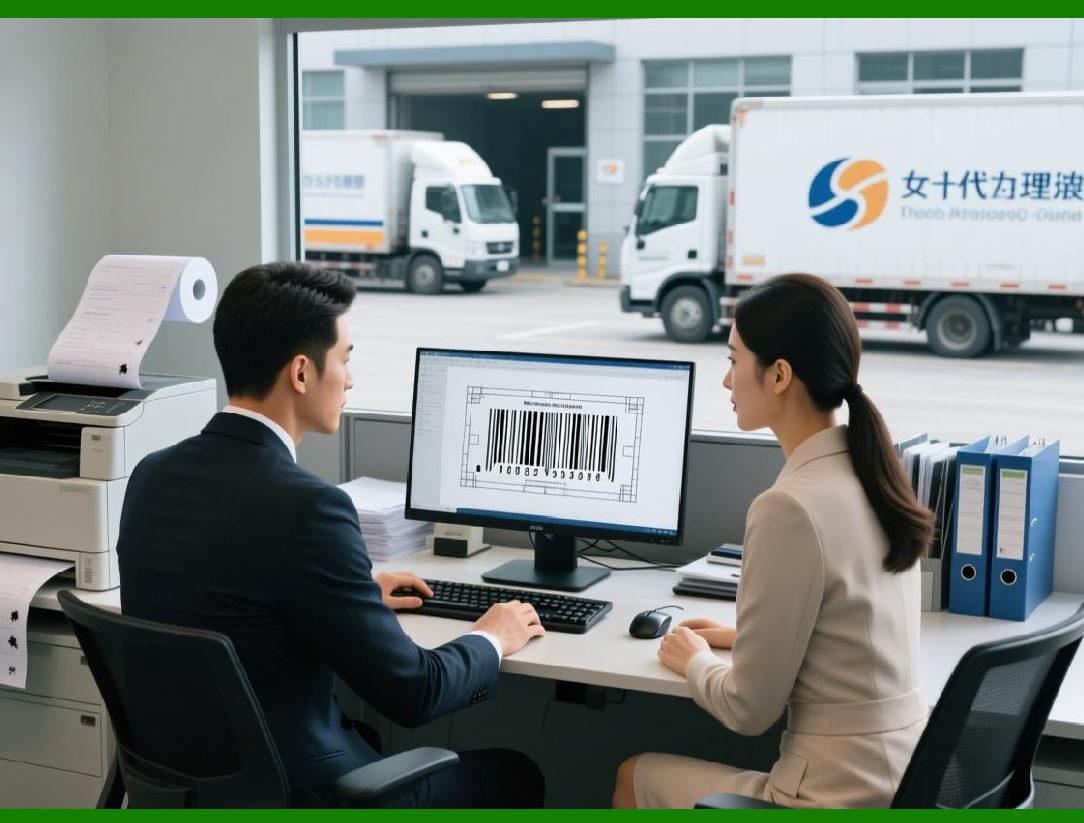
This makes it suitable for logistics and industrial labeling. |
14.4 Code 39 |
ZXing supports Code 39, including: |
1. Standard Code 39 |
2. Extended Code 39 |
3. Optional checksum validation |
Code 39 is commonly used in: |
* Automotive industry |
* Defense logistics |
* Asset tracking |
14.5 Interleaved 2 of 5 |
ZXing supports Interleaved 2 of 5, a numeric-only barcode format used in: |
1. Warehousing |
2. Distribution centers |
3. Carton labeling |
14.6 Codabar |
Codabar support enables decoding of barcodes used in: |
1. Libraries |
2. Blood banks |
3. Medical laboratories |
ZXing supports standard start/stop characters and numeric encoding. |
|
15. Special-Purpose and Niche Formats |
15.1 ITF-14 |
ZXing supports ITF-14, commonly used for: |
* Shipping containers |
* Case-level packaging |
* Pallet tracking |
15.2 RSS / GS1 DataBar |
ZXing includes support for several GS1 DataBar variants, enabling: |
1. Compact retail labeling |
2. Coupon encoding |
3. Product identification with additional data |

|
16. Encoding Support Across Formats |
16.1 Symmetry between encoding and decoding |
ZXing aims for symmetry wherever possible: |
* Formats that can be decoded are often also encodable |
* Encoding APIs are designed to mirror decoding abstractions |
However, decoding is generally more comprehensive than encoding. |
16.2 Practical encoding limitations |
Some formats: |
1. Are decode-only |
2. Have partial encoding support |
3. Are rarely used for generation |
ZXing prioritizes real-world demand over completeness. |

|
17. Format Selection and Hinting |
17.1 Decode hints |
ZXing allows applications to specify decoding hints, such as: |
1. Expected barcode formats |
2. Character sets |
3. Error correction preferences |
4. Try-harder mode |
These hints significantly improve performance and accuracy. |
17.2 Multi-format decoding |
ZXing can attempt: |
* Single-format decoding |
* Multi-format decoding |
This flexibility makes it suitable for both specialized and general-purpose scanners. |

|
18. Summary of Part 3 |
In this part, we examined: |
1. ZXing symbology support philosophy |
2. Detailed coverage of 2D matrix barcodes |
3. Support for stacked barcodes |
4. Extensive linear barcode decoding |
5. Special-purpose formats |
6. Encoding vs decoding symmetry |
7. Format hinting and selection |

|
Next Part 4 will dive deeply into ZXing decoding pipeline, covering step-by-step data flow from camera frame to decoded result, including performance optimizations and failure handling. |
 cs@easiersoft.com