ZXing (Zebra Crossing) Comprehensive Technical Analysis |
Part 8 of 17 |
8. Support for Linear (1D) Barcode Symbologies |
8.1 Role of 1D barcodes within ZXing |
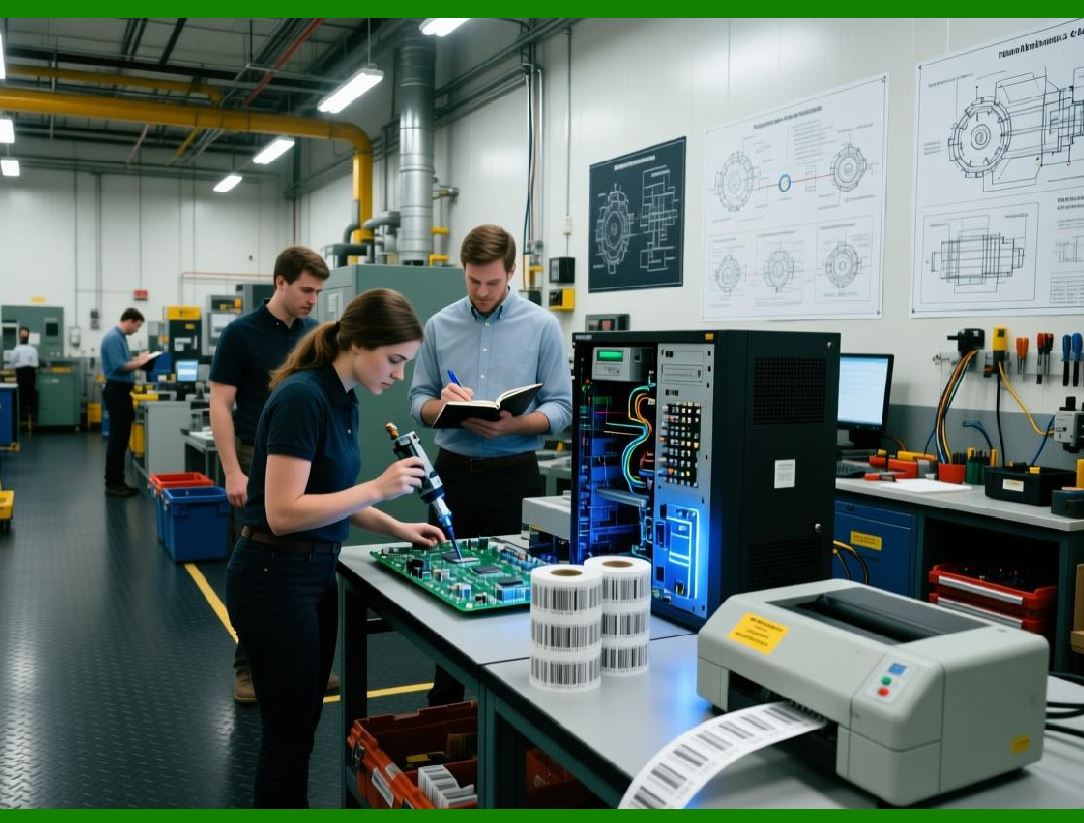
Although ZXing is most famous for its support of QR Code and other 2D symbologies, linear (1D) barcodes have always been an integral part of the library scope. From a design standpoint, ZXing treats 1D barcodes not as legacy artifacts, but as fundamental optical encoding systems that remain deeply embedded in retail, logistics, healthcare, and manufacturing. |
ZXing 1D barcode support reflects several guiding principles: |
1. Backward compatibility with existing barcode infrastructure |
2. Efficient decoding using camera-based imaging |
3. Minimal assumptions about print quality or scanning hardware |
4. A unified decoding API shared with 2D symbologies |
Rather than isolating linear barcode decoding into a separate library, ZXing integrates it into the same architectural framework used for matrix codes. |
|
8.2 Conceptual differences between 1D and 2D decoding |
ZXing internal architecture clearly distinguishes between: |
* One-dimensional signal interpretation |
* Two-dimensional spatial pattern recognition |
Linear barcodes encode information through: |
* Alternating dark and light bars |
* Relative bar widths |
* Guard patterns and quiet zones |
* Directional scanning (typically horizontal) |
ZXing 1D decoders operate primarily on scanlines, extracting sequences of black and white runs and translating them into symbolic values. |
This differs fundamentally from 2D decoding, which relies on: |
* Finder patterns |
* Grid sampling |
* Error correction blocks |
* Multi-directional data recovery |
Understanding this distinction is essential to appreciating ZXing modular decoder design. |

|
8.3 Scanline-based decoding model |
ZXing implements 1D barcode decoding using a scanline-based model, even when operating on full 2D images. |
The typical process involves: |
1. Converting the input image into a binary bitmap |
2. Selecting one or more horizontal scanlines |
3. Measuring consecutive runs of black and white pixels |
4. Normalizing run lengths |
5. Matching run patterns against known barcode encodings |
This approach is computationally efficient and well-suited to: |
* Low-resolution cameras |
* Real-time scanning |
* Devices with limited CPU resources |
ZXing often samples multiple scanlines at different vertical offsets to improve robustness. |

|
8.4 Supported 1D barcode formats |
ZXing supports a wide range of linear barcode symbologies, including but not limited to: |
1. Code 39 |
2. Code 93 |
3. Code 128 |
4. EAN-8 |
5. EAN-13 |
6. UPC-A |
7. UPC-E |
8. ITF (Interleaved 2 of 5) |
9. Codabar |
Each symbology is implemented as a dedicated decoder class that conforms to a common interface, enabling seamless integration into the overall decoding pipeline. |

|
8.5 Code 39 decoding logic |
Code 39 is one of the simplest alphanumeric barcodes and is widely used in industrial and government applications. |
ZXing Code 39 decoder: |
1. Identifies the start/stop asterisk pattern |
2. Measures nine alternating bar and space elements per character |
3. Classifies each element as narrow or wide |
4. Maps the resulting pattern to a character table |
Special considerations include: |
* Optional checksum verification |
* Extended Code 39 character sets |
* Tolerance for inconsistent bar widths |
ZXing implementation is intentionally permissive, reflecting real-world printing variability. |

|
8.6 Code 128 decoding complexity |
Code 128 is significantly more complex than Code 39 due to: |
* High symbol density |
* Multiple code sets (A, B, and C) |
* Shift and latch mechanisms |
* Mandatory checksum |
ZXing Code 128 decoder performs: |
1. Pattern recognition of 11-module symbols |
2. Dynamic switching between code sets |
3. Continuous checksum calculation |
4. Validation against the stop pattern |
The decoder must carefully manage state transitions, making it one of the most sophisticated 1D implementations in the library. |
|
8.7 UPC and EAN family handling |
UPC and EAN barcodes dominate retail environments worldwide. ZXing provides robust support for: |
* UPC-A |
* UPC-E |
* EAN-8 |
* EAN-13 |
Key decoding steps include: |
1. Detection of guard bars |
2. Left/right parity analysis |
3. Digit decoding based on parity tables |
4. Check digit verification |
ZXing handles UPC-E expansion automatically, converting compressed symbols into their UPC-A equivalents when required. |

|
8.8 Interleaved 2 of 5 (ITF) decoding |
Interleaved 2 of 5 encodes digits in pairs, interleaving bar and space patterns. |
ZXing ITF decoder: |
1. Detects start and stop patterns |
2. Reads alternating bar/space sequences |
3. Decodes pairs of digits simultaneously |
4. Validates length constraints |
ZXing enforces configurable constraints on symbol length to reduce false positives, which are more common with ITF due to its repetitive patterns. |

|
8.9 Codabar decoding considerations |
Codabar is frequently used in libraries, blood banks, and logistics systems. |
ZXing Codabar decoder supports: |
* Variable start/stop characters |
* Flexible inter-character spacing |
* Optional checksum handling |
Because Codabar allows significant freedom in printing, ZXing decoder emphasizes tolerance over strict conformance. |

|
8.10 Multi-format decoding strategy |
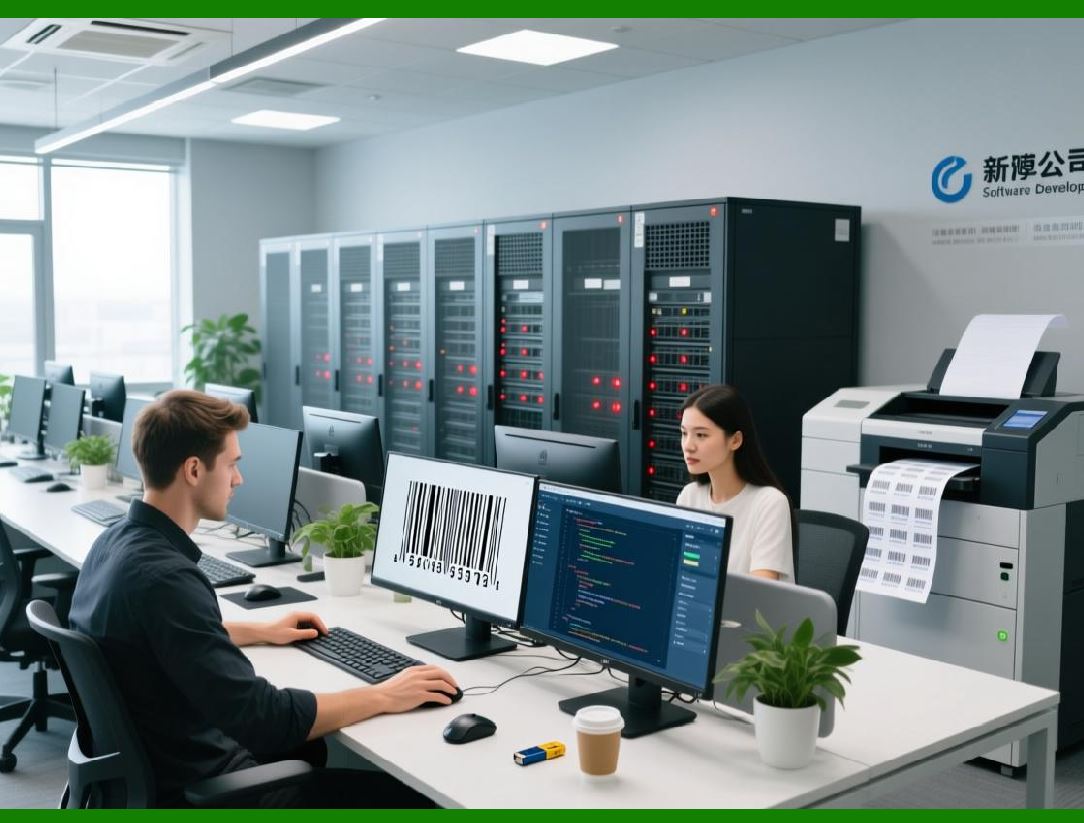
One of ZXing strengths is its ability to decode multiple barcode formats from a single image without prior knowledge of the symbol type. |
For 1D barcodes, this involves: |
1. Attempting several decoders in sequence |
2. Applying format-specific heuristics |
3. Rejecting results that fail checksum validation |
4. Returning the first valid decode |
This strategy trades some performance for flexibility, which is often acceptable in general-purpose scanning applications. |
|
8.11 Orientation and rotation handling |
Linear barcodes may appear: |
* Upside down |
* Slightly rotated |
* Skewed due to perspective distortion |
ZXing addresses this by: |
1. Attempting decoding in both forward and reverse directions |
2. Rotating the image by 90 degrees when necessary |
3. Sampling multiple scanlines |
This ensures reasonable robustness even when the barcode is not perfectly aligned. |

|
8.12 Performance optimization for 1D scanning |
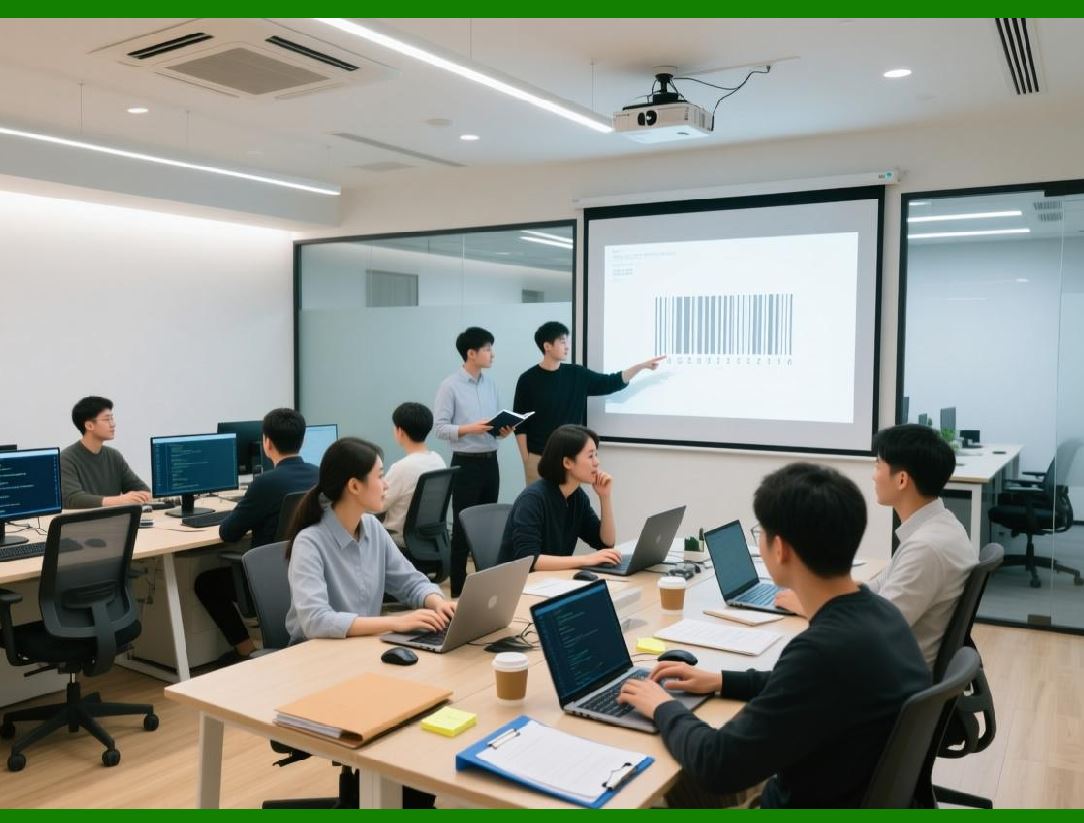
ZXing includes several optimizations specific to linear barcodes: |
* Early exit when start patterns are not found |
* Run-length caching |
* Minimal memory allocation during decoding |
* Integer arithmetic instead of floating-point where possible |
These optimizations make ZXing suitable for: |
* Continuous scanning |
* Live camera preview decoding |
* Embedded and mobile platforms |
|
8.13 False positive mitigation |
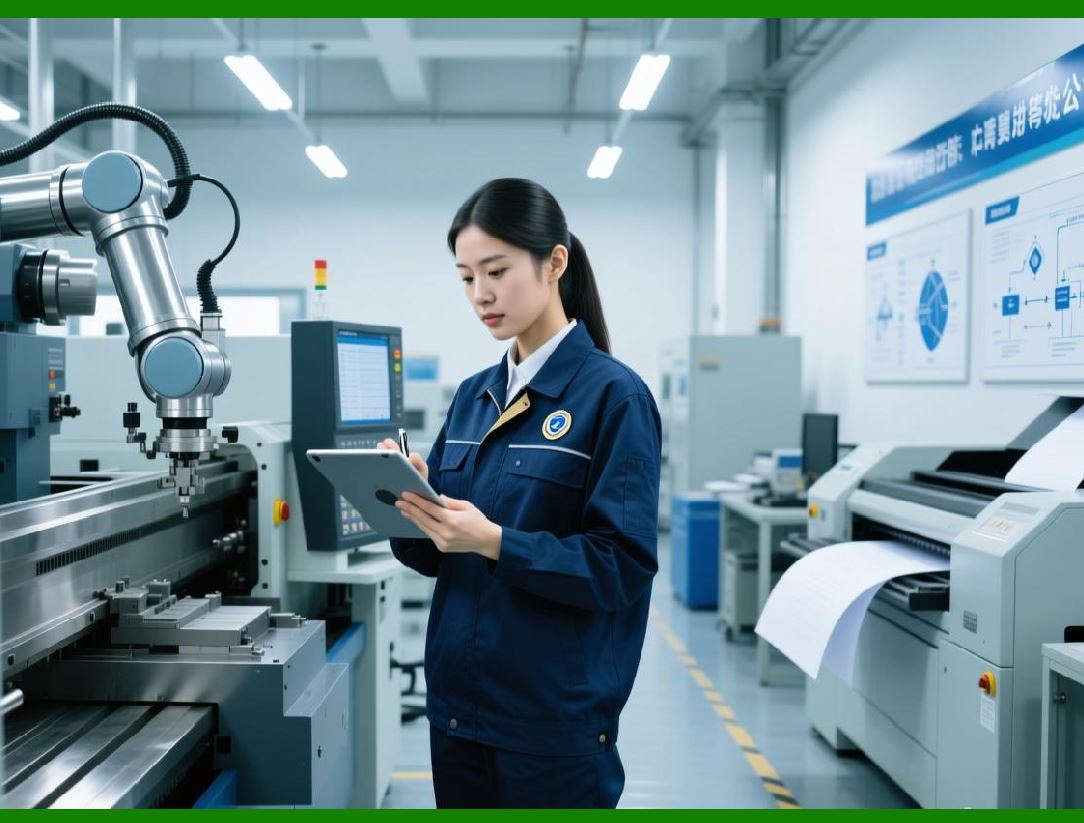
Linear barcodes are particularly prone to false positives because many natural patterns resemble bar sequences. |
ZXing mitigates this risk by: |
1. Enforcing quiet zone requirements |
2. Validating checksum digits |
3. Checking symbol length constraints |
4. Rejecting implausible character sequences |
This balance between permissiveness and validation is carefully tuned based on real-world scanning behavior. |
|
8.14 Integration with higher-level APIs |
From the developer perspective, decoding a 1D barcode in ZXing is no different from decoding a 2D symbol. |
The same: |
* Reader interfaces |
* Result objects |
* Metadata structures |
are used across all symbologies, simplifying application-level integration. |

|
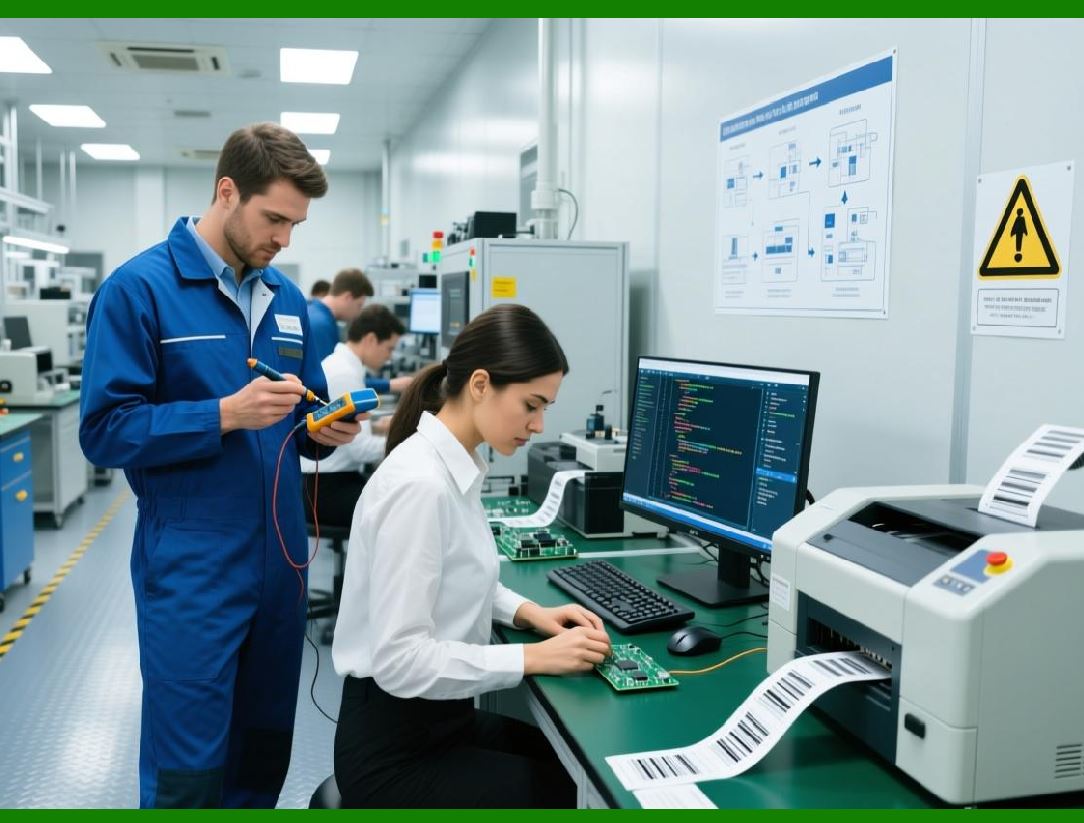
8.15 Practical use cases for 1D support |
ZXing linear barcode capabilities are widely used in: |
1. Retail price scanning |
2. Inventory management systems |
3. Warehouse logistics |
4. Library catalog systems |
5. Healthcare labeling |
6. Manufacturing traceability |
Despite the rise of 2D barcodes, these use cases ensure that 1D decoding remains a critical feature. |
|
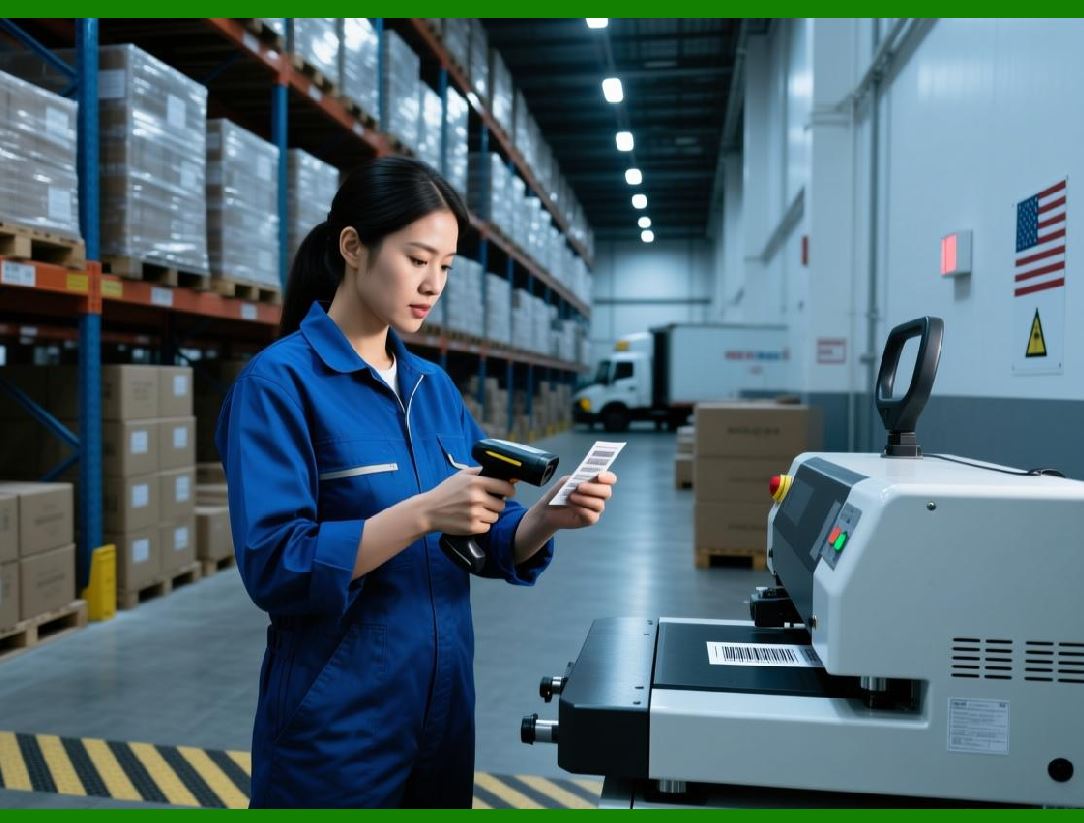
8.16 Limitations of camera-based 1D decoding |
ZXing 1D decoding is optimized for camera input, but it has inherent limitations: |
* Sensitivity to motion blur |
* Dependence on lighting conditions |
* Reduced accuracy with very dense symbols |
* Challenges with curved surfaces |
ZXing partially mitigates these issues through adaptive thresholding and multi-scanline sampling, but hardware scanners still outperform cameras in some scenarios. |
|
8.17 Summary of Part 8 |
In this part, we explored: |
1. The role of linear barcodes in ZXing |
2. The scanline-based decoding model |
3. Supported 1D symbologies |
4. Detailed decoding logic for major formats |
5. Multi-format and orientation handling |
6. Performance and false-positive mitigation strategies |
7. Real-world applications and limitations |

|
Part 9 will move into ZXing barcode generation (encoding) capabilities, explaining how the library constructs barcodes, manages symbol parameters, and renders output across formats. |
 cs@easiersoft.com