Part 10: High-Volume and Automated Label Printing Integration |
1. Introduction to High-Volume Printing |
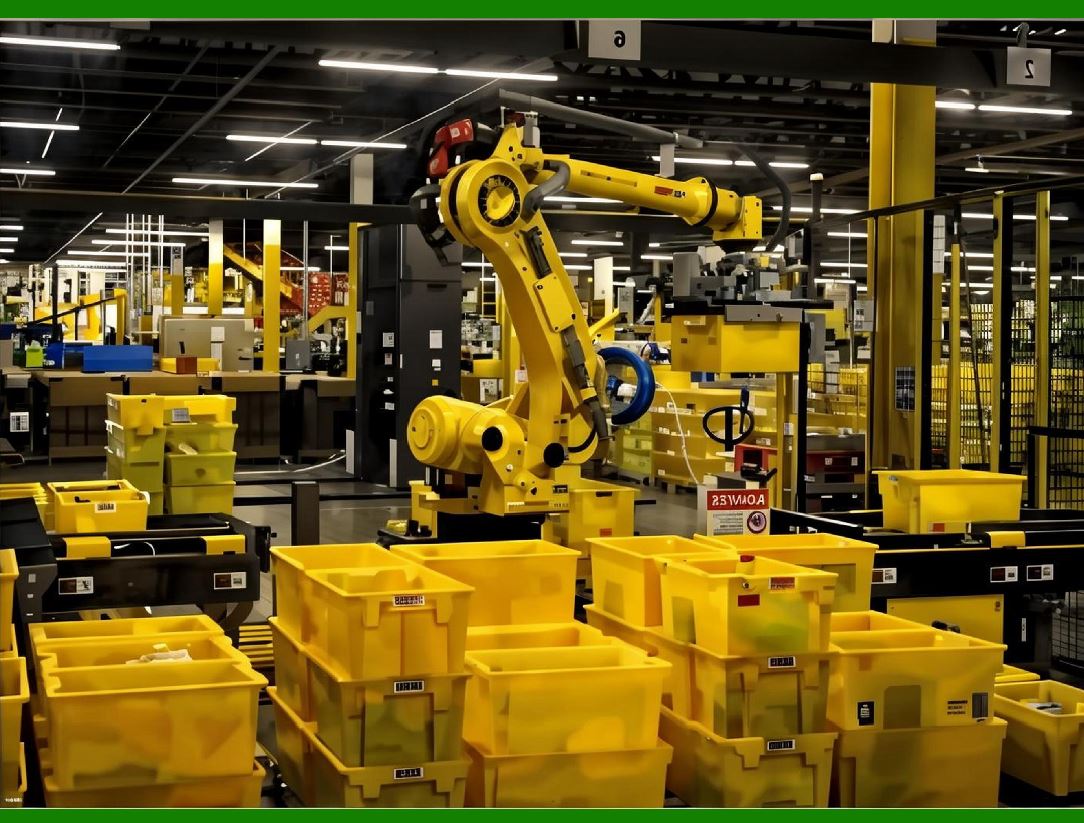
ERP systems often support operations in manufacturing, warehousing, and logistics, where high-volume label printing is required. High-volume printing environments present challenges such as: |
1. Maintaining speed without errors |
2. Ensuring consistency across large batches |
3. Reducing downtime due to printer or template issues |
4. Integrating with automated labeling equipment |
A high-volume printing module must balance performance, accuracy, and traceability. |
|
2. Batch and Pallet Printing Strategies |
2.1 Batch Printing |
* Print multiple labels for a group of items or transactions simultaneously |
* Reduces manual workload and minimizes human error |
* ERP integration ensures correct quantity and sequence |
Implementation Considerations: |
1. Fetch batch data from ERP (SKU, lot numbers, quantities) |
2. Select appropriate label template |
3. Queue print jobs per batch or sub-batch for large orders |
4. Track printed vs. unprinted items for accountability |
2.2 Pallet Label Printing |
* Used for consolidated shipments or inventory pallets |
* Labels must include pallet-level information: |
* Pallet ID |
* Contents (SKU and quantity) |
* Shipping or storage details |
* Barcodes for traceability |
ERP Integration Points: |
1. Automatically generate pallet IDs |
2. Assign labels to multiple items in pallet |
3. Synchronize pallet label data with ERP for inventory tracking |

|
3. Automated Labeling Systems |
High-volume operations often employ automated labeling machines: |
1. Print-and-Apply Machines |
* Print labels on-demand and apply them directly to items or packages |
* Integration with ERP ensures correct item-to-label matching |
2. Conveyor Belt Labeling Systems |
* Continuous labeling for high-speed production lines |
* ERP provides real-time SKU and lot data |
3. Robotic Label Applicators |
* Automated arms apply labels to irregular shapes or large packages |
* Requires precise positioning and template alignment |

|
4. ERP Integration for Automation |
4.1 Data Flow |
1. ERP sends batch or item-level data to print module |
2. Print module generates label commands |
3. Automated labeling system receives commands |
4. Completion status and error feedback are sent back to ERP |
4.2 Real-Time Synchronization |
* Ensures labels correspond exactly to items in ERP |
* Updates ERP inventory after successful label application |

|
5. Template Management for High-Volume Operations |
* Standardized templates reduce errors across batches |
* Version control ensures only approved templates are used |
* Dynamic data fields (SKU, lot, expiration) populate automatically |
* Templates optimized for printer speed and resolution |

|
6. Printer Performance Optimization |
6.1 Printer Types |
1. Industrial Thermal Transfer Printers |
* High-speed and high-volume capable |
* Durable labels for logistics and warehousing |
2. Continuous Inkjet Printers |
* Ideal for fast-moving production lines |
* Print directly on packaging |
3. Laser Printers |
* Suitable for high-resolution, small-label printing |
6.2 Load Balancing |
* Distribute print jobs across multiple printers |
* Avoid bottlenecks in production or warehouse areas |
* ERP can dynamically allocate printers based on workload |

|
7. Error Handling in High-Volume Environments |
7.1 Common Errors |
1. Printer jams or misfeeds |
2. Template misalignment |
3. Barcode scanning errors due to print quality |
4. Data mismatches with ERP |
7.2 Mitigation Strategies |
* Real-time error detection and notification |
* Automatic job retries after resolving issues |
* Queue management to skip failed jobs temporarily |
* Integration with ERP to mark items for reprinting |
|
8. Tracking and Traceability |
High-volume printing requires robust traceability: |
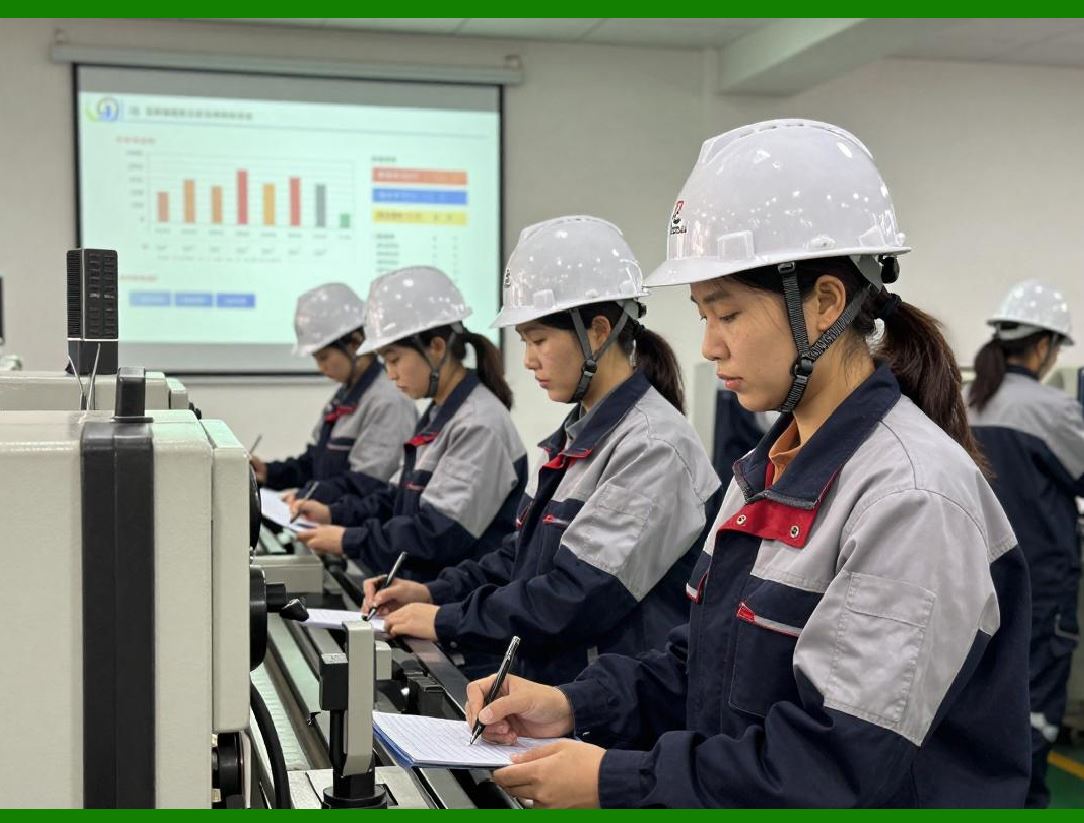
1. Track label printing for every item and pallet |
2. Maintain audit trails linking printed labels to ERP transactions |
3. Barcode verification for accurate downstream scanning |
4. Automated alerts for mismatched or missing labels |

|
9. Performance Metrics for High-Volume Printing |
1. Labels printed per minute/hour/day |
2. Printer uptime and mean time between failures (MTBF) |
3. Job success rate per batch |
4. Error rate per printer or template |
5. Average time from ERP transaction to printed label |

|
10. Label Verification and Quality Control |
10.1 Inline Verification |
* Barcode scanners or vision systems verify label readability and correctness |
* Feedback sent to ERP for quality control |
10.2 Quality Metrics |
1. Barcode scanning success rate |
2. Template alignment accuracy |
3. Print legibility and contrast |
10.3 Corrective Actions |
* Automatically reprint labels for errors detected in verification |
* Flag persistent printer issues for maintenance |

|
11. Scalability Considerations |
* System must handle increasing label volumes without performance degradation |
* ERP and print module should support horizontal scaling (adding more printers) |
* Use distributed print servers for load balancing across multiple facilities |

|
12. Automation Workflow Example |
1. ERP batch approval triggers print module |
2. Print module generates label commands for automated printers |
3. Printers print and apply labels to items or pallets |
4. Barcode scanners verify labels on the production line |
5. ERP receives completion and error feedback |
6. Audit logs are stored for compliance |
13. Integration with Warehouse Management Systems (WMS) |
* Ensure that label printing is aligned with warehouse picking, packing, and shipping |
* ERP-WMS integration allows real-time inventory updates upon label printing |
* Enables accurate shipment tracking and compliance reporting |

|
14. Predictive Maintenance for Printers |
* Analyze historical printer performance to anticipate failures |
* Schedule preventive maintenance for industrial printers |
* Reduce unplanned downtime in high-volume operations |
15. Label Stock and Consumables Management |
* Track label rolls, ribbons, or ink levels per printer |
* Automated alerts when stock is low |
* ERP can trigger procurement for replenishment before printing disruption |

|
16. Security in Automated Environments |
* Ensure only authorized printers receive jobs |
* Encrypted communication between ERP, print server, and automated equipment |
* Audit logs for compliance and traceability |
17. Reporting and Analytics for High-Volume Operations |
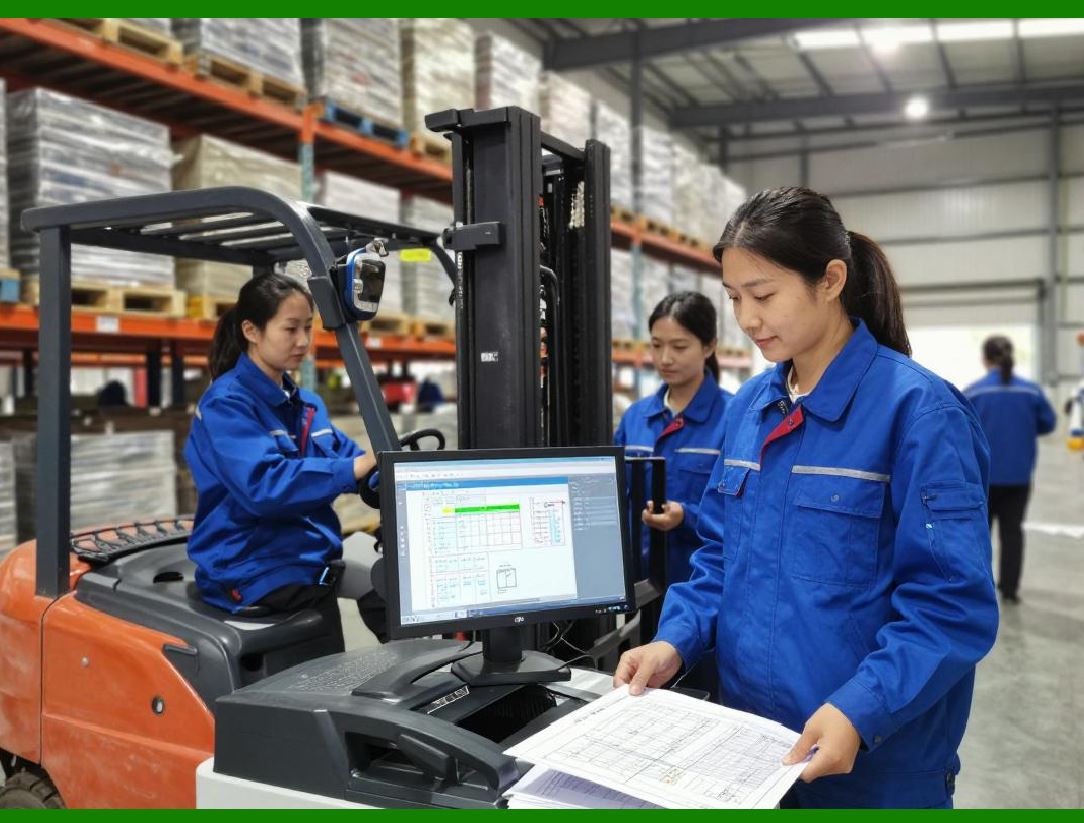
* KPI dashboards for real-time performance monitoring |
* Reports on batch completion, printer utilization, error trends |
* Predictive analytics for workload planning and inventory management |
|
18. Training and Operational Guidelines |
* Train operators and supervisors on system operation |
* Establish procedures for error resolution, template approval, and printer maintenance |
* Document emergency protocols for printer or system failure |
19. Summary of Part 10 |
In Part 10, we covered: |
1. Batch and pallet printing strategies |
2. Automated labeling system integration |
3. ERP data synchronization and template management |
4. Printer selection, optimization, and load balancing |
5. Error handling, verification, and quality control |
6. Scalability, maintenance, and reporting for high-volume printing |

|
Next Section |
In Part 11, we will cover: |
* Integration of third-party barcode libraries and SDKs |
* Programmatic label generation from ERP transactions |
* Handling multiple barcode types (1D, 2D, QR, Data Matrix) |
* API design for ERP and label module communication |
* Extending the module for custom business logic |
 cs@easiersoft.com