Part 16: ERP Integration with Production and Logistics Workflows for Label Printing |
1. Introduction to Production and Logistics Integration |
Incorporating a barcode label printing module into an ERP system goes beyond template design and printing mechanics. It must be fully integrated with production and logistics workflows to ensure: |
1. Accurate inventory tracking |
2. Real-time batch and lot management |
3. Efficient picking, packing, and shipping operations |
4. Operational traceability and accountability |
This integration enables dynamic label generation based on the current production or shipping status. |

|
2. Production Workflow Integration |
2.1 Linking Labels to Manufacturing Orders |
* ERP generates labels for products during the manufacturing process |
* Labels include: |
1. Product SKU |
2. Production batch/lot number |
3. Manufacturing date and expiration date |
4. Serial numbers if required |
* Labels are printed automatically at the production line using mobile or fixed printers |
2.2 Real-Time Data Capture |
* ERP captures production data (e.g., quantity, production time, machine ID) |
* Automatically populates label fields |
* Ensures accuracy and traceability for each production batch |
2.3 Dynamic Labeling for Multiple Product Variants |
* Production lines often produce multiple variants simultaneously |
* ERP selects appropriate label template and data fields dynamically |
* Reduces errors in multi-SKU environments |

|
3. Inventory and Batch Control |
3.1 Batch Number Management |
* ERP generates unique batch numbers for each production run |
* Labels encode these batch numbers for: |
1. Inventory tracking |
2. Regulatory compliance |
3. Recall traceability |
* System maintains centralized batch database accessible to all departments |
3.2 Stock Level Awareness |
* ERP tracks raw materials and finished goods |
* Label printing triggers inventory updates in real-time |
* Ensures accurate stock levels for picking, shipping, and reordering |

|
4. Picking and Packing Integration |
4.1 Generating Picking Labels |
* ERP creates pick tickets or labels for warehouse staff |
* Includes: |
1. Product SKU and quantity |
2. Storage location |
3. Batch or lot number |
4. Barcode for scanning during picking |
* Ensures efficient and accurate order fulfillment |
4.2 Packing and Shipping Labels |
* ERP generates shipping labels when products are packed |
* Labels include: |
1. Shipping address and logistics provider |
2. Tracking number |
3. Weight and volume data |
4. Product details and regulatory information |
* Labels can be printed on demand or pre-generated for batch shipments |

|
5. Integration with Warehouse Management Systems (WMS) |
* ERP communicates with WMS for: |
1. Real-time inventory updates |
2. Automated picking and packing verification |
3. Print job routing to specific printers in warehouse zones |
4. Tracking of scanned labels for shipment confirmation |
* Integration reduces manual errors and improves operational efficiency |

|
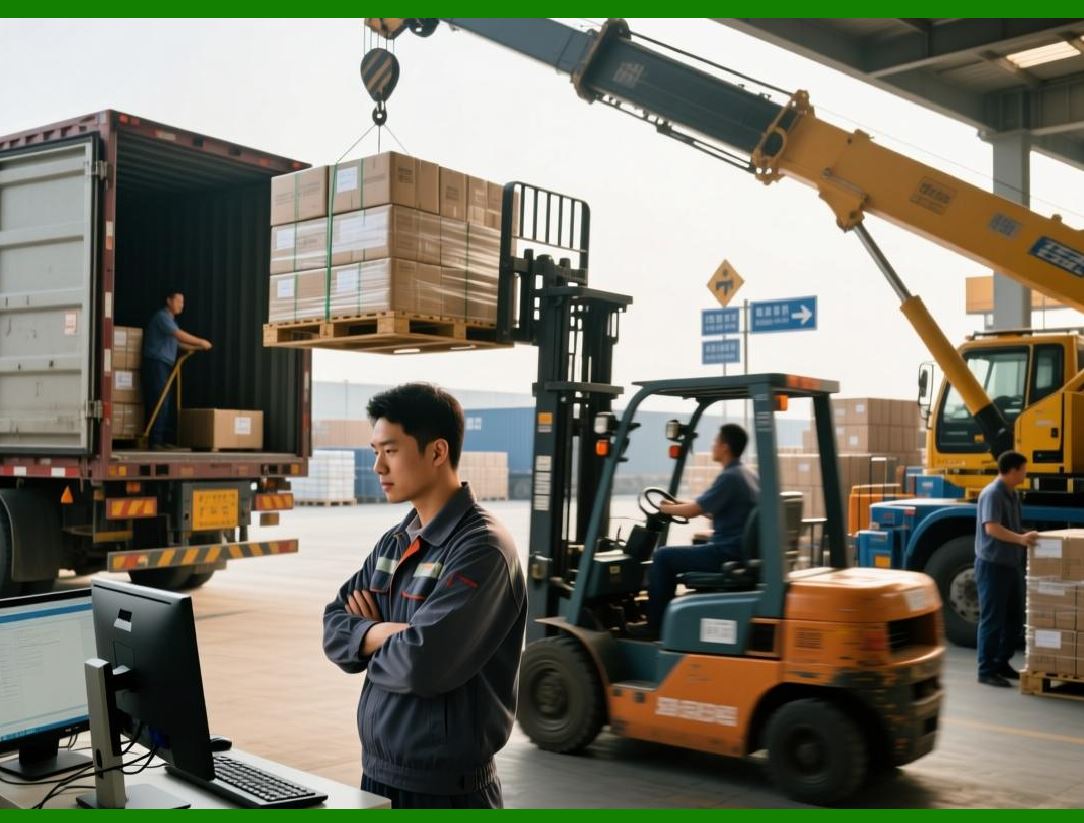
6. Real-Time Print Triggers |
* ERP automatically triggers printing based on workflow events: |
1. Completion of a production batch |
2. Goods moved to warehouse or storage location |
3. New sales order creation |
4. Shipment confirmation |
* Eliminates manual intervention and ensures labels are generated only when needed |
|
7. Quality Control During Production |
7.1 In-Process Verification |
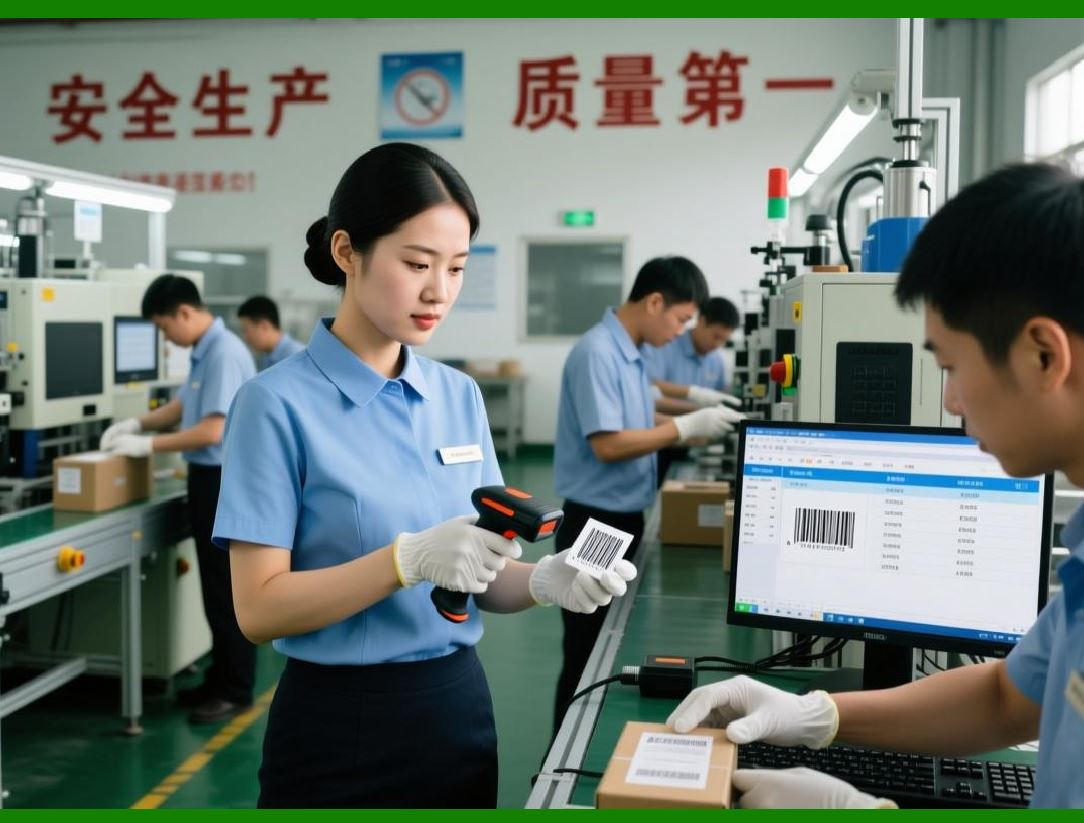
* ERP supports inline verification at production lines: |
1. Verify barcode readability before packaging |
2. Confirm correct batch/lot number |
3. Detect misaligned or damaged labels |
* Prevents defective or mislabelled products from entering inventory |
7.2 Feedback to Production System |
* Failed label verification can trigger: |
1. Halt in production for correction |
2. Reprint of labels |
3. Automatic adjustment of machine settings |
* Ensures continuous quality assurance |
|
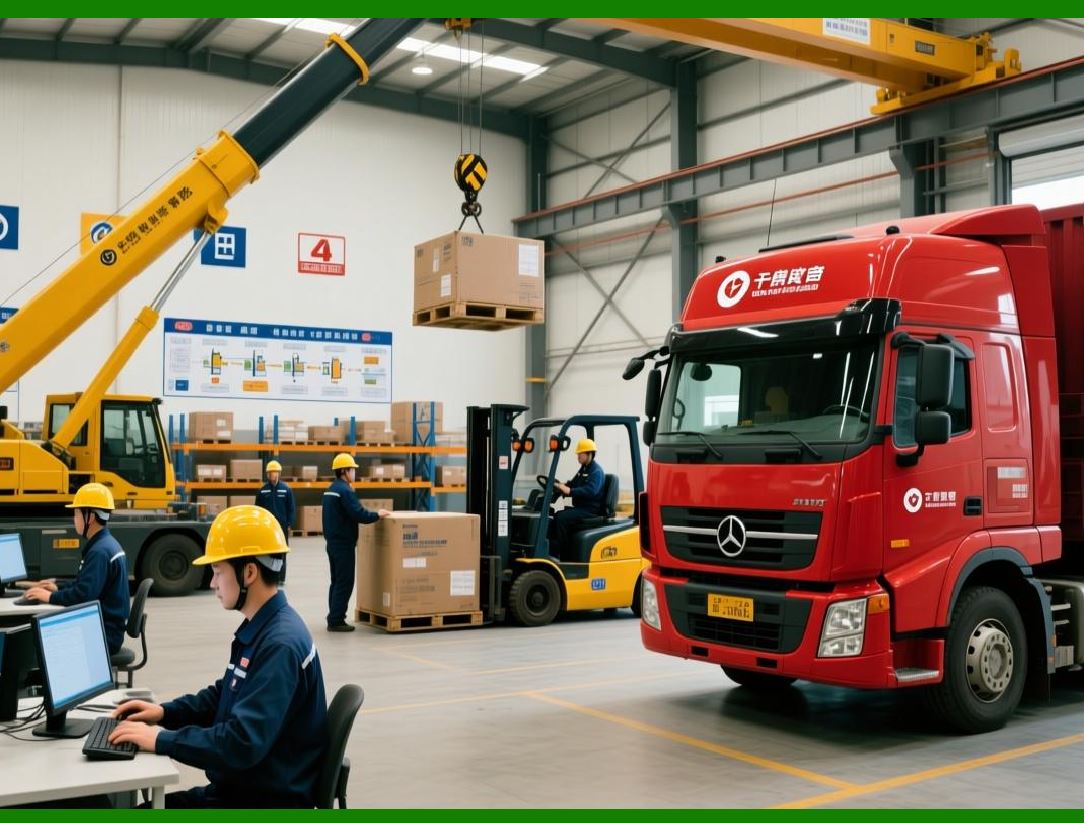
8. Linking Labels to Logistics Operations |
8.1 Transportation and Shipment Tracking |
* ERP prints shipping labels linked to: |
1. Carrier codes (FedEx, UPS, DHL) |
2. Tracking numbers |
3. Destination warehouse or retail store |
* Barcodes on labels allow scanning throughout the supply chain for real-time tracking |
8.2 Integration with Third-Party Logistics (3PL) |
* ERP can communicate with 3PL systems to: |
1. Share label data electronically |
2. Pre-validate shipping information |
3. Automate shipment documentation |
* Reduces errors in multi-party logistics operations |

|
9. Dynamic Label Content Based on Workflow Status |
* ERP updates label content dynamically depending on: |
1. Production line output |
2. Warehouse location |
3. Sales order or shipment priority |
4. Regulatory or customer-specific requirements |
* Examples: |
1. Printing expiration dates only at final packaging |
2. Including shipping address and carrier info only at dispatch stage |
3. Adding batch-specific warnings or handling instructions |

|
10. Workflow Automation and Batch Processing |
10.1 Automated Label Queues |
* ERP queues label print jobs based on production or shipping schedule |
* Prioritizes urgent or high-value items |
* Ensures timely labeling without bottlenecks |
10.2 Batch Label Generation |
* Multiple labels can be generated simultaneously for: |
1. Palletized goods |
2. Large production runs |
3. Multiple sales orders |
* Reduces printing overhead and improves throughput |

|
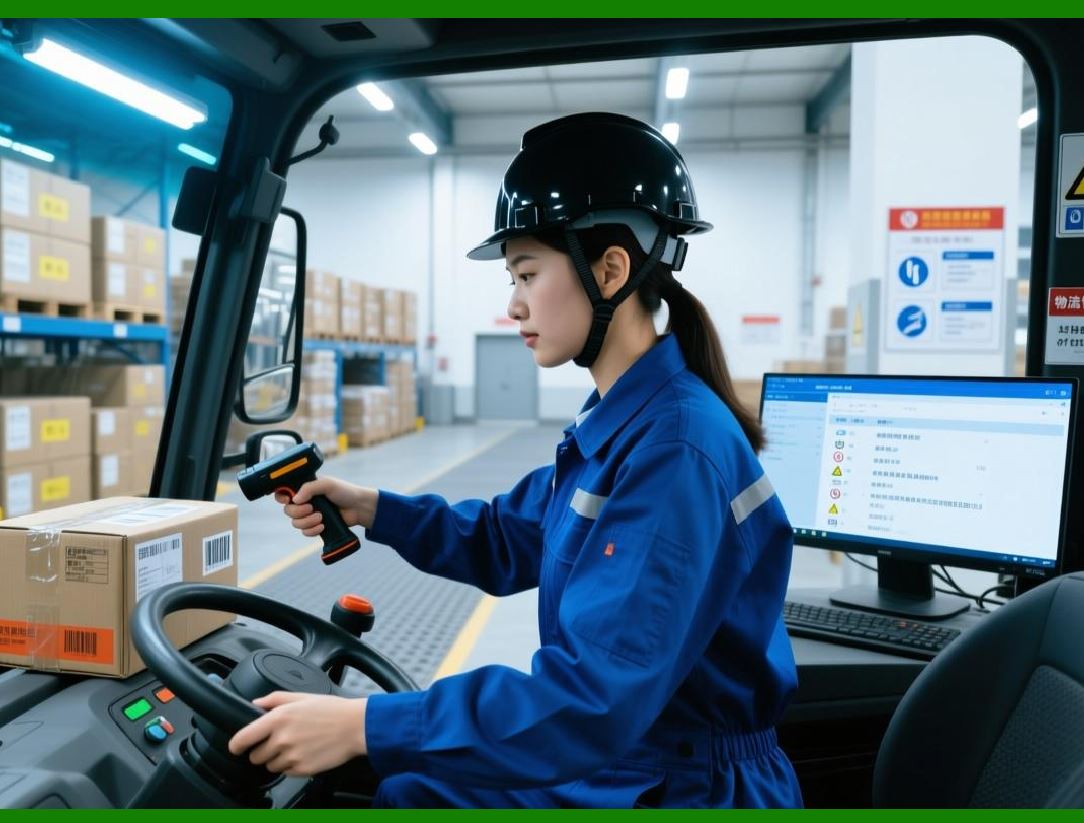
11. Error Handling and Reprints in Workflows |
* ERP monitors each stage for label errors: |
1. Misprints at production lines |
2. Missing labels in picking or packing |
3. Incorrect barcode or template selection |
* Automated reprint workflows can be triggered without interrupting the main workflow |
* Logs all errors for future process optimization |
|
12. Benefits of Production and Logistics Integration |
1. Operational Efficiency Labels printed at the correct workflow stage |
2. Accuracy Reduces mislabeling and inventory discrepancies |
3. Traceability Every product or shipment can be tracked via ERP |
4. Regulatory Compliance Batch numbers, expiration dates, and barcodes are automatically accurate |
5. Cost Reduction Minimizes manual intervention and reprint waste |
|
13. Summary of Part 16 |
In Part 16, we covered: |
1. Integration of ERP label printing with production lines and manufacturing orders |
2. Batch and inventory management |
3. Picking, packing, and shipping label workflows |
4. WMS and 3PL system integration |
5. Real-time print triggers and inline verification |
6. Dynamic label content based on workflow status |
7. Workflow automation, batch processing, and error handling |
8. Benefits of fully integrated ERP labeling in production and logistics |

|
Next Section |
In Part 17, we will cover: |
* ERP integration with supplier and vendor management |
* Generating inbound and outbound labels for raw materials and finished products |
* Supplier-specific label templates and data synchronization |
* Handling supplier compliance and verification |
* Improving supply chain efficiency through ERP-driven labeling |
 cs@easiersoft.com