Part 18: ERP Reporting, Analytics, and Performance Monitoring for Label Printing |
1. Introduction to Reporting and Analytics |
An ERP system with a barcode label printing module should provide robust reporting and analytics. This ensures management can: |
1. Monitor printing efficiency and accuracy |
2. Track operator performance and workflow bottlenecks |
3. Analyze label quality and error rates |
4. Maintain audit trails for compliance purposes |
5. Continuously optimize operations |
Advanced analytics allows data-driven decisions to improve labeling workflows. |

|
2. Print Job Tracking |
2.1 Job Lifecycle Monitoring |
ERP tracks every print job from initiation to completion, including: |
1. User ID Who initiated the print |
2. Printer ID Which device processed the job |
3. Template ID Label design used |
4. Data Fields Product SKU, batch, serial number, shipping information |
5. Timestamp Job start and completion time |
6. Status Successful, failed, or pending |
* Enables real-time visibility into printing operations. |
2.2 Real-Time Alerts |
* ERP can generate alerts for: |
1. Printer offline |
2. Low label stock or toner |
3. Failed or misprinted labels |
4. High error rates by user or shift |
* Alerts can be sent via email, mobile app, or ERP dashboard notifications. |

|
3. Operator Performance Monitoring |
* ERP can monitor individual operator activity for productivity analysis: |
1. Number of print jobs completed per shift |
2. Average job completion time |
3. Error rates and reprints handled |
4. Compliance with labeling standards |
* Managers can identify training needs, recognize high performers, or allocate resources efficiently. |

|
4. Label Quality Analysis |
4.1 Barcode Verification Metrics |
* ERP collects quality metrics from scanners or inline verification devices: |
1. ISO/ANSI print quality grades for 1D and 2D codes |
2. Scanning success/failure rates |
3. Error types: smudges, misalignment, wrong template |
* Supports proactive maintenance of printers and templates. |
4.2 Error Trend Analysis |
* Historical analysis identifies recurring issues: |
1. High error rates on specific printers |
2. Frequent misprints for certain product lines |
3. Label template design causing readability problems |
* ERP can recommend corrective actions to reduce recurring errors. |

|
5. Historical Data and Compliance Reporting |
* ERP stores all label printing history, including: |
1. Printed labels with associated batch and serial numbers |
2. User and printer information |
3. Verification results |
4. Reprint logs and corrective actions |
* Enables regulatory compliance audits, supplier/vendor verification, and internal quality reviews. |

|
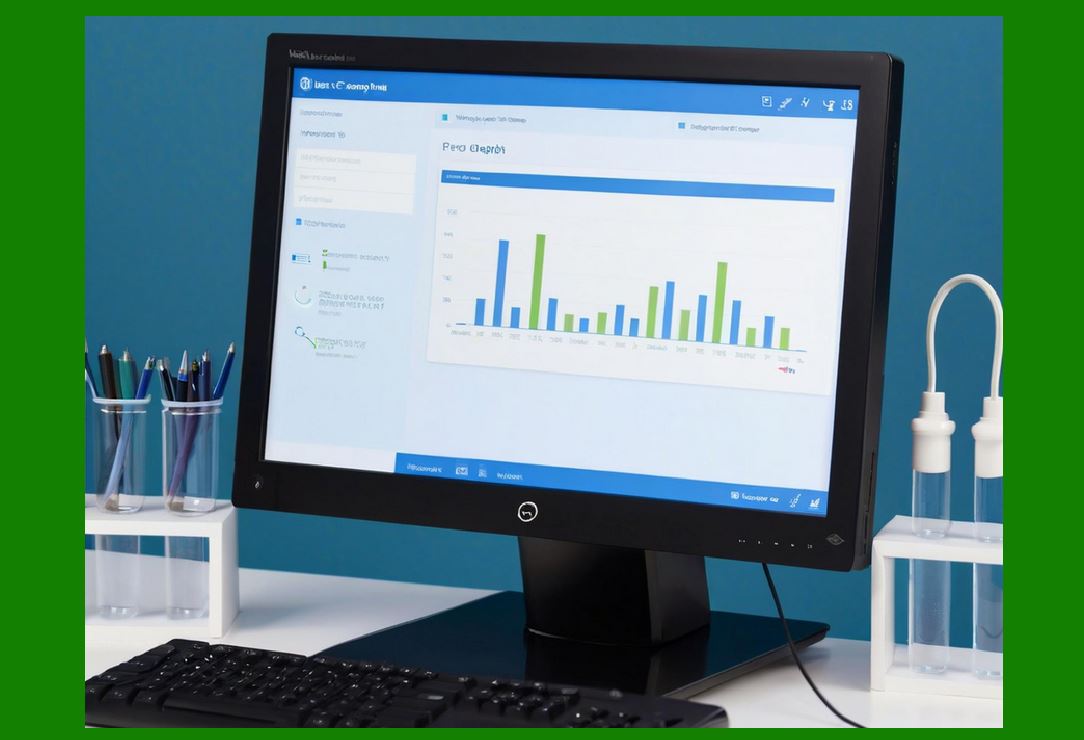
6. Dashboard Visualization |
* ERP dashboards display key metrics in real-time: |
1. Total labels printed per day, week, or month |
2. Error rates and failed job counts |
3. Printer utilization levels |
4. Operator performance metrics |
5. Compliance and verification status |
* Visualizations allow quick identification of bottlenecks and operational issues. |

|
7. Analytical Insights for Continuous Improvement |
7.1 Efficiency Optimization |
* ERP identifies inefficient processes: |
1. Frequent reprints in a particular department |
2. High average printing time for certain templates |
3. Underutilized printers |
* Managers can reallocate resources or update workflows to improve throughput. |
7.2 Quality Improvement |
* Analysis of verification data helps: |
1. Adjust printer settings |
2. Update templates to improve scannability |
3. Train operators on proper handling |
4. Reduce waste caused by misprints |
7.3 Predictive Maintenance |
* ERP uses analytics to predict printer failures: |
1. Tracking toner/label roll consumption |
2. Monitoring printer error patterns |
3. Scheduling preventive maintenance |
* Minimizes downtime and ensures continuous labeling operations. |

|
8. Integration with Business Intelligence Tools |
* ERP can integrate with BI tools to: |
1. Generate detailed reports for management review |
2. Cross-reference label printing with sales, production, or shipping data |
3. Provide trend analysis and forecasting for future printing needs |
4. Customize KPI dashboards for different departments |
* Supports strategic planning and operational excellence. |

|
9. KPI Metrics for Label Printing |
Key performance indicators ERP may track include: |
1. Labels printed per hour per operator |
2. Print success rate (%) |
3. Average job processing time |
4. Number of verification failures |
5. Printer uptime (%) |
6. Reprint percentage per batch |
7. Compliance audit pass rate |
* KPI tracking allows continuous monitoring and improvement of labeling operations. |
|
10. Reporting for Supply Chain and Logistics |
* ERP reporting extends beyond internal operations to external stakeholders: |
1. Provide proof of labeling compliance to suppliers or customers |
2. Track shipping label accuracy and scanning success |
3. Support recall management with historical labeling data |
4. Optimize supply chain labeling operations through aggregated analytics |
* Ensures transparency and accountability across the supply chain. |

|
11. Benefits of ERP Reporting and Analytics |
1. Enhanced Operational Control Real-time visibility into label printing |
2. Improved Compliance Track and document labeling for audits |
3. Higher Productivity Identify bottlenecks and optimize workflows |
4. Reduced Costs Minimize waste from misprints and reworks |
5. Strategic Insights Data-driven decision-making for future operations |

|
12. Summary of Part 18 |
In Part 18, we covered: |
1. Print job tracking and real-time alerts |
2. Operator performance monitoring and error reporting |
3. Barcode quality analysis and verification metrics |
4. Historical data retention for compliance and audits |
5. Dashboard visualization and KPI tracking |
6. Analytical insights for workflow optimization and quality improvement |
7. Integration with BI tools for strategic decision-making |
8. Supply chain and logistics reporting benefits |

|
Next Section |
In Part 19, we will cover: |
* ERP module scalability and performance optimization |
* Handling high-volume label printing in large organizations |
* Load balancing, multi-printer management, and network optimization |
* Redundancy and disaster recovery for print operations |
* Best practices for maintaining ERP label printing performance |
 cs@easiersoft.com