Part 6: Backend Business Logic, Workflow Automation, and ERP Integration |
1. Introduction to Backend Business Logic |
Part 5 focused on UI/UX and label design. In Part 6, we shift to backend operations, which are the engine driving the label printing module. The backend ensures that: |
1. ERP data is correctly processed |
2. Workflows are automated |
3. Labels are generated accurately |
4. Integration with other ERP modules is seamless |
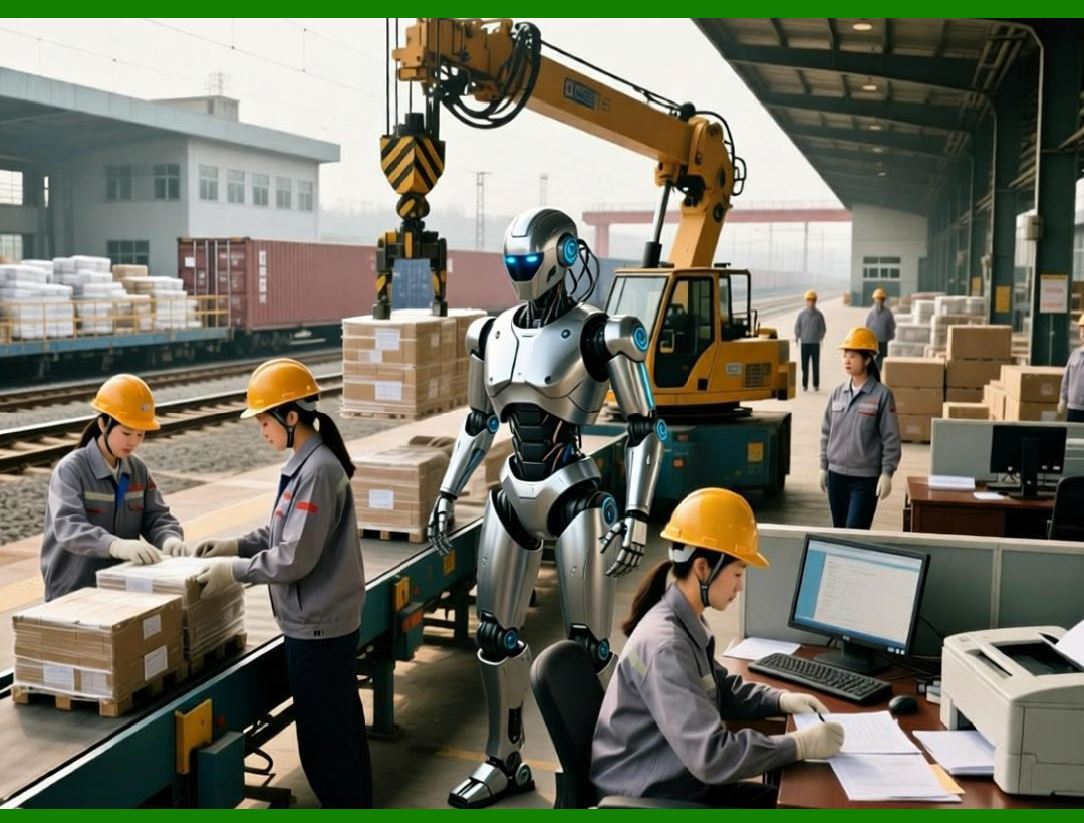
Backend logic acts as the bridge between ERP transactions and physical label outputs. |
|
2. Core Responsibilities of Backend Logic |
The backend logic is responsible for: |
1. Fetching and validating ERP data |
2. Applying business rules to label content |
3. Generating unique identifiers for barcodes |
4. Managing print job workflows |
5. Ensuring security and access control |

|
3. ERP Data Fetching and Validation |
3.1 Data Fetching Strategies |
1. Direct Database Access |
* Query ERP database tables |
* Requires read permissions and consistent schema |
2. ERP API Calls |
* Use official ERP APIs (REST, SOAP, or GraphQL) |
* Preferred for modularity and security |
3.2 Data Validation |
1. Ensure all required fields are present |
2. Verify data formats (e.g., dates, numeric codes) |
3. Check data length and constraints for barcode encoding |
4. Log or reject invalid entries |
3.3 Example Validation Rules |
1. SKU must be alphanumeric, max 12 characters |
2. Quantity cannot be negative |
3. Expiration date must be after production date |

|
4. Business Rules for Label Generation |
4.1 Conditional Label Content |
1. Hazard warnings displayed for dangerous goods |
2. Batch or lot numbers printed only if applicable |
3. Special handling instructions included for fragile items |
4.2 Dynamic Barcode Type Selection |
* Use Code 128 for alphanumeric SKUs |
* Use QR Codes for URLs or multi-field data |
* Use Data Matrix for small labels with dense data |
4.3 Label Quantity Calculation |
* Default: One label per item |
* Batch printing: Multiple labels per transaction line |
* Packaging: Calculate labels per pallet or carton |

|
5. Unique Identifier Generation |
5.1 Purpose |
Barcodes often require unique identifiers for: |
1. Inventory tracking |
2. Order management |
3. Compliance reporting |
5.2 Strategies |
1. ERP Sequential IDs |
* Use auto-incremented ERP transaction IDs |
2. UUIDs |
* Globally unique, especially for distributed systems |
3. Custom Format |
* Example: `YYYYMMDD-ERPID-SeqNo` |
5.3 Check Digit Calculation |
1. Required for Code 128, GS1, and other linear barcodes |
2. Usually computed using modulus algorithms |
3. Ensures data integrity during scanning |

|
6. Workflow Automation |
Backend logic can automate printing workflows, reducing manual effort. |
6.1 Event-Driven Printing |
Trigger label generation automatically on: |
1. Order creation |
2. Inventory receipt |
3. Shipment processing |
6.2 Scheduled Printing |
1. Batch label generation at specific times |
2. Useful for mass production or end-of-day operations |
6.3 Rule Engine |
A configurable rule engine can handle: |
1. Template selection based on product category |
2. Printer selection based on location |
3. Conditional inclusion of text or barcodes |
|
7. Serialization of Print Jobs |
7.1 Purpose |
1. Prevent duplicate printing |
2. Track label history |
3. Manage job dependencies |
7.2 Job ID Generation |
1. Unique job IDs generated per print request |
2. Linked to ERP transaction IDs |
3. Timestamped for audit purposes |
7.3 Job Queuing |
* Maintain job order |
* Handle retries for failed print jobs |
* Prioritize urgent shipments |
|
8. Integration with ERP Transactions |
8.1 Master Data Mapping |
* Product master |
* Customer master |
* Supplier master |
Map ERP fields to label template fields. |
8.2 Transaction Data Linking |
* Sales orders |
* Purchase orders |
* Inventory movements |
Ensure label content reflects the real-time ERP state. |
8.3 Example Data Flow |
1. ERP transaction created Sales order generated |
2. Backend fetches order details |
3. Applies business rules Determines barcode type |
4. Template engine renders label Job sent to printer |
|
9. Logging and Audit Trails |
9.1 Importance |
1. Compliance (e.g., FDA, ISO, GS1 standards) |
2. Troubleshooting |
3. Performance monitoring |
9.2 Logging Content |
1. ERP transaction ID |
2. Template used |
3. Printer ID |
4. Job status |
5. Timestamps |
9.3 Retention Policy |
* Logs stored for configurable period (e.g., 1years) |
* Archival for regulatory audits |
|
10. Error Handling and Recovery in Backend |
10.1 Common Backend Errors |
1. Missing ERP data |
2. Invalid barcode content |
3. Printer offline |
4. Network failure |
10.2 Recovery Strategies |
1. Retry mechanism with exponential backoff |
2. Queue persistence for failed jobs |
3. Notification to system admins |
4. Manual intervention for critical errors |
|
11. Security and Access Control |
11.1 Role-Based Access |
1. Admins: Full control |
2. Operators: Print-only access |
3. Designers: Template creation/editing |
11.2 Data Security |
1. Encrypt sensitive fields (e.g., customer info) |
2. Secure API communications (HTTPS) |
3. Prevent unauthorized template modification |

|
12. API Design for Backend Logic |
12.1 Internal APIs |
* Interface between ERP core and label module |
Features: |
1. Fetch transaction data |
2. Trigger label rendering |
3. Manage print jobs |
12.2 External APIs |
* Allow integration with third-party systems |
Features: |
1. Push labels to external printers |
2. Provide status updates |
3. Retrieve print history |
12.3 API Best Practices |
1. RESTful design |
2. JSON data format |
3. Pagination for large data sets |
4. Rate limiting for performance |
|
13. Performance Optimization in Backend |
13.1 Caching |
1. Template caching |
2. Master data caching |
13.2 Parallel Processing |
* Generate multiple labels simultaneously for batch operations |
13.3 Asynchronous Processing |
* Use message queues (e.g., RabbitMQ, Kafka) to decouple label generation from ERP transactions |

|
14. Scalability Considerations |
1. Modular service architecture |
2. Microservices for label generation and printing |
3. Horizontal scaling for high-volume printing environments |
15. Integration with Workflow Engines |
15.1 ERP Workflow Engine |
* Integrate with ERP native workflow engine |
* Automate approvals, routing, and label generation |
15.2 External Workflow Engines |
* Use BPMN-compliant engines |
* Supports complex multi-step processes |
16. Testing Backend Business Logic |
16.1 Unit Testing |
* Validate data fetching, validation, and business rules |
16.2 Integration Testing |
* Verify end-to-end ERP backend printer flow |
16.3 Load Testing |
* Ensure backend handles peak loads efficiently |

|
17. Monitoring and Metrics |
17.1 Metrics to Track |
1. Labels generated per hour |
2. Average job completion time |
3. Failure rate |
4. Queue length |
17.2 Monitoring Tools |
* Dashboards |
* Alerts for abnormal conditions |
18. Backup and Recovery |
18.1 Job Queue Backup |
* Persist jobs in database for recovery |
18.2 Template Backup |
* Store template versions securely |
19. Extensibility in Backend Logic |
1. Support new barcode types |
2. Support new ERP modules |
3. Integrate AI/ML-based label optimization |

|
20. Documentation and Configuration |
1. Backend API documentation |
2. Template schema documentation |
3. Configuration settings (printers, templates, rules) |
21. Best Practices |
1. Use asynchronous job queues for high volume |
2. Ensure robust error handling and logging |
3. Decouple backend logic from ERP UI |
4. Maintain template and configuration versioning |
5. Encrypt sensitive data in transit and at rest |
22. Summary of Part 6 |
In this section, we have: |
1. Defined backend responsibilities and ERP data integration |
2. Implemented business rules and workflow automation |
3. Developed unique identifier and serialization strategies |
4. Integrated backend with ERP transactions and print jobs |
5. Built logging, error handling, security, and API frameworks |
6. Ensured scalability, performance, and extensibility |
|
Next Section |
In Part 7, we will explore: |
* Advanced reporting and analytics for label printing |
* Audit trails and compliance reporting |
* Monitoring print usage and operational KPIs |
* Data visualization tools for operational management |
 cs@easiersoft.com