AzureLabel: Comprehensive Analysis | Part 1: Introduction to AzureLabel | 1. Overview of AzureLabel | AzureLabel is a state-of-the-art label design and printing software tailored to meet the growing needs of businesses for dynamic, flexible, and efficient labeling solutions. Unlike traditional labeling tools, AzureLabel integrates smart serial numbering, built-in data tables, and cloud-ready features, allowing businesses to manage labels for inventory, logistics, manufacturing, and compliance purposes seamlessly. Its design philosophy centers around user efficiency, data integrity, and scalability. The software caters to both small businesses and large enterprises, supporting a wide range of printers, including thermal, inkjet, and laser printers. | 
| 2. Core Features | AzureLabel primary distinguishing features include intelligent serial numbering, which allows users to automatically generate unique identifiers for products, shipments, and documents. Additionally, the built-in data tables serve as a lightweight, internal database, enabling the linking of labels to dynamic content such as product codes, batch numbers, expiration dates, and barcodes. AzureLabel also supports multiple label formats and layouts, making it suitable for regulatory labeling, promotional materials, and operational workflow tags. | 
| 3. Software Architecture | At its core, AzureLabel is built on a modular architecture, which separates the design interface, data management, and printing engine into discrete modules. This modular approach not only enhances performance but also facilitates scalability. For example, in enterprise settings, AzureLabel can be integrated with external ERP or inventory management systems, allowing for automated label generation based on real-time data. | 
| 4. User Interface and Design Experience | AzureLabel employs a WYSIWYG (What You See Is What You Get) design environment, allowing users to drag and drop elements such as text, images, shapes, and barcodes directly onto the label canvas. Users can precisely control size, font, alignment, and color, ensuring that labels meet aesthetic, functional, and compliance requirements. The interface also includes advanced tools like layering, grouping, and alignment guides, which simplify complex label designs. | 
| 5. Target Audience | The software is designed for a wide array of users, including warehouse managers, production line operators, logistics coordinators, quality control staff, and marketing professionals. Its flexibility ensures that both technical users, who need programmatic label generation, and non-technical users, who need an intuitive drag-and-drop experience, can work efficiently. | 
| 6. Printing Support and Compatibility | AzureLabel supports a broad range of printers, from desktop thermal printers to industrial label presses. Its printer drivers ensure compatibility with popular brands such as Zebra, SATO, TSC, and Epson. The software also includes print preview features, which minimize printing errors and reduce waste, particularly when dealing with large production runs. | 
| 7. Integration with Cloud and Local Systems | One of AzureLabel modern advantages is its compatibility with cloud-based storage and data management systems. Users can sync label templates and data tables across multiple workstations, enabling collaborative work environments. In addition, local databases and spreadsheets can be connected to automate label content, ensuring that information is always current and accurate. | 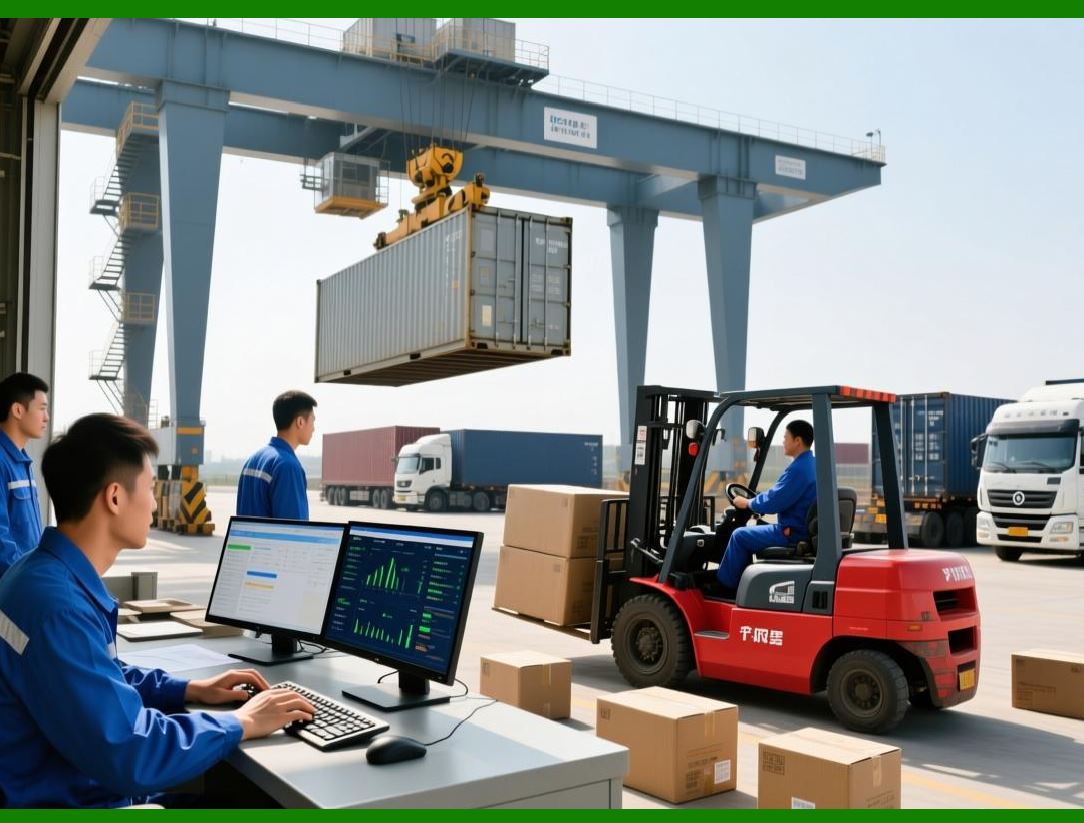
| 8. Security and Compliance Considerations | AzureLabel incorporates robust security measures to protect sensitive data. Access control, user authentication, and audit logs are integrated into the platform, which is particularly important for industries with strict regulatory requirements such as pharmaceuticals, food and beverage, and logistics. The software also ensures compliance with labeling standards such as GS1, ISO, and FDA regulations. | 
| 9. Performance and Scalability | AzureLabel is designed to handle high-volume printing efficiently. Its architecture supports batch printing, automated label generation, and queue management, which prevents system bottlenecks. Scalability is achieved through modular deployment, allowing organizations to start with a few users and expand as operations grow. | 
| 10. Overview of Documentation and Support | Comprehensive documentation is provided with AzureLabel, including user manuals, tutorials, and knowledge bases. Technical support options include online chat, email assistance, and community forums, providing users with multiple avenues for troubleshooting and learning best practices. | 
| 11. Competitive Positioning | Compared to other label design software, AzureLabel differentiates itself through its combination of smart serial numbering, built-in data tables, and intuitive design interface. While competitors may focus solely on design or printing, AzureLabel offers an integrated solution that streamlines the entire labeling workflow. | 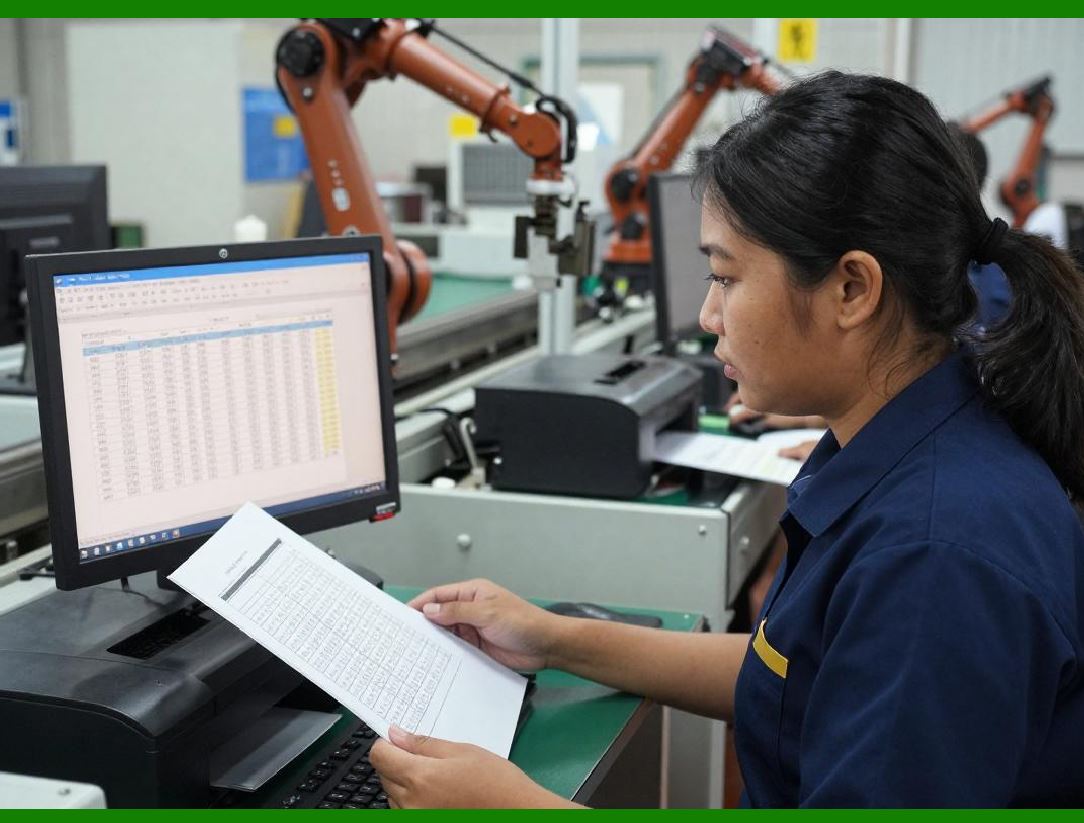
| 12. Summary of Part 1 | In summary, AzureLabel represents a next-generation label design and printing platform. Its unique features, flexible design capabilities, extensive printer compatibility, and cloud integration make it a comprehensive tool for modern labeling needs. Its focus on efficiency, security, and scalability ensures it remains suitable for a wide range of industries and applications. |
|
 cs@easiersoft.com