AzureLabel: Comprehensive Analysis |
Part 13: Future Development, Scalability, and Enterprise Potential |
165. Introduction to Future Development and Scalability |
As organizations grow and operational complexity increases, labeling software must evolve to meet new demands. AzureLabel has been designed with scalability and future-proofing in mind. Its architecture supports large-scale deployments, cloud integration, automation, and emerging technologies such as AI and IoT. This allows businesses to expand operations without redesigning labeling workflows, ensuring both flexibility and longevity. |
166. Scalability for High-Volume Operations |
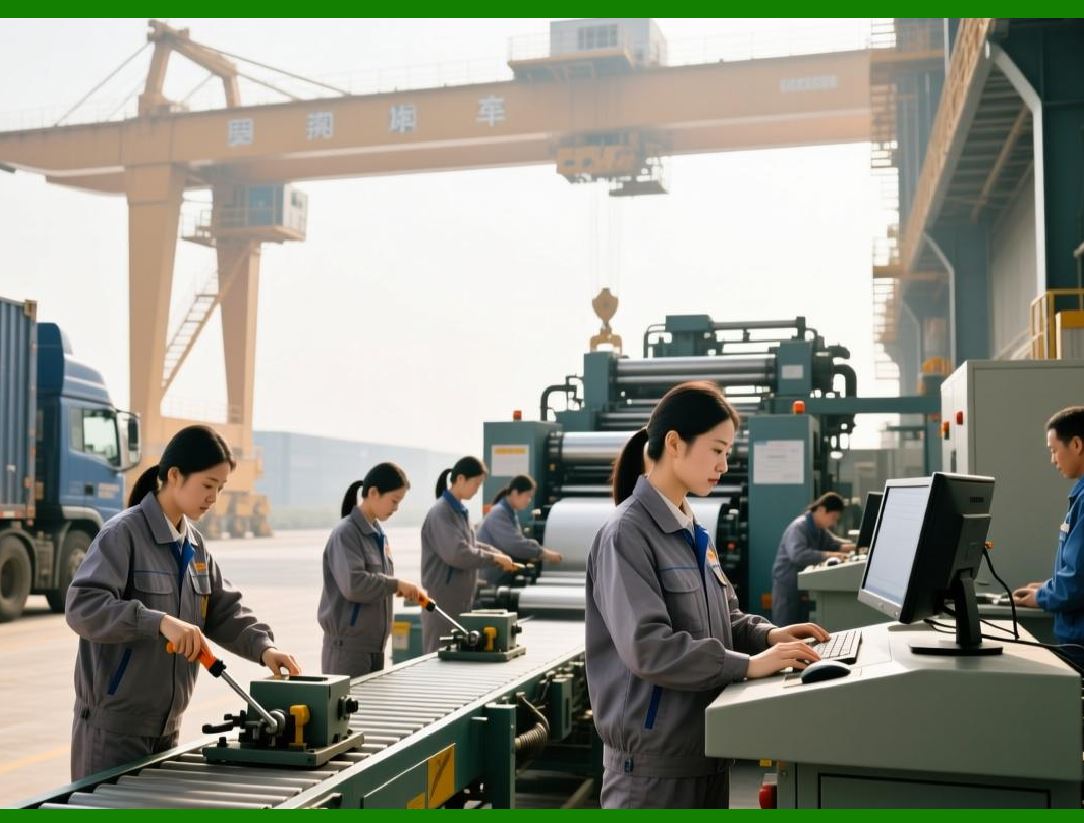
AzureLabel supports high-volume label production for large enterprises, capable of handling thousands or even millions of labels across multiple facilities. Its architecture efficiently manages data tables, smart serial numbers, dynamic content, and batch print jobs. Multi-threaded printing, networked printer management, and queue optimization ensure that even large-scale operations run smoothly without delays or bottlenecks. |
|
167. Multi-Site and Multi-User Scalability |
AzureLabel cloud and network integration enable deployment across multiple sites, with centralized control over templates, assets, and permissions. Multi-user collaboration is supported with real-time synchronization, ensuring that teams in different locations access the same approved templates and resources. Centralized administration and audit trails maintain consistency and compliance across all operations, no matter how geographically dispersed. |
168. Cloud Adoption and Remote Operations |
AzureLabel is designed to leverage cloud technologies for enhanced scalability and flexibility. Cloud-hosted templates, data tables, and print jobs allow remote users to access and manage labeling operations securely. Cloud integration supports disaster recovery, multi-site synchronization, version control, and global accessibility, enabling enterprises to operate seamlessly across regions and time zones. |

|
169. AI-Assisted Label Design and Verification |
Future developments in AzureLabel include AI-assisted features for label design, layout optimization, and verification. Machine learning algorithms could suggest optimal placement of barcodes and QR codes, automatically detect errors in dynamic data, and verify label compliance with industry standards. AI can also optimize print efficiency, reduce material waste, and enhance barcode readability under diverse printing conditions. |
170. IoT Integration for Smart Production |
AzureLabel is positioned to integrate with IoT-enabled production environments. Smart sensors, printers, and scanners can communicate in real-time with AzureLabel to trigger automated label printing based on production line events, inventory changes, or shipment updates. IoT integration enhances operational automation, ensures timely labeling, and improves traceability throughout the supply chain. |

|
171. Advanced Analytics and Predictive Insights |
Future expansions of AzureLabel analytics module could include predictive insights. By analyzing historical print job data, inventory movement, and operational metrics, the software can anticipate labeling needs, detect potential bottlenecks, and suggest process improvements. Predictive analytics supports proactive decision-making and resource optimization for enterprise operations. |
172. Compliance and Regulatory Evolution |
As industry regulations evolve, AzureLabel is designed to adapt quickly to new compliance requirements. The software can be updated to meet changes in serialization standards, barcode symbologies, labeling regulations, and electronic record requirements. This future-proofing ensures that enterprises remain compliant without significant operational disruption. |

|
173. Integration with Emerging Technologies |
AzureLabel open architecture allows integration with emerging technologies such as blockchain for product traceability, augmented reality for label visualization, and mobile scanning platforms for field operations. These integrations expand the software utility in modern enterprise ecosystems and enhance supply chain transparency, efficiency, and security. |
174. Customization and Enterprise Flexibility |
AzureLabel provides extensive customization options to support unique enterprise workflows. Advanced scripting, conditional logic, template adaptability, and dynamic data integration allow enterprises to tailor the software to their specific operational needs. This flexibility ensures that AzureLabel can scale and evolve with the organization, supporting both standard and highly specialized labeling processes. |

|
175. Enterprise Deployment Considerations |
For large organizations, AzureLabel can be deployed with considerations for load balancing, networked printing, centralized administration, and high availability. Multi-tier architecture, role-based access control, and disaster recovery strategies support enterprise-grade reliability. These features ensure that critical labeling operations continue without interruption, even in complex, distributed environments. |
176. Benefits of Future-Proof and Scalable Design |
The benefits of AzureLabel scalability and forward-looking development include: |
* Operational Efficiency: High-volume and multi-site operations run smoothly with minimal manual intervention. |
* Flexibility: Easily adapts to new products, production processes, and regulatory requirements. |
* Innovation: Supports integration with AI, IoT, and emerging technologies for advanced labeling workflows. |
* Compliance Assurance: Maintains regulatory compliance across evolving standards. |
* Enterprise Growth Support: Scales with the organization without compromising performance, security, or data integrity. |

|
177. Summary of Part 13 |
In conclusion, AzureLabel is not just a labeling tool but a scalable, future-ready enterprise solution. Its architecture supports high-volume, multi-site operations, cloud integration, and remote management. With potential AI-assisted design, IoT integration, predictive analytics, and compliance adaptability, AzureLabel positions itself as a long-term solution for modern enterprises. Its scalability, flexibility, and integration capabilities ensure that it can meet the demands of evolving business environments, supporting efficiency, accuracy, and regulatory compliance for years to come. |
 cs@easiersoft.com