AzureLabel: Comprehensive Analysis |
Part 2: Smart Serial Numbers in AzureLabel |
13. Introduction to Smart Serial Numbers |
Smart serial numbers are one of the most powerful and defining features of AzureLabel. Unlike static identifiers, smart serial numbers are dynamically generated according to pre-set rules and patterns. These numbers can incorporate prefixes, suffixes, sequential increments, random components, dates, times, or even encoded information from other data fields. This flexibility allows businesses to uniquely identify products, shipments, or documentation while maintaining meaningful structure in the numbering system. |

|
14. Applications of Smart Serial Numbers |
Smart serial numbers are used in a variety of applications across industries. In manufacturing, they ensure traceability of individual items through the production and distribution cycle. In logistics, they allow tracking of shipments and parcels with unique codes. In regulatory and compliance contexts, smart serial numbers provide verifiable identifiers for quality control and auditing purposes. Even in marketing, serial numbers can be used for promotions, giveaways, and reward programs, enhancing engagement and tracking. |

|
15. Sequential Numbering |
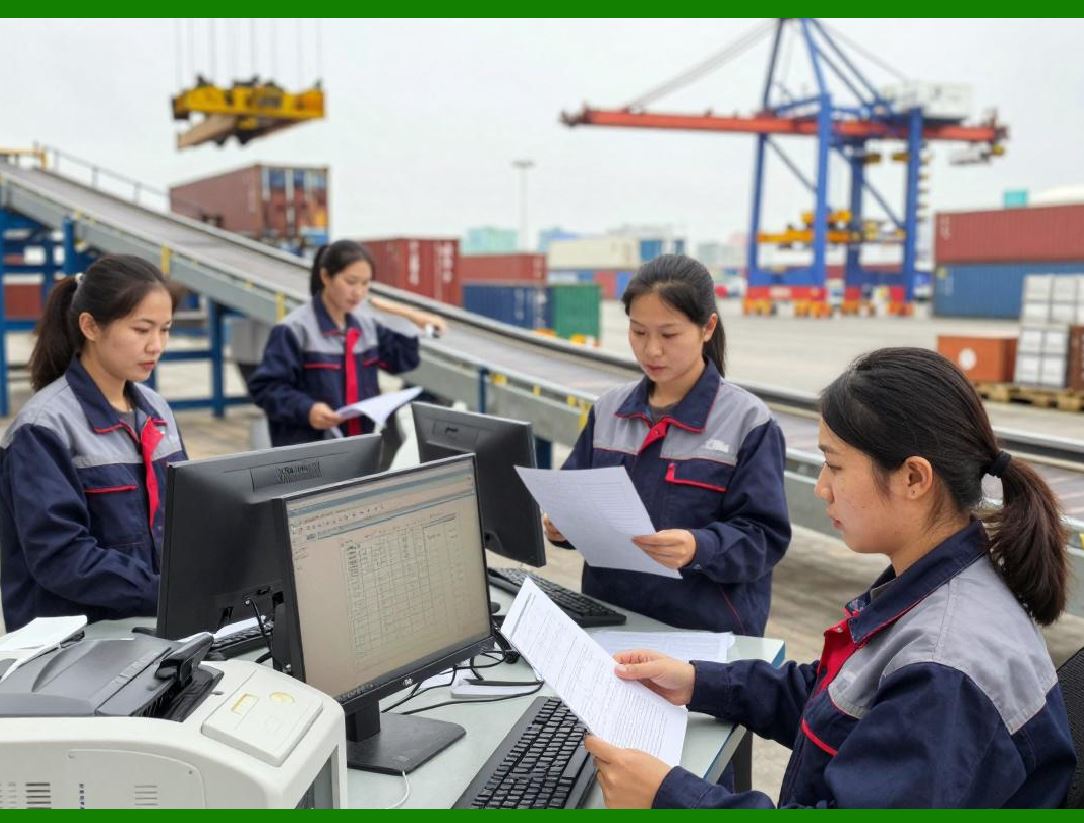
The most common form of smart serial numbers in AzureLabel is sequential numbering. Users can define a starting point, an increment value, and optionally, a maximum range. For example, a series might start at 1000 and increment by 1 for each new label, creating unique identifiers such as 1000, 1001, 1002, and so on. AzureLabel allows seamless management of large sequential series, ensuring that no duplicates occur, even in batch printing scenarios. |
|
16. Customizable Prefixes and Suffixes |
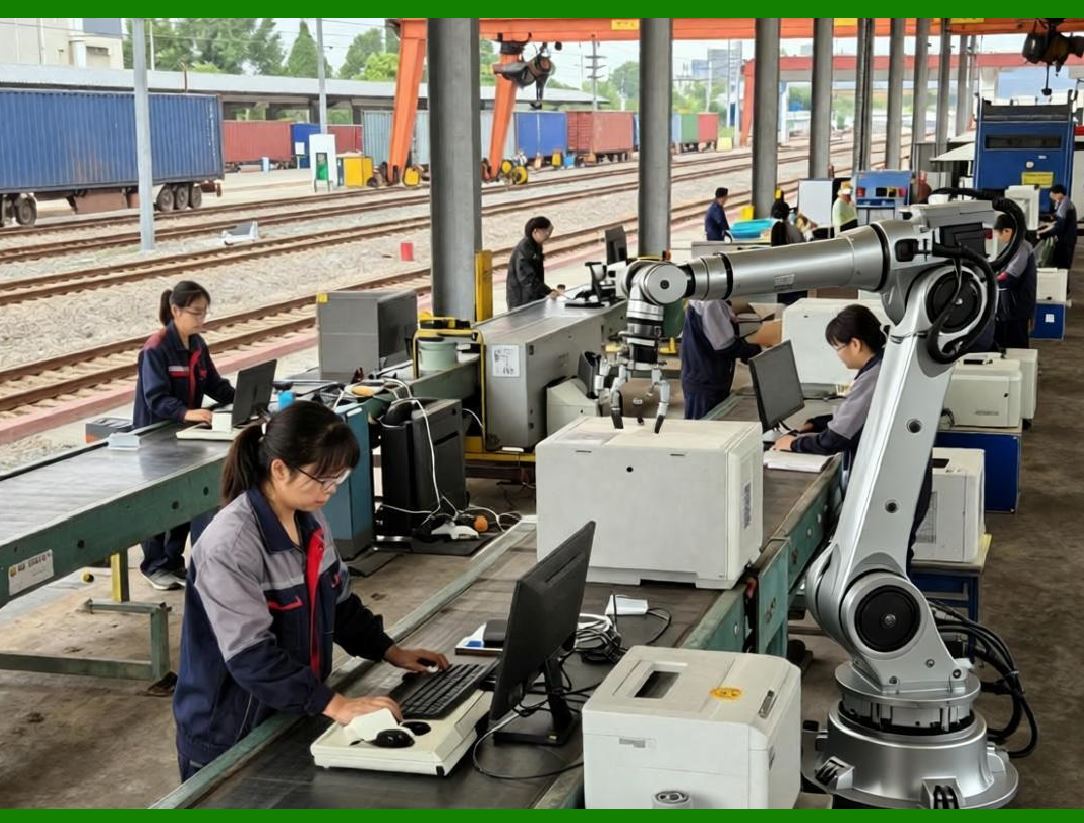
AzureLabel allows users to add static or dynamic prefixes and suffixes to serial numbers. Static components might include product codes, branch identifiers, or factory locations, while dynamic components could pull data from internal tables or external databases, such as batch numbers or dates. For example, a serial number might be structured as 'PROD-20260126-0001',combining a product prefix, the current date, and a sequential number. |
|
17. Date and Time Integration |
One of AzureLabel advanced features is the ability to integrate date and time directly into serial numbers. Users can choose formats such as YYYYMMDD, YYMMDD, or custom formats, enabling immediate recognition of production dates. Time-based increments can also be used in high-volume environments, where multiple batches are generated per day, ensuring uniqueness and traceability down to the minute or second. |

|
18. Randomized and Pseudo-Random Components |
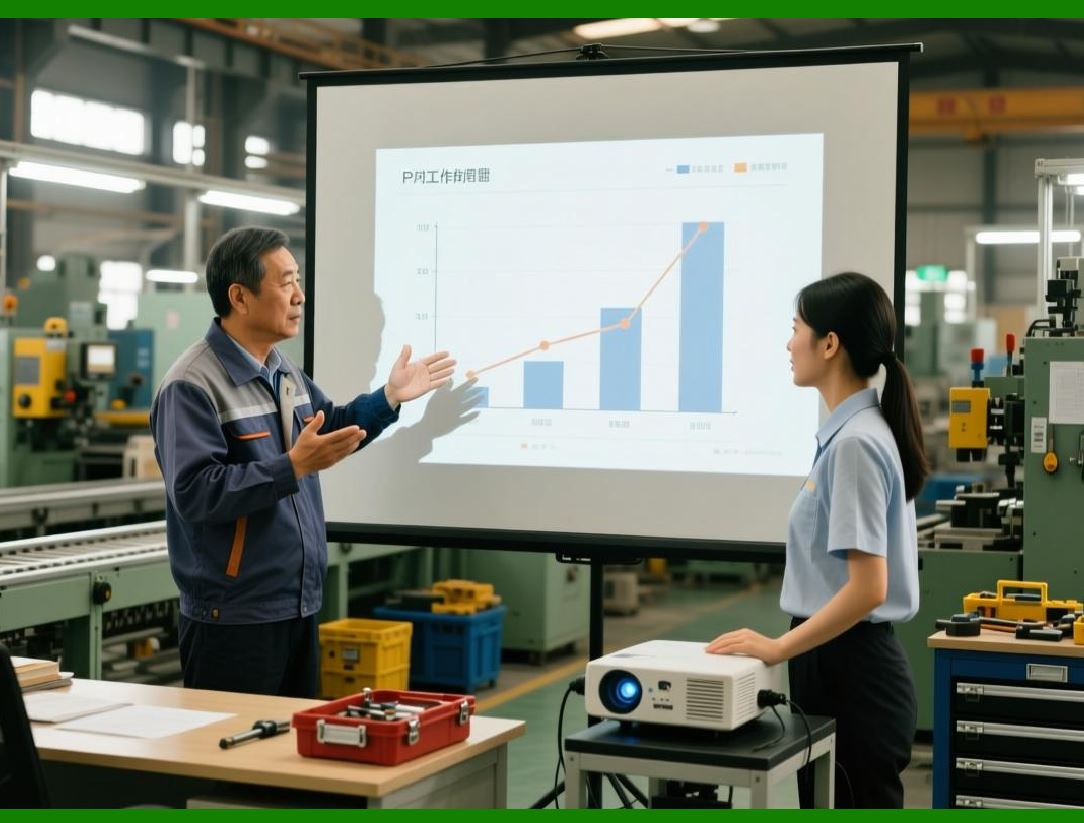
AzureLabel supports the generation of random or pseudo-random components within serial numbers. This is particularly useful for security purposes, such as anti-counterfeiting measures or unique voucher codes. The software allows the configuration of character sets (numbers, letters, or alphanumeric combinations) and length of the random segment, giving users flexibility to meet specific business requirements. |
|
19. Multi-Level Serial Numbers |
For complex products or organizational structures, AzureLabel supports multi-level serial numbers. These are hierarchical identifiers that encode multiple layers of information, such as plant location, production line, shift number, and batch sequence. Multi-level serial numbers improve traceability and reporting capabilities, allowing organizations to quickly analyze production efficiency, identify bottlenecks, or locate defective batches. |

|
20. Integration with Built-In Data Tables |
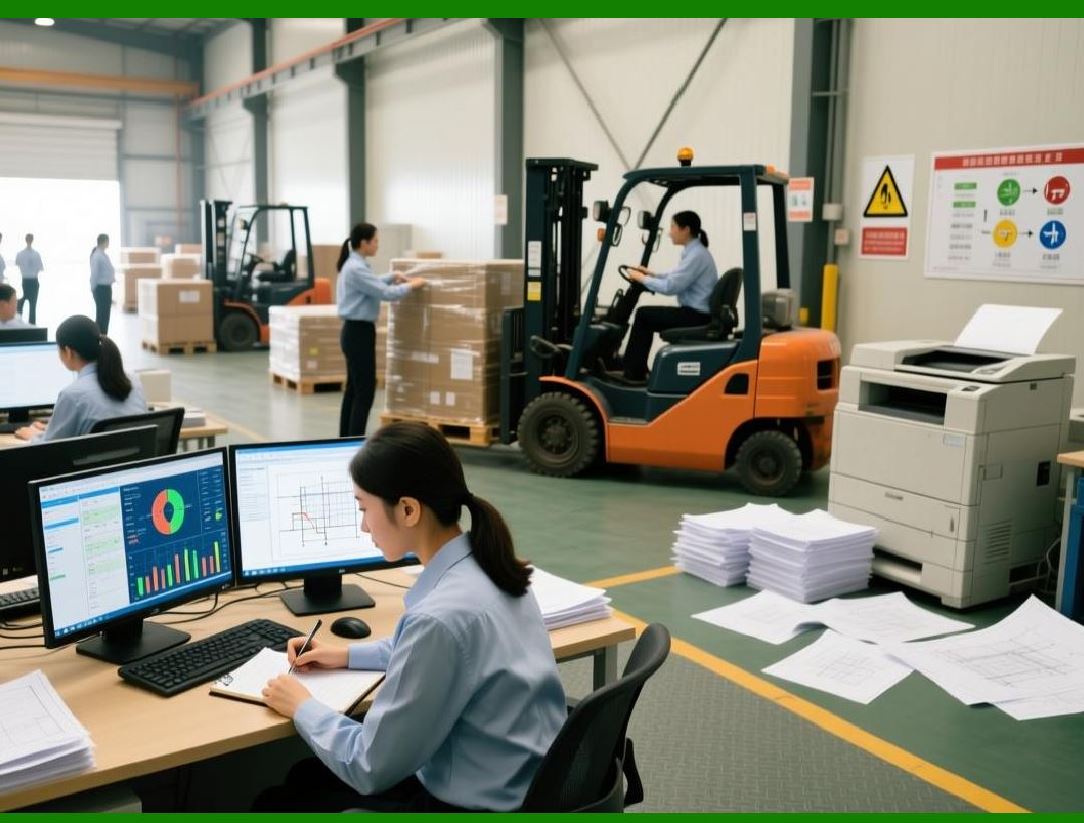
AzureLabel smart serial numbers can be linked to its built-in data tables, enhancing automation and reducing human error. For instance, a serial number can automatically pull associated information from a table, such as product type, SKU, or expiration date. This ensures that labels are consistently formatted and populated with accurate data, even when generating thousands of labels in bulk. |
|
21. Conditional Logic for Serial Numbers |
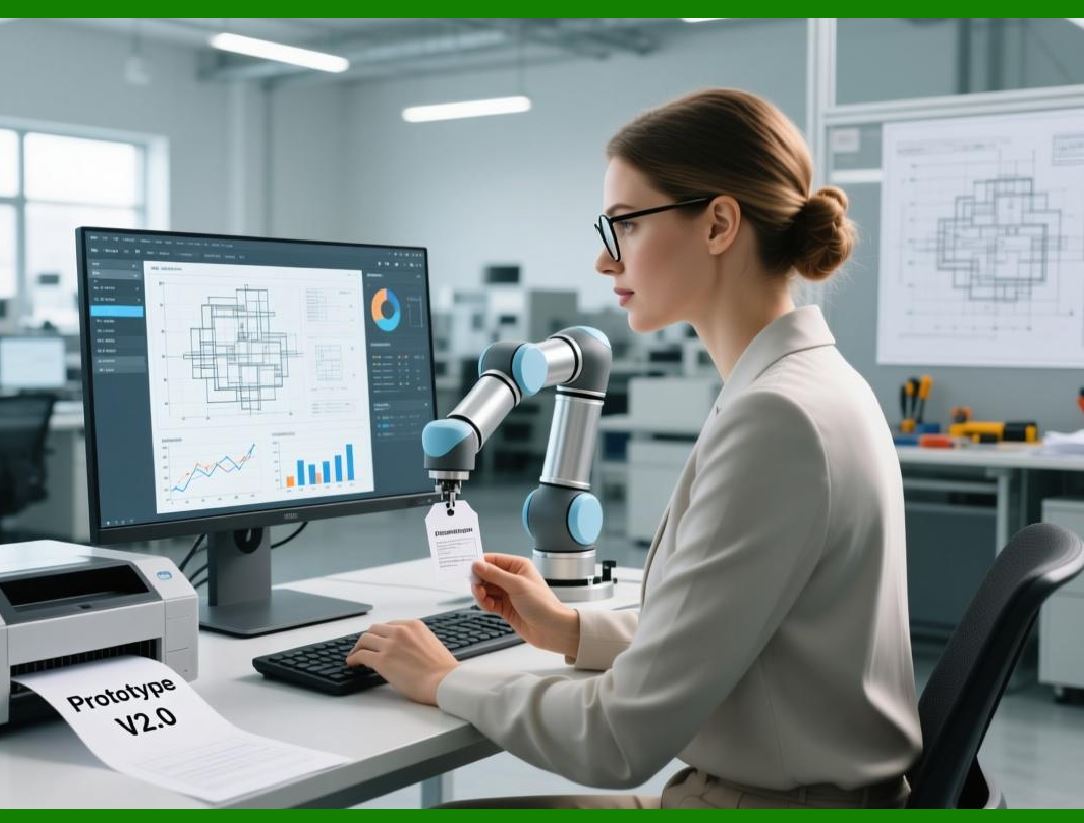
A key differentiator in AzureLabel is the ability to apply conditional logic to serial number generation. Users can create rules such as 'If product type = X, use prefix A; if product type = Y, use prefix B'.Conditional logic can also control increment patterns, length restrictions, or inclusion of optional fields. This provides unmatched flexibility for businesses managing multiple product lines, locations, or compliance requirements. |
|
22. Batch Printing and Smart Serial Numbers |
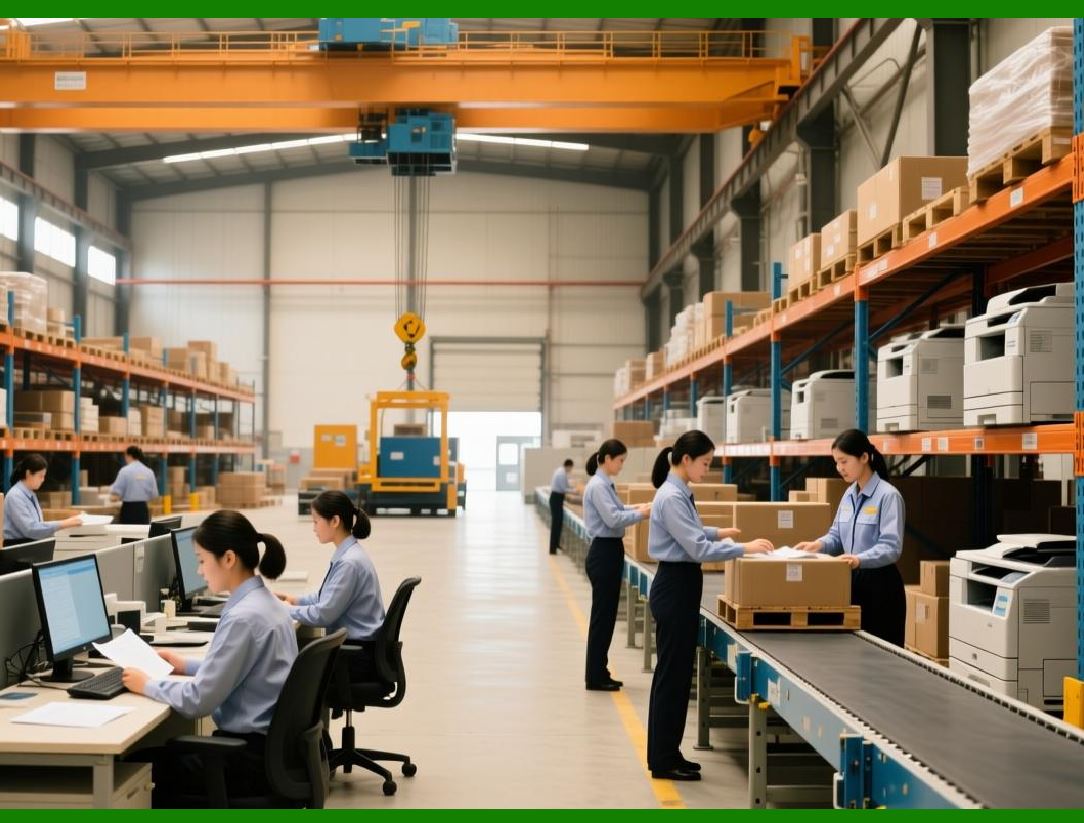
AzureLabel optimizes batch printing through its smart serial number system. When printing multiple copies or series of labels, the software automatically increments the serial numbers according to pre-set rules, avoiding duplicate identifiers. Users can preview the sequence before printing, adjust starting points, and even pause or resume batch jobs without disrupting numbering continuity. |
|
23. Error Prevention and Validation |
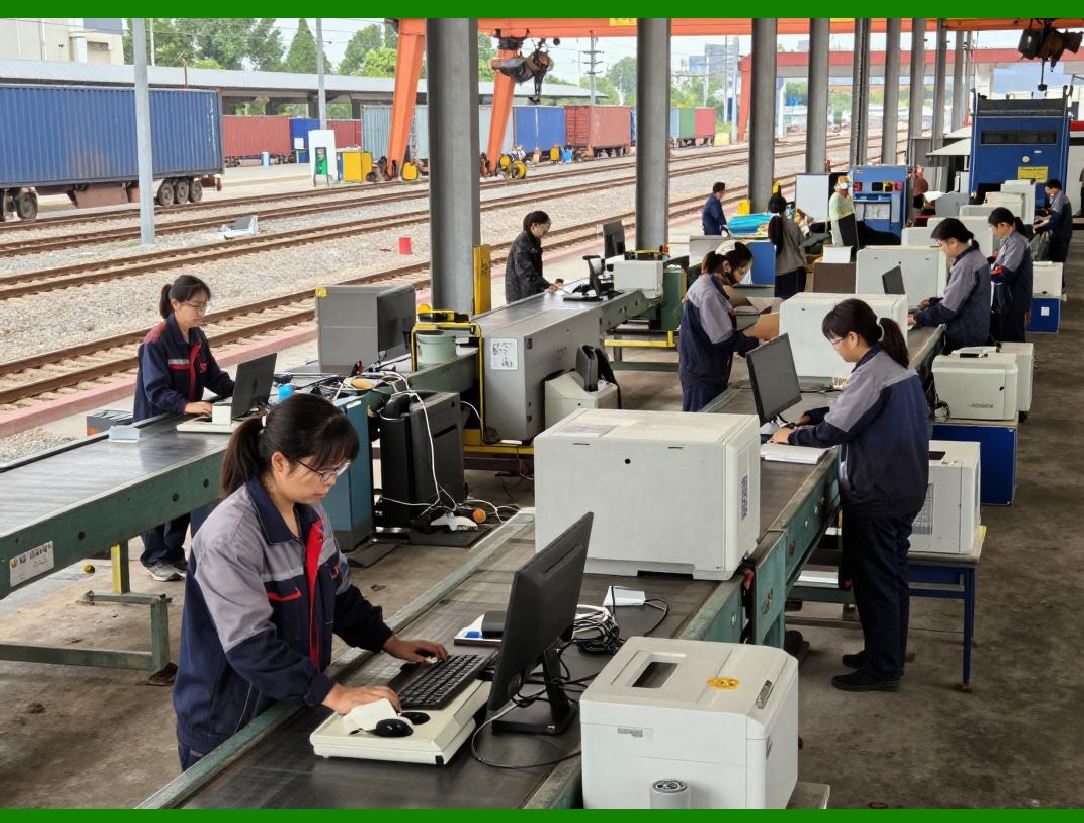
To maintain data integrity, AzureLabel includes error prevention mechanisms for smart serial numbers. It validates sequences to prevent overlaps, ensures compliance with length restrictions, and checks that all dynamic components exist and match expected formats. Warnings and alerts notify users of potential issues, reducing printing errors and operational inefficiencies. |
|
24. Exporting Serial Number Data |
Beyond printing, AzureLabel allows users to export serial number data along with label content. This is critical for inventory management, auditing, and integration with ERP systems. Data can be exported in formats such as CSV, Excel, or XML, providing flexibility for reporting, analysis, and external system synchronization. |

|
25. Advanced Use Cases |
Advanced users can leverage AzureLabel smart serial numbers for sophisticated applications, such as: |
* Track-and-trace for regulated pharmaceuticals, ensuring compliance with serialization mandates. |
* Lottery or promotion systems where unique codes must be generated in bulk. |
* Warranty management, linking product serial numbers to purchase and service records. |
* Quality control, enabling instant identification of production batches affected by defects. |

|
26. Summary of Part 2 |
In summary, AzureLabel smart serial number system is a cornerstone feature that enhances traceability, compliance, and operational efficiency. Its flexibility, from sequential and hierarchical numbering to random and conditional components, ensures that businesses can implement robust labeling strategies tailored to their unique requirements. Integrated validation, batch printing optimization, and seamless export capabilities make this feature indispensable in modern label management. |
 cs@easiersoft.com