AzureLabel: Comprehensive Analysis | Part 4: Label Design and Layout Tools in AzureLabel | 42. Introduction to Label Design in AzureLabel | Label design is the core functionality of AzureLabel. The software provides an intuitive WYSIWYG (What You See Is What You Get) interface, allowing users to create complex label layouts without extensive technical expertise. The design tools are highly flexible, supporting multiple element types, precise positioning, and dynamic content integration. AzureLabel design environment is structured to cater to both simple labels, such as price tags, and highly complex labels, such as compliance or serialized product labels. | 
| 43. WYSIWYG Interface and Canvas | AzureLabel WYSIWYG interface provides a real-time preview of the label as it will appear on the final print. Users interact directly with a digital canvas, dragging and dropping text fields, barcodes, images, shapes, and other elements. The canvas supports multiple sizes and orientations, ensuring that designs are accurate before printing. Gridlines, rulers, and snap-to guides assist in precise alignment, making it easy to maintain professional-looking labels even for complex layouts. | 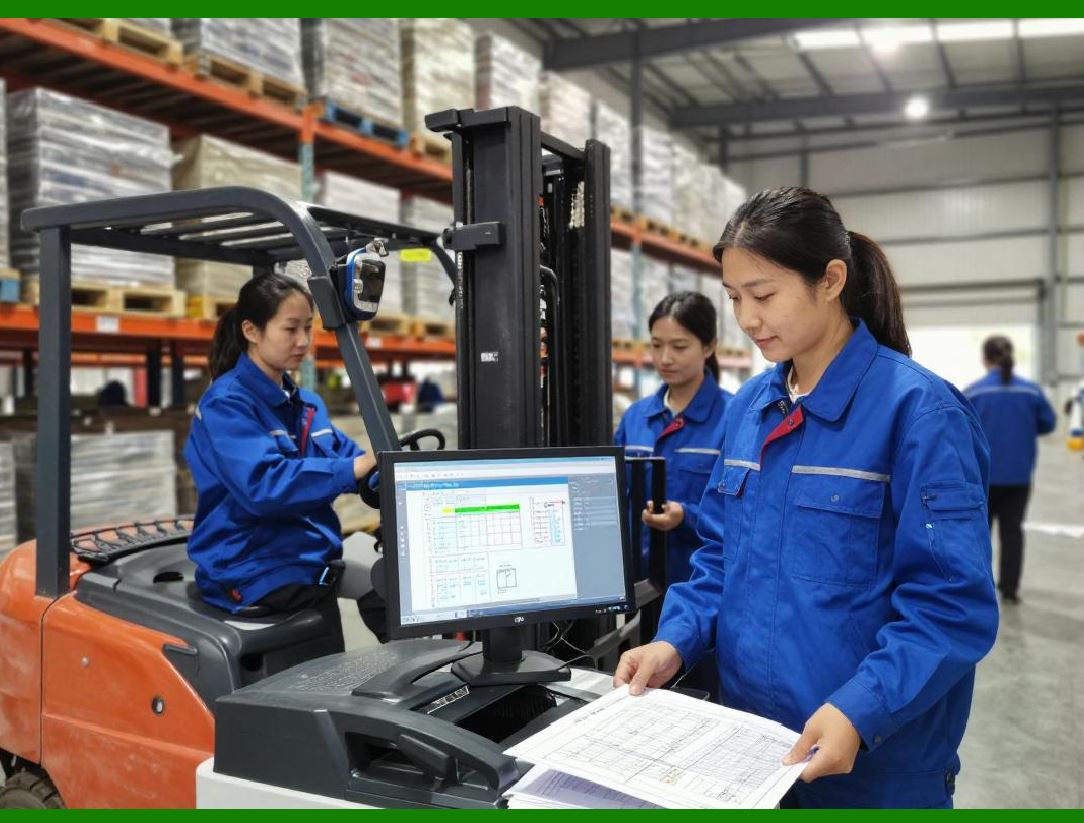
| 44. Text and Typography Tools | Text fields are highly customizable. Users can select from a wide range of fonts, sizes, styles, and colors. AzureLabel supports variable text, allowing fields to be linked to data tables or smart serial numbers, so that dynamic content is automatically populated during printing. Advanced formatting options, such as bold, italics, underline, and text rotation, allow designers to optimize readability and aesthetics. | 
| 45. Barcode and QR Code Integration | AzureLabel supports a comprehensive range of barcode symbologies, including linear barcodes like Code 128, Code 39, and Interleaved 2 of 5, as well as 2D barcodes such as QR codes, Data Matrix, and PDF417. Users can insert barcodes as static or dynamic elements, linked to built-in data tables or smart serial numbers. Barcode properties such as module size, error correction level, and orientation can be customized to ensure scannability and compliance with industry standards. | 
| 46. Image and Logo Insertion | In addition to text and barcodes, AzureLabel allows the inclusion of images, logos, and graphics. Supported formats include standard raster images (PNG, JPEG, BMP) and vector formats (SVG). Images can be resized, rotated, and layered with other elements, providing flexibility for branding, certifications, or instructional graphics. Image placeholders can also be linked to data tables for dynamic content. | 
| 47. Shapes and Graphic Elements | Designers can add shapes such as rectangles, circles, lines, and polygons to enhance label readability and aesthetics. Shapes can serve as borders, background highlights, or separators between sections. AzureLabel supports advanced layering, allowing designers to control the stacking order of text, barcodes, and shapes for optimal visual hierarchy. | 
| 48. Layout Management and Grouping | AzureLabel enables advanced layout management through grouping and alignment tools. Multiple elements can be grouped together, moved as a single unit, or aligned relative to one another or the label canvas. This is particularly useful for maintaining consistent layouts across different labels, or when adjusting designs for different label sizes. Guides, grids, and snapping options ensure precise placement of all elements. | 
| 49. Template Management | To facilitate repetitive tasks, AzureLabel allows users to create and save label templates. Templates store the layout, formatting, and linked data fields, making it easy to replicate designs across different products or batches. Templates can be edited without affecting historical print jobs, allowing organizations to update branding, compliance information, or other label elements efficiently. | 
| 50. Multi-Label Layouts | AzureLabel supports multi-label layouts on a single sheet, enabling efficient batch printing. Users can configure the number of labels per row and column, spacing between labels, and sheet size. The software ensures that each label maintains correct alignment and data population when printing multiple copies or series, minimizing waste and improving throughput. | 
| 51. Dynamic Design Elements | Dynamic design elements in AzureLabel allow conditional formatting and variable content display. For instance, a text field can change color or font size based on linked data values, such as expiration dates or batch codes. Images can be conditionally displayed, and barcodes can adjust automatically based on content length or type. These dynamic features enhance readability and compliance while reducing manual adjustments. | 
| 52. Preview and Simulation Tools | Before printing, AzureLabel offers comprehensive preview and simulation tools. Users can view single labels or complete batches, ensuring that all linked data, serial numbers, and dynamic elements render correctly. Print simulations include scaling, orientation, and paper or label material representation, providing an accurate preview of the final output. | 
| 53. Alignment and Precision Tools | AzureLabel includes precise alignment tools to guarantee professional-quality designs. Elements can be aligned to the top, bottom, center, or edges of the label or relative to other elements. Pixel-level positioning, distribution tools, and size equalization ensure uniformity across all labels, which is essential for regulatory compliance and brand consistency. | 
| 54. Color Management and Printing Profiles | AzureLabel supports full color management, allowing users to define RGB or CMYK values for text, shapes, and backgrounds. The software can also accommodate printer-specific color profiles, ensuring that colors on-screen match the final printed output. This is especially important for branding labels or product labels requiring strict color adherence. | 
| 55. Summary of Part 4 | In conclusion, AzureLabel label design and layout tools provide a comprehensive environment for creating visually appealing and functionally precise labels. The combination of WYSIWYG design, dynamic content integration, flexible layout management, and advanced alignment and preview features allows organizations to efficiently produce high-quality labels. Whether for small batches or large-scale industrial operations, these tools ensure both consistency and customization across all labeling workflows. |
|
 cs@easiersoft.com