AzureLabel: Comprehensive Analysis | Part 5: Printing Management and Integration in AzureLabel | 56. Introduction to Printing Management | Printing management is a critical aspect of AzureLabel, allowing users to take designs created within the software and reliably produce physical labels. The software provides extensive tools for printer configuration, batch management, and output optimization. By integrating design, data, and printing, AzureLabel ensures that labels are consistent, accurate, and compliant with both operational and regulatory requirements. | 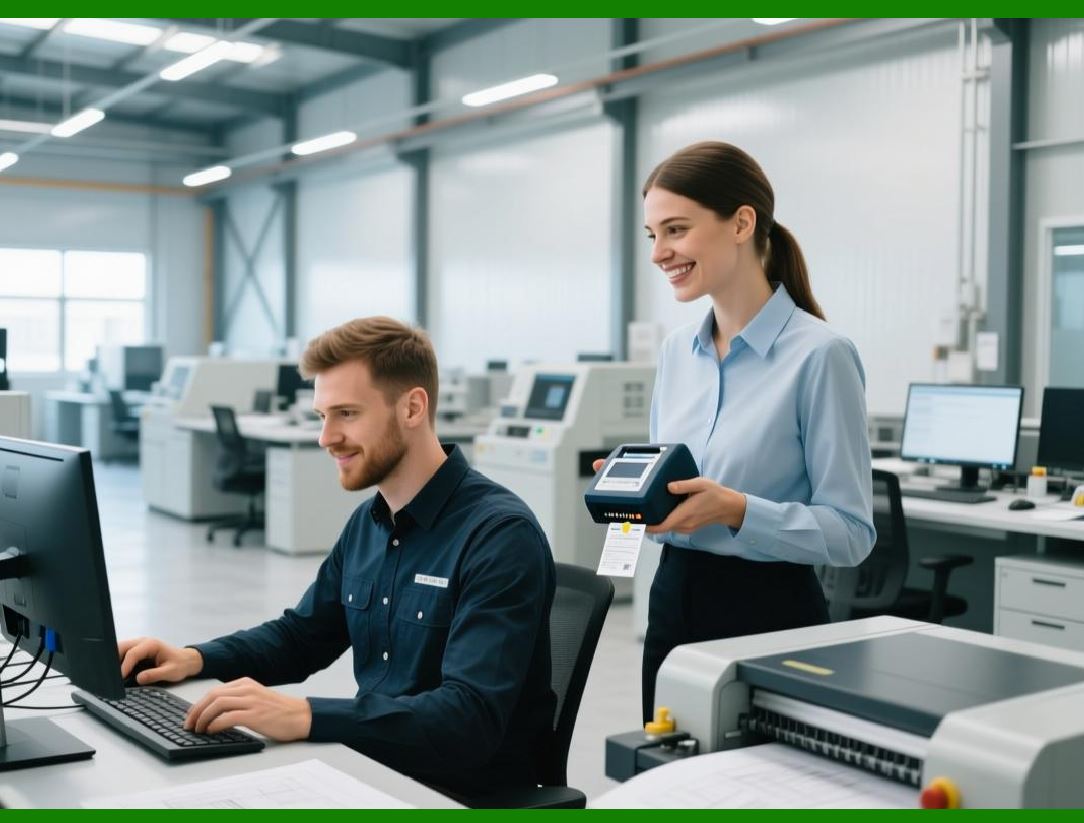
| 57. Printer Compatibility | AzureLabel supports a wide range of printers, including desktop, industrial, and network-connected devices. Popular thermal printers from brands like Zebra, SATO, TSC, and Epson are fully compatible. Additionally, AzureLabel can interface with standard laser and inkjet printers, making it suitable for both small-scale office printing and high-volume industrial production. The software detects printer capabilities, such as resolution, label width, and media type, ensuring optimal print quality. | 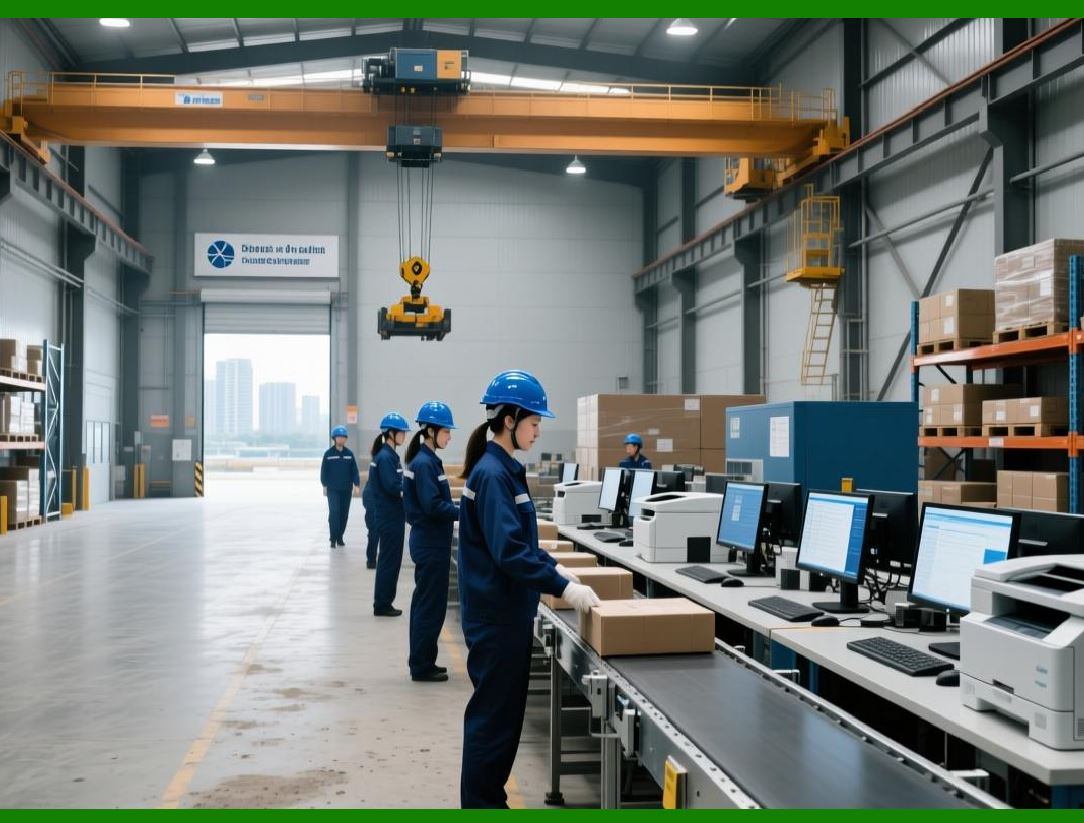
| 58. Print Drivers and Custom Settings | To maximize compatibility, AzureLabel provides built-in drivers and allows custom driver configurations. Users can adjust settings like print speed, resolution, darkness, and label alignment. Advanced options include print head management, feed calibration, and cut settings for continuous or pre-perforated label media. These controls ensure precise output, minimizing waste and reducing the need for reprints. | 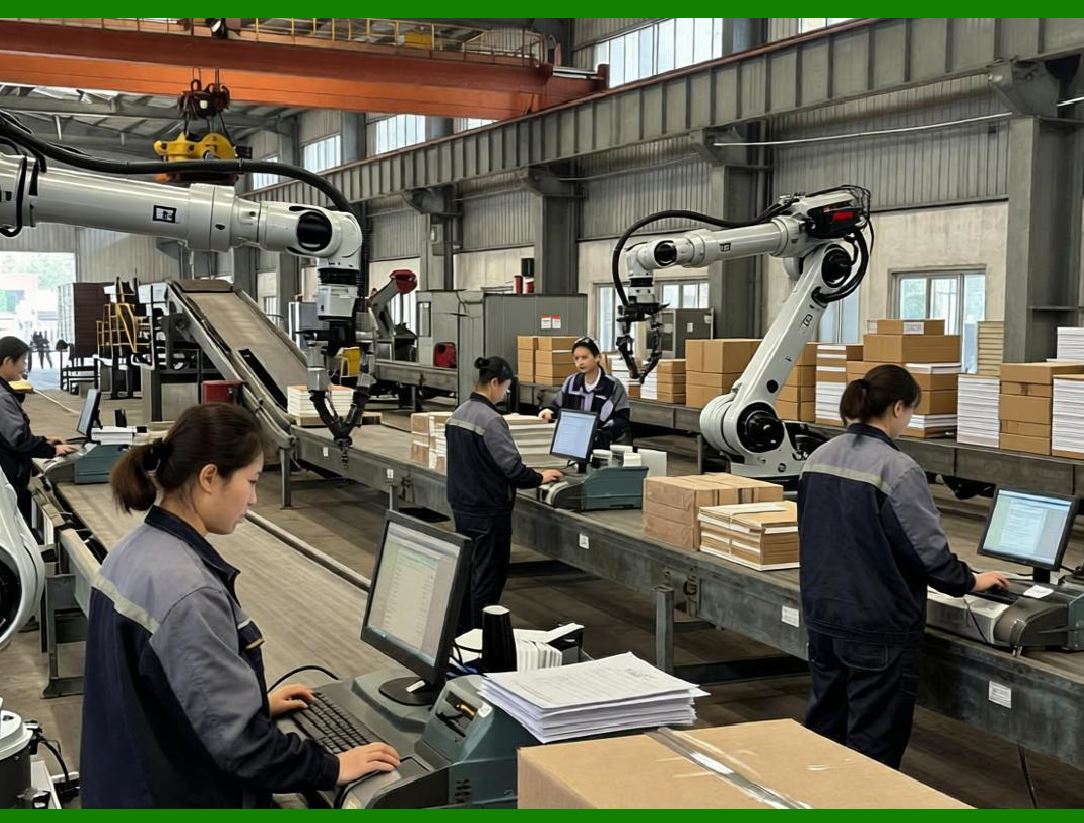
| 59. Batch Printing Capabilities | AzureLabel excels in batch printing, a vital feature for businesses producing large quantities of labels. Users can define batch sizes, select records from built-in data tables, and specify print order. The software automatically handles smart serial numbers, dynamic data fields, and conditional formatting across the batch. Batch printing also includes progress monitoring and pause/resume functionality to accommodate operational interruptions without compromising label sequence integrity. | 
| 60. Multi-Label Sheets and Layout Optimization | For high-volume operations, AzureLabel allows the printing of multiple labels per sheet, optimizing media usage. Users can configure rows, columns, spacing, and margins to ensure labels fit perfectly on pre-cut or continuous label rolls. The software provides real-time previews of label placement and alignment, helping avoid misprints and wasted material. | 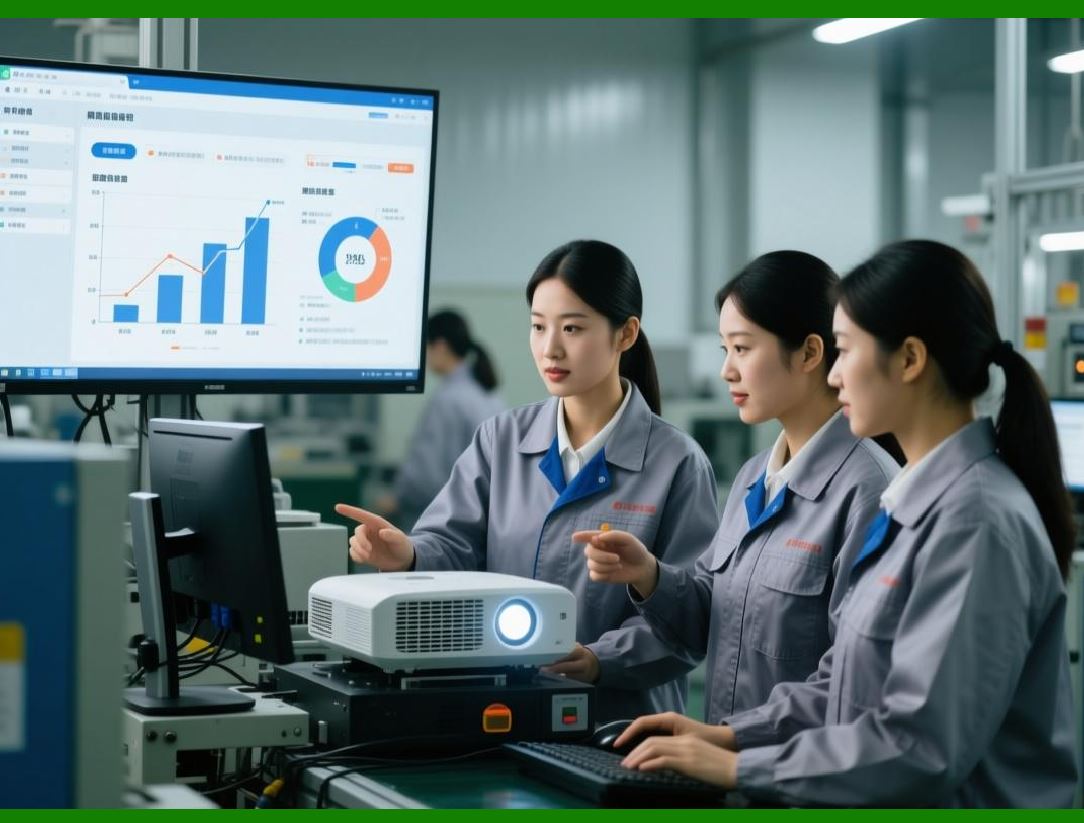
| 61. Print Queue and Job Management | AzureLabel includes a robust print queue and job management system. Multiple print jobs can be queued, prioritized, and monitored, allowing for uninterrupted production even in busy environments. Users can edit, pause, or cancel jobs without affecting other queued tasks. Job management also tracks quantities printed, errors encountered, and completion status, ensuring operational accountability. | 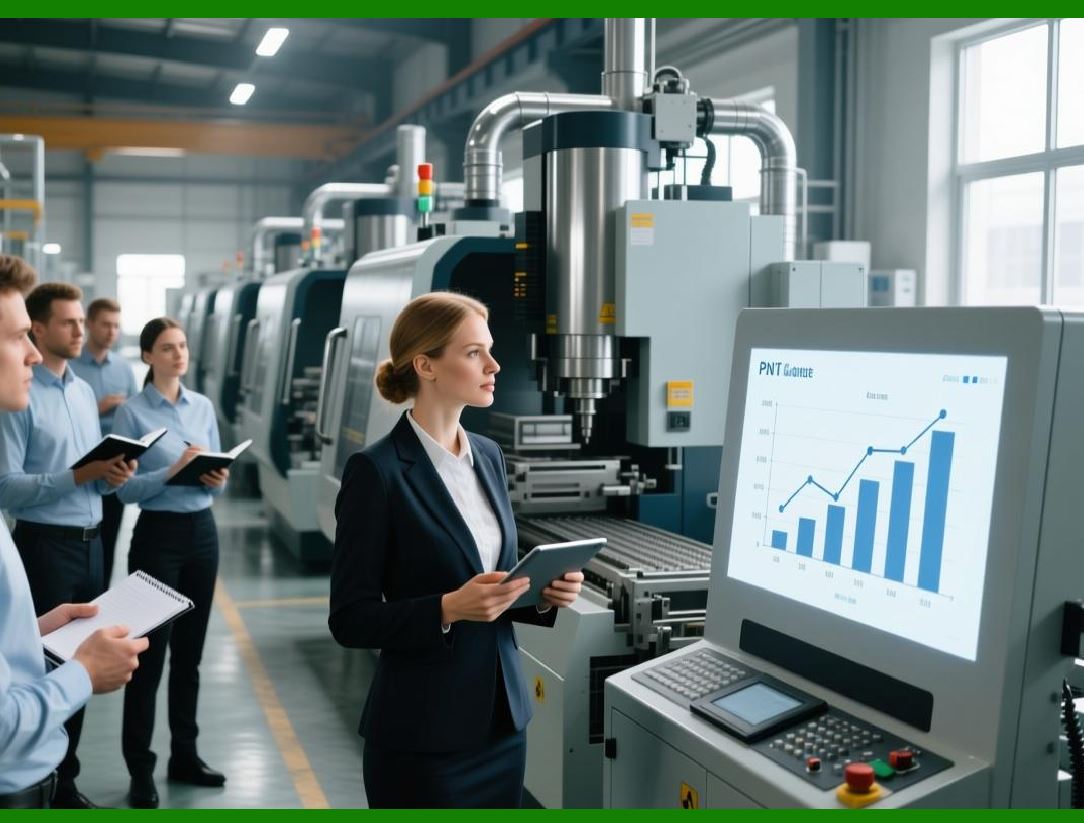
| 62. Integration with Data Tables and Serial Numbers | Printing in AzureLabel is fully integrated with built-in data tables and smart serial numbers. When initiating a print job, the software automatically retrieves the relevant data for each label, ensuring that fields are populated accurately and in sequence. This reduces the risk of duplication or mismatched information, which is especially critical in regulated industries like pharmaceuticals, food, and logistics. | 
| 63. Automation and Scripting | AzureLabel supports automation through scripts and templates, enabling large-scale, repeatable printing workflows. Users can schedule print jobs, trigger label generation from external databases, or execute conditional printing based on inventory status. Automation reduces manual intervention, increases efficiency, and minimizes human error, particularly in high-volume manufacturing or shipping operations. | 
| 64. Cloud and Network Integration | AzureLabel is designed for modern, connected workflows. It supports printing over local networks, Wi-Fi, and cloud-based systems. Templates, data tables, and label jobs can be stored in cloud repositories, allowing multiple users or locations to access and print standardized labels. Network integration also enables centralized management of printers, ensuring consistent label quality and compliance across facilities. | 
| 65. Error Detection and Troubleshooting | AzureLabel includes robust error detection for printing operations. It monitors printer status, paper/label supply, connectivity issues, and data inconsistencies. If an error occurs, the software alerts the user, provides diagnostic information, and, when possible, suggests corrective actions. This minimizes downtime and prevents wasted labels, ensuring smoother production. | 
| 66. Print Preview and Simulation | Before executing print jobs, AzureLabel allows detailed print previews and simulations. Users can view single labels or full batches, verify dynamic data, serial number sequences, and layout alignment. Print simulation includes media scaling, orientation, and label material characteristics, ensuring the final output matches design specifications without requiring test prints. | 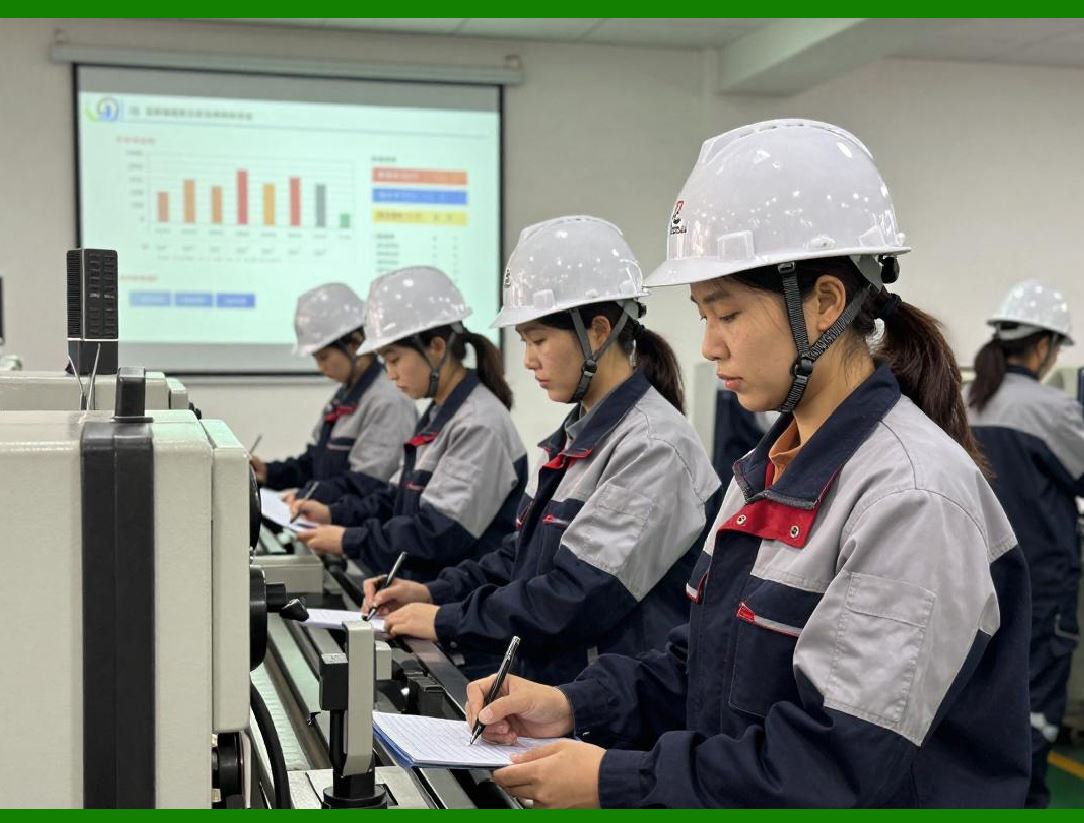
| 67. Compliance with Printing Standards | AzureLabel supports industry-standard label sizes, barcode specifications, and print resolutions. Compliance with standards such as GS1, ISO, and FDA ensures that printed labels meet both operational and regulatory requirements. This is crucial for supply chain traceability, product recalls, and certification audits. | 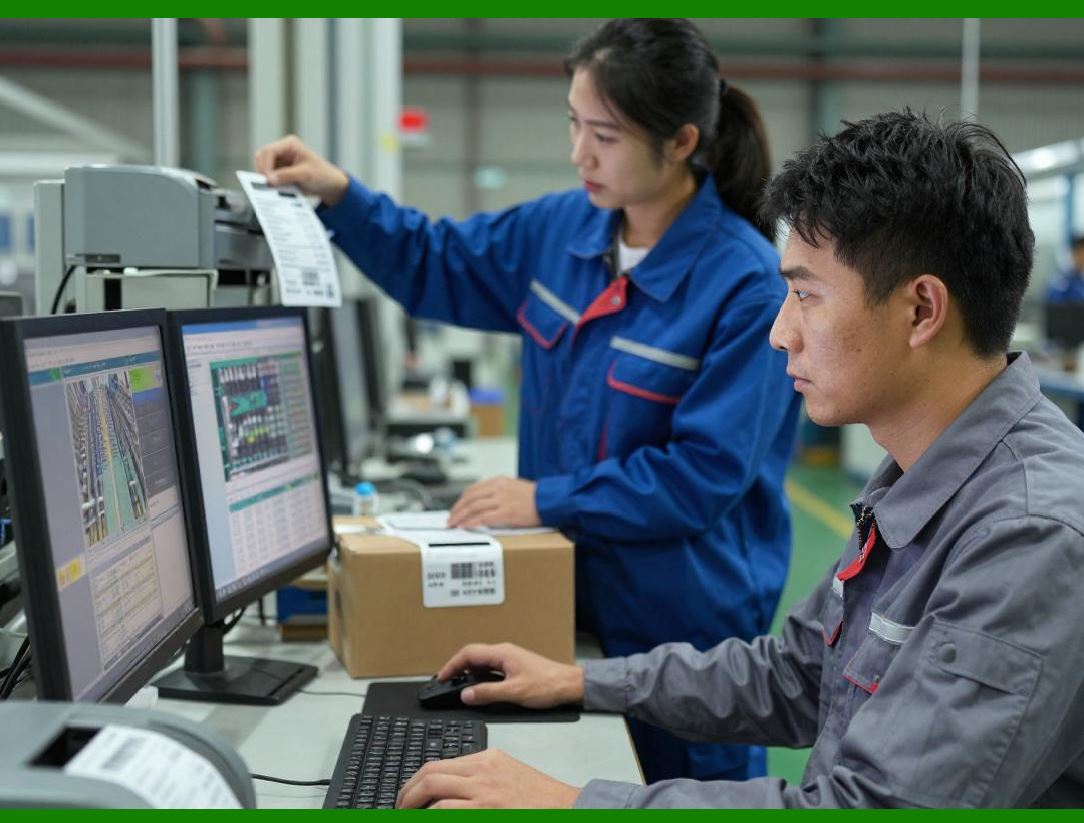
| 68. Printing on Specialized Media | The software accommodates various media types, including thermal transfer labels, self-adhesive sheets, continuous rolls, synthetic materials, and specialty tags. AzureLabel allows users to specify media characteristics, ensuring correct print density, adherence, and durability. This is particularly important for industrial, chemical, or outdoor applications where label longevity is critical. | 
| 69. Summary of Part 5 | In summary, AzureLabel printing management and integration features provide a comprehensive solution for accurate, high-volume label production. By combining printer compatibility, batch management, automation, cloud integration, and error handling, the software ensures efficient and reliable printing. Its seamless integration with built-in data tables and smart serial numbers further enhances operational efficiency, making AzureLabel suitable for diverse industries and production scales. |
|
 cs@easiersoft.com