Part 2 System Architecture, Installation Model, and Runtime Environment |
1. Architectural Overview of BarCodeWiz OnLabel |
BarCodeWiz OnLabel is architected as a standalone desktop labeling application, designed to operate independently of centralized servers or mandatory cloud services. This architectural choice reflects its focus on simplicity, reliability, and ease of deployment, especially for small and medium-scale environments where IT resources may be limited. |
The application encapsulates label design, barcode generation, data binding, and output rendering within a single executable environment. By avoiding distributed dependencies, OnLabel minimizes failure points and reduces the operational complexity often associated with enterprise labeling platforms. |
Internally, the architecture is modular, separating concerns such as user interface rendering, barcode encoding, data import processing, and output generation. This modularity supports maintainability and incremental feature evolution while maintaining a cohesive user experience. |

|
2. Desktop-Centric Deployment Philosophy |
Unlike modern labeling systems that rely heavily on web-based interfaces or centralized servers, OnLabel adheres to a desktop-centric deployment model. The software is installed locally on a Windows-based system and runs entirely within that environment. |
This approach offers several advantages: |
1. Immediate access to local printers without network bridging. |
2. Predictable performance unaffected by network latency. |
3. Greater control over data privacy and security. |
4. Simplified compliance in regulated environments where external connectivity is restricted. |
At the same time, this model assumes that label creation and output are performed close to the point of use, which aligns well with the operational reality of many warehouses, clinics, offices, and retail backrooms. |

|
3. Operating System Compatibility and Environment Assumptions |
OnLabel is designed primarily for Microsoft Windows environments. This choice aligns with the dominance of Windows in operational and industrial settings, particularly where barcode printers, drivers, and legacy systems are involved. |
The software assumes access to: |
1. Standard Windows printing subsystems. |
2. File system access for importing data and exporting PDFs. |
3. Common Windows UI components and font rendering engines. |
By leveraging native operating system capabilities rather than reimplementing them, OnLabel achieves stability and predictable behavior across supported versions of Windows. |

|
4. Installation Workflow and Initial Setup |
The installation process for OnLabel is intentionally straightforward. Users typically install the software using a standard installer package that guides them through the setup with minimal configuration decisions. |
Key characteristics of the installation workflow include: |
1. No mandatory database setup. |
2. No server-side components. |
3. No required network configuration. |
4. Minimal prerequisite dependencies. |
This simplicity allows non-technical users to complete installation without IT intervention, which is particularly valuable in small organizations or decentralized operations. |

|
5. Licensing Model and Runtime Constraints |
While licensing specifics may vary by edition, OnLabel generally follows a single-machine or per-user licensing model. The license governs access to advanced features such as extended symbology support, data import capabilities, or export options. |
From a runtime perspective, the software enforces licensing checks locally. This avoids reliance on continuous internet connectivity and ensures that labeling operations can continue uninterrupted in offline environments. |
The local licensing model reinforces OnLabel positioning as a dependable operational tool rather than a subscription-based service tied to external infrastructure. |

|
6. Internal Data Handling and Memory Management |
OnLabel is optimized for handling moderate volumes of label data efficiently. During runtime, label templates, imported datasets, and barcode objects are loaded into memory in a structured format that supports rapid rendering and preview. |
Rather than streaming data continuously, the application typically processes data in batches, especially when generating multiple labels from imported datasets. This approach balances performance and stability, preventing excessive memory usage while maintaining responsive interaction during design and preview phases. |
Memory management is designed to favor predictability over extreme optimization, ensuring that users can work with typical datasets without encountering performance degradation or crashes. |

|
7. Separation of Design-Time and Output-Time Processing |
A notable architectural principle within OnLabel is the clear separation between design-time processing and output-time processing. |
During design-time: |
1. The focus is on visual layout. |
2. Placeholder or sample data may be used. |
3. Real-time previews emphasize clarity rather than volume. |
During output-time: |
1. The system binds actual data to variable fields. |
2. Barcode encoding is performed with final values. |
3. Output rendering prioritizes accuracy and consistency. |
This separation allows users to design labels comfortably without being burdened by the computational overhead of full data processing until it is actually required. |

|
8. Barcode Encoding Engine Integration |
At the core of OnLabel functionality is its barcode encoding engine. This engine is responsible for transforming human-readable input into machine-readable barcode symbols according to specific symbology rules. |
The encoding engine operates as a self-contained module within the application. It receives input values from static fields or dynamic data sources and applies the appropriate encoding logic, including checksum calculation, character set selection, and error correction where applicable. |
By abstracting barcode encoding into a dedicated module, OnLabel ensures consistency across different output formats and simplifies maintenance when symbology standards evolve. |

|
9. Font Rendering Versus Vector Rendering |
OnLabel supports barcode generation through vector-based rendering rather than relying solely on barcode fonts. This distinction is critical for ensuring consistent output across printers and export formats. |
Vector rendering allows: |
1. Precise control over bar widths and spacing. |
2. Accurate scaling without distortion. |
3. Reliable PDF output independent of installed fonts. |
While text elements may rely on system fonts, barcode symbols themselves are generated as graphical objects, ensuring that scannability is preserved even when labels are transferred between systems. |
|
10. Printer Driver Interaction Layer |
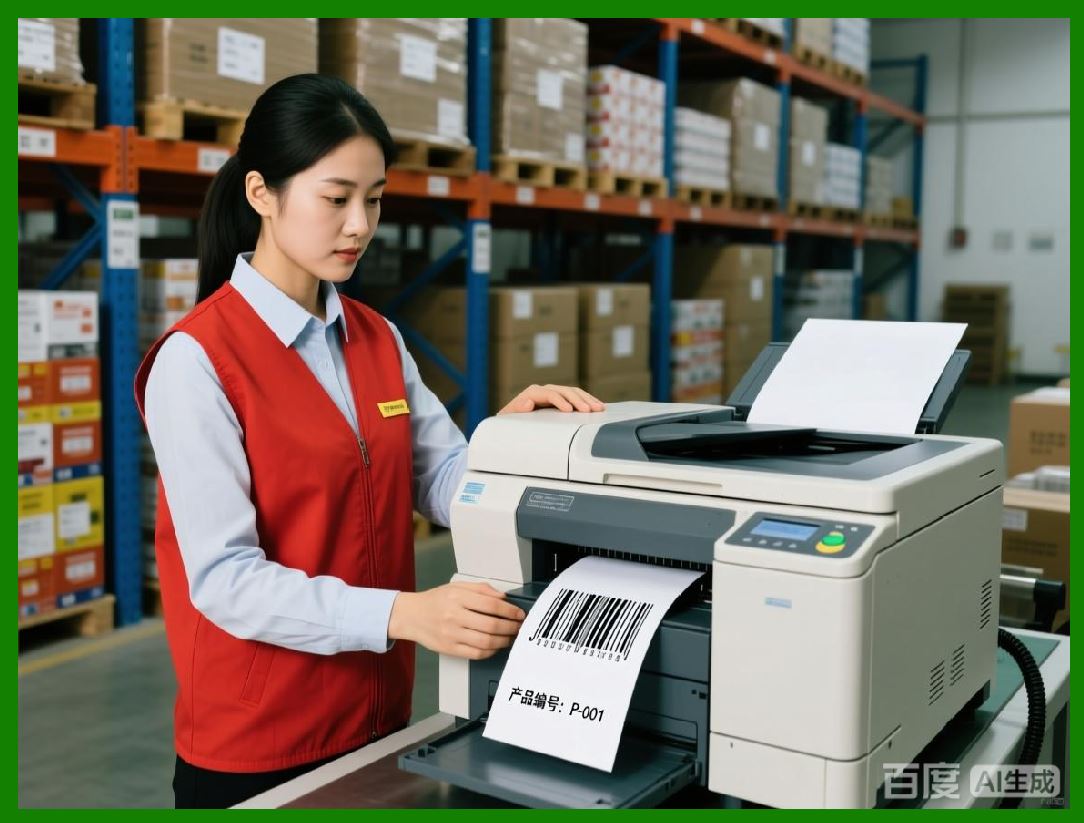
The application interacts with printers through the Windows printing subsystem. Rather than implementing custom printer drivers, OnLabel relies on manufacturer-provided drivers to handle device-specific behaviors. |
This design decision provides compatibility with a wide range of printers, including: |
1. Thermal label printers. |
2. Laser printers. |
3. Inkjet printers. |
OnLabel focuses on delivering accurate layout and barcode geometry, while the printer driver manages resolution, media handling, and device calibration. |
|
11. PDF Export Rendering Pipeline |
The PDF export feature uses a dedicated rendering pipeline that translates label designs into a resolution-independent document format. This pipeline ensures that barcode modules, text alignment, and graphical elements maintain their intended proportions regardless of the viewing or printing environment. |
The PDF rendering process preserves: |
1. Barcode quiet zones. |
2. Minimum module sizes. |
3. Text clarity at various zoom levels. |
By generating PDFs directly rather than through virtual printing, OnLabel achieves greater control over output fidelity and avoids inconsistencies associated with printer-dependent workflows. |

|
12. File System Integration and Template Storage |
OnLabel stores label templates as files within the local file system. This approach allows users to: |
1. Organize templates using familiar folder structures. |
2. Share templates via file copying or network drives. |
3. Archive designs for future reuse. |
Templates encapsulate layout definitions, object properties, and data bindings without embedding actual production data, enabling safe reuse across multiple datasets. |

|
13. Data Source Connectivity Architecture |
Data import functionality is implemented through connectors that interface with external file formats rather than persistent database connections. This includes structured file types commonly used in office and operational environments. |
The connector-based approach simplifies configuration and avoids the need for database drivers or credentials. It also aligns with the batch-oriented nature of label generation in many real-world scenarios. |

|
14. Error Handling and Fault Isolation |
OnLabel incorporates basic but effective error handling mechanisms to isolate faults and prevent cascading failures. Errors related to data import, barcode encoding, or printer interaction are typically handled at the module level. |
This isolation ensures that: |
1. A malformed data record does not crash the entire application. |
2. Users receive actionable error feedback. |
3. The design environment remains stable even when output operations encounter issues. |

|
15. Update and Maintenance Strategy |
Software updates for OnLabel are generally delivered as installer packages that replace or upgrade the existing application. Because the application is self-contained, updates do not typically require data migration or system-wide changes. |
This maintenance strategy reduces downtime and minimizes the risk associated with version upgrades, particularly in environments where labeling operations are mission-critical. |

|
16. Security Model and Local Execution |
OnLabel local execution model inherently limits exposure to network-based threats. Since the application does not require continuous connectivity or remote services, its attack surface is relatively small. |
Security considerations focus primarily on: |
1. File system permissions. |
2. Access to imported data. |
3. Control over exported files. |
This simplicity makes OnLabel suitable for environments with strict security policies or limited internet access. |

|
17. Scalability Boundaries of the Architecture |
While OnLabel is capable of generating large batches of labels, its architecture is not intended for real-time, high-throughput industrial automation. Scalability is achieved through batch processing rather than continuous streaming. |
This boundary is an intentional design choice that aligns with the product usability-oriented positioning and avoids the complexity of distributed processing systems. |

|
18. Summary of Part 2 |
Part 2 has examined the system architecture and deployment model of BarCodeWiz OnLabel in detail. The software desktop-centric, modular architecture prioritizes reliability, ease of installation, and predictable performance. |
By avoiding unnecessary complexity and external dependencies, OnLabel delivers a stable environment for barcode label design and output, making it well-suited for a wide range of operational contexts where simplicity and control are valued over automation scale. |
 cs@easiersoft.com