Part 7 Industry Use Cases and Real-World Application Scenarios |
1. Role of OnLabel in Practical Operational Environments |
The true value of BarCodeWiz OnLabel becomes most apparent when examined in real-world operational contexts. While its technical features define what it can do, its industry use cases reveal why organizations choose it over more complex or more limited alternatives. |
OnLabel is not designed to replace enterprise-scale labeling systems in fully automated production lines. Instead, it fills a critical gap by providing reliable, flexible labeling capabilities in environments where usability, adaptability, and cost-effectiveness are paramount. |

|
2. Small and Medium-Sized Business Labeling |
Small and medium-sized businesses represent one of the largest user segments for OnLabel. These organizations often require professional barcode labels but lack the resources or need for large-scale automation. |
OnLabel enables these businesses to standardize labeling across products, shipments, and internal assets without dedicating staff to label engineering or IT administration. |
The drag-and-drop interface and file-based data import align well with the operational realities of SMBs, where processes are often manual or semi-automated. |

|
3. Warehouse and Inventory Management Applications |
In warehouse environments, OnLabel is commonly used to generate labels for inventory items, storage locations, bins, and pallets. |
These labels often contain variable data such as SKU numbers, lot codes, quantities, or location identifiers. OnLabel data-driven label generation allows warehouse staff to create large batches of labels from spreadsheets or system exports. |
Because warehouses frequently reconfigure storage layouts or product assortments, the flexibility of OnLabel templates is especially valuable. |

|
4. Shipping and Logistics Use Cases |
Shipping and logistics operations rely heavily on accurate labeling to ensure correct routing, tracking, and delivery. |
OnLabel supports the creation of shipping labels that include barcodes, human-readable addresses, and handling instructions. While it may not integrate directly with carrier systems, it works effectively alongside them by consuming exported data. |
PDF export is particularly useful in logistics scenarios, where labels may be generated centrally and printed at distributed locations. |

|
5. Retail Back-Office and In-Store Labeling |
Retail environments often require frequent label updates due to pricing changes, promotions, or product rotations. |
OnLabel enables retail staff to generate shelf labels, price tags, and internal product labels quickly and accurately. Templates can be reused across different product categories, ensuring consistent branding and formatting. |
The ability to bind data from spreadsheets or point-of-sale exports allows for efficient batch updates. |

|
6. Healthcare and Clinical Environments |
Healthcare settings place stringent requirements on label accuracy, legibility, and durability. OnLabel is commonly used to generate patient labels, specimen labels, and asset tracking tags. |
In these environments, variable data such as patient identifiers, dates, and test codes must be encoded correctly and printed clearly. OnLabel validation and preview features help prevent errors that could have serious consequences. |
The local execution model also aligns with privacy and security requirements. |

|
7. Laboratory Sample Identification |
Laboratories require precise labeling of samples, reagents, and containers. Labels often include multiple barcodes, text fields, and sometimes color or shape cues. |
OnLabel layout tools allow laboratories to design compact, information-dense labels that remain readable and scannable even at small sizes. |
Batch generation from lab information system exports supports efficient sample processing workflows. |

|
8. Manufacturing and Work-in-Progress Tracking |
In manufacturing environments, OnLabel is often used for work-in-progress labeling, part identification, and internal tracking. |
These labels may not need to conform to consumer-facing standards but must integrate with internal systems. OnLabel support for industrial barcode symbologies and flexible data binding makes it suitable for these use cases. |
Because manufacturing processes evolve over time, the ease of updating templates is a significant advantage. |

|
9. Asset Management and Equipment Tracking |
Organizations across many sectors use OnLabel to tag equipment, tools, and assets. Asset labels often need to be durable, compact, and uniquely identifiable. |
OnLabel allows users to generate serial-number-based labels or asset codes in bulk, using data maintained in spreadsheets or asset management systems. |
The ability to include both barcode and human-readable information supports both automated and manual tracking processes. |

|
10. Education and Library Systems |
Educational institutions and libraries use OnLabel for cataloging books, media, and equipment. |
Labels in these environments must be readable, consistent, and compatible with existing scanning systems. OnLabel support for common library barcode formats and its ease of use make it suitable for staff who may not have technical backgrounds. |
Template reuse simplifies long-term maintenance of labeling standards. |

|
11. Government and Public Sector Applications |
Public sector organizations often operate under budget constraints and require software that is both reliable and cost-effective. |
OnLabel is used in government offices for document tracking, asset labeling, and internal logistics. The absence of mandatory cloud dependencies aligns well with security and procurement requirements. |

|
12. Compliance and Traceability Scenarios |
In regulated industries, labels play a critical role in compliance and traceability. OnLabel supports the creation of labels that encode identifiers required for audits, recalls, or regulatory reporting. |
While it does not manage compliance workflows directly, it produces labels that integrate into broader compliance systems. |
The ability to archive PDFs supports audit readiness. |

|
13. Ad-Hoc and Temporary Labeling Needs |
Not all labeling needs are permanent or large-scale. OnLabel excels in ad-hoc scenarios such as temporary projects, pilot programs, or special events. |
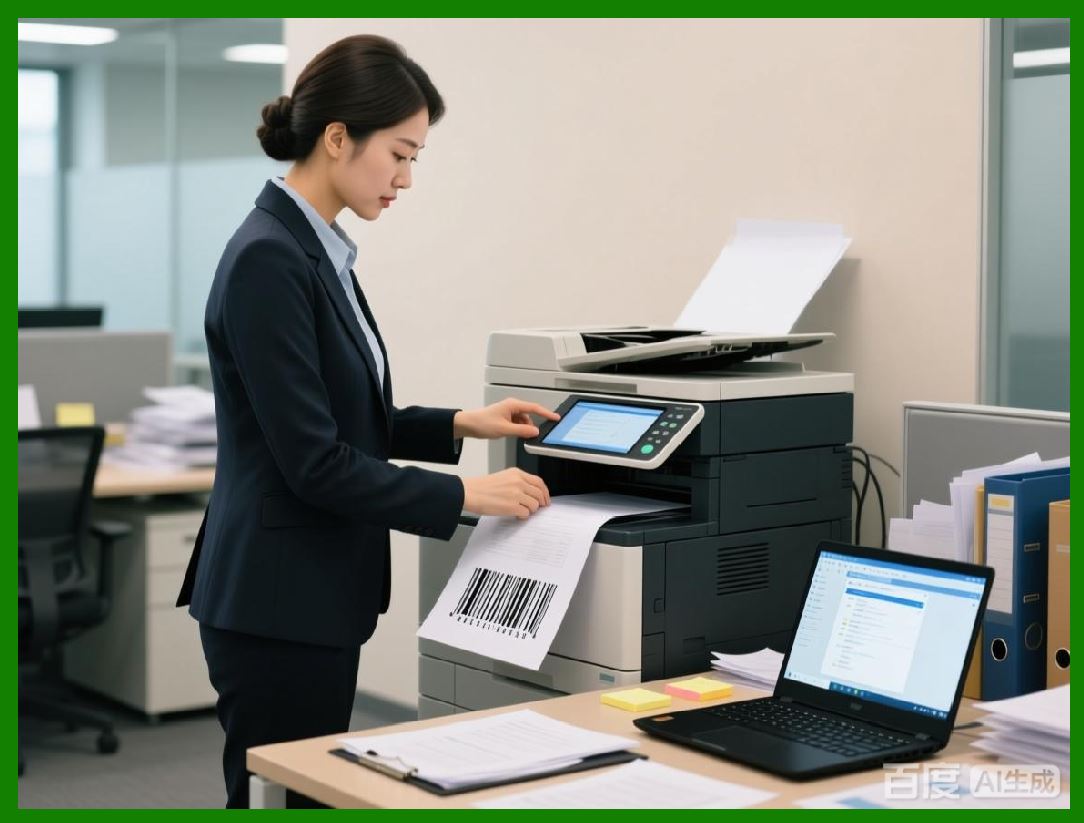
Users can quickly design and produce labels without investing in complex systems or long-term infrastructure. |
This flexibility makes OnLabel a valuable supplemental tool even in organizations that already use enterprise labeling platforms. |
|
14. Multi-Departmental Use Within Organizations |
Within larger organizations, OnLabel is often deployed at the departmental level rather than as a centralized system. |
Different departments can maintain their own templates and data sources while adhering to shared standards. This decentralized model reduces bottlenecks and increases responsiveness. |

|
15. International and Multilingual Labeling |
OnLabel supports international use cases by allowing text and data in multiple languages and character sets. |
This capability is important for organizations operating across borders or serving diverse populations. |

|
16. Training and Onboarding Advantages |
The intuitive design of OnLabel reduces training requirements. New users can become productive quickly, which is especially important in environments with high staff turnover. |
Reduced training overhead translates into operational efficiency and lower total cost of ownership. |
|
17. Limitations in High-Automation Environments |
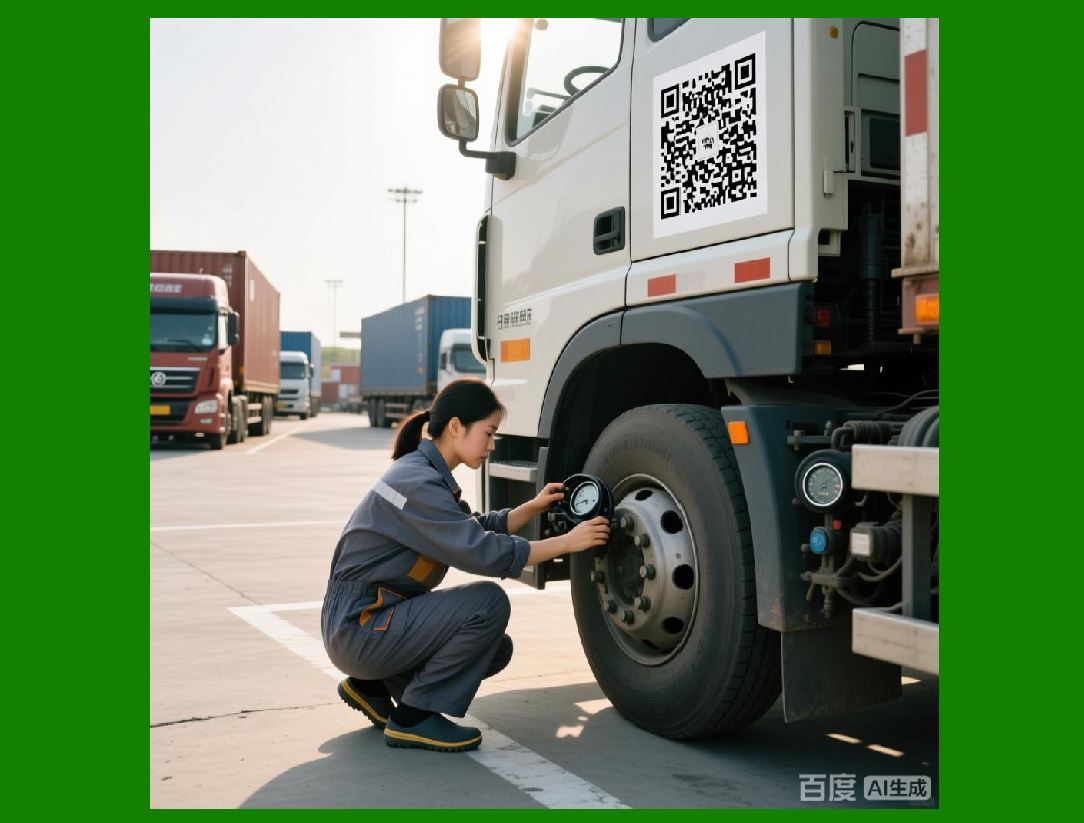
While versatile, OnLabel is not intended for fully automated, high-throughput labeling environments such as high-speed manufacturing lines. |
In such cases, its role is typically complementary rather than central, supporting secondary or manual labeling tasks. |

|
18. Summary of Part 7 |
Part 7 has illustrated how BarCodeWiz OnLabel is applied across a wide range of industries and operational contexts. Its strength lies in its adaptability, ease of use, and reliability in environments where flexibility and control are more important than deep automation. |
By serving as a practical, user-friendly labeling tool, OnLabel enables organizations to meet their labeling needs efficiently without unnecessary complexity. |
 cs@easiersoft.com