6. Label Matrix Editions and Licensing |
Label Matrix is available in different editions to cater to various business needs. TEKLYNX offers a range of versions, each designed with different levels of features and pricing structures. This flexibility ensures that companies can choose the right edition based on their specific requirements, whether they need basic functionality or more advanced features for large-scale operations. |
Label Matrix Editions: |
Label Matrix is primarily available in three main editions: |
* Label Matrix Standard: This is the entry-level version of the software, designed for small businesses or organizations with basic labeling needs. It includes essential features for barcode label creation, such as support for common barcode symbologies, basic label design tools, and access to pre-built templates. It is perfect for businesses that need a straightforward solution for product labeling, packaging, or asset tracking. |
* Label Matrix Professional: This edition builds upon the standard version, adding more advanced features and greater flexibility. In addition to all the features in the standard version, Label Matrix Professional includes support for advanced barcode symbologies, enhanced data integration options, more complex label designs, and variable data printing. This edition is designed for businesses that need to manage a larger volume of labels, such as manufacturing and distribution companies. |
* Label Matrix Enterprise: The Enterprise edition is the most advanced version, designed for large organizations with high-volume labeling needs. It includes all the features of the professional edition and adds advanced functionality like centralized label management, integration with ERP and WMS systems, and extensive printing options across multiple locations. The Enterprise edition is tailored for companies that require robust solutions for managing labeling across complex supply chains or multi-location operations. |
Licensing: |
Label Matrix is available under different licensing models, allowing businesses to select the most appropriate option for their needs: |
* Perpetual License: This is a one-time purchase of the software, which includes full access to the software for an indefinite period. Updates and support may be available for a limited time after purchase, and ongoing maintenance or upgrades can be purchased separately. |
* Subscription License: With the subscription model, users pay for access to the software on a monthly or annual basis. This model includes access to updates and support as long as the subscription is active. |
* Floating License: This option allows businesses with multiple users to share a limited number of licenses. The floating license is ideal for companies that have a large number of users who need access to the software intermittently, such as those in a warehouse or distribution center. |
This flexible licensing model allows businesses to choose the version and licensing plan that best meets their budget and operational needs. |

|
7. Customization and Label Design |
One of the main reasons businesses choose Label Matrix is its powerful label design capabilities. The software provides an array of customization tools that allow users to create highly personalized and professional-looking labels. Whether youe printing product labels, barcodes for shipping, or custom inventory tags, Label Matrix gives users the flexibility to design labels that meet their exact requirements. |
Label Design Tools: |
Label Matrix provides a comprehensive suite of design tools that allow for easy creation of labels. Key design features include: |
* Drag-and-Drop Functionality: The software's interface makes label creation simple with drag-and-drop functionality. Users can easily add elements like text, barcodes, graphics, and shapes to their labels. |
* Text Formatting and Alignment: Label Matrix offers a variety of text formatting options, including font selection, size, color, and alignment. Users can customize text fields to fit the label size and design aesthetics. |
* Graphics and Logos: The software supports the insertion of various graphic formats, including BMP, JPG, PNG, and TIFF. Businesses can easily add company logos, product images, and other graphics to enhance the label's appearance. |
* Grid and Ruler Support: The software includes grid and ruler tools that help with precise placement of elements on the label, ensuring consistency and alignment across multiple labels. |
* Advanced Shape Tools: In addition to basic rectangles and circles, Label Matrix offers advanced shape tools to design labels with unique borders, background patterns, and custom shapes. |
Pre-Built Templates: |
For users who need to create labels quickly, Label Matrix offers an extensive library of pre-built templates. These templates cover a wide variety of industries and applications, from retail and logistics to manufacturing and healthcare. Users can simply select a template and customize it with their data and branding. Templates can be further edited for layout, color schemes, and label dimensions to ensure a perfect fit for the application. |
Custom Label Sizes: |
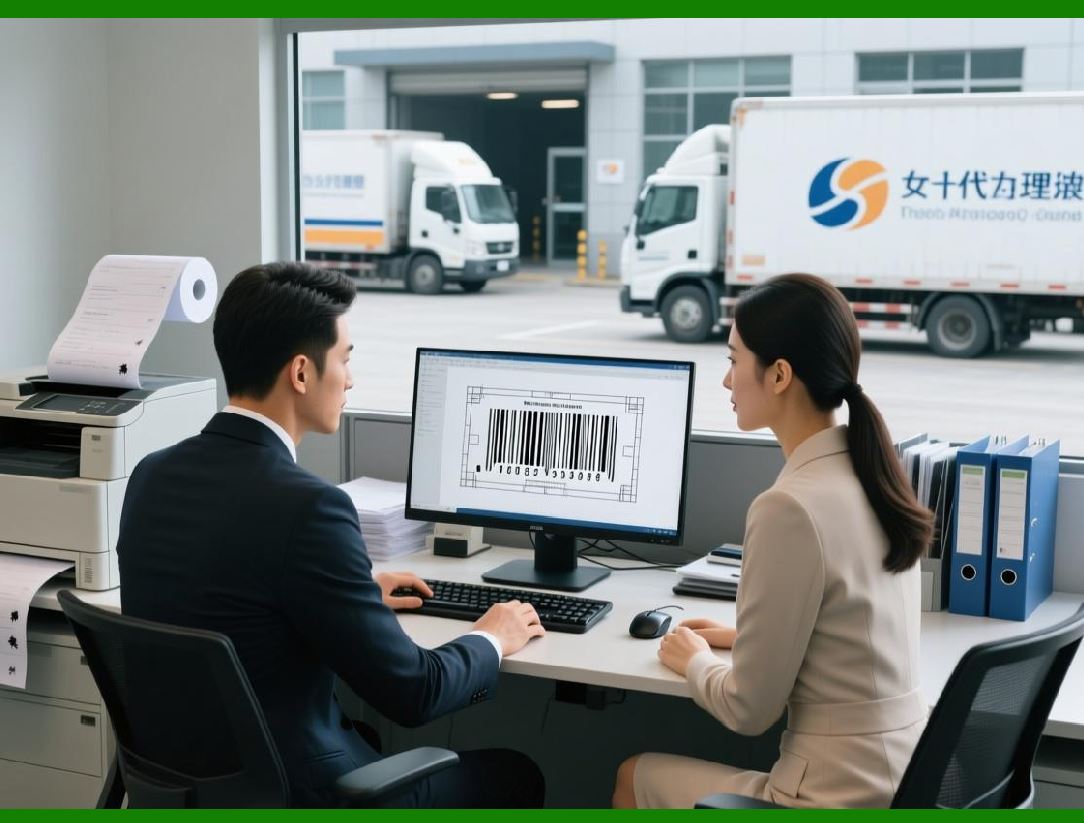
Label Matrix offers the flexibility to create labels of any size. Users can define the label dimensions based on their specific requirements, whether it's a small label for a product or a larger label for packaging. The software supports custom label formats that can be tailored to fit specific printer models and label rolls. |
|
8. Advanced Printing Options |
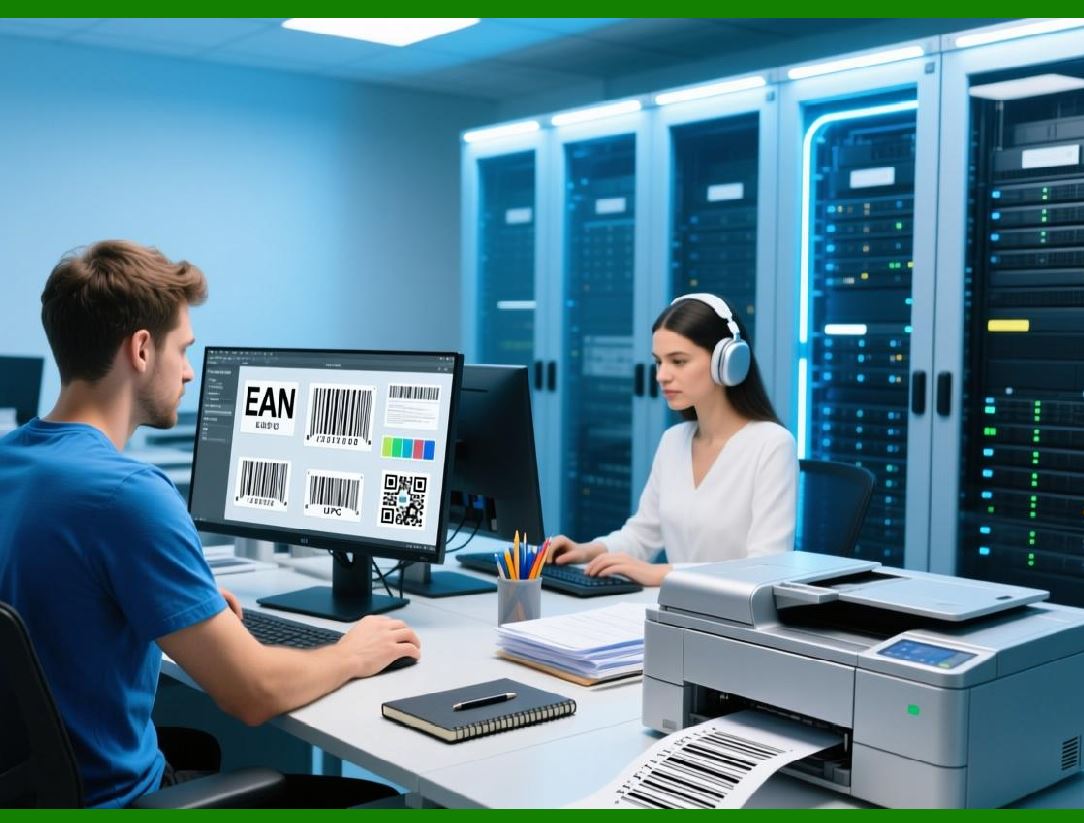
Label Matrix provides advanced printing options, which are essential for businesses that need to print large volumes of labels or require precise control over the printing process. The software is compatible with a wide range of printers, including thermal transfer, direct thermal, inkjet, and laser printers. It also supports both local and networked printing, making it easy for businesses with multiple locations or distributed teams to manage their labeling needs. |
Printer Setup and Configuration: |
Label Matrix supports various printer models, including popular brands such as Zebra, Brother, and TSC. The software includes built-in printer drivers for many of these models, simplifying the setup process. Users can easily configure the software to connect to local or network printers, ensuring that labels are printed quickly and efficiently. |
Print Templates: |
In addition to label design, Label Matrix offers print templates that allow users to configure the layout of labels on each sheet or roll. Print templates can be customized to specify the number of labels per sheet, label alignment, and margins, ensuring that the labels are printed exactly as designed. |
Variable Data Printing: |
Label Matrix excels at variable data printing, which allows businesses to print labels with different data values on each label, such as product serial numbers, batch codes, or pricing information. By linking the data fields to an external database or spreadsheet, users can automatically populate the label with the relevant data, streamlining the printing process. |
Batch Printing: |
For businesses that need to print large quantities of labels, Label Matrix supports batch printing. This feature enables users to print multiple labels in one go, reducing the time spent on manual label creation and printing. It also ensures consistency and accuracy in the labeling process. |
Print Preview: |
Label Matrix includes a print preview feature, allowing users to see exactly how their labels will look before printing. This feature ensures that the labels are correctly aligned, formatted, and contain all the necessary information before the printing process begins, minimizing errors and waste. |
|
9. Barcode Validation and Verification |
Barcode validation and verification are critical aspects of label printing, especially for businesses that rely on barcodes for tracking and inventory management. Label Matrix provides built-in tools for barcode validation and verification, ensuring that the printed barcodes meet industry standards for readability and accuracy. |
Barcode Quality Control: |
Label Matrix includes a barcode quality control feature that checks the printed barcodes for errors or issues that may affect their scanability. This feature validates barcode parameters such as quiet zones, aspect ratios, and check digit calculations to ensure that the barcodes are compliant with industry standards. |
Barcode Verification: |
For businesses that need to meet strict regulatory requirements, Label Matrix includes barcode verification functionality. This tool compares the printed barcode against a reference standard to ensure that it meets all necessary specifications. Barcode verification is particularly important in industries such as healthcare, where accurate labeling is essential for patient safety. |
Industry Standards Compliance: |
Label Matrix ensures that all barcodes generated comply with the relevant industry standards, such as ISO/IEC 15416 for linear barcodes and ISO/IEC 15415 for 2D barcodes. By adhering to these standards, businesses can ensure that their barcodes are universally readable and meet the requirements of regulatory bodies. |

|
10. Label Matrix in Different Industries |
Label Matrix is used across various industries, each with its unique labeling needs and challenges. The software's flexibility and robust feature set make it an ideal solution for businesses in sectors such as manufacturing, healthcare, logistics, retail, and more. |
Manufacturing: |
In the manufacturing industry, accurate and efficient labeling is essential for tracking products, raw materials, and shipments. Label Matrix allows manufacturers to create labels with barcodes, product information, and batch numbers. This ensures that products are correctly identified and tracked throughout the production process. |
Healthcare: |
In healthcare, Label Matrix helps create labels for medical devices, pharmaceuticals, and patient identification. The software ability to generate labels with scannable barcodes ensures that healthcare professionals can easily track and manage inventory, as well as maintain regulatory compliance with healthcare standards such as HIPAA. |
Logistics and Shipping: |
For logistics and shipping companies, Label Matrix is a critical tool for generating labels that contain essential information such as tracking numbers, delivery addresses, and shipping barcodes. The software batch printing and variable data printing capabilities make it easy for companies to print large volumes of shipping labels quickly and accurately. |
Retail: |
In retail, Label Matrix can be used to create price tags, product labels, and shelf labels. By integrating with POS systems, businesses can generate labels with product pricing and SKU information, ensuring accurate labeling and smooth transactions at checkout. |
 cs@easiersoft.com