11. Security and Access Control |
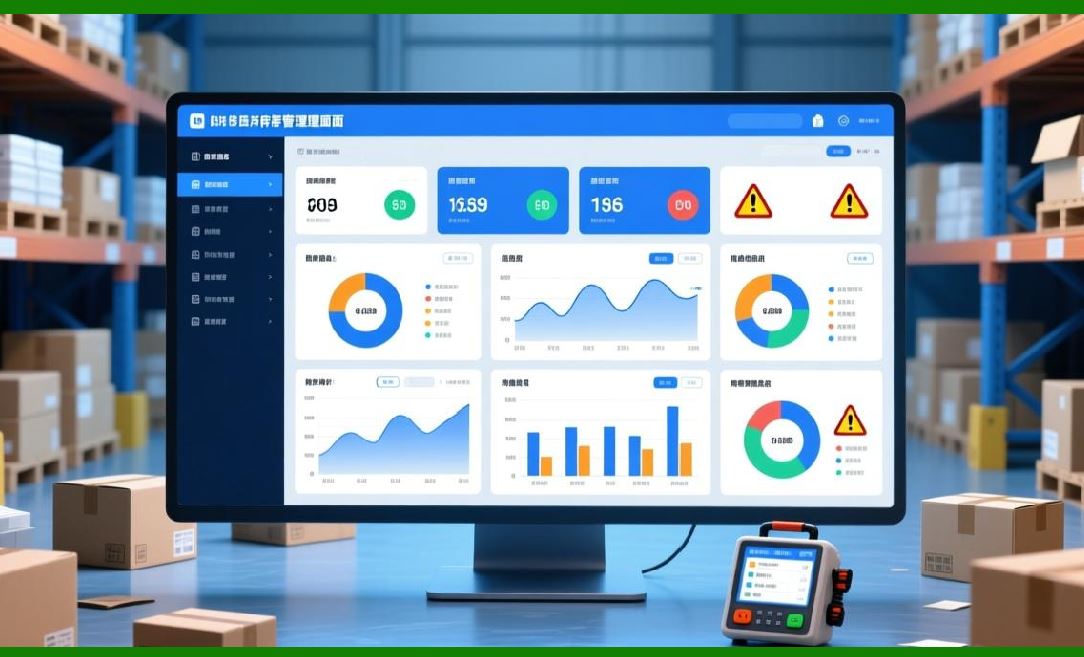
Label Matrix places a strong emphasis on security, ensuring that sensitive data and labeling processes are protected within organizational environments. This is especially important for businesses in industries such as pharmaceuticals, healthcare, and logistics, where compliance with regulatory standards requires controlled access to data and labeling functions. |
User Roles and Permissions: |
Label Matrix offers granular control over user access through role-based permissions. Administrators can define specific user roles and restrict access to certain features based on job functions. For instance, users may be given the ability to design labels, while others may be restricted to print-only or view-only access. This ensures that only authorized personnel can make changes to critical labels or sensitive data. |
Audit Trail and Logging: |
The software includes built-in audit trail functionality, which records all user actions and changes made to labels. This feature is particularly useful for businesses that need to comply with industry regulations such as FDA 21 CFR Part 11 (for pharmaceutical labeling) or ISO standards. The audit log can track which user made modifications to labels, when the changes occurred, and what changes were made. This provides an additional layer of security and accountability, allowing businesses to maintain an accurate record of label modifications. |
Password Protection: |
Label Matrix incorporates password protection at both the application and label template levels. Users must authenticate themselves before accessing the software or editing label designs. Passwords can be assigned to specific user accounts or groups, ensuring that only authorized personnel can access and modify sensitive labeling data. |
Encryption: |
For businesses dealing with highly sensitive data, such as medical or financial information, Label Matrix offers encryption capabilities. This ensures that data stored within the software, including label templates and associated databases, is securely encrypted, protecting it from unauthorized access. |
|
12. Multi-Language Support and Localization |
Label Matrix is designed to be used by businesses across the globe, and as such, it supports multiple languages and localization features. This makes it an ideal solution for international organizations that need to create labels in different languages or for companies operating in regions with diverse linguistic needs. |
Language Options: |
Label Matrix offers support for a variety of languages, including English, Spanish, French, German, Italian, and more. Users can easily switch between different language settings within the software, allowing for a more intuitive user experience for non-native English speakers. |
Localized Label Design: |
In addition to language support, Label Matrix allows for the customization of label designs based on regional requirements. This is particularly useful for companies that operate in multiple countries and need to comply with local labeling regulations. For example, businesses in the European Union must include specific information on labels, such as CE markings or nutritional information, while businesses in the U.S. may have different requirements for packaging labels. |
Global Compliance: |
Label Matrix ensures that labels are created in compliance with international standards and regulations. The software helps businesses adhere to global requirements for barcode formats, labeling accuracy, and the inclusion of mandatory information, such as hazardous material warnings or country-of-origin labeling. |

|
13. Integration with ERP, WMS, and Other Systems |
Label Matrix provides seamless integration with enterprise resource planning (ERP) systems, warehouse management systems (WMS), and other business applications, making it an ideal choice for companies with complex operations that need to manage large amounts of labeling data across various systems. |
ERP System Integration: |
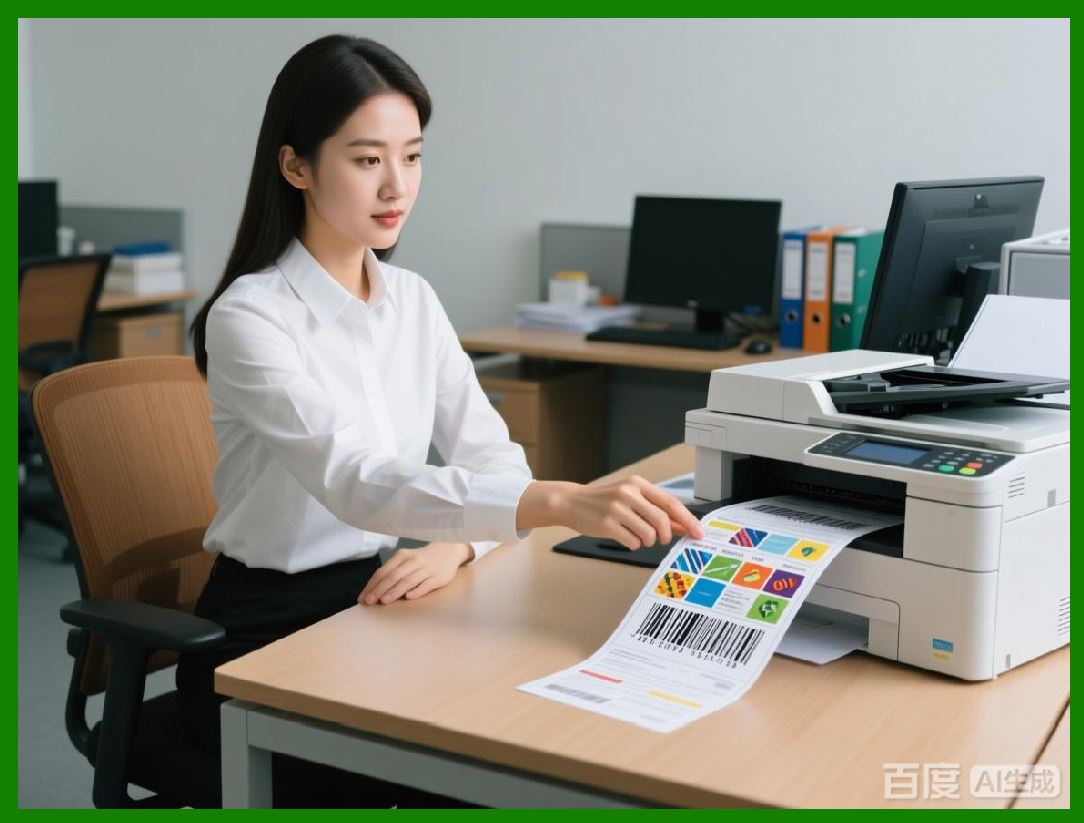
Label Matrix can be integrated with popular ERP systems, such as SAP, Microsoft Dynamics, and Oracle. This allows businesses to automate the labeling process by pulling data directly from their ERP systems, such as product names, SKUs, batch numbers, and pricing information. With this integration, users can print labels dynamically without needing to manually enter data, streamlining the labeling process and reducing the risk of errors. |
WMS Integration: |
Integration with warehouse management systems (WMS) allows businesses to create labels based on real-time inventory data. For example, a WMS can trigger Label Matrix to generate and print shipping labels with the correct product information as inventory is picked and packed. This helps improve efficiency in the supply chain and ensures that products are labeled correctly and shipped in a timely manner. |
Custom System Integration: |
Label Matrix is also capable of integrating with custom systems through its support for ODBC and API-based connections. This allows businesses to connect the software to other internal databases or legacy systems, ensuring that all labeling processes are synchronized with business operations. |
|
14. Mobile Compatibility and Remote Label Printing |
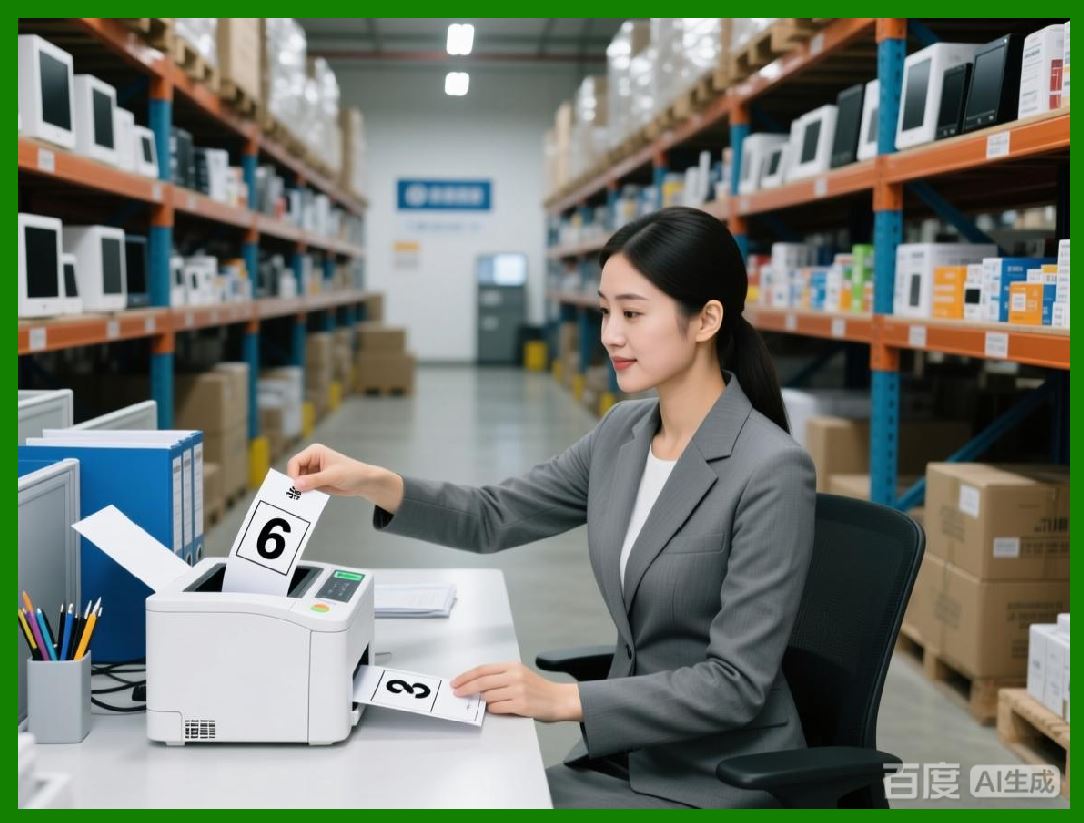
In today fast-paced business environment, having the ability to print labels remotely and on the go is an essential feature. Label Matrix offers mobile compatibility, allowing users to manage and print labels from mobile devices, including smartphones and tablets. This feature is especially useful for businesses in logistics, warehousing, and retail, where workers may need to print labels while on the move. |
Mobile Access: |
Label Matrix mobile compatibility is designed for businesses that need to manage label printing from remote locations. Whether it's printing shipping labels in a warehouse or inventory tags on a factory floor, mobile access ensures that workers can generate labels on-demand, improving efficiency and accuracy. The mobile version of Label Matrix can sync with the main system, ensuring that data is always up-to-date. |
Cloud Printing: |
The cloud printing functionality in Label Matrix allows users to send label print jobs to any compatible printer connected to the cloud. This means that employees in different locations can print labels without being physically close to a printer. Cloud printing eliminates the need for setting up print servers or connecting directly to physical machines, providing greater flexibility for businesses with distributed operations. |
Barcode Scanning with Mobile Devices: |
Mobile compatibility also extends to barcode scanning capabilities. Label Matrix allows users to scan barcodes directly with mobile devices and link them to database records or label templates. This functionality is particularly useful for inventory tracking, order fulfillment, and quality control. |
|
15. Compliance with Regulatory Standards |
In industries such as pharmaceuticals, food, and healthcare, regulatory compliance is crucial. Label Matrix ensures that businesses can meet the labeling requirements set by various governing bodies, including FDA, OSHA, and the European Union. |
FDA and GHS Compliance: |
For businesses in the pharmaceutical and chemical industries, Label Matrix helps ensure compliance with FDA regulations and the Globally Harmonized System (GHS) for chemical labeling. The software includes pre-configured templates for GHS labels, including the required hazard symbols, warnings, and precautionary statements. Users can also customize labels to meet specific FDA requirements, such as drug expiration dates, lot numbers, and dosage instructions. |
Food Labeling Compliance: |
In the food industry, accurate labeling is vital for consumer safety and legal compliance. Label Matrix supports the creation of food labels that meet FDA and European Union food labeling regulations. This includes features for displaying nutritional information, ingredient lists, allergen warnings, and product certifications, such as 'organic' or 'gluten-free.' |
Hazardous Materials and Workplace Safety: |
For companies that handle hazardous materials, Label Matrix provides features for creating compliant Safety Data Sheets (SDS) and labels for chemicals. The software includes templates for creating OSHA-compliant labels and warning signs, ensuring that businesses meet workplace safety standards and avoid costly fines. |

|
16. Technical Support and Resources |
TEKLYNX provides robust technical support for users of Label Matrix, ensuring that businesses can resolve issues quickly and efficiently. The company offers various support channels, including online resources, phone support, and email assistance. |
Online Knowledge Base: |
TEKLYNX maintains a comprehensive online knowledge base, which includes articles, FAQs, and troubleshooting guides for Label Matrix. This resource is an invaluable tool for users who need assistance with common issues or want to learn more about the software's advanced features. |
Phone and Email Support: |
For more complex issues, TEKLYNX offers phone and email support. Their technical support team is available to assist with installation, configuration, and troubleshooting. TEKLYNX also offers live chat support for quick answers to pressing questions. |
Training and Webinars: |
TEKLYNX offers training programs and webinars to help users get the most out of Label Matrix. These training sessions cover topics ranging from basic label design to advanced data integration and customization. Whether you're a new user or a seasoned professional, these resources can help enhance your skills and knowledge. |

|
17. Cost and Value Proposition |
The cost of Label Matrix varies depending on the edition chosen, licensing model, and additional features required. However, the software offers a solid value proposition by streamlining label creation, ensuring compliance, and improving efficiency across labeling operations. |
Return on Investment (ROI): |
For businesses that require high volumes of labels, Label Matrix provides significant cost savings by automating the label generation process. The ability to integrate with ERP and WMS systems further enhances ROI by reducing manual labor and minimizing errors in label creation. Additionally, businesses can reduce costs associated with regulatory fines and penalties by ensuring their labels are compliant with industry standards. |
Affordable Pricing Models: |
TEKLYNX offers competitive pricing for Label Matrix, with options to suit businesses of all sizes. The software flexible licensing options, including subscription-based and perpetual licenses, allow businesses to select the most cost-effective model based on their needs. |
 cs@easiersoft.com