18. Advanced Labeling Solutions for Multi-Location Businesses |
Label Matrix is designed to meet the needs of businesses with multiple locations, making it an ideal solution for organizations that operate in different regions or have distributed teams. The software offers several features that allow businesses to manage label printing across multiple sites while maintaining consistency and ensuring the accuracy of label data. |
Centralized Label Management: |
Label Matrix Enterprise edition provides centralized label management capabilities, allowing businesses with multiple locations to manage and control label designs from a central system. This is particularly useful for companies that need to standardize label formats across all branches or departments. Administrators can create a master label template, which can then be deployed to various locations, ensuring that all labels remain consistent, compliant, and up-to-date. |
Multi-Location Printing: |
The software multi-location printing functionality allows businesses to set up remote printing stations across different offices or warehouses. Whether your teams are located in different countries or just different floors of a building, Label Matrix ensures that label printing can occur from any location, with print jobs sent to local printers or networked machines. This flexibility reduces operational bottlenecks and ensures that employees can print labels as needed, even when they are away from the central office. |
Integration with Cloud-Based Systems: |
Label Matrix's cloud printing feature also supports multi-location businesses by allowing employees at different locations to access the same print jobs. Label jobs can be stored in the cloud, enabling workers to print from anywhere in the world as long as they have an internet connection. Cloud printing eliminates the need for complex infrastructure and allows businesses to scale their labeling operations efficiently. |
Shared Label Templates and Data: |
Businesses with multiple locations can also take advantage of Label Matrix's database connectivity features to share data and templates. This ensures that all locations access the same product information, pricing, and other variables. For example, a global distribution company can use Label Matrix to create standardized shipping labels, barcode tags, and product labels that reflect real-time inventory data across all locations. |

|
19. Industry-Specific Labeling Applications |
Label Matrix versatility allows it to serve a wide range of industries, each with its unique labeling requirements. Below, wel explore some of the key industries where Label Matrix has been widely adopted and discuss how it helps organizations comply with industry-specific regulations, improve operational efficiency, and enhance customer satisfaction. |
Pharmaceutical and Healthcare Industry: |
In the pharmaceutical and healthcare industries, labeling plays a crucial role in ensuring product safety and compliance with regulatory standards. Label Matrix supports the creation of labels for pharmaceutical products, medical devices, and patient identification, all of which must meet strict industry regulations. |
* Compliance with FDA Regulations: Label Matrix enables users to design and print labels that meet FDA requirements for pharmaceutical products. This includes features for including essential information like drug names, dosage, warnings, lot numbers, and expiration dates. |
* GHS and Hazardous Materials Labeling: The software also supports the creation of GHS-compliant chemical labels for hazardous materials, which is particularly important for pharmaceutical companies handling chemicals in their manufacturing processes. |
* Medical Device Labels: Medical device labeling is another important application, and Label Matrix provides tools for designing labels that comply with international standards for medical devices, ensuring clear and accurate information is provided to healthcare professionals and patients. |
Food and Beverage Industry: |
For food and beverage companies, accurate and clear labeling is not only essential for regulatory compliance but also for consumer trust and safety. Label Matrix ability to integrate with product databases and design compliant labels makes it a go-to solution for the industry. |
* Nutritional Information and Allergen Labels: Label Matrix enables food companies to create labels with detailed nutritional information, ingredient lists, and allergen warnings, all of which are required by FDA and EU regulations. |
* Country of Origin and Expiry Dates: The software also supports the inclusion of information such as the country of origin, packaging dates, and expiry dates—key elements for both compliance and consumer transparency. |
* Barcode Integration: Barcode labels for food packaging, including UPC and EAN barcodes, can be easily generated, ensuring that each product is traceable through the supply chain. |
Retail Industry: |
In retail, label design is crucial for product identification, price management, and customer interaction. Label Matrix is widely used in retail to create product labels, price tags, and shelf labels, helping stores manage their inventory and ensure accurate product pricing. |
* Price Tagging and Shelf Labeling: Retailers can use Label Matrix to design custom price tags and shelf labels with barcodes, product names, and pricing information. This allows retailers to quickly update prices and ensure that their pricing information is always up to date. |
* Product Branding and Promotions: Retailers also use Label Matrix to design labels for promotional events, sales, and special offers. The software flexibility allows for easy design customization, so retailers can create attractive, brand-aligned labels to engage customers. |
* Integration with POS Systems: Label Matrix can integrate with Point of Sale (POS) systems, ensuring that product labels and pricing information are synchronized in real-time. |
Logistics and Supply Chain Management: |
In logistics, barcode labeling plays an essential role in managing inventory, shipping, and delivery. Label Matrix offers logistics companies the tools needed to design efficient, accurate, and easily scannable shipping labels, pallet labels, and barcode tags. |
* Shipping and Tracking Labels: Logistics companies use Label Matrix to create shipping labels that include essential information such as tracking numbers, destination addresses, and barcodes for package tracking. This streamlines the shipping process and improves tracking accuracy. |
* Warehouse Management: For warehouse operations, Label Matrix can generate labels for pallet tags, shelf identification, and stock items. Warehouse employees can quickly scan these barcodes for real-time inventory management, making the entire supply chain process more efficient. |
* Compliant with International Standards: Label Matrix ensures that labels created for logistics operations are compliant with international shipping standards, such as GS1 barcodes for global trade. |

|
20. Automation Features for High-Volume Labeling |
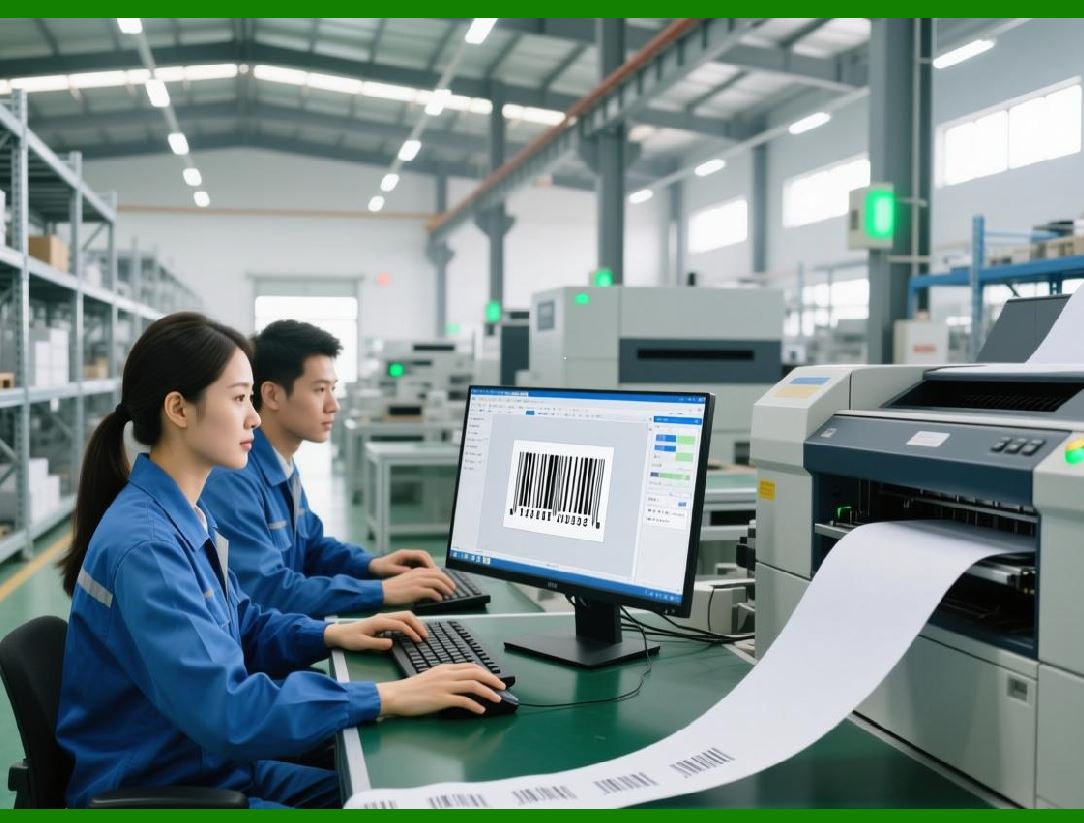
Label Matrix is equipped with various automation features that are particularly beneficial for businesses with high-volume labeling needs. These features allow companies to streamline their labeling processes, reducing manual labor and improving efficiency. |
Automated Data Import: |
One of the key automation features of Label Matrix is its ability to automatically import data from external sources, such as spreadsheets, databases, and CSV files. This eliminates the need for manual data entry, allowing businesses to automatically generate labels based on real-time information from their systems. For example, a manufacturer can automatically generate product labels for every new item added to their inventory without manual intervention. |
Batch Printing: |
For businesses that need to print large quantities of labels at once, Label Matrix supports batch printing. Users can configure the software to print labels in bulk, whether it for a large shipment, production run, or inventory update. The batch printing feature allows businesses to handle large-scale printing projects efficiently, reducing the amount of time spent on label creation and printing. |
Labeling Automation with ERP and WMS Systems: |
Integrating Label Matrix with an ERP or WMS system enables automated label creation and printing based on real-time data from the business operational systems. For example, as new products are received in a warehouse, the system can automatically generate labels based on the product details stored in the ERP system, ensuring that all items are correctly labeled as they are stored or shipped. |
Rule-Based Labeling: |
Label Matrix also allows businesses to set up rules for automatic label generation. For instance, companies can create rules that trigger specific label formats or content based on certain criteria, such as product type, order quantity, or shipping location. These rules can help businesses automate the labeling process further, improving consistency and reducing the chance of human error. |
|
21. Customer Support and User Training |
Effective customer support and training are essential for getting the most out of any software tool. TEKLYNX provides extensive customer support and training options to ensure that users of Label Matrix can quickly resolve issues, optimize their usage, and make the most of the software features. |
24/7 Technical Support: |
Label Matrix users have access to TEKLYNX 24/7 technical support team, which can assist with software installation, troubleshooting, and system integration. This ensures that businesses can receive help whenever they need it, minimizing downtime and maximizing productivity. |
Training Programs and Resources: |
TEKLYNX offers various training resources for Label Matrix users, including online tutorials, webinars, and in-depth training courses. These resources are designed to help users at all levels of expertise understand how to use the software efficiently and take advantage of its advanced features. |
Knowledge Base and Community Forum: |
TEKLYNX maintains an online knowledge base and community forum where users can access troubleshooting guides, best practices, and peer support. The knowledge base is continuously updated with new content, ensuring that users can stay informed about the latest features and developments in Label Matrix. |

|
22. Conclusion |
Label Matrix is a comprehensive and versatile barcode label design solution that meets the needs of businesses across a wide range of industries. With its user-friendly interface, powerful design tools, extensive barcode support, and integration capabilities, Label Matrix is an invaluable tool for businesses that require accurate, compliant, and high-quality labeling solutions. |
From small businesses to large enterprises, Label Matrix offers flexible licensing, robust security features, and advanced automation options to ensure that labeling operations are efficient and cost-effective. By providing seamless integration with external systems and supporting multi-location businesses, Label Matrix empowers organizations to scale their labeling operations and improve their overall business performance. |
With its commitment to compliance, accuracy, and ease of use, Label Matrix continues to be a leading choice for companies seeking a reliable and comprehensive labeling solution. |
 cs@easiersoft.com