36. Label Matrix for the Food and Beverage Industry |
The food and beverage industry is one of the most heavily regulated sectors when it comes to labeling. Accurate and compliant labeling is essential for both consumer safety and regulatory adherence. Label Matrix offers robust solutions tailored to the specific needs of the food and beverage industry, helping companies meet local, national, and international requirements. |

|
Nutritional Information Labels: |
Label Matrix simplifies the creation of nutritional information labels that comply with the regulatory requirements of various organizations, such as the FDA, European Food Safety Authority (EFSA), and other global agencies. Nutritional information labels typically include details such as: |
* Caloric Content: Total calories per serving. |
* Fat, Sugar, and Protein Content: Detailed breakdown of fats (including trans fats and saturated fats), sugars, and proteins. |
* Vitamins and Minerals: Percentages of daily recommended values for vitamins and minerals, such as vitamin D, calcium, and iron. |
* Allergen Information: Listing of common allergens (such as peanuts, gluten, soy) in accordance with FDA or EU guidelines. |
Label Matrix allows users to input and display the required nutritional data in the correct format, ensuring compliance with regulatory guidelines for packaged food products. The software also enables real-time updates to nutritional content when formulations change. |
|
Ingredient and Allergen Warnings: |
In addition to nutritional labels, food packaging must also feature ingredient lists and allergen warnings to help consumers make informed decisions. Label Matrix provides easy-to-use tools for including the following key information: |
* Ingredient List: Label Matrix automatically generates ingredient lists for food products, including details about additives, preservatives, and any other substances used in production. |
* Allergen Information: The software allows businesses to create labels that include allergen warnings, which are mandatory in many regions. These warnings help consumers avoid harmful ingredients and meet food safety standards. |
* Country of Origin: Label Matrix can also help food manufacturers display the country of origin of food products, which is a requirement for certain products sold in markets such as the EU and U.S. |
|
Expiration and Batch Dates: |
For food products, labels must also display expiration or best-before dates, as well as batch numbers. This is crucial for food safety and traceability, especially in the event of recalls. |
* Expiration Dates: Label Matrix allows businesses to automatically generate expiration dates for products based on production dates, which are pulled directly from their inventory management systems. |
* Batch and Lot Numbers: Batch and lot numbers are essential for tracking products through production and distribution. Label Matrix helps companies print batch numbers on their food labels, ensuring that each product can be traced back to its point of origin. |

|
Barcodes for Inventory and Sales Tracking: |
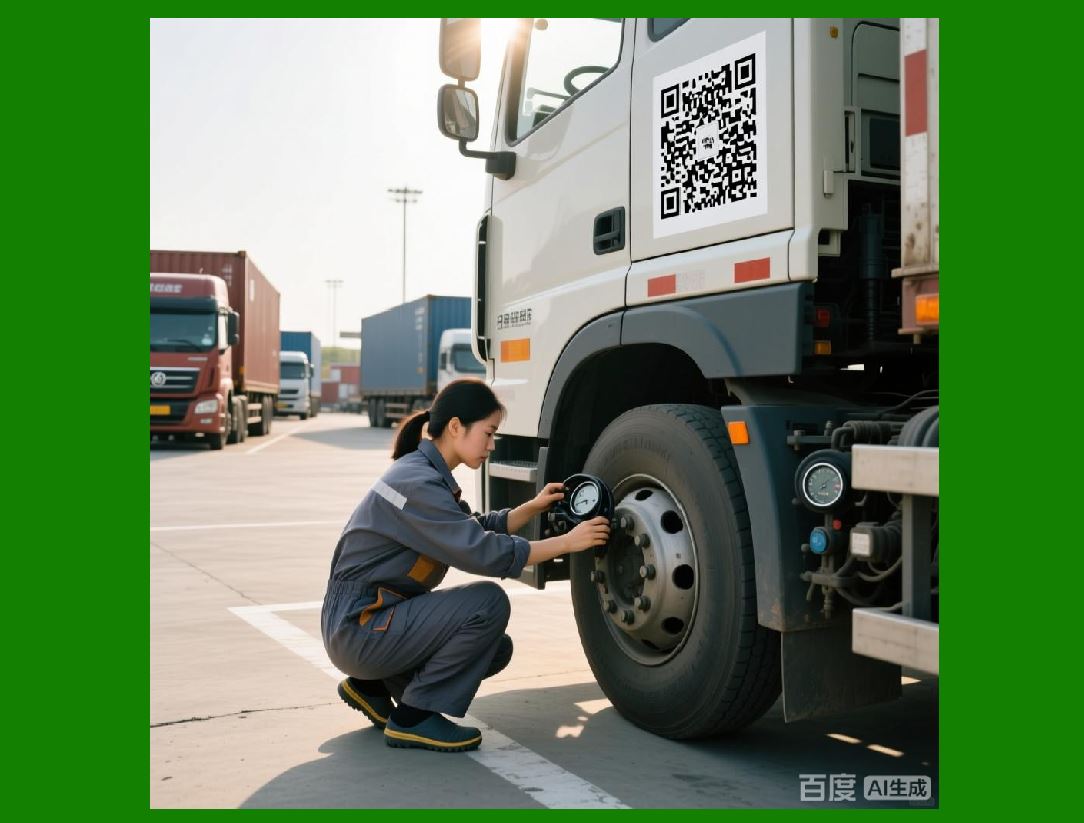
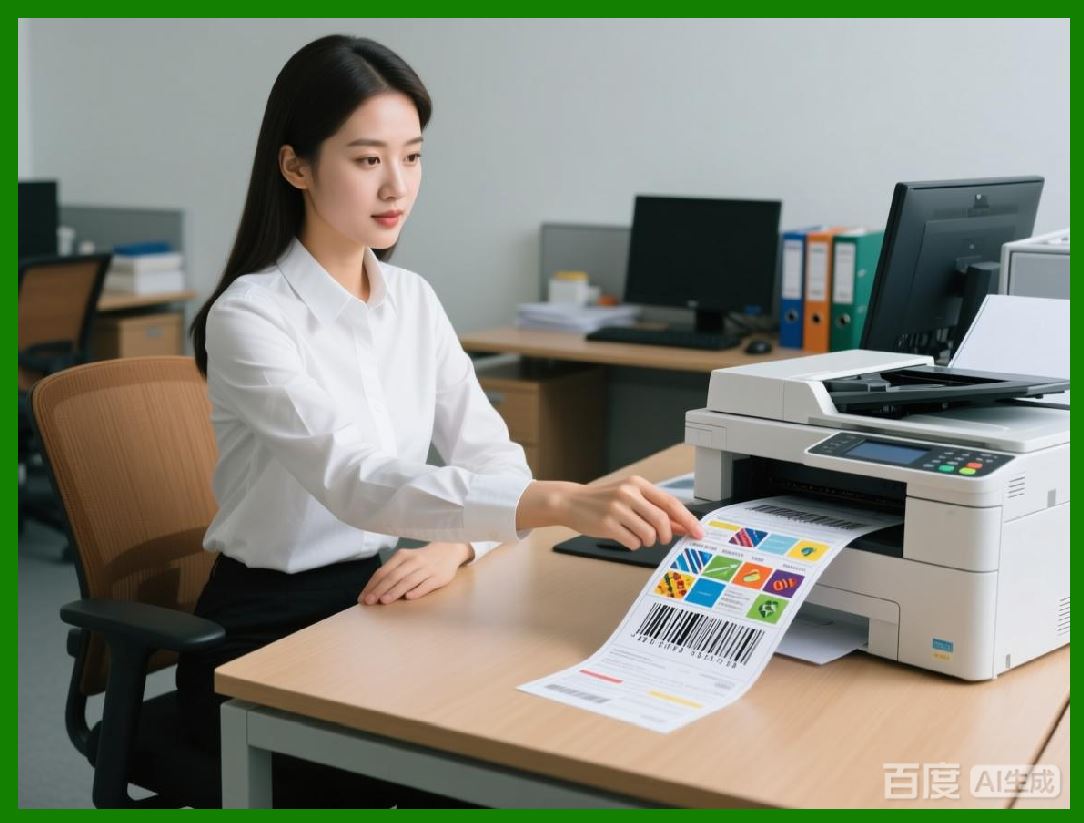
In the food and beverage industry, barcode labeling plays a vital role in inventory management and sales tracking. Label Matrix supports the generation of various barcode formats, including UPC, EAN, and GS1 barcodes, which are used for tracking products in stores and warehouses. |
* Product Tracking: With Label Matrix, businesses can integrate barcode labeling into their supply chain and distribution processes, enabling real-time tracking of products from production to retail. |
* Retail Compliance: The software also ensures that the barcodes on food product labels meet retailer and distributor requirements, helping companies streamline the product placement process in stores. |

|
Compliance with Global Standards: |
Label Matrix helps food and beverage businesses stay compliant with industry standards such as the FDA Food Labeling Guide, the European Food Information Regulation (EU FIC), and the Global Food Safety Initiative (GFSI). These regulations often require specific label elements, such as allergen statements, product ingredients, and nutritional facts, to be presented in a standardized format. |
* FDA Compliance: In the United States, the FDA mandates that packaged food labels include detailed nutritional information, ingredient lists, allergen warnings, and expiration dates. Label Matrix ensures that food manufacturers can create labels that meet these requirements. |
* EU FIC Compliance: The EU FIC regulation requires food businesses to include specific labeling elements, such as country of origin and allergen information, on packaged products. Label Matrix supports the generation of labels that comply with these guidelines. |

|
37. Label Matrix in the Chemical Industry |
Label Matrix plays a crucial role in the chemical industry, where labeling is essential for both safety and regulatory compliance. Manufacturers of chemicals, cleaning products, paints, and other hazardous substances must adhere to strict regulations governing how their products are labeled to ensure the safety of workers, consumers, and the environment. Label Matrix provides a comprehensive solution for creating compliant, clear, and accurate chemical labels. |

|
GHS (Globally Harmonized System) Labeling: |
The Globally Harmonized System (GHS) is a global standard for classifying and labeling chemicals based on their physical, health, and environmental hazards. Label Matrix makes it easy for companies to generate GHS-compliant labels by providing templates and tools for including essential information on chemical containers. |
* Hazard Pictograms: Label Matrix supports the inclusion of GHS hazard pictograms, which visually communicate the risks associated with a chemical product. These symbols are required by GHS standards and must appear on chemical product labels. |
* Signal Words: The software allows users to include the appropriate signal words (Danger or Warning to indicate the severity of the chemical hazards. |
* Precautionary Statements: Label Matrix enables companies to include precautionary statements that provide guidance on how to safely handle, store, or dispose of the chemical product. |
* Safety Data Sheets (SDS): In addition to product labels, Label Matrix helps create Safety Data Sheets (SDS), which provide detailed information about chemical products, including first-aid measures, fire-fighting instructions, and spill-response procedures. |

|
Material Safety Data Sheets (MSDS): |
In some regions, MSDS (Material Safety Data Sheets) are still used as an alternative to SDS. Label Matrix offers templates for both GHS-compliant SDS and MSDS, ensuring that companies can create comprehensive safety information that adheres to local requirements. |
|
Chemical Hazard Labels: |
In the chemical industry, it essential to provide clear and accurate hazard labels for all products. Label Matrix helps generate chemical hazard labels that include hazard classification information, including both physical and health hazards. |
* Chemical Identification: Label Matrix includes fields for chemical identification, such as chemical names, CAS numbers, and UN numbers, ensuring that users comply with labeling requirements for hazardous materials. |
* NFPA and HMIS Labeling: Label Matrix supports the creation of National Fire Protection Association (NFPA) and Hazardous Materials Identification System (HMIS) labels, which provide emergency responders with critical safety information in the event of an accident or spill. |

|
Compliance with Regional and International Standards: |
The chemical industry must comply with multiple regulations governing the classification and labeling of hazardous materials. Label Matrix ensures that companies can easily meet these standards: |
* OSHA Compliance: The Occupational Safety and Health Administration (OSHA) in the United States has specific labeling requirements for hazardous chemicals. Label Matrix supports the creation of labels that comply with OSHA Hazard Communication Standard (HCS). |
* REACH Compliance: In Europe, the REACH regulation (Registration, Evaluation, Authorisation, and Restriction of Chemicals) mandates that companies provide clear, accurate labels for chemicals sold within the EU. Label Matrix helps companies create REACH-compliant labels that include the necessary hazard information and risk assessments. |

|
38. Label Matrix for the Automotive Industry |
The automotive industry involves complex supply chains and stringent quality control standards, making accurate labeling essential for manufacturers, suppliers, and distributors. Label Matrix offers a comprehensive solution for automotive parts labeling, ensuring that each component is easily identifiable, traceable, and compliant with industry regulations. |
|
Parts Identification and Traceability: |
In the automotive industry, parts must be accurately identified and tracked through production, assembly, and distribution. Label Matrix allows manufacturers to generate labels for parts and components that include critical data such as part numbers, serial numbers, batch numbers, and lot codes. |
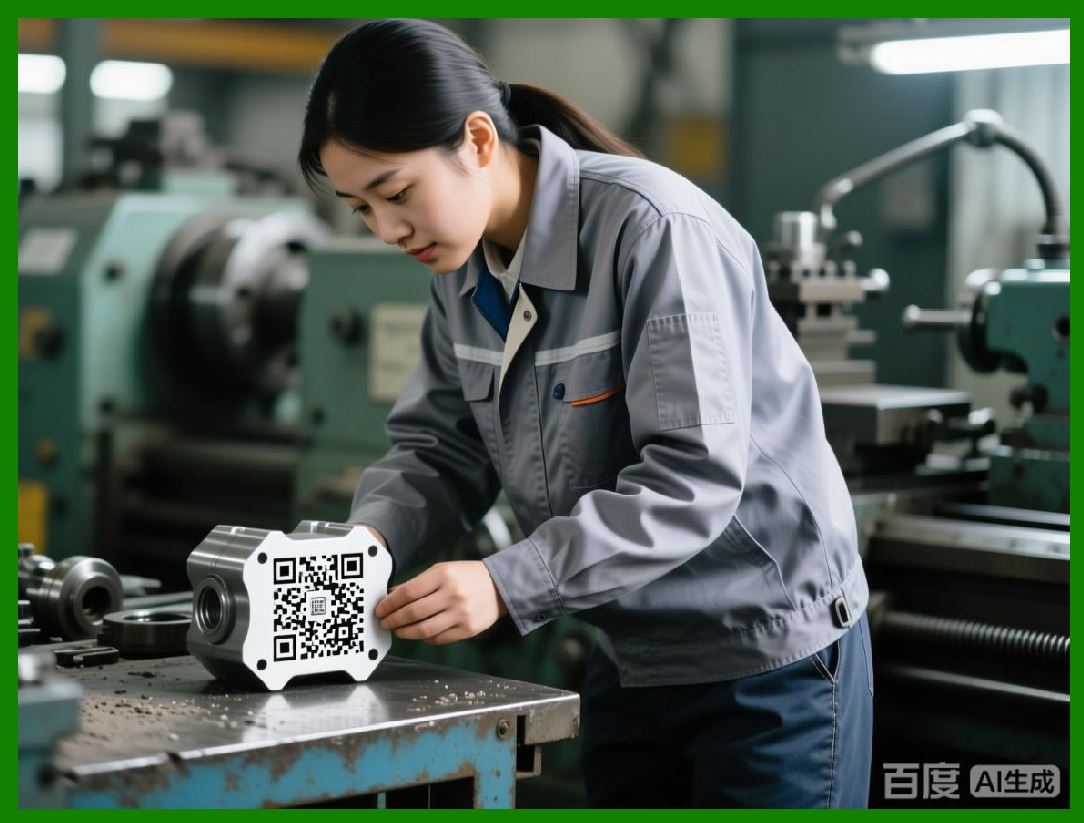
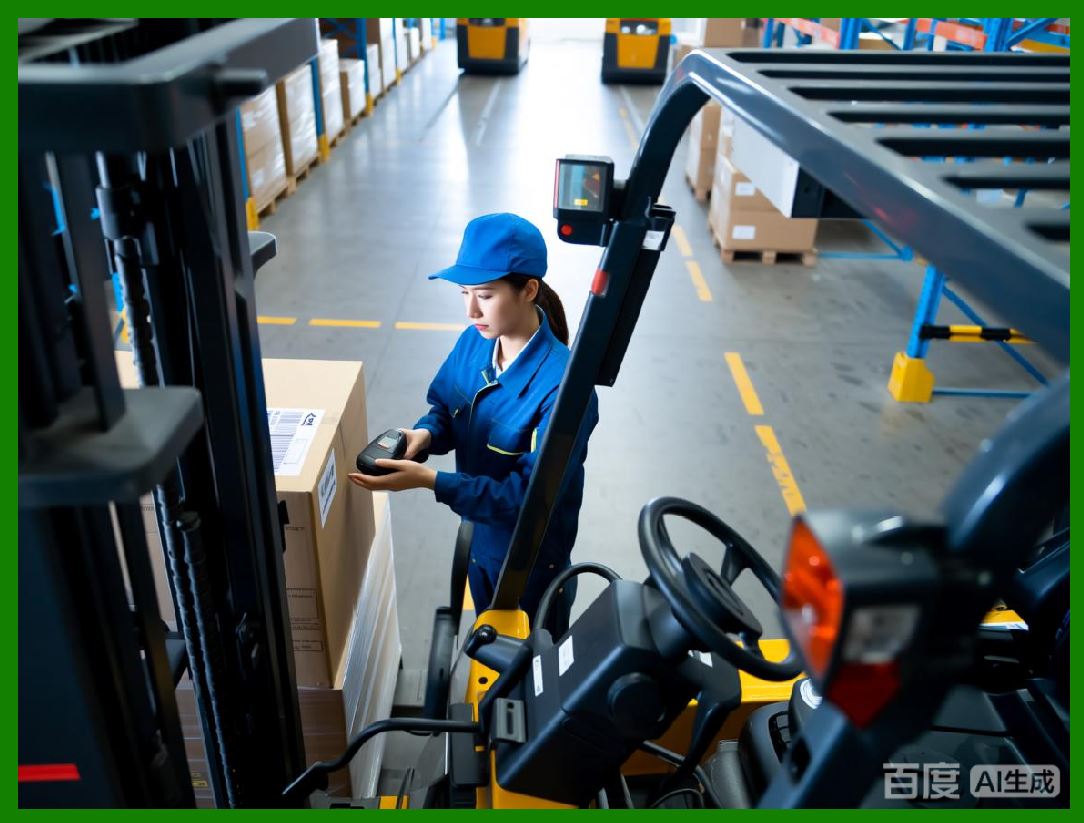
* Barcode and QR Code Labels: Label Matrix supports the creation of barcode and QR code labels that enable manufacturers to quickly scan parts and track their movement through the supply chain. |
* Serialization: Label Matrix makes it easy to generate serialized labels for individual automotive parts, which is crucial for warranty tracking, quality assurance, and recalls. |

|
Quality Control Labels: |
For automotive manufacturers, quality control is paramount. Label Matrix can generate labels that include inspection data, such as production dates, quality control checks, and approval status. These labels can be attached to individual parts or finished products to verify that they meet industry standards. |
* Inspection and Testing: Automotive manufacturers can use Label Matrix to create labels that document inspection results and testing procedures. These labels help ensure that only high-quality parts are used in the assembly process. |
* Automated Data Integration: Label Matrix can integrate with production systems to automatically generate quality control labels as parts are tested and approved. |

|
Compliance with Industry Standards: |
The automotive industry is subject to numerous regulations, including ISO 9001 (quality management), IATF 16949 (automotive quality management systems), and RoHS (restriction of hazardous substances). Label Matrix helps automotive companies meet these requirements by ensuring that labels include the necessary information, such as: |
* Material Safety Information: For automotive parts that contain hazardous substances (e.g., batteries, coatings, or chemicals), Label Matrix ensures that safety data is included on the labels in compliance with regulatory standards. |
* CE Marking: For automotive products sold in the European Union, Label Matrix can generate labels with the CE mark, ensuring that products meet the EU safety, health, and environmental protection requirements. |

|
Shipping and Logistics Labels: |
In addition to parts identification, Label Matrix plays a role in the logistics and distribution of automotive parts. The software supports the creation of shipping labels, pallet tags, and other logistics-related labels, helping automotive companies manage their supply chains efficiently. |
 cs@easiersoft.com