LabelHero: Entry-Level Barcode Label Design Software Part 3 |
11. Graphics Support |
1. LabelHero provides comprehensive graphics support, allowing users to enhance labels with visual elements beyond simple text and barcodes. This includes logos, icons, decorative borders, and background images. The software is optimized for fast rendering and printing, ensuring that even complex graphics do not slow down label creation. |
2. Users can import graphics in multiple formats, including JPEG, PNG, BMP, and GIF, making it easy to include high-resolution company logos, product images, or safety symbols. The software automatically adjusts the graphics to fit within the label canvas without losing clarity. |
3. LabelHero supports transparency and layering, enabling graphics to be placed behind or in front of text and barcode elements. This feature is essential for creating professional-looking labels where visual hierarchy and branding are important. |
4. Graphics can be resized, rotated, and cropped directly on the canvas, eliminating the need for external image editing software. Users can also apply alignment guides and snap-to-grid functionality to ensure consistent positioning across multiple labels or templates. |
5. For repetitive labeling tasks, LabelHero allows graphics to be saved within templates, so that logos, icons, and decorative elements are automatically included whenever the template is used. This ensures branding consistency across all printed labels. |

|
12. Logo Integration |
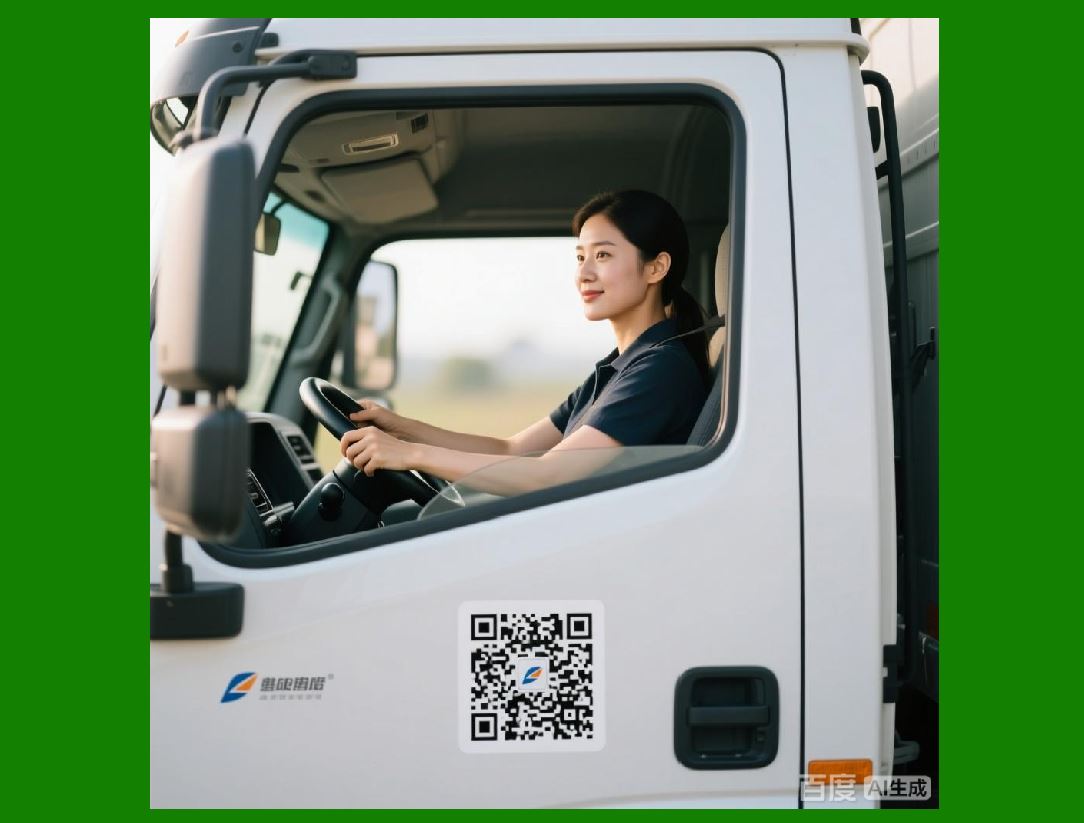
1. LabelHero makes it simple to integrate company or product logos into labels, a critical feature for retail and marketing purposes. Users can import logos at the start of template design and position them in predetermined spots to maintain uniformity across labels. |
2. The software supports automatic resizing of logos to fit different label sizes without distorting aspect ratios. This ensures that logos remain legible and visually balanced, regardless of the label dimensions. |
3. Logo placement can be linked to variable data, allowing dynamic changes based on product type, category, or batch. For example, different product lines can feature distinct logos or icons while using the same base template. |
4. LabelHero also allows for logo transparency adjustments, enabling text or barcode elements to overlay logos without compromising readability. This is particularly useful for labels that combine branding with functional information, such as expiration dates or serial numbers. |
5. Multiple logos or graphics can be layered and grouped for collective movement or resizing, simplifying the design of multi-element labels and ensuring that all visual components maintain proportional relationships. |
|
13. Image Handling |
1. Beyond logos, LabelHero supports full-scale image integration, enabling users to include product images, illustrations, or hazard symbols on labels. The software ensures that images are printed at optimal resolution to avoid pixelation, even on smaller label sizes. |
2. Images can be linked to external files or embedded within templates, depending on the user preference. Linking allows for easy updates when the original image changes, while embedding ensures portability of templates across multiple workstations. |
3. The software includes basic image editing tools, such as cropping, scaling, rotating, and flipping, allowing adjustments directly within the LabelHero interface. This eliminates the need for separate image-editing software for simple modifications. |
4. LabelHero supports color management, ensuring that imported images maintain accurate color representation on the printed label. Users can adjust brightness, contrast, and transparency to match the overall label design and printer capabilities. |
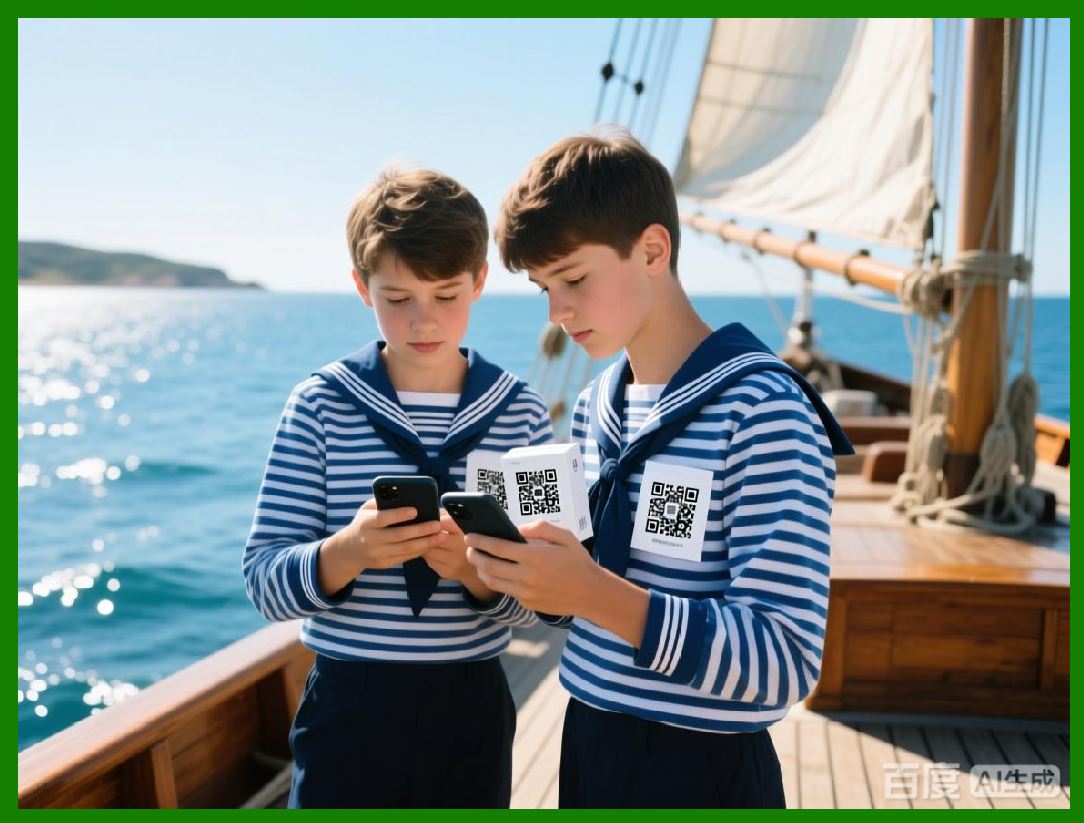
5. For applications like barcode overlays on images (e.g., QR codes printed on product photos), LabelHero ensures that image placement does not interfere with barcode readability, maintaining compliance with scanning standards. |

|
14. Font Management |
1. Text is a key component of any label, and LabelHero includes robust font management features. Users can select from all system-installed fonts and adjust size, weight, style (bold, italic, underline), and color to create readable and professional labels. |
2. The software supports dynamic font resizing to accommodate variable-length text, ensuring that long product names, addresses, or instructions fit within the label boundaries without truncation. |
3. LabelHero includes specialized barcode-friendly fonts, allowing users to create linear barcodes as text strings if necessary. These fonts are automatically scaled to maintain scan accuracy. |
4. Text objects can be aligned, rotated, and wrapped within label boundaries, providing flexibility for both horizontal and vertical layouts. This is particularly important for narrow or uniquely shaped labels, such as neck tags, wristbands, or small price tags. |
5. For multi-language labeling, LabelHero supports Unicode and extended character sets, allowing users to print labels in multiple languages, including accented characters and non-Latin scripts. This is essential for global retail, logistics, and compliance labeling. |
|
15. Customization Options |
1. LabelHero is highly customizable, enabling users to tailor label templates to meet specific business or industry needs. Customization extends to label dimensions, element positioning, font styles, colors, barcode types, and graphics. |
2. Users can lock certain design elements to prevent accidental movement during editing, ensuring consistency across large batches or collaborative teams. This is particularly useful when adhering to brand guidelines. |
3. The software provides snap-to-grid, alignment guides, and margin settings to maintain precision in element placement. These tools allow for professional-quality layouts without requiring advanced design skills. |
4. LabelHero supports multi-label sheets, where different labels are placed on the same sheet for batch printing. Each label can be independently customized or use shared elements, providing flexibility for both single-product and mixed-product printing runs. |
5. Advanced users can combine multiple templates into a single print job, allowing labels of different sizes, types, or designs to be printed together efficiently. This is particularly valuable for businesses managing diverse product lines or multiple packaging types. |
|
16. Label Design Workflow |
1. The typical workflow in LabelHero begins with selecting or creating a template. Users can choose from pre-defined templates, create one from scratch, or import existing designs. |
2. Next, users add required elements, such as barcodes, text, images, and logos, positioning them on the canvas using drag-and-drop functionality and alignment tools. |
3. Variable data fields are then configured, linking to external data sources or manually inputted sequences. Users can preview variable data to ensure proper formatting and accuracy. |
4. Once the label design is finalized, users configure printer settings, including label size, media type, print orientation, and quality. |
5. Finally, labels are printed either as individual sheets, continuous rolls, or in batch mode, with options to save print jobs for recurring tasks. This workflow is designed to be fast, intuitive, and repeatable, even for users with minimal technical experience. |
 cs@easiersoft.com