LabelHero: Entry-Level Barcode Label Design Software Part 5 |
23. Multi-User Collaboration |
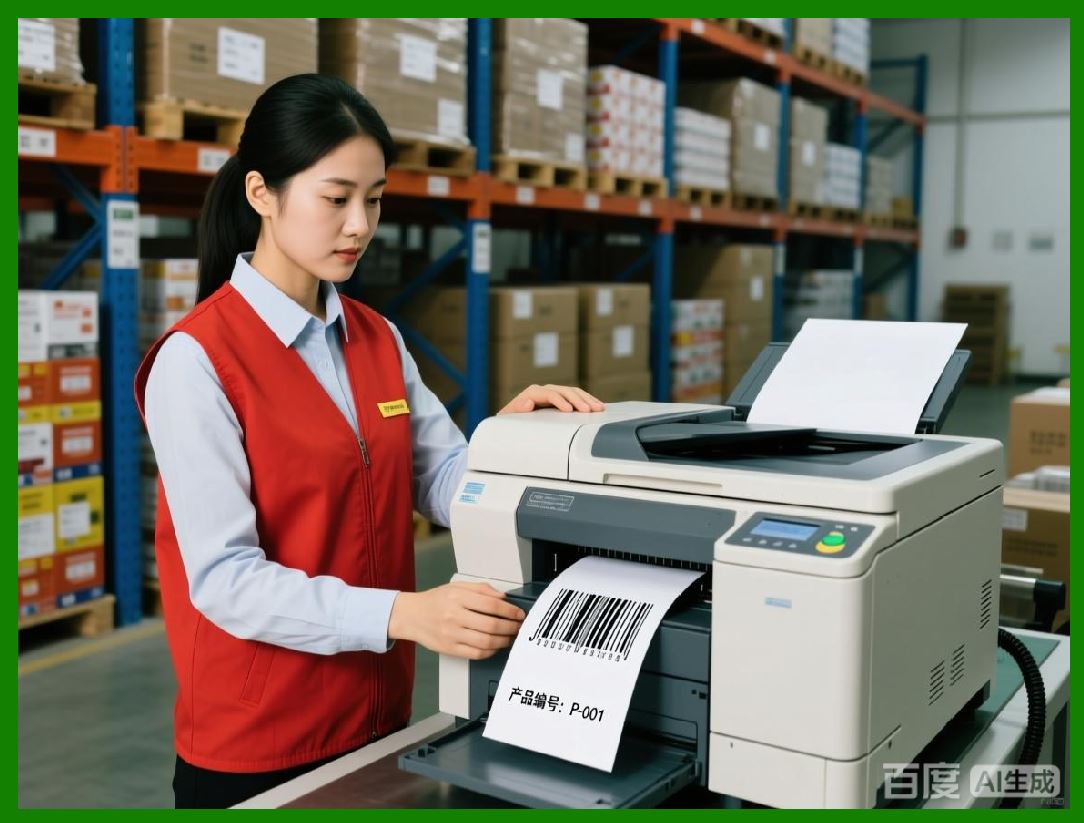
1. LabelHero is designed to support small teams or multi-user environments, enabling several operators to work on label creation and printing simultaneously. This is particularly important for retail chains, warehouses, and distribution centers where multiple staff members need access to the software at once. |
2. The software allows users to create accounts with different access levels, ensuring that sensitive templates or data fields are protected. For instance, managers can have full editing rights, while operators may only have permission to print pre-approved templates. |
3. Users can track changes made to templates, providing transparency and accountability. This change tracking is valuable for businesses that need to monitor updates to branding elements, barcode configurations, or variable data mappings. |
4. LabelHero supports real-time updates and notifications when multiple users are working on the same template or label batch. This prevents conflicts, ensures consistency, and avoids overwriting otherswork. |
5. Collaboration features extend to remote users, allowing team members in different locations to access shared templates, verify label designs, and execute print jobs without physical presence in the office. |
|
24. Template Sharing Across Teams |
1. A key feature of LabelHero is template sharing, which enables teams to maintain uniformity across all labels produced in an organization. Templates can be exported and imported in a proprietary format, ensuring that designs remain consistent across multiple installations. |
2. Template sharing allows for centralized design management, where a single designer or administrator can maintain master templates. Operators in retail stores, warehouses, or satellite offices can then use these templates to print labels without modifying the original layout. |
3. The software supports template versioning, allowing teams to track changes, roll back to previous versions, or update templates while preserving historical designs. This is particularly useful for regulated industries or companies with strict branding guidelines. |
4. Users can assign templates to specific roles or locations, ensuring that the correct labels are used for the right products or workflows. For example, a warehouse operator may only have access to shipping labels, while a retail store operator has access to price tags and promotional labels. |
5. Shared templates can include embedded graphics, barcode formats, and printer settings, ensuring that labels printed in different locations remain consistent in appearance and functionality. |

|
25. Cloud Backup and Storage |
1. LabelHero includes cloud backup functionality, allowing users to save templates, label designs, and print settings securely online. This ensures that critical assets are protected against local hardware failures or accidental deletion. |
2. Cloud storage enables cross-device access, so users can create or edit labels on one machine and print from another without transferring files manually. This feature is particularly useful for businesses with multiple workstations or mobile labeling operations. |
3. Backup settings can be automated to run on a schedule, providing peace of mind that all templates and configurations are up-to-date and safely stored. Users can also manually trigger backups before major template revisions or batch printing sessions. |
4. Cloud storage supports template versioning and history tracking, allowing users to recover previous versions of a design if needed. This reduces the risk of accidental errors or overwriting important templates. |
5. Security features include encrypted storage and password-protected access, ensuring that sensitive business information and proprietary label designs remain confidential. |

|
26. Team Workflow Optimization |
1. LabelHero design facilitates efficient team workflows, reducing bottlenecks in label production. Teams can divide responsibilities, with some members focused on template design, others managing variable data, and operators executing print jobs. |
2. The software supports task assignment and user-specific permissions, allowing administrators to control who can modify templates, print labels, or manage data sources. This ensures operational efficiency while protecting critical templates. |
3. Shared templates, cloud backups, and real-time collaboration allow teams to coordinate across multiple locations. For example, a central office can maintain the master template library while remote retail stores or warehouses print labels as needed. |
4. LabelHero allows batch printing queues, enabling multiple users to schedule print jobs without interfering with each other. Print jobs can be prioritized based on urgency, label type, or production schedule. |
5. Workflow optimization also includes pre-configured templates for different business scenarios, such as retail price tags, inventory labels, shipping labels, and event badges. Teams can quickly select the appropriate template, populate variable data, and execute print jobs with minimal setup. |

|
27. Version Control and Change Management |
1. LabelHero integrates version control into its template and label management system. Every modification to a template can be tracked, logged, and timestamped, providing a complete history of changes. |
2. This feature is critical for regulated industries, where documentation of design changes may be required for audits or compliance verification. Businesses can demonstrate that all labels were produced according to approved specifications. |
3. Version control allows teams to revert to previous template versions if a new design introduces errors or non-compliance issues. This reduces downtime and ensures consistent label quality. |
4. Users can add comments or annotations to template revisions, explaining why changes were made or specifying approval steps. This enhances communication between designers, managers, and operators. |
5. Combined with cloud backup and multi-user collaboration, version control ensures that teams maintain a structured and organized label production environment, minimizing errors and improving productivity. |

|
28. Remote Access and Multi-Site Operations |
1. LabelHero supports remote access, allowing users to work on label designs and execute print jobs from different geographical locations. This is especially beneficial for businesses with satellite offices, franchise stores, or warehouses in multiple regions. |
2. Remote access integrates seamlessly with cloud template storage, ensuring that all users are working with the latest approved designs. Operators can print labels without requiring physical access to the central office or design workstation. |
3. The software can also support multi-site inventory or product databases, allowing variable data fields to pull the correct information for each location. For instance, pricing or SKU codes can be automatically adapted based on the site or store. |
4. Remote access and collaboration reduce duplication of work, as a single administrator can manage templates and oversee print jobs across multiple locations without traveling or sending files manually. |
5. Security measures, including encrypted connections, user authentication, and access permissions, ensure that remote operations are safe and compliant with company policies. |
 cs@easiersoft.com