LabelHero: Entry-Level Barcode Label Design Software Part 6 |
29. Variable Data Automation |
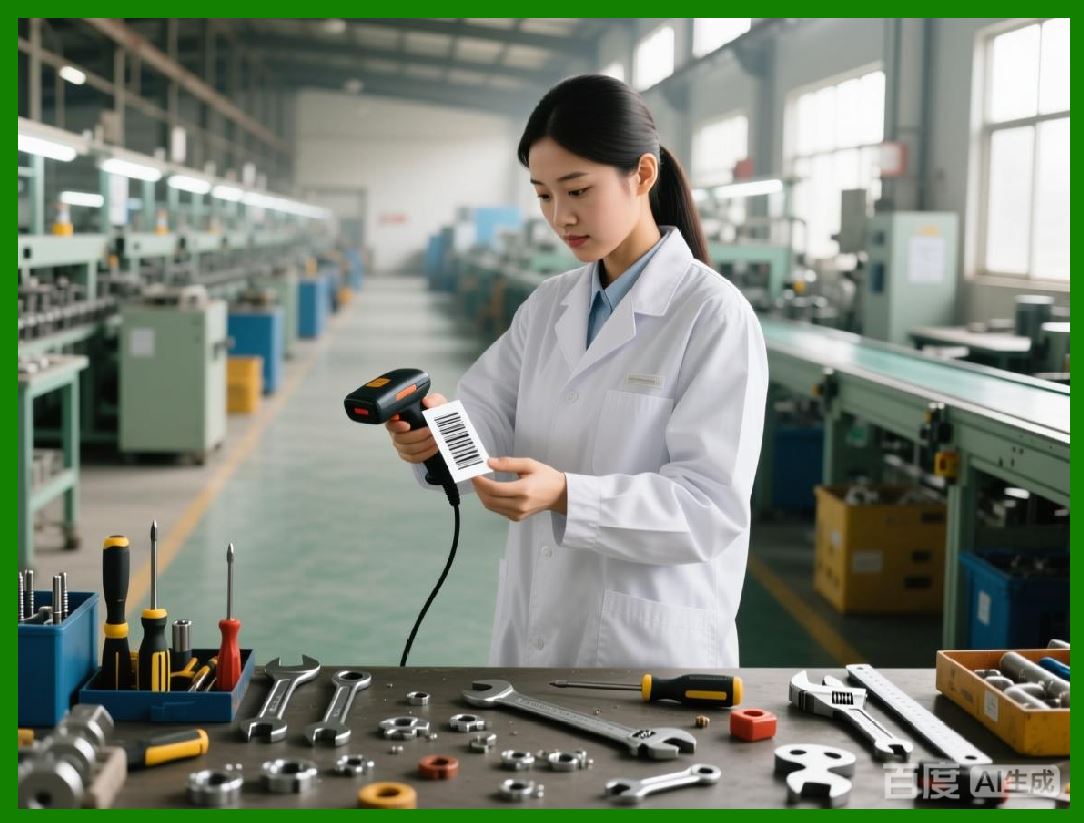
1. One of LabelHero most powerful features is variable data automation, which allows labels to be dynamically generated using external data sources or pre-configured sequences. This capability is essential for high-volume production, where manual entry of individual label information would be time-consuming and error-prone. |
2. Variable fields can include product names, SKUs, serial numbers, prices, expiration dates, and batch numbers. Users can define placeholders in templates that automatically populate based on imported data or pre-set patterns. |
3. LabelHero supports automatic updates for recurring print jobs, meaning that if product information changes in a connected database, labels will reflect the most current data without manual intervention. This ensures accuracy and reduces the risk of outdated or incorrect labels. |
4. For 2D barcodes, variable data can include URLs, QR Code-encoded product information, or serialized inventory identifiers, allowing complex datasets to be encoded on each label while maintaining readability and compliance. |
5. The software also provides preview functionality for variable data, enabling users to scroll through sample records before printing. This ensures that each label is correctly populated and formatted prior to production. |
|
30. Serial Numbering |
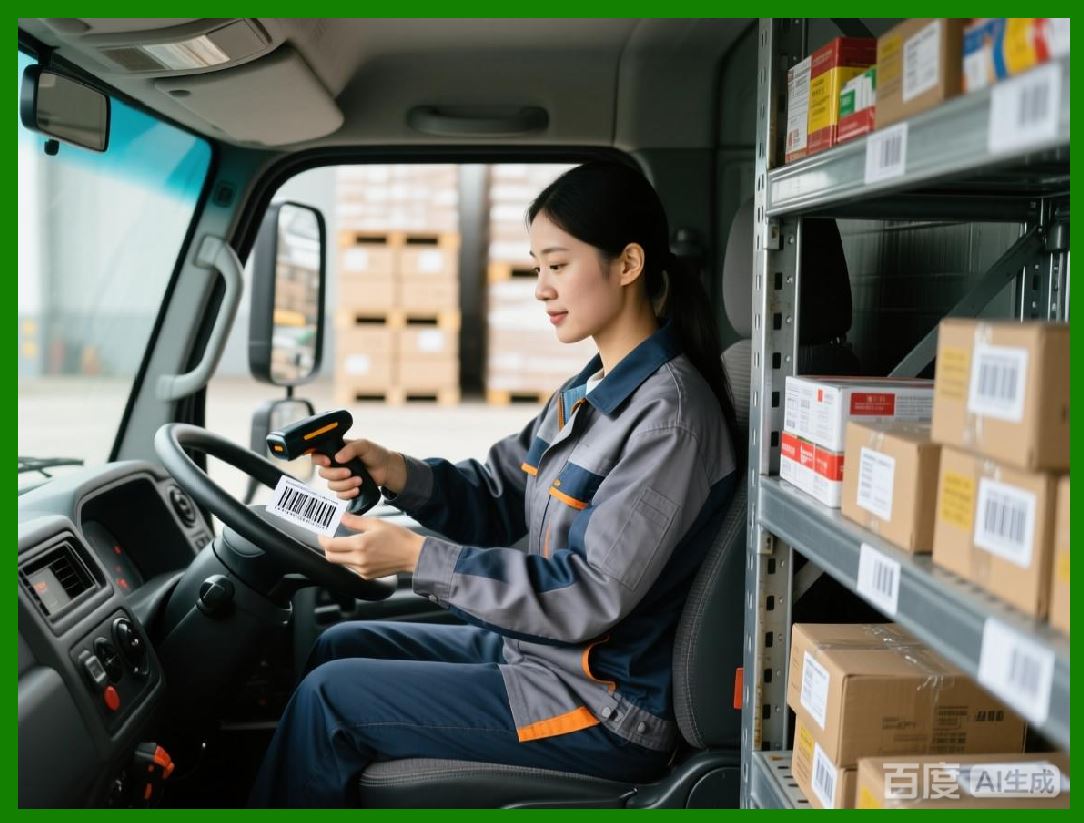
1. LabelHero includes robust serial numbering features, allowing sequential numbers to be automatically applied to labels. This is particularly useful for product tracking, warranty labeling, or event tickets. |
2. Users can define starting numbers, increments, and formats, including leading zeros, prefixes, and suffixes. For example, a label could display PRD-00001 and increment automatically for subsequent labels. |
3. Serial numbering can be applied to linear barcodes, QR Codes, or Data Matrix codes, ensuring that each code is unique and compliant with scanning requirements. |
4. LabelHero allows parallel serial sequences for different product lines or categories, which helps businesses manage multiple SKUs without overlapping identifiers. |
5. Error checking is included to prevent duplication or gaps in serial sequences, ensuring consistent labeling across batch runs and minimizing inventory tracking issues. |
|
31. Batch Numbering |
1. In addition to serial numbering, LabelHero supports batch numbering, enabling labels to reflect production lots, shipment batches, or packaging runs. This feature is particularly important for food, beverage, pharmaceuticals, and manufacturing industries, where traceability is required. |
2. Batch numbers can be linked to external data sources or generated internally based on date, time, or sequential counters. For instance, a batch number could include the production date and a sequence, such as 0260203-001. |
3. LabelHero can combine batch numbers with serial numbers, allowing each label to carry both a unique identifier and a traceable batch code. This is essential for recall management, quality control, and regulatory compliance. |
4. Users can define conditional batch numbering rules, such as starting a new sequence when the product category or production line changes. This ensures that labels remain consistent and organized even in complex production environments. |
5. Batch numbering integrates with barcode generation, automatically encoding batch identifiers in linear or 2D codes for easy scanning and traceability. |
|
32. Conditional Logic for Labels |
1. LabelHero supports conditional logic, allowing label elements to change dynamically based on data values or predefined conditions. For example, a label can display a warning symbol if a product is near its expiration date or highlight a promotional tag for discounted items. |
2. Conditional logic can be applied to text fields, barcode types, graphics, and colors, enabling visual differentiation of labels based on business rules. |
3. Users can configure multi-level conditions, such as combining product type, batch, and stock location to determine which elements appear on a label. This allows for highly targeted labeling without creating multiple templates. |
4. The software supports real-time previews for conditional labels, ensuring that rules are applied correctly before printing. Users can simulate different data scenarios to verify label behavior under various conditions. |
5. Conditional logic enhances efficiency and accuracy, reducing the need for manual adjustments and ensuring that labels conform to internal standards and regulatory requirements automatically. |
|
33. Integration with ERP Systems |
1. LabelHero can integrate with Enterprise Resource Planning (ERP) systems, allowing labels to be generated automatically from centralized business data. This integration streamlines workflows and ensures consistency across departments. |
2. Common integration scenarios include pulling product information, inventory levels, batch numbers, and pricing from ERP databases directly into LabelHero templates. This eliminates manual data entry and reduces the risk of errors. |
3. LabelHero supports real-time connections with ERP systems, enabling labels to be generated as soon as new products are added, shipments are prepared, or inventory is updated. |
4. Integration also allows automated printing triggers, so that labels are printed immediately when specific ERP events occur, such as stock replenishment or order fulfillment. |
5. The software supports custom field mapping, allowing ERP data fields to correspond to label placeholders. This ensures accurate and flexible data integration, accommodating diverse business processes and software environments. |

|
34. Integration with Inventory Management Systems |
1. LabelHero variable data and automation capabilities extend to inventory management systems, allowing labels to reflect real-time stock information, product locations, or shelf assignments. |
2. Users can pull dynamic stock levels, warehouse locations, and product identifiers from inventory databases, ensuring that labels match the actual state of inventory. |
3. Inventory integration allows for automated replenishment labels, where products nearing low stock thresholds can be labeled for restocking or relocation. |
4. LabelHero can generate location-specific labels, enabling products in different warehouses or stores to carry distinct identifiers while using the same template. |
5. This integration ensures operational efficiency, reduces labeling errors, and supports accurate inventory tracking across multiple locations and business units. |
|
35. Workflow Automation with Variable Data |
1. Combining variable data, serial numbering, batch numbering, and conditional logic, LabelHero provides end-to-end workflow automation for label production. |
2. Users can set up templates and rules once, then automatically generate and print labels based on current data, without manual intervention. This reduces labor costs, increases throughput, and minimizes human error. |
3. Automation supports scheduled batch printing, ensuring that labels are generated at the right time for production runs, shipments, or retail promotions. |
4. Reports and logs can track which labels were printed, the data used, and the sequence of variable fields, providing an audit trail for compliance and operational monitoring. |
5. Overall, LabelHero automation features transform labeling from a repetitive, error-prone task into a streamlined, reliable, and scalable process suitable for small to medium businesses. |
 cs@easiersoft.com