LabelHero: Entry-Level Barcode Label Design Software Part 7 |
36. Reporting Capabilities |
1. LabelHero includes built-in reporting tools that allow users to track label production, analyze printing performance, and monitor data integrity. These reports provide insight into both individual print jobs and overall label management workflows. |
2. Users can generate reports that include label counts, print dates, printer usage, variable data values, and barcode types. This enables managers to understand labeling volumes and identify patterns in label production over time. |
3. Reports can be exported in common formats, such as PDF, Excel, or CSV, making it easy to share information with stakeholders, auditors, or team members. Exported reports maintain all relevant metadata for record-keeping purposes. |
4. LabelHero supports custom report templates, allowing users to define which fields and metrics are included. For instance, a retail manager may track label counts by product category, while a warehouse supervisor may focus on batch numbers and printer usage. |
5. Advanced reporting allows users to identify trends or recurring errors, such as misprints, missing variable data, or repeated manual overrides, which can inform process improvements and training initiatives. |

|
37. Audit Trails and Compliance |
1. LabelHero is designed to support compliance requirements in regulated industries, including pharmaceuticals, food and beverage, and logistics. One key feature is the audit trail, which logs every action taken in the software. |
2. Audit trails include who printed labels, which templates were used, variable data applied, printer settings, and timestamps. This detailed record is invaluable for both internal accountability and external regulatory inspections. |
3. The software maintains version histories of templates, allowing organizations to demonstrate that all labels were generated using approved designs. This supports compliance with standards such as GS1 labeling, FDA regulations, and ISO barcode guidelines. |
4. Audit logs are searchable and filterable, making it easy to locate specific print jobs, users, or timeframes for investigation or review. |
5. By combining template versioning, user permissions, and audit trails, LabelHero ensures that labeling processes are transparent, controlled, and fully compliant with industry standards. |

|
38. Print Logs |
1. Print logs in LabelHero provide a detailed record of all label printing activity, including printer used, label type, batch size, and data applied. This is critical for quality control and operational efficiency. |
2. Each print log entry includes variable data used for the job, enabling traceability of serialized or batch-labeled products. This ensures that any issues with barcodes or labels can be traced back to the exact print session. |
3. Print logs also record printer errors, media usage, and completion status, helping managers identify equipment or workflow issues. |
4. Logs can be automatically archived for long-term record-keeping or exported for integration with other business systems, such as ERP or quality management software. |
5. The combination of print logs and audit trails provides full operational visibility, supporting both daily workflow monitoring and strategic decision-making. |

|
39. Batch Tracking |
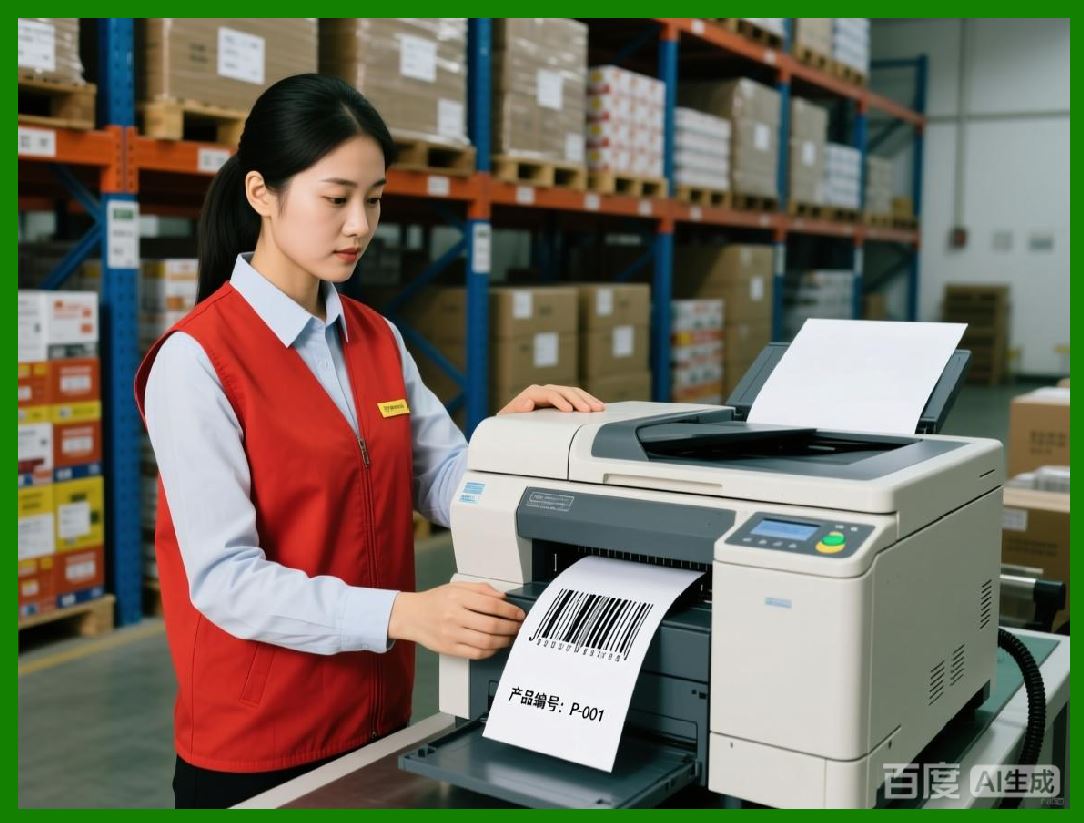
1. LabelHero supports batch tracking, allowing businesses to monitor label production by batch, product line, or production run. This is essential for industries where traceability is a regulatory requirement or critical for quality assurance. |
2. Each batch record can include batch number, production date, product identifiers, serial numbers, and print quantity, providing complete visibility into labeling operations. |
3. Batch tracking integrates with variable data and serial numbering, ensuring that each label within a batch is accounted for and correctly linked to the relevant product or shipment. |
4. The software can flag incomplete or failed batches, allowing operators to reprint missing labels or correct errors before products are shipped or stored. |
5. Batch tracking reports can be shared with team members, auditors, or customers, providing transparency and supporting supply chain accountability. |
|
40. Operational Analytics |
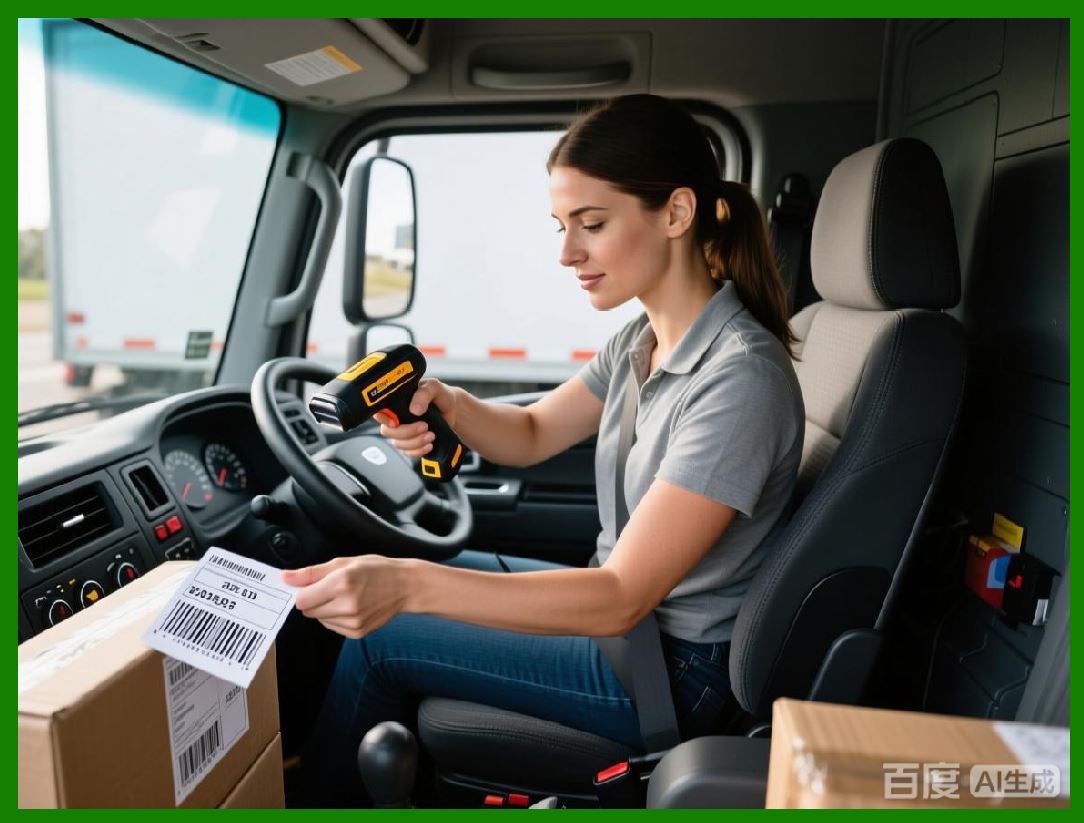
1. LabelHero includes analytics tools that allow managers to monitor labeling efficiency, identify bottlenecks, and optimize workflow. Analytics dashboards can display metrics such as labels printed per hour, average batch completion time, printer uptime, and error rates. |
2. Variable data utilization can be analyzed to assess data accuracy, identify patterns in misprints, and optimize database connections. For example, high error rates in certain fields can highlight issues with data entry or source systems. |
3. Analytics can also track printer performance, such as speed, media consumption, and error frequency, helping teams plan maintenance schedules and reduce downtime. |
4. LabelHero operational analytics allow forecasting of label usage, which is critical for inventory management, media ordering, and budgeting. |
5. Combined with reporting, audit trails, and batch tracking, analytics provide a holistic view of labeling operations, enabling continuous improvement and informed decision-making for businesses of all sizes. |
|
41. Integration of Reporting and Analytics with Workflows |
1. LabelHero seamlessly integrates reporting, auditing, print logs, and analytics into daily labeling workflows, ensuring that operational oversight is embedded rather than separate. |
2. Users can schedule automatic report generation, for example, producing a daily or weekly summary of labels printed, batch completions, and errors. |
3. Reports and analytics can be linked to specific templates or workflows, allowing managers to evaluate the performance of individual labeling processes and identify areas for improvement. |
4. Real-time monitoring dashboards allow immediate intervention if issues arise, such as low label stock, printer errors, or barcode verification failures. |
5. This integration ensures that data-driven decisions can be made to optimize label production, reduce waste, improve compliance, and maintain high-quality standards across operations. |
This concludes Part 7, which covered reporting, auditing, print logs, batch tracking, and operational analytics. |
 cs@easiersoft.com