Part 15 Advanced Printing Techniques, Color Management, Label Finishing, and Production Workflows in Labeljoy |
15.1 Importance of Printing Accuracy and Consistency |
High-quality label printing is critical for readability, brand presentation, and compliance. Labeljoy emphasizes precision and consistency in both small-scale and high-volume operations. Accurate printing ensures that barcodes are scannable, text is legible, and brand elements appear correctly. |
For industries like pharmaceuticals, logistics, and retail, label quality directly impacts operational efficiency, traceability, and regulatory compliance. |

|
15.2 Printer Compatibility and Configuration |
Labeljoy supports a wide range of printers, including: |
* Thermal printers: Direct thermal and thermal transfer |
* Laser printers: Ideal for office and industrial label sheets |
* Inkjet printers: Suitable for flexible or specialty labels |
* Dot matrix and impact printers: For industrial and legacy applications |
Users can configure printer settings within Labeljoy, including page size, print resolution, margins, and media type. This ensures output is optimized for the chosen device. |

|
15.3 Print Resolution and Quality Control |
Labeljoy provides tools to ensure optimal print resolution: |
* Setting DPI (dots per inch) according to media and printer type |
* Previewing barcode and text clarity on-screen before printing |
* Automatic scaling of barcodes and images to maintain legibility |
* Warnings for low-resolution images or incompatible elements |
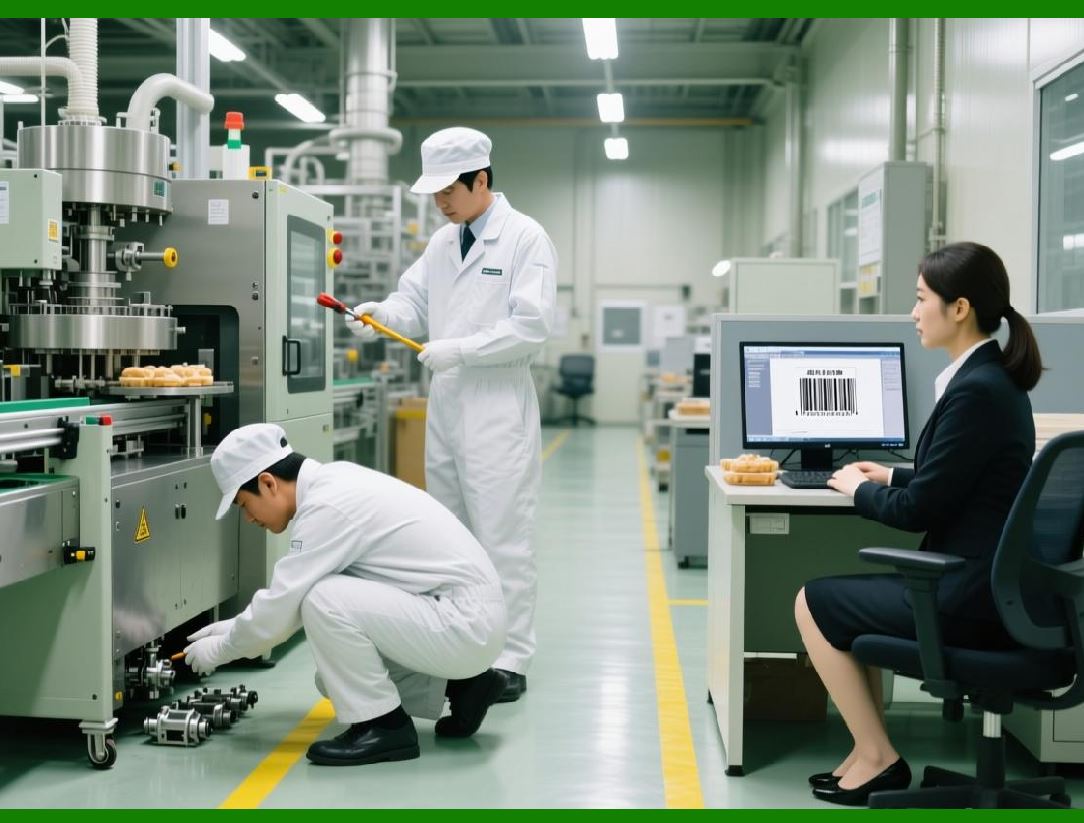
High-resolution printing guarantees accurate barcode scanning and professional-looking labels. |
|
15.4 Color Management and Customization |
Labeljoy offers comprehensive color management features: |
* Full RGB and CMYK support for color labels |
* Custom color selection for text, barcodes, and graphics |
* Color previews to ensure accurate output |
* Support for transparent and layered graphics |
These features allow businesses to maintain consistent branding while ensuring that color does not compromise barcode readability. |

|
15.5 Label Finishing Options |
Labeljoy supports finishing options to enhance the appearance and usability of labels: |
* Cutting: Single or multiple labels per sheet |
* Die-cut shapes: Round, oval, square, or custom shapes |
* Multi-label layouts for roll-fed or sheet-fed media |
* Integration with finishing devices such as cutters and rewinders |
Proper finishing ensures labels are ready for application in packaging, shipping, or product display. |

|
15.6 Batch Printing and Job Management |
For large-scale operations, Labeljoy supports batch printing: |
* Printing hundreds or thousands of labels in a single job |
* Automatic iteration through data records and variable fields |
* Template-based layout replication across multiple pages or rolls |
* Job queuing and scheduling for uninterrupted production |
Batch printing reduces labor, increases efficiency, and ensures consistency across large label runs. |
|
15.7 Multi-Page and Continuous Printing |
Labeljoy accommodates multi-page label layouts: |
* Sequential labeling across pages or rolls |
* Continuous printing for industrial and high-volume printers |
* Adjustment of page breaks and label offsets for seamless output |
* Support for printers with different media widths and lengths |
This feature ensures that production runs of any scale are handled efficiently. |
|
15.8 Print Preview and Proofing |
Before printing, Labeljoy offers advanced preview features: |
* On-screen visualization of each label |
* Simulation of print output on actual label size |
* Checking for alignment, barcode readability, and color accuracy |
* Detection of elements that may exceed label boundaries |
Proofing reduces errors and material waste, improving cost-efficiency. |

|
15.9 Printing on Specialized Media |
Labeljoy can print on a variety of media types: |
* Thermal labels for durability and industrial environments |
* Adhesive labels for retail, shipping, or asset tagging |
* Plastic or synthetic labels for waterproof or chemical-resistant applications |
* Specialty papers with gloss, matte, or textured finishes |
Media flexibility allows organizations to tailor label durability and aesthetics to operational needs. |

|
15.10 Scaling for Small and Large Print Runs |
Labeljoy supports scaling print jobs for both small and large production runs: |
* Small runs: Quick, manual printing with selective data input |
* Medium runs: CSV or database-driven batch printing |
* Large runs: Automated, high-volume printing integrated with ERP/WMS systems |
This scalability ensures that the software can handle both ad-hoc labeling and fully automated production. |
|
15.11 Automated Label Layout Adjustment |
Labeljoy automatically adjusts label elements during printing: |
* Scaling barcodes and text to fit label dimensions |
* Adjusting spacing between elements for optimal readability |
* Maintaining alignment across multi-label sheets or rolls |
* Preserving data-driven field relationships for consistent output |
Automatic layout adjustment ensures that high-volume print jobs maintain quality without manual intervention. |

|
15.12 Integration with Print Queues and Production Lines |
Labeljoy integrates seamlessly with production line workflows: |
* Network printer support for centralized printing |
* Queue management for multiple label jobs |
* Coordination with packaging or assembly line systems |
* Ability to run unattended print jobs for continuous production |
Integration enhances efficiency and reduces bottlenecks in high-throughput operations. |

|
15.13 Error Prevention During Printing |
Labeljoy includes safeguards to prevent printing errors: |
* Detection of missing or invalid data in variable fields |
* Warnings for barcodes that do not meet symbology standards |
* Pre-flight checks for color, alignment, and size consistency |
* Logging of failed print attempts for review |
Error prevention reduces wasted labels, material costs, and rework time. |

|
15.14 Support for Multi-Language and International Labels |
Labeljoy accommodates international labeling needs: |
* Unicode support for multiple languages and scripts |
* Right-to-left language handling for Arabic, Hebrew, etc. |
* Variable fields for multilingual product information |
* Consistent font rendering across diverse character sets |
This ensures global readiness for multinational operations. |

|
15.15 Print Job Logging and Monitoring |
For traceability and operational control, Labeljoy logs print jobs: |
* Record of printed templates, data sources, and quantities |
* Timestamping of each print run |
* User identification for auditing and accountability |
* Optional export of logs for reporting or regulatory compliance |
Print monitoring improves operational transparency and supports QA processes. |
|
15.16 Cost and Resource Management |
Labeljoy aids in managing print resources: |
* Estimation of labels per sheet and media consumption |
* Preview of ink or toner usage for color-intensive labels |
* Planning of print jobs to optimize label sheets or rolls |
* Minimizing waste through layout optimization |
Resource management improves operational efficiency and reduces production costs. |

|
15.17 Large-Scale Production Optimization |
For industrial-scale operations, Labeljoy provides: |
* Automated feeding of data and templates into high-speed printers |
* Synchronization with ERP/WMS for on-demand printing |
* Multi-printer deployment for distributed production |
* Monitoring of production metrics such as throughput and error rates |
These capabilities ensure Labeljoy meets the demands of modern manufacturing, logistics, and retail environments. |

|
15.18 Advanced Printing Summary |
Labeljoy printing capabilities combine precision, flexibility, and scalability: |
* Support for diverse printers and media types |
* High-resolution output with color management |
* Batch, multi-page, and automated printing workflows |
* Integration with production lines and ERP/WMS systems |
* Proofing, QA, and logging for reliability and compliance |
Together, these features enable professional-grade label production at any scale. |

|
15.19 Summary of Part 15 |
Advanced printing and production workflows in Labeljoy ensure that labels are: |
* Accurate, consistent, and compliant |
* Optimized for diverse printers and media |
* Efficiently produced in small or large batches |
* Integrated seamlessly into operational workflows |
This makes Labeljoy a comprehensive solution for businesses that require high-quality and high-volume label printing. |
 cs@easiersoft.com